

How to Turn Your WordPress Membership Site Into a Mobile App
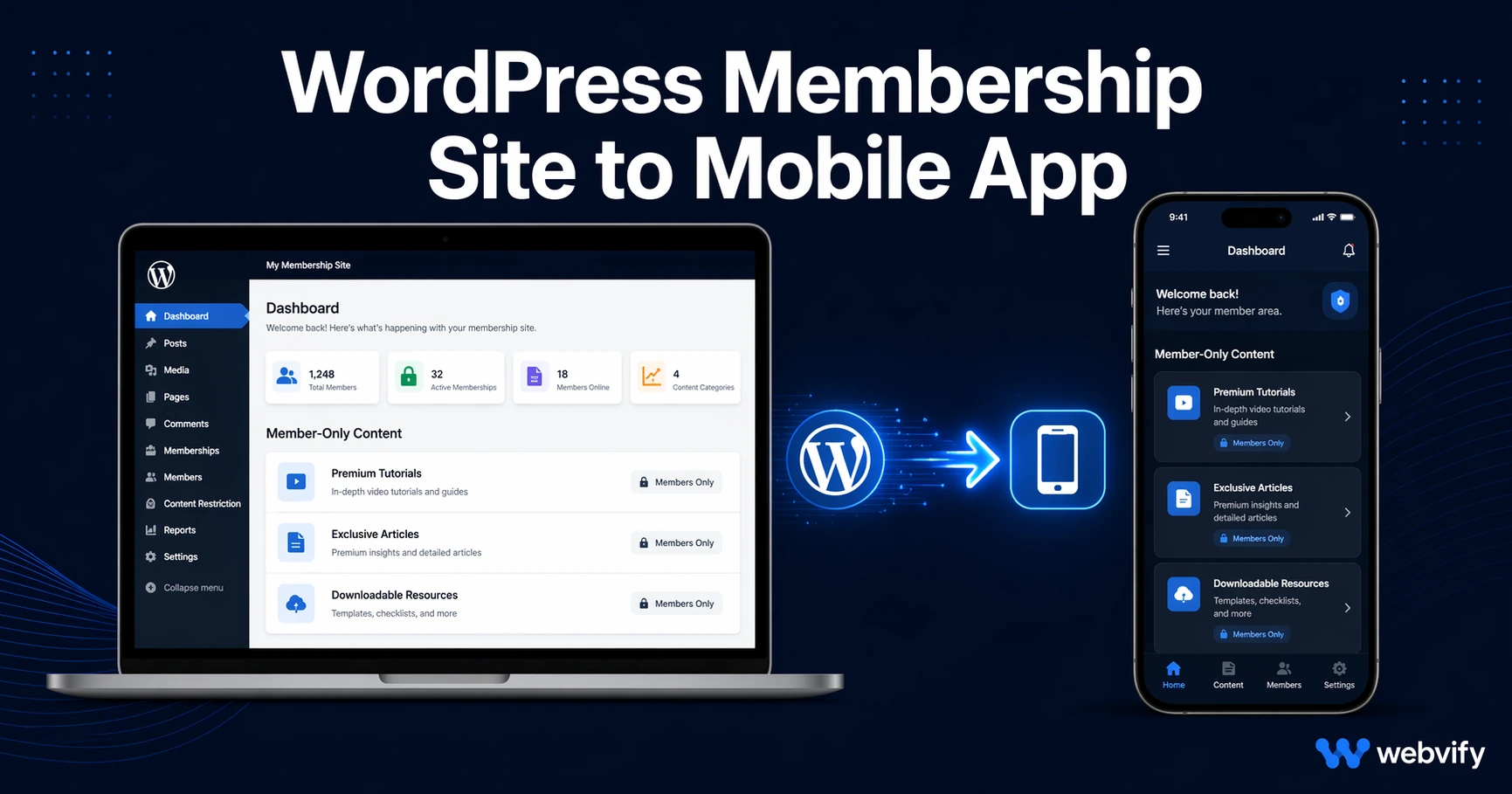
Running a WordPress membership site? Here's how to get it on iOS and Android — and the Apple IAP rule that can cost you 30% of every subscription sale if you ignore it.
Inside this article
- How to Turn Your WordPress Membership Site Into a Mobile App
- What Makes a WordPress Membership Site Different From a Regular Website
- The Apple IAP Rule That Changes Everything
- How Member Login and Gated Content Work Inside the App
- Setting Up Your WordPress Site for Mobile-App Packaging
- Getting Your Membership App Live on the App Store
- FAQ
How to Turn Your WordPress Membership Site Into a Mobile App
Your WordPress membership site works perfectly in a browser. The moment you try to package it as a mobile app, Apple's in-app purchase rules can claim 30% of every subscription you sell — unless you plan around it.
This is the issue that catches most membership site owners off guard. It's not the login system, the gated content, or even the App Store submission process. It's one specific policy that Apple enforces for digital subscriptions sold inside iOS apps, and it applies to MemberPress, Restrict Content Pro, Paid Memberships Pro, LearnDash, LifterLMS, and every other WordPress membership plugin.
Here's what you need to know before you go any further.
What Makes a WordPress Membership Site Different From a Regular Website
Most websites are fully public. Membership sites are not. They have login walls, member-only content, subscription tiers, and often course players or community features behind authentication.
When you wrap a regular WordPress site as a WebView mobile app, the process is straightforward: point the app at your domain, package it with a native shell, and submit to the stores. The app loads your site like a browser, but with an app icon, push notifications, and a native feel.
With a membership site, you need to confirm a few things before packaging:
- Does your site work correctly on mobile browsers? The app renders what your browser renders — if your theme is not responsive, the app will not fix that.
- Do you use any login method that blocks WebView? Some OAuth flows (Google Sign-In, Facebook Login) can break inside a WebView. Standard username/password login and WordPress's default session handling work fine.
- Do you use a custom domain with SSL? App Store and Google Play both require HTTPS. A proper custom domain is also required by Apple for WebView app approval.
If you're already running a solid mobile-responsive membership site with a custom domain and standard login, you're further along than most.
The Apple IAP Rule That Changes Everything
Here is the rule that trips up membership site owners: Apple requires that any digital content or subscription sold inside an iOS app must use Apple's in-app purchase system. You cannot direct users to your Stripe or PayPal checkout page inside the app and complete the purchase there.
This rule applies specifically to digital memberships — access to courses, exclusive content, community features, or digital downloads. It does not apply to purchases that are consumed in the physical world (like a restaurant food order or a gym membership for physical classes).
What this means in practice:
If someone opens your app, taps "Buy Membership," and your site takes them to a Stripe checkout page, Apple will reject the app. The workaround is not to hide the purchase button — Apple reviewers will test for it.
There are two legitimate approaches:
Option 1: Sell memberships outside the app only. Remove or disable in-app purchase flows from the mobile version of your site. Users who want to subscribe do so through your website (desktop or mobile browser), not through the app. This is the most common approach for membership sites and the simplest to implement.
Option 2: Implement Apple's native IAP. This requires significant custom development and means giving Apple 15–30% of every subscription sale. It is rarely the right choice for small and medium membership site owners.
Most WordPress membership site owners go with Option 1. It requires a small configuration change: conditionally hide your subscription/checkout pages when accessed from the app (detectable via a custom User-Agent string the app can send).
Services like Webvify build this kind of configuration into the app setup — so you don't have to implement the User-Agent detection logic yourself.
How Member Login and Gated Content Work Inside the App
Once a user logs into your site through the app, WordPress's session cookie handles authentication the same way it does in a browser. The WebView stores cookies between sessions, which means a logged-in user stays logged in when they close and reopen the app — they don't need to re-enter their credentials every time.
Member-only content, restricted pages, and course content all load based on that session. If the session expires (or if the user logs out), they'll see your login page the next time they open the app.
A few things to verify before submitting:
- Test that your login form works correctly in a standard mobile browser first. The app will behave identically.
- If you use two-factor authentication (2FA), confirm the flow is mobile-compatible.
- If you have a course player (LearnDash, LifterLMS, Tutor LMS), test it on mobile — some video players or quiz components may need adjustments for touch navigation.
If you're building a mobile app specifically for an online coaching or course business, the mobile app for online coaches guide covers retention and push notification strategies that are especially relevant for course completion and re-engagement.
Setting Up Your WordPress Site for Mobile-App Packaging
Before you send your site to be packaged as an app, run through this checklist:
Technical readiness:
- Mobile-responsive theme (test at 375px width)
- Custom domain with valid SSL certificate
- Standard WordPress login (email + password) working on mobile browser
- No Google/Facebook OAuth login required (or a fallback login available)
Content readiness:
- Membership checkout pages accessible only via website, not app (if you choose Option 1 for IAP)
- Push notification opt-in ready (this is where the app delivers real engagement value)
- Any course video players tested on Safari and Chrome mobile
App Store readiness:
- An Apple Developer account ($99/year) in your name or your company's name
- A Google Play Developer account ($25 one-time) if you want Android
If setting up developer accounts or navigating Apple's provisioning process feels unfamiliar, the WordPress to mobile app guide covers the full submission process for standard WordPress sites, including developer account setup.
Getting Your Membership App Live on the App Store
Once your site is ready, the packaging and submission process follows the same path as any WebView app:
- The app wraps your site in a native shell (Swift/SwiftUI for iOS, Kotlin for Android)
- Push notification infrastructure is added (APNS for iOS, Firebase for Android)
- App icons, splash screen, and metadata are configured
- The app is submitted to App Store Connect (iOS) and Google Play Console (Android)
- Apple reviews the app — typically 24–48 hours. Google Play review is usually faster.
The most common rejection reason for membership site apps is the IAP issue described above. If your app shows any Stripe or external payment UI during Apple's review, it will be rejected under Guideline 3.1.1. Address this before submitting, not after.
Webvify handles this entire process end-to-end — from packaging your WordPress membership site to managing the App Store submission and delivering the approved app under your own developer accounts. If you want the app live without navigating Apple's developer portal yourself, that's what the service is built for.
FAQ
Do I need to rebuild my membership content inside the app?
No. A WebView app loads your existing WordPress site — all your courses, content, member pages, and login flows come from your website exactly as they are. Nothing needs to be recreated in a separate system. If you update your site, the app reflects those changes automatically.
Can my members buy a subscription through the app?
On iOS, Apple requires that digital subscriptions sold inside apps use Apple's in-app purchase system. The simplest approach is to disable the purchase flow inside the app and direct new members to your website to subscribe. Existing members log in and access their content normally.
How long does it take to get a WordPress membership app approved?
Apple's review typically takes 24–48 hours once the app is submitted. The full process — including app packaging, developer account setup, and submission preparation — usually takes a few days to a week depending on how ready your site is. Using a service that handles submission removes most of the time-consuming steps.
Ready to get your WordPress membership site on iOS and Android? Webvify handles everything from packaging to App Store submission — so you can focus on your members, not the technical process.