

How to Get a Mobile App for Your Coaching Business (Without a Developer)
Want a mobile app for your online coaching business? Here's what it actually does, what it costs, and how to get it live without a developer.
Inside this article
Most online coaches don't have a client retention problem. They have a forgetting problem — clients miss check-ins, skip sessions, or fall off the program not because they want to quit, but because life got in the way and there was nothing to pull them back.
A mobile app changes that equation. Instead of relying on clients to remember a Zoom link buried in their email, your brand is on their home screen. Instead of hoping they scroll through a Facebook group to find the week's content, you send a push notification that lands directly on their lock screen.
This guide covers what a mobile app for online coaches actually does, what to look for when evaluating your options, and how to get one live without touching a line of code.
Why the Space Between Sessions Is Where Coaching ROI Is Won or Lost
Every coach knows that the real work happens between calls, not on them. The client who loses momentum by Wednesday, skips Thursday's workout, and feels too embarrassed to show up on Friday's call — that's the churn pattern that kills retention.
The problem isn't your program. It's the gap. Clients are not surrounded by your content between sessions. They are surrounded by everything else — social media, work stress, competing priorities.
A dedicated mobile app for online coaches closes that gap. Your clients open an app with your name and branding, not a generic platform. They receive timely reminders that feel personal, not automated emails that land in a promotions folder. The psychological effect of branded home screen presence is real: it signals commitment, from both sides.
What a Mobile App for Online Coaches Actually Gives You
A coaching app is not just a content delivery tool. The real value is in three things:
Home screen presence. When your app icon sits on a client's home screen, your brand is visible multiple times a day — not just when they log in. That constant low-level visibility keeps the coaching relationship active in their mind.
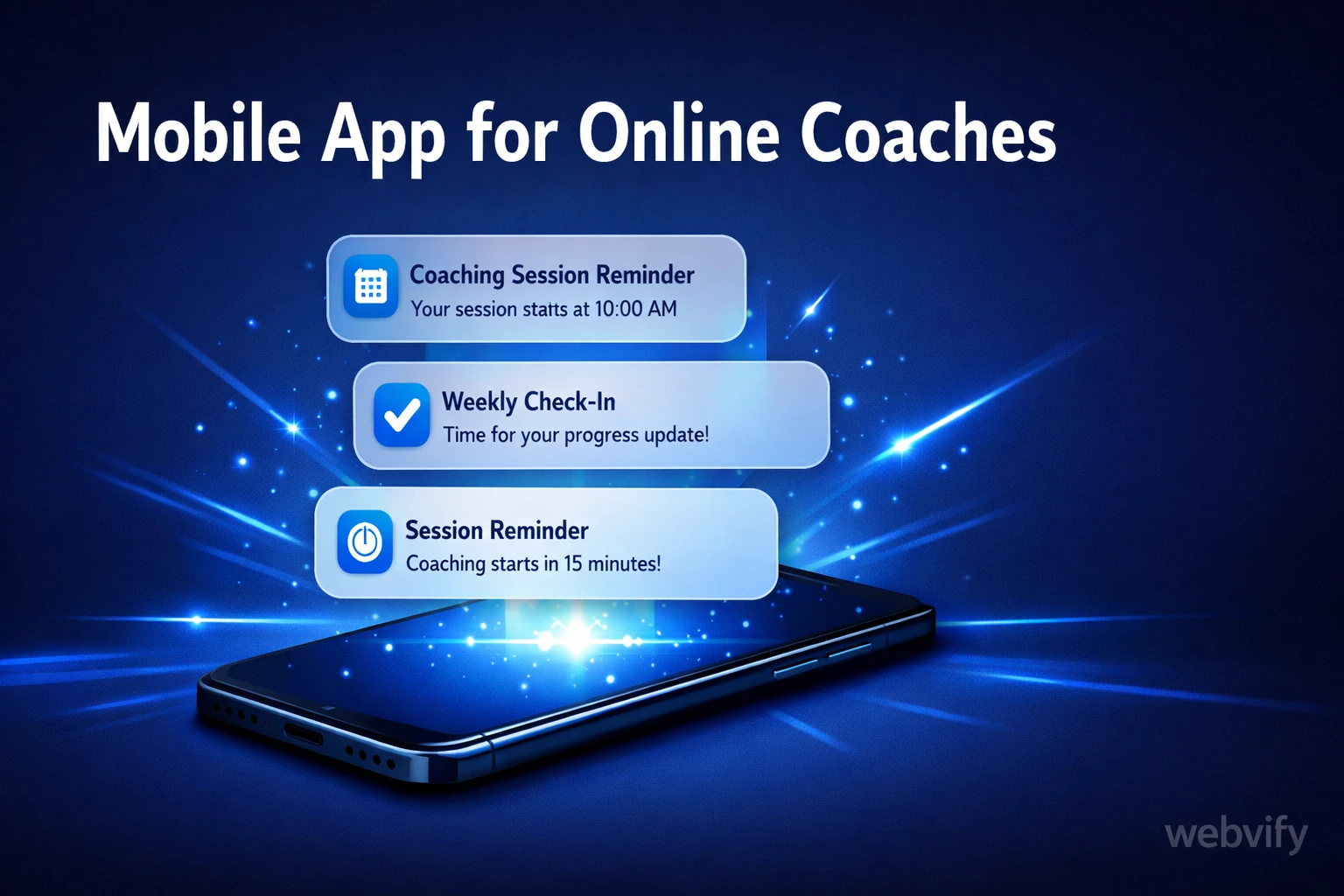
Push notifications. This is the single most powerful retention tool available to coaches. You can send session reminders, weekly check-in prompts, motivational nudges, or new content alerts — directly to the lock screen. No email open rate problem. No algorithm suppressing your posts. Just a direct line.
A branded container for your content. Whether you deliver content via a website, a portal, or a course platform, a mobile app wraps all of it into one branded experience. Clients stop juggling tabs and browser bookmarks. Everything is in one place, under your brand.
For coaches who already use platforms like Kajabi, Teachable, or a custom website, the simplest path to an app is a WebView approach: your existing web content is wrapped inside a native mobile shell that gets submitted to the App Store and Google Play. The content lives on your existing site. The app is the branded delivery layer on top of it.
How Push Notifications Keep Clients on Track
The data on push notification engagement is consistently strong compared to email: open rates are typically 2–5x higher, and they arrive without inbox clutter or spam filters. For a coaching context, that difference is the gap between a client who stays on track and one who goes quiet.
Effective notification strategies for coaches include:
- Session reminders sent 24 hours and 1 hour before a call
- Weekly check-in prompts (e.g., "It's Sunday — take 5 minutes to log this week's wins")
- New content alerts when you add a resource, worksheet, or video
- Milestone acknowledgments timed to program weeks (e.g., "You're halfway through Month 1")
None of these require a custom app built from scratch. If your coaching content lives on a website or web-based portal, a WebView app surfaces all of it on mobile — and adds push notification capability on top. Services like Webvify handle the full process: building the app, enabling push notifications, and submitting it to the App Store and Google Play under your brand name.
If you're also running a service-based business alongside your coaching — like a salon or studio — the same approach applies. This guide on mobile apps for salons covers the retention angle in a service business context.
What to Look for in a Coaching App Service
Not every web-to-app service is the same. Here is what matters for a coaching business specifically:
App Store submission included. This is the most common sticking point. Many tools give you a build, then hand you a file and tell you to figure out the Apple Developer account and review process yourself. App Store submission requires an Apple Developer enrollment ($99/year), technical knowledge of Xcode and provisioning profiles, and patience with a 24–72 hour review window. If you want to skip all of that, choose a service that handles submission end-to-end.
For more detail on what the submission process actually involves, see this breakdown of App Store submission without a developer.
Push notifications that work out of the box. Some WebView wrappers support push notifications, others don't. Confirm this is included before committing. For coaching specifically, push notifications are not a nice-to-have — they are the primary retention mechanism.
Branded experience. Your app should appear on the App Store and Google Play under your business name, with your icon and branding. Avoid tools that put their own logo or branding inside your app.
Admin panel for updates. You should be able to send push notifications, update the app settings, and monitor basic analytics from a simple dashboard — without developer help.
How to Get a Mobile App for Your Coaching Business
The process, simplified:
-
You need an existing website or web-based coaching portal. If your content lives on a URL, you are ready. Kajabi, Teachable, Thinkific, and custom WordPress or Webflow coaching sites all work.
-
Choose a web-to-app service. Look for one that handles App Store and Google Play submission, includes push notifications, and provides a branded experience under your name.
-
Provide your website URL, branding assets, and Apple Developer account credentials (or the service handles enrollment for you). The technical build typically takes a few days.
-
The service submits to both stores. Review takes 24–72 hours for the App Store, usually faster for Google Play.
-
Your app goes live. Clients download it, it appears on their home screen, and you can start sending push notifications from day one.
The total cost of this approach is a fraction of custom development. A fully custom coaching app can run $30,000–$100,000 and take months to build. A WebView-based app from a service like Webvify gets you the same home screen presence and push notification capability at a much lower cost, typically in days, not months.
FAQ
How much does a mobile app for an online coaching business cost?
Custom app development typically costs $30,000–$100,000 depending on features and complexity. A WebView-based coaching app — which wraps your existing website in a native mobile shell — costs significantly less and is available through services that handle the full build and App Store submission process. The main ongoing cost is an Apple Developer account ($99/year) and any subscription fee for the app service.
Do I need to rebuild my course content to get a coaching app?
No. If your coaching content lives on a website or web-based platform, a WebView app wraps what you already have. Clients see your existing content inside a native app shell. You do not need to migrate content or rebuild anything — the app is a branded container for your current site.
Can I send push notifications through a coaching app without a developer?
Yes. WebView-based coaching apps typically include push notification support through an admin panel. You can schedule or send notifications directly without touching any code. This is one of the primary reasons coaches use an app over relying solely on email — push notification open rates are consistently 2–5x higher than email open rates.
Ready to get your coaching business on the App Store and Google Play? Webvify builds and submits your mobile app end-to-end — no developer required.