

How to Convert Your WordPress Site into a Mobile App (Without a Developer)
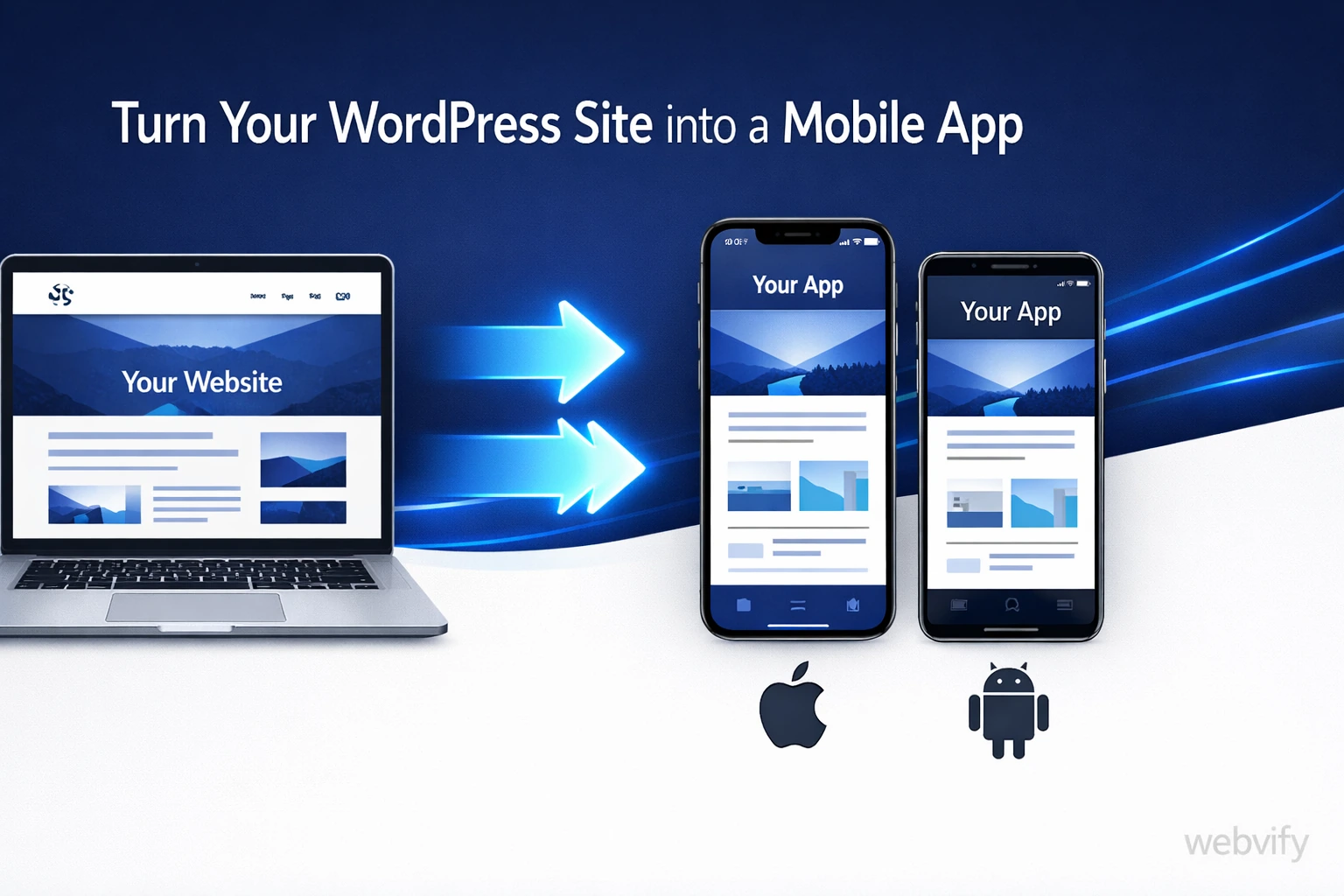
Learn how to convert your WordPress site into a mobile app on iOS and Android — no coding required. Launch in days using WebView technology.
Inside this article
Why Your WordPress Site Deserves a Mobile App
If you've built your business on WordPress, you already have everything you need for a mobile app. Your content, your design, your booking system, your store — it's all there. The only thing missing is a way for customers to access it from their home screen.
Most WordPress site owners assume building a mobile app means starting from scratch: hiring a developer, spending thousands of dollars, waiting months for delivery. That assumption costs them real customers every single day.
There's a faster, cheaper path. And it works because of how the web and mobile apps actually interact.
What "Converting" a WordPress Site to an App Really Means
When people talk about converting a WordPress site to a mobile app, they usually picture one of two approaches.
The hard way is rebuilding everything as a native iOS or Android app. This means rewriting your site's logic in Swift or Kotlin, recreating your design from scratch, and maintaining two completely separate codebases forever. It's expensive, slow, and unnecessary for most businesses.
The smart way uses a technology called WebView. A WebView app is a native mobile shell that loads your existing website inside it. From the outside, it looks and feels like a real app. It has your icon, your name, your branding. It lives on the App Store and Google Play. But inside, it's your WordPress site — the one you already have and maintain.
This approach works especially well for WordPress because WordPress sites are built for the web from the start. Your content, your WooCommerce store, your booking plugins — everything already runs in a browser. A WebView app just wraps it and delivers it as a native mobile experience.
What You Actually Get with a WebView App
A WebView-based mobile app isn't a watered-down shortcut. When done right, it delivers features that matter to your customers and your business:
- A branded icon on their home screen — the most powerful retention tool in mobile marketing
- Push notifications — reach your customers directly, with no algorithm standing between you
- App Store and Google Play presence — signals trust and professionalism to potential customers
- Offline messaging — show a friendly screen when users lose their connection
- Faster access — one tap, no typing a URL, no browser chrome getting in the way
For a WordPress business owner, this means you keep everything you've already built. Your blog, your WooCommerce shop, your booking calendar, your contact forms — they all work inside the app exactly as they do on the web.
The Step-by-Step Process
Start with Your Existing Site
No changes to your WordPress setup are required. Your site just needs to work well on mobile browsers. If it already uses a responsive theme, you're ready.
A quick test: open your WordPress site on your phone in Chrome or Safari. If it looks good and loads fast, it will work just as well inside a WebView app. If the mobile experience is broken or slow, fix that first — the app will reflect exactly what your site looks like.
Build the Mobile Shell
A service like Webvify takes your site URL and builds the native app shell. This includes your app name, icon, splash screen, and color scheme. The WebView is configured to load your WordPress site with the right settings — cookie persistence, navigation handling, scroll behavior, and deep link support.
This step used to require a mobile developer. Now it takes a few hours, not months.
Set Up Push Notifications
Push notifications are the biggest reason to have a mobile app instead of just a mobile-friendly website. With push, you can send targeted messages straight to your users' lock screens — no email list required, no social algorithm to fight.
For a WordPress business this might mean: "Your order has shipped," "New article just posted," or "Book your appointment for this week." Each notification is a direct line to your customer that a browser tab can never match.
Submit to the App Store and Google Play
This step stops most people cold. Apple's review process, developer accounts, provisioning profiles, Google Play signing keys — it sounds technical because it is.
But you don't have to learn any of it. With a managed service like Webvify, the entire submission process is handled for you. Your app goes through review under your developer account. You own the listing, the reviews, the downloads. You just don't have to do the technical work yourself.
Manage It Through an Admin Panel
After your app launches, you need to be able to update things without calling a developer. Sending a push notification, updating your splash screen, viewing install stats — this should all be self-service.
A good admin panel makes this straightforward. You stay in control of your app, even if you never touched a line of code to build it.
Common Concerns About WordPress App Conversion
"Won't Apple reject a WebView app?"
Apple does scrutinize WebView apps, and they've rejected thin wrappers that offer no value beyond a web browser. But a properly built WebView app — with push notifications, offline handling, a real splash screen, and a specific business purpose — passes review consistently. The key is doing it right, not cutting corners on the setup.
"Will my WooCommerce store work inside the app?"
Yes. WooCommerce runs entirely in the browser, and it runs the same way inside a WebView. Cart, checkout, payment processing — all of it works without any plugin changes. Some payment methods like Apple Pay may need extra configuration, but standard card payments work as-is.
"Will my WordPress plugins still work?"
Most plugins output HTML and JavaScript, which renders the same way in a WebView as it does in a browser. Contact forms, booking systems, membership plugins, page builders — they all work. If a specific plugin relies on browser-only APIs, you might see an edge case issue, but this is rare for mainstream plugins.
Turn Your WordPress Site into an App Today
If you've been putting off a mobile app because it seemed too expensive or too technical, a WebView approach changes the math entirely. Your WordPress site is already doing the heavy lifting. All you need is the mobile shell that wraps it and puts it in the App Store.
Try Webvify — we handle everything from building the WebView app to submitting it to the App Store and Google Play, plus an admin panel so you can manage it yourself after launch.