

How to Turn Your Weebly Site Into a Mobile App
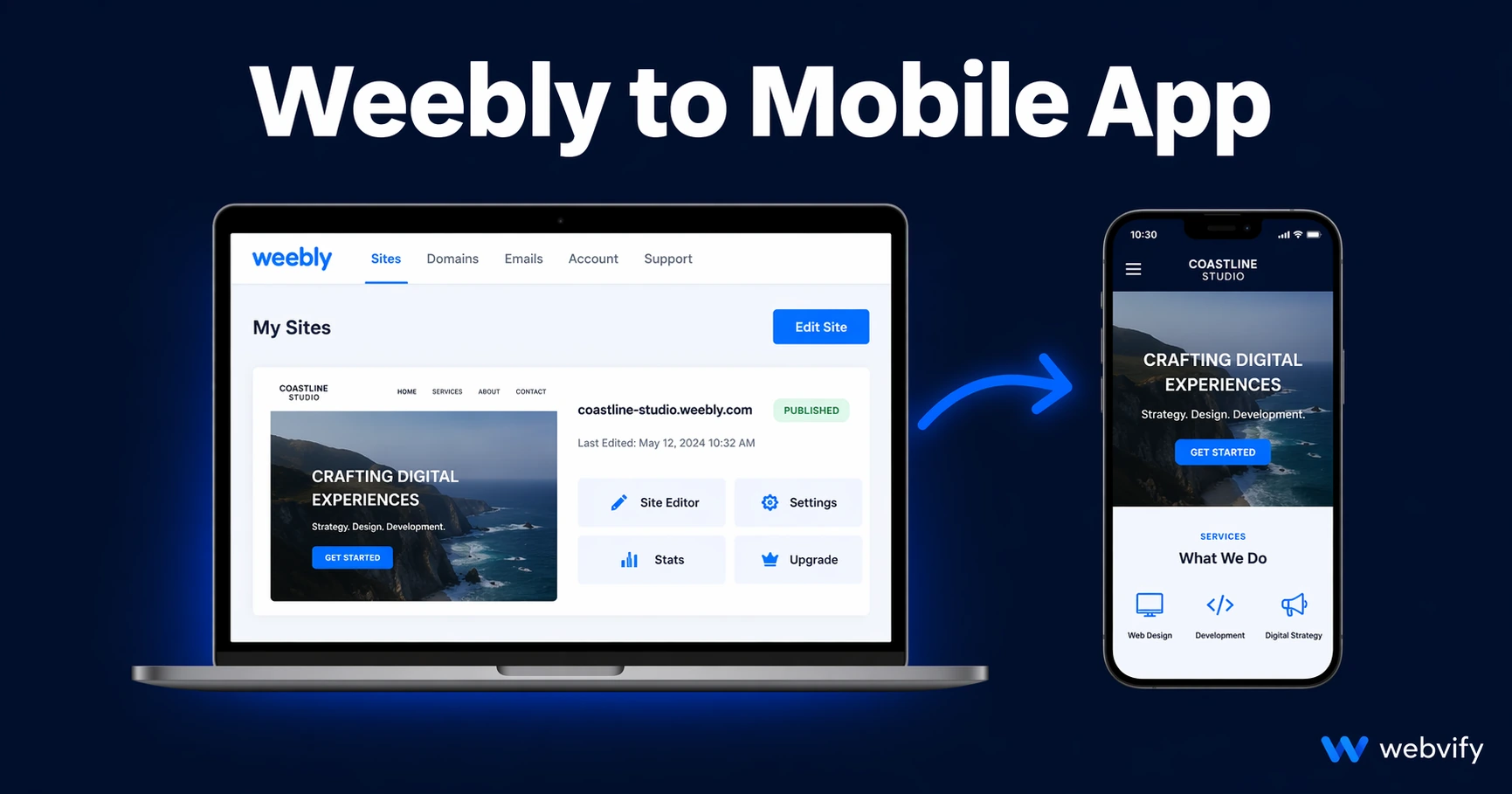
Weebly has no App Store export. Here's how to turn your Weebly or Square Online site into a real iOS and Android app — without hiring a developer.
Inside this article
Weebly makes building a website easy. Getting that website onto a customer's home screen as an iOS or Android app is a different story — and Weebly offers no path to get there.
If you've been searching for a "Weebly mobile app" option inside your dashboard, you've already noticed the gap. This guide explains what your real options are, what the process looks like, and how to get your Weebly site live on the App Store and Google Play without starting over.
Why Weebly Has No Native Mobile App Path
Weebly — now branded as Square Online in many markets — was built as a website builder. It produces responsive websites that resize for mobile browsers, but it does not generate the native binary files that Apple and Google require for App Store listings.
When someone installs an app from the App Store, they're installing a package that lives on their device. That's fundamentally different from a mobile-optimized website. Weebly produces the latter. App Store submission requires the former.
This means even if your Weebly site looks great on a phone, you cannot submit it to the App Store directly. There's no "export as app" button in Weebly, and Square hasn't built one. The gap is real — and it's the same one faced by users of Wix, Squarespace, and other hosted website builders.
What a Weebly Mobile App Actually Is
The practical solution is a WebView app: a native app shell that loads your Weebly site inside it. From the outside, it looks and behaves like a real app — it has an icon on the home screen, it appears on the App Store, and it can send push notifications. Under the hood, it's your existing Weebly site, rendered within a native iOS and Android wrapper.
This approach has a significant advantage: your site content doesn't change. You keep managing your Weebly dashboard the same way. Any update you make on your website shows up in the app automatically. There's no second content system to maintain.
The WebView approach is widely used by small businesses, restaurants, service providers, and e-commerce brands that want App Store presence without the cost and complexity of building a native app from scratch.
The Process: Weebly Site to App Store
Here's what the end-to-end process looks like:
1. Confirm your Weebly domain is accessible
Your app will load your live Weebly URL. Make sure your site is published on a custom domain, not a subdomain like yourstore.weebly.com. App Store reviewers at Apple often reject apps that load subdomain-only URLs, as it looks like an unfinished or placeholder product.
2. Build the native wrapper A developer or service creates the iOS and Android app binaries that wrap your site. This includes configuring the app name, icon, splash screen, and any features like push notifications. If you're using a service like Webvify, this step is handled for you — you don't need Xcode, Android Studio, or any mobile development tools.
3. Set up Apple and Google developer accounts To publish to the App Store, you need an Apple Developer account ($99/year). For Google Play, it's a one-time $25 fee. Both accounts must be registered under your business name for the app to appear as your brand.
If you've never set these up before, this is often the step that stalls people. Apple's enrollment process involves identity verification and can take several days.
4. App Store submission Once the app is built and accounts are ready, the binaries are submitted through App Store Connect (Apple) and Google Play Console. Apple typically takes 24–48 hours to review. Google Play is usually faster — 24 hours or less for straightforward apps.
Rejection is possible, especially on Apple's side. Common reasons include insufficient functionality (Apple wants apps to do more than just display a website), missing privacy policy links, or issues with in-app purchase handling for digital goods. A good submission service includes handling these rejections.
5. Launch Once approved, your app is live. Users can find it by searching your business name in the App Store or Google Play, and you can share a direct download link.
Weebly-Specific Considerations
A few things specific to Weebly and Square Online setups worth knowing before you start:
Square Online checkout If your site uses Square's payment processing, the checkout flow runs through Square's infrastructure. This works inside a WebView app, but if you sell digital goods (subscriptions, digital downloads, online courses), Apple requires that purchases happen through their own in-app purchase system — not external processors. Physical goods and services don't have this restriction.
Weebly membership and login pages If your site has gated content behind Weebly's membership feature, login flows generally work fine inside a WebView. Test your login and account pages in a mobile browser first to confirm they render correctly before building the app.
Custom domain requirement A custom domain is strongly recommended. If you're still on a Weebly subdomain, register a domain first — it's a $12–$20/year investment that also improves your overall SEO and brand credibility.
Square Appointments If you use Square Appointments for bookings, these load in the app just as they do on mobile web. Push notification reminders become a major retention advantage here — you can remind users about upcoming appointments or send re-engagement campaigns directly to their home screen.
If you've already converted a Wix site, the process is very similar — you can see a side-by-side walkthrough in our Wix to mobile app guide. Squarespace users may also find the Squarespace to mobile app guide useful for comparison.
What You Get That Mobile Web Doesn't Give You
A Weebly mobile app gives your business three things that a responsive website cannot:
Home screen presence. Your app icon lives on the customer's phone. That's a daily visibility touchpoint that no website can replicate. The browser bookmark very few people actually use is not the same thing.
Push notifications. You can send promotions, updates, and reminders directly to your users' lock screens — without email open rates, without social media algorithms, without ad spend. For service businesses, this is the single most effective re-engagement tool available.
App Store credibility. Being listed on the App Store signals legitimacy to customers in a way that a website alone doesn't. For newer businesses especially, App Store presence adds a layer of trust that converts browsers into buyers.
Frequently Asked Questions
Can I build a Weebly mobile app myself?
Technically yes, but it requires building native iOS and Android apps using Xcode and Android Studio, setting up Apple and Google developer accounts, handling App Store submission requirements, and managing rejection responses. Most Weebly users who attempt it get stuck at the developer account or submission stage. Services like Webvify exist specifically to handle this end-to-end so business owners don't have to.
Does a Weebly app work with Square Online?
Yes. If your Weebly site has been migrated to or is running on Square Online, a WebView app wraps the Square Online URL just as it would any other Weebly site. Square's checkout, appointment booking, and product pages all function inside the app. The main exception is digital goods — Apple requires those purchases go through Apple's in-app purchase system rather than Square's payment flow.
How much does it cost to turn a Weebly site into a mobile app?
Custom mobile development typically costs $20,000–$100,000 or more. WebView app services range from a few hundred dollars to a few thousand, depending on features and whether App Store submission is included. Apple charges $99/year for a developer account; Google charges a one-time $25 fee. The ongoing maintenance cost is near zero since your existing Weebly site remains the content source.
Your Weebly site is already doing the heavy lifting. Turning it into a real mobile app is the last mile — and it's more achievable than most business owners expect.