

How to Turn Your Wix Site Into a Mobile App
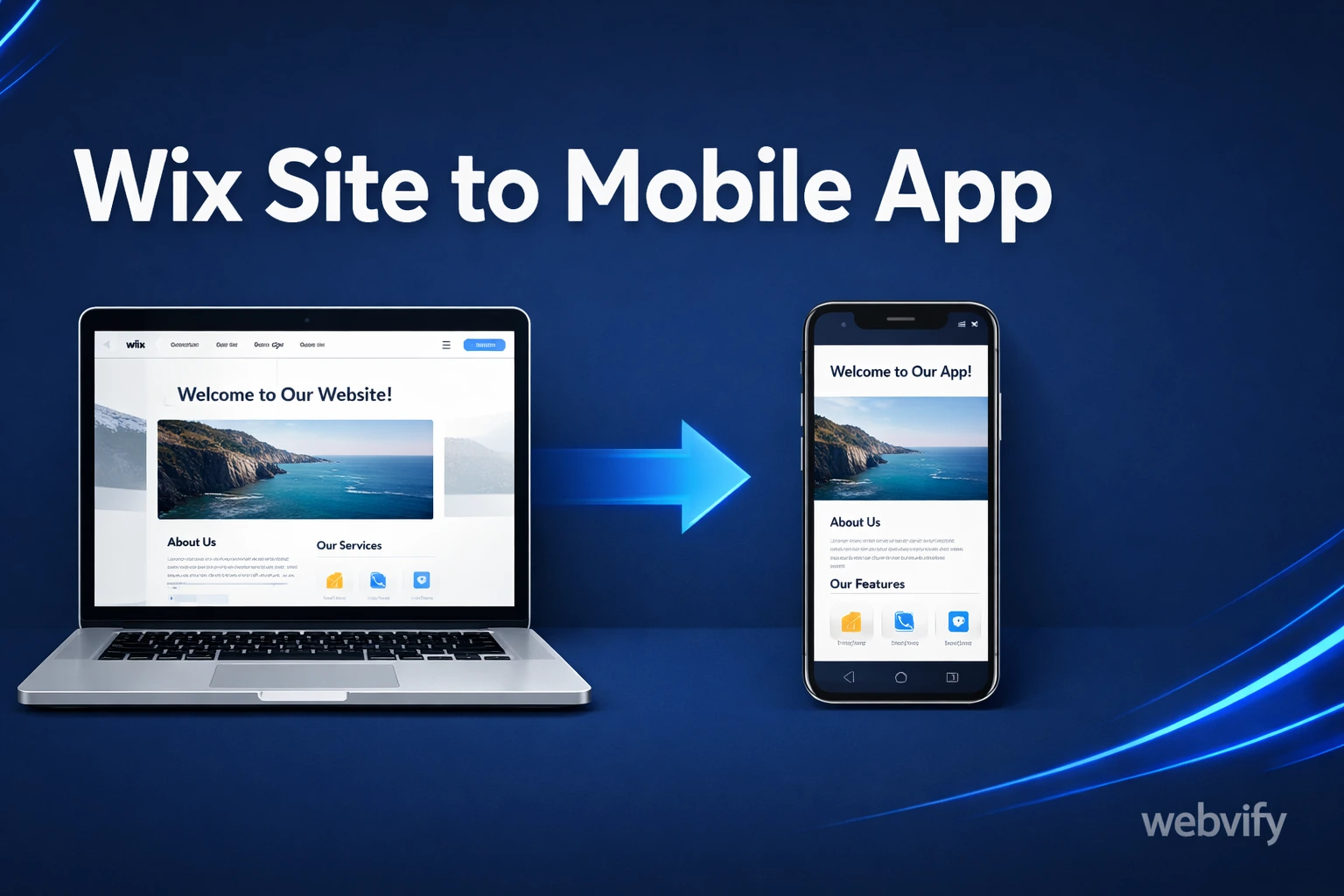
Learn how to turn your Wix site into a mobile app for iPhone and Android without rebuilding from scratch or hiring a mobile developer.
Inside this article
- Why a Wix Website Alone Stops Short
- What "Wix to Mobile App" Actually Means
- Why a Wix to Mobile App Approach Makes Sense for Small Businesses
- What You Need Before You Convert a Wix Website to an App
- How to Convert a Wix Website to a Mobile App
- Will Apple Reject a Wix-Based App?
- Is a DIY Tool Enough, or Do You Need a Done-For-You Service?
- Who Should Create a Wix Mobile App?
- Frequently Asked Questions
- Turn Your Wix Site Into an App Without Starting Over
Why a Wix Website Alone Stops Short
If your business runs on Wix, you've already done the hard part. Your pages are live, your branding is set, and customers can already browse your services or products. The problem is that a mobile browser still doesn't feel like your business has its own app.
That gap matters more than most small business owners realize. An app gives your business a permanent spot on the customer's home screen, faster repeat access, and the ability to send push notifications when you need attention.
The good news is that getting from a Wix site to a mobile app does not usually require building an iPhone app and Android app from scratch. For most businesses, that's the wrong approach anyway.
What "Wix to Mobile App" Actually Means
When people search for wix to mobile app, they usually imagine one of two paths.
The first is rebuilding your site as a completely separate native app. That means hiring developers, recreating your design, rethinking navigation, and maintaining a website plus two separate mobile codebases. It is expensive, slow, and usually unnecessary for a small business.
The second path is converting your existing Wix site into a mobile app shell using WebView technology. This is how many businesses launch faster. Your app loads your existing site inside a branded iOS and Android wrapper, then adds the mobile-specific pieces that your customers care about: app icon, splash screen, push notifications, and store publishing.
That is why this model works so well for Wix users. You already have the site. The mobile app is not a second business asset you have to rebuild from zero. It is a faster way to package what already works.
Why a Wix to Mobile App Approach Makes Sense for Small Businesses
Most Wix users are not trying to become software companies. They want a practical result: a branded app customers can download from the App Store and Google Play.
That makes the WebView route especially attractive for:
- restaurants taking repeat orders or promoting offers
- salons and service businesses managing bookings
- e-commerce brands that want faster repeat visits
- local businesses that want a stronger mobile presence without custom development
The biggest benefit is leverage. You keep managing the business through Wix, while the app gives customers a more direct, higher-retention way to access it.
If your Wix site is already mobile-friendly, you may be much closer to launch than you think.
What You Need Before You Convert a Wix Website to an App
Before turning a Wix website into an app, there are a few things worth checking.
1. Your Wix Site Should Work Well on Mobile
Open your site on your phone and test the main user flow. Can someone browse your services, read key pages, complete a purchase, or submit a form without friction? If the mobile website experience feels clumsy, the app will inherit that problem too.
2. You Should Know the App's Real Purpose
Not every business needs an app for the same reason. For some, the app is about repeat ordering. For others, it is about push notifications, loyalty, or simply looking more credible. The clearer that purpose is, the easier the app setup becomes.
How to Convert a Wix Website to a Mobile App
Step 1: Use Your Existing Wix Site as the Foundation
Your Wix website becomes the core of the app experience. That means your pages, content, products, and forms remain where they are. You are not recreating the business from zero.
This is the same reason guides like our WordPress-to-app workflow work so well. If the site already works in a browser, you can usually wrap it into an app much faster than people expect.
Step 2: Build the App Shell Around It
The app shell is the native layer that gives your Wix site app behavior. This includes:
- your app icon
- launch screen
- color styling
- navigation handling
- login/session persistence
- offline fallback behavior
This is what turns "just a website" into something App Store-ready.
Step 3: Add Push Notifications
Push notifications are one of the biggest reasons to create an app at all. A browser cannot compete with a message on the lock screen.
For a Wix-based business, this could mean:
- announcing a flash sale
- reminding customers about a booking slot
- promoting a new product drop
- bringing back inactive customers
That direct re-engagement channel is often the real ROI behind a website-to-app project.
Step 4: Submit the App to Apple and Google
This is the stage that scares most non-technical business owners, and for good reason. App Store submission involves developer accounts, review rules, screenshots, metadata, and compliance checks.
If you want to understand that part in more detail, our guide on submitting an app to the App Store without a developer covers why this step becomes the bottleneck for so many businesses.
The practical answer is simple: if you are not technical, use a done-for-you service that handles the submission correctly. The biggest mistake is underestimating the publishing process.
Will Apple Reject a Wix-Based App?
Apple can reject low-quality wrapper apps, but that does not mean every WebView-style app gets rejected. The difference is in the setup and the value provided. A properly configured app with branding, navigation, push notifications, and a clear business purpose is very different from a thin browser clone.
Is a DIY Tool Enough, or Do You Need a Done-For-You Service?
This is where many businesses lose time.
A DIY builder sounds attractive because it seems cheaper at the start. But for a non-technical owner, "cheap" can become expensive once you factor in setup mistakes, app review rejection, and time lost learning a system you never wanted to manage.
A done-for-you service makes more sense when:
- you do not have a developer
- you want App Store and Google Play handled properly
- you want to launch in days, not months
- you want to keep managing your actual business in Wix
That is the real difference between a simple tool and a full website-to-app service. One gives you software to figure out. The other gets the app launched.
Who Should Create a Wix Mobile App?
A Wix mobile app is usually a strong fit if your business already gets meaningful repeat traffic and you want customers coming back more often. It is especially practical for restaurants, salons, local service companies, online stores, and membership businesses.
If your goal is retention, repeat orders, bookings, or direct communication, then a Wix to mobile app project becomes much easier to justify.
Frequently Asked Questions
How much does it cost to turn a Wix site into a mobile app?
The cost depends on whether you use a DIY builder or a done-for-you service. DIY tools may look cheaper upfront, but they usually leave setup, testing, and store submission on you. A managed service costs more than a template tool, but it removes the technical work and usually gets you to launch faster.
Do I need to rebuild my Wix website to create an app?
No. In most cases, the point of a Wix-to-app workflow is to avoid rebuilding everything from scratch. Your existing site becomes the foundation, and the app wraps around it with mobile-specific features.
Turn Your Wix Site Into an App Without Starting Over
The biggest mistake small businesses make is assuming a mobile app means a complete rebuild. It usually doesn't. If your Wix website already does the job, the smarter move is often to package it properly, publish it correctly, and use the app to increase repeat engagement.
Webvify handles that process end to end: app build, App Store and Google Play submission, and the admin tools you need after launch.
Try Webvify if you want to turn your Wix website into a mobile app without hiring a mobile developer or rebuilding your business from scratch.