

How to Turn Your Squarespace Site Into a Mobile App
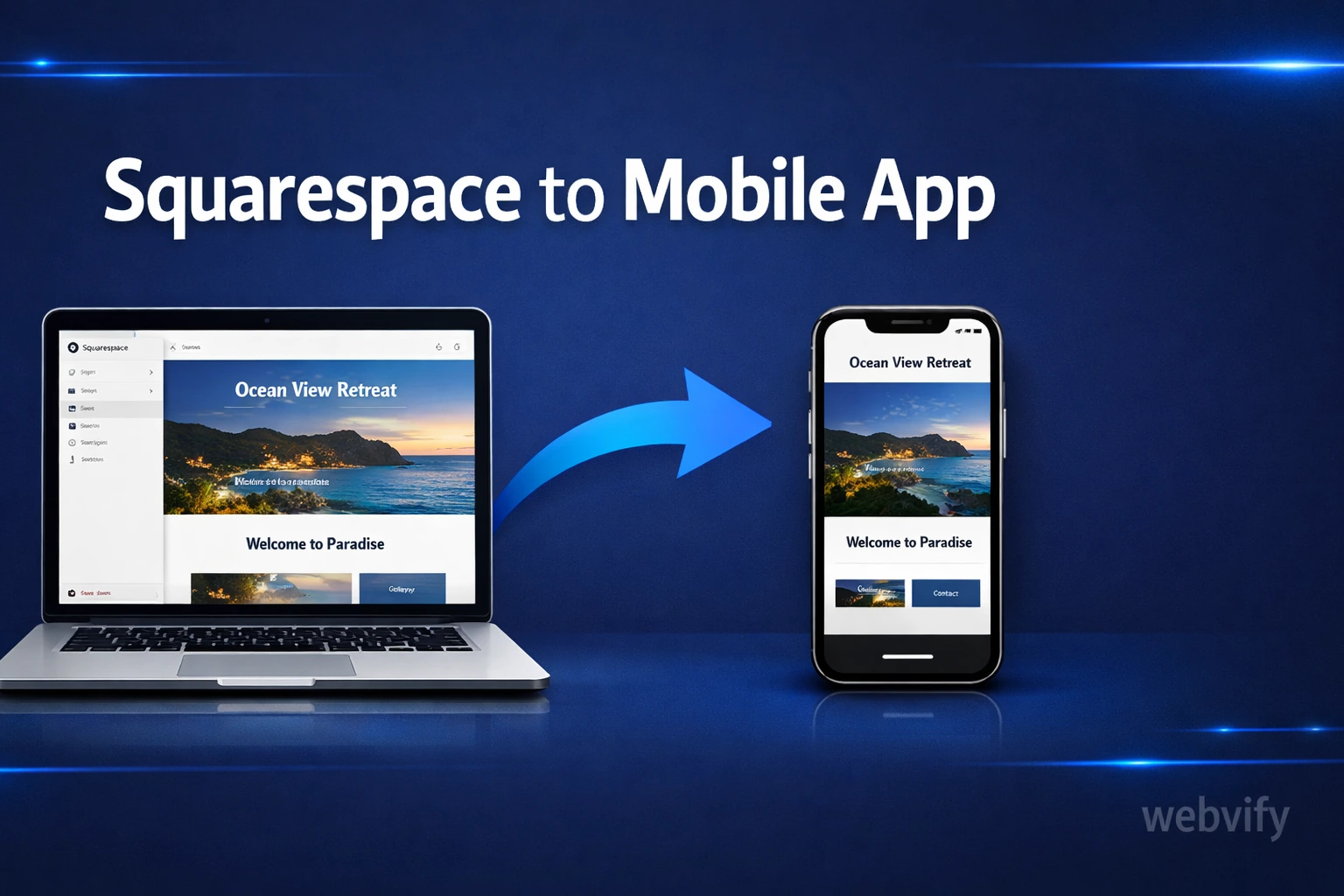
Squarespace doesn't offer a native mobile app builder. Here's how to convert your Squarespace site into an iOS and Android app — without code.
Inside this article
- Why Squarespace Doesn't Have a Built-In Mobile App
- The Simplest Way to Convert Your Squarespace Site to a Mobile App
- What You Get With a Squarespace Mobile App
- What to Set Up Before You Convert Your Squarespace Site to an App
- Squarespace Features That Work Well in a Mobile App
- How Long Does It Take to Get a Squarespace Mobile App Live?
- FAQ
- Turn Your Squarespace Site Into an App Today
Squarespace lets you build a beautiful website in hours — but getting that site into the App Store is a completely different problem. There's no "export to mobile app" button, and Squarespace itself doesn't offer one.
The good news: your Squarespace site is already more ready for a mobile app than you think.
Why Squarespace Doesn't Have a Built-In Mobile App
Squarespace is a hosted website builder. Its mobile app is for managing your site — not for putting your website on your customers' phones. That's a distinction most business owners miss.
The gap between "my website works on mobile browsers" and "my business has a dedicated app in the App Store" is real. A mobile-optimized Squarespace site and a native mobile app are two different things. One lives in a browser. The other lives on your customer's home screen.
This distinction matters more than most people realize. Mobile browser sessions get abandoned when users switch apps. Home screen apps get tapped again. Push notifications reach your audience directly — no email open rates to worry about.
The Simplest Way to Convert Your Squarespace Site to a Mobile App
The most practical approach to turn a Squarespace site into a mobile app is a WebView wrapper. This packages your existing website inside a native iOS and Android shell — giving it full App Store and Google Play presence, push notifications, and a branded app icon on your customer's home screen.
You don't rebuild your website. You don't recreate your content or store. You wrap what you already have.
This approach works well for Squarespace specifically because Squarespace sites are mobile-responsive by design. The transition from website to app is smooth.
If you've been researching this option, you may have already read about how to turn a Wix site into a mobile app — the process for Squarespace is similar, though the specifics of configuration differ.
What You Get With a Squarespace Mobile App
When you wrap your Squarespace site in a mobile app, your customers get:
An app icon on their home screen. This alone increases repeat visits. Your brand shows up next to the apps your customers use every day.
Push notifications. This is the biggest unlock. You can reach customers directly with promotions, new blog posts, appointment reminders, or product launches — without relying on email open rates or social media algorithms.
Faster load perception. Native app shells load the UI immediately and fetch content in the background. The experience feels faster than opening a browser tab.
App Store credibility. A listing on the App Store and Google Play signals legitimacy. For service businesses, this matters — potential clients often search the app stores as part of their evaluation process.
Services like Webvify handle the full conversion end-to-end: they take your Squarespace URL, build the iOS and Android apps, and submit them to both stores under your business name.
What to Set Up Before You Convert Your Squarespace Site to an App
Before converting, a few things are worth checking:
Your Squarespace plan. Some plans restrict custom code or advanced functionality. Make sure your plan supports the features you want in the app — member logins, booking, e-commerce checkout.
Your domain and SSL. Your app will load your website over HTTPS. If your Squarespace site uses a custom domain with SSL enabled (all paid plans do), you're ready.
Navigation clarity. Mobile apps are used with thumbs. Review your site's navigation on a phone screen. If menus are hard to tap or navigation is nested too deep, simplify before converting. The app inherits your site's navigation.
Login and checkout flows. If your Squarespace site includes member logins or Squarespace Commerce checkout, test these on mobile before wrapping. Any friction in the browser carries into the app.
Squarespace Features That Work Well in a Mobile App
Not every Squarespace feature translates perfectly into a mobile app — but many do.
Squarespace blogs, portfolios, and service pages work seamlessly. They're content-heavy and load naturally inside a WebView.
Squarespace Scheduling (Acuity) works in-app. Customers can book appointments directly from the app without friction.
Squarespace Commerce — product listings, cart, and checkout — works in-app. Customers can browse and buy without leaving the app.
Squarespace Member Areas work inside a WebView app. Keep in mind: Apple's App Store guidelines require in-app purchases of digital content to use Apple's own payment system. Physical goods and service bookings don't have this restriction.
For a broader overview of what to expect when submitting, the guide on how to submit your app to the App Store without a developer covers the full process and common rejection reasons to avoid.
How Long Does It Take to Get a Squarespace Mobile App Live?
A straightforward Squarespace-to-app conversion typically takes 3–7 business days from submission to going live. The majority of this time is Apple's App Store review process — usually 24–48 hours, but it can extend to a week for new accounts.
The actual build time — packaging your Squarespace URL as a mobile app — takes hours, not weeks. The bottleneck is app store approval, not development.
FAQ
Can I convert my Squarespace site to a mobile app without coding?
Yes. With a WebView-based approach, there's no coding required. You provide your Squarespace site URL, configure your app name, icon, and splash screen, and the service handles the rest — including App Store submission. No Xcode, no Android Studio required. You'll need Apple and Google developer accounts, which a service like Webvify can help you set up.
Does my Squarespace site need to be updated after converting to an app?
No. Since the app loads your Squarespace site directly, any update you make to your website — new pages, new products, new blog posts — automatically appears in the app. You manage everything from your Squarespace dashboard, exactly as before.
How much does it cost to get a Squarespace mobile app?
Building and submitting the app typically ranges from a few hundred dollars for a one-time service to monthly subscription models depending on the provider. Apple Developer Program ($99/year) and Google Play Developer ($25 one-time) accounts are also required for publishing under your own business name.
Turn Your Squarespace Site Into an App Today
Your Squarespace site is already doing the hard work. Converting it into a mobile app doesn't mean starting over — it means putting what you've already built onto your customers' home screens and adding the direct channel that push notifications give you.
If you want to skip the technical setup, Webvify handles the entire process end-to-end: app build, App Store submission, Google Play submission, and an admin panel to manage push notifications and settings after launch.