

Webvify vs. Twinr: Which Web-to-App Solution Is Right for You?
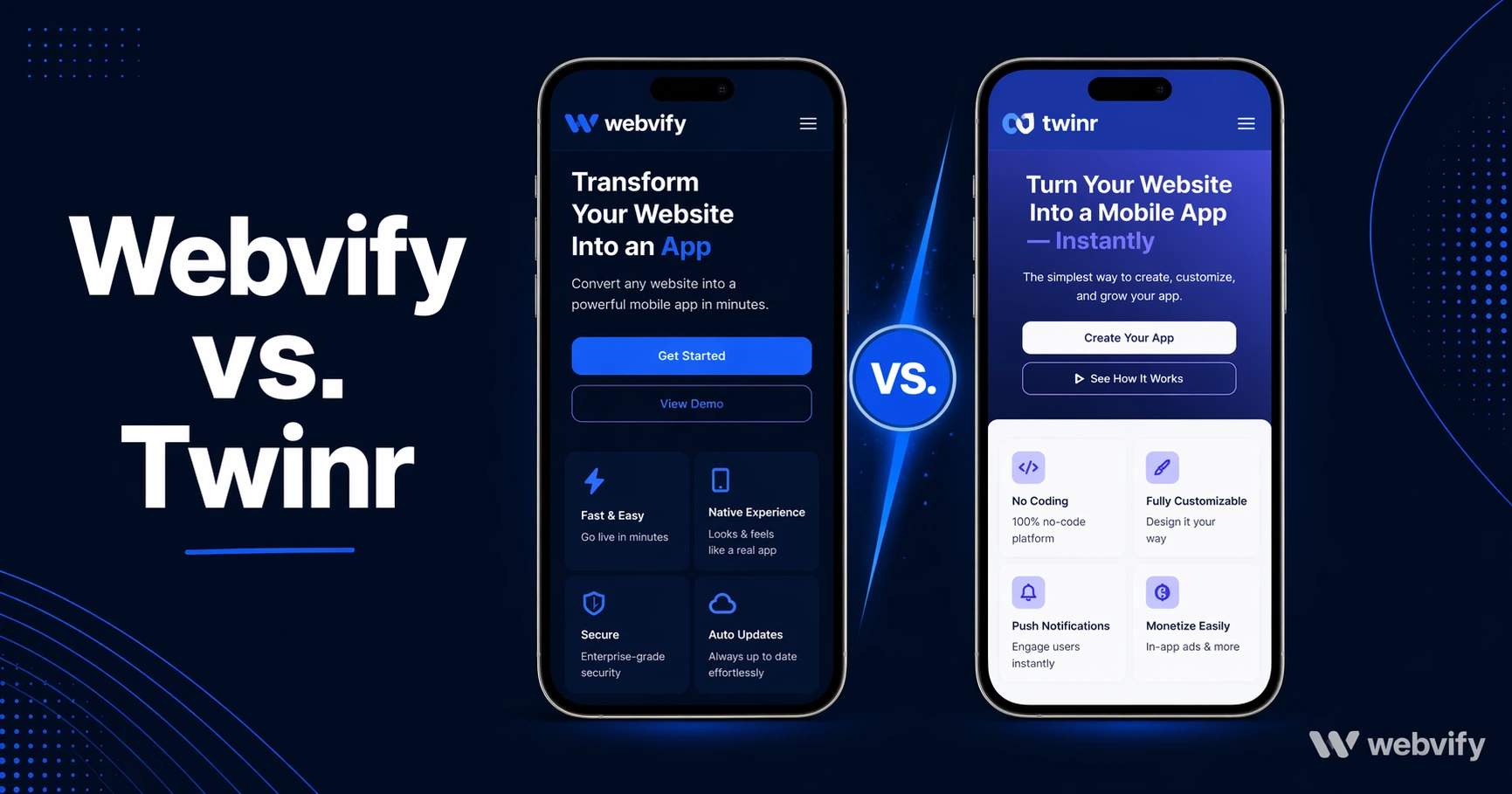
Comparing Webvify and Twinr side by side — what each covers, where they differ on App Store submission, and which fits your business.
Inside this article
Most web-to-app platforms make the build step look simple. You paste your URL, choose a color scheme, and get a file back. What comes next — submitting that file to Apple and Google, passing their review process, and managing the app after launch — is where the real differences between platforms emerge.
If you're researching Webvify vs. Twinr, here's what you need to know before you choose.
What Twinr Does
Twinr is a self-service web-to-app builder. You enter your website URL, configure a few settings (app name, splash screen, icon), and Twinr generates a WebView app for both iOS and Android. It supports push notifications, deep linking, and a handful of customization options.
The platform works on a subscription model, with plans starting around $19/month. After you download your app files, you submit them to the App Store and Google Play yourself. Twinr provides documentation to guide you through the process, but the account setup, compliance checks, and review communication are your responsibility.
If you're comfortable navigating Apple's developer portal and have already set up a developer account, Twinr gives you the toolkit to build a WebView app quickly at a low monthly cost.
What Webvify Does
Webvify is a managed web-to-app service. You share your website URL, and Webvify builds the app, handles all App Store and Google Play submission requirements, and launches the app under your own developer accounts — not Webvify's.
The distinction matters: your app is published with your brand and your account, so you're not locked into a subscription to keep the app alive. Webvify also includes an admin panel so you can manage push notifications, update settings, and monitor the app without needing to contact support for every change.
The positioning is done-for-you rather than do-it-yourself.
Webvify vs. Twinr — Key Differences
The core difference between Webvify and Twinr isn't the WebView technology — both wrap your existing website. The differences are in who handles what.
App Store submission: Twinr gives you the app file. You submit it. Webvify submits it for you, handles Apple and Google compliance, and manages the review process. For business owners who don't know what an AAB file is or what Apple Guideline 4.2 means, this is the critical gap.
Platform accounts: Webvify publishes under your own Apple Developer and Google Play accounts. You own the listing, the reviews, and the direct relationship with the stores.
Admin panel: Webvify includes a dashboard for managing the live app — push notifications, settings, and monitoring. Twinr's controls are tied to their SaaS interface with more limited post-launch management.
Ongoing maintenance: With Twinr, you're on a recurring subscription and manage updates yourself. With Webvify, updates and changes flow through the managed service.
If you're a web developer managing apps for multiple clients, Twinr's self-service model can work. If you're a business owner who wants the app live without touching Xcode or the Google Play console, Webvify removes that friction entirely.
For a similar breakdown, see Webvify vs. Natively →, which covers another self-service platform with the same submission gap.
The App Store Submission Reality
The App Store submission step is where most non-technical business owners run into trouble. You need an Apple Developer account ($99/year), you need to package your app in a specific format, and you need to pass Apple's review — which covers guidelines around minimum functionality, privacy policies, and data handling.
Google Play has its own requirements: a Data Safety form, a content rating questionnaire, and an AAB file format instead of a traditional APK. Neither review process is impossible, but both assume comfort with developer tooling.
Services like Webvify handle this end-to-end — you don't touch the developer portals. If submission is the step you're trying to avoid, that's the differentiator that matters most.
For a full breakdown of what App Store submission involves, see How to Submit Your App to the App Store Without a Developer →.
Who Twinr Is Right For
Twinr is a good fit if:
- You or your team can handle App Store and Google Play submission yourselves
- You want a low-cost monthly subscription and don't need managed support
- You're a developer or agency building multiple client apps and want a builder tool, not a service
- You're comfortable with the technical steps of publishing and maintaining an app
Who Webvify Is Right For
Webvify is the better fit if:
- You want the app live without dealing with developer portals
- You want the app published under your own accounts — not a third party's
- You need ongoing management (push notifications, updates) through a simple admin panel
- You run a business and want the technical execution handled for you
If you're a web designer or developer offering apps to clients, the managed model can also be valuable — you get a repeatable delivery process without taking on ongoing mobile dev work yourself. This guide covers how web designers can offer mobile apps as an upsell →.
Frequently Asked Questions
Does Twinr submit your app to the App Store?
Twinr generates your app file but does not submit it to the App Store or Google Play. You're responsible for setting up developer accounts, uploading the binary, completing compliance forms, and managing the review process. If you're not comfortable with those steps, a managed service is likely a better fit.
What is the main difference between Webvify and Twinr?
Both platforms convert your existing website into a WebView mobile app. The key difference is what happens after the build: Twinr is self-service — you download the app and submit it yourself. Webvify is a managed service — the build, submission, and App Store management are handled for you, with the app published under your own developer accounts.
Can I switch from Twinr to Webvify?
Yes. Webvify builds your app from your website URL, so there's nothing to migrate from Twinr. You'll get a fresh build published under your own accounts. The only thing to plan is timing if you want to avoid having both apps live simultaneously during the transition.
Ready to get your website live as an app on the App Store and Google Play — without handling the submission yourself? See how Webvify works →