

How to Offer Mobile Apps to Your Web Design Clients (Without Learning Mobile Dev)
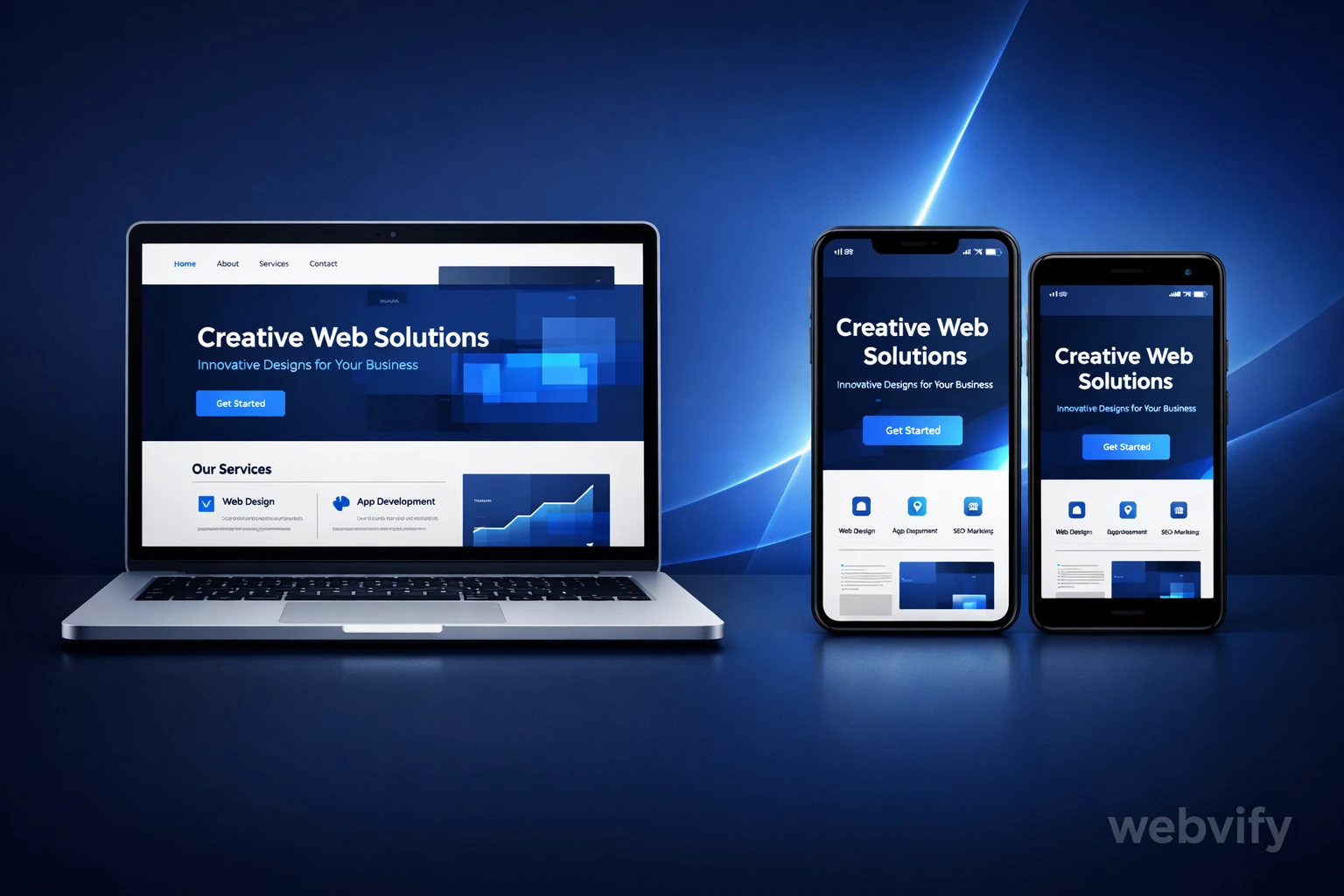
A practical guide for web designers and freelancers to add mobile app services to their offerings — without writing a single line of native code.
Inside this article
You just finished building a great website for your client. It looks good on mobile, loads fast, and they love it. Then they ask: "Can you also make us a mobile app?"
If you've been there, you know the silence that follows.
Most web designers either say no — or start googling React Native tutorials at midnight. Neither is a great outcome.
Here's the thing: your clients don't need a custom-built native app. In most cases, they need something much simpler — and you can deliver it.
Why Clients Ask for Mobile Apps
Before anything else, it helps to understand what your client actually wants.
When a small business owner says "I want an app," they usually mean:
- Visibility — they want to appear in the App Store and Google Play, so customers can find them
- Push notifications — they want to reach customers directly, without relying on social media
- A branded experience — they want their logo on users' home screens
- Credibility — "we have an app" still signals professionalism to many customers
They rarely need complex native features like augmented reality or real-time sensor data. What they need is a well-packaged mobile experience that works and looks good.
That's exactly the gap a WebView-based app fills.
What Is a WebView App?
A WebView app is a mobile application that loads your client's existing website inside a native app shell. Think of it like a browser window wrapped in an app — except it behaves like a real app on the device.
When done properly, a WebView app:
- Has a real app icon on the home screen
- Shows a splash screen when it opens
- Can send push notifications
- Works on both iOS and Android
- Gets listed on the App Store and Google Play
And the best part: when your client updates their website, the app updates automatically. No separate codebase to maintain.
This approach has real limits — it won't replace a native app for complex use cases — but for the majority of small business and service websites, it's the right solution.
The Business Case for Adding This to Your Services
Let's be honest: most freelancers leave money on the table when it stops at web design.
A typical web project ends at launch. Maybe you offer hosting or a maintenance retainer — but after that, the client moves on. Adding mobile app delivery gives you:
A higher project value. Offering "website + app" instead of just "website" can increase your average project value by $500–$1,500 or more, depending on your market.
A natural upsell at the right moment. After launch, when the client is happy, is the perfect time to say: "Would you also like this live on the App Store?"
A recurring revenue opportunity. If you manage the app submission and annual developer account renewal for your client, you can build in a yearly maintenance fee.
Less competition. Most freelancers say no to app requests. You become the one who can say yes.
What the Process Actually Looks Like
Here's a realistic workflow for delivering a mobile app alongside a web project — without touching native code.
Step 1: Check That the Website Is App-Ready
Before wrapping any site in an app, make sure it passes these basic checks:
| Check | Why It Matters |
|---|---|
| Loads fast on mobile (under 3 seconds) | Slow sites feel worse as apps |
| Has a mobile-responsive layout | The app shows the mobile view |
| Login and forms work on touch devices | WebView inherits mobile browser behavior |
| No pop-ups that block the full screen | These frustrate app users |
If the website fails these checks, fix them first. The app is only as good as the site inside it.
Step 2: Gather the Assets
You'll need a few things from the client:
- App icon — typically 1024×1024 px, no rounded corners (the OS adds them)
- Splash screen — shown while the app loads, usually the logo on a brand-colored background
- App name — what appears under the icon on the home screen (max ~30 characters)
- Short description — for the App Store and Google Play listings (max 80 characters)
- Long description — used in both stores for SEO and context (up to 4,000 characters)
- Screenshots — 4–6 screenshots of the site on a phone/tablet
Most clients already have logos and brand colors. The rest takes an afternoon to prepare.
Step 3: Use a Done-For-You Service
This is where most freelancers get stuck — they don't want to learn Xcode, Android Studio, or deal with Apple's developer account setup.
That's where a service like Webvify fits in. You provide the website URL and the assets above, and the team handles:
- Building the app (iOS and Android)
- Adding push notifications
- Configuring the splash screen and icons
- Submitting to the App Store and Google Play
- Handling rejection or revision requests from the stores
You act as the client-facing project manager. You don't write code, you don't open Xcode, and you don't deal with Apple review teams at 3am.
Step 4: Price It Correctly
Here's a simple pricing model that works:
| Package | What You Charge | What You Pay | Your Margin |
|---|---|---|---|
| App only (both platforms) | $800–$1,200 | $200–$400 | $400–$800 |
| Website + App bundle | Add $600–$1,000 to web price | $200–$400 | $400–$600 |
| Yearly maintenance | $300–$500/year | ~$100–$150/year | $150–$350/year |
These are rough numbers — adjust to your market and positioning. The key is that you're not doing the technical work, so your margin reflects your project management and client relationship work.
Step 5: Set Clear Expectations
One thing that trips up freelancers: App Store approval is not instant.
Apple's review typically takes 1–3 business days. Google Play is usually faster, but can take up to 7 days for new accounts. Make sure your client knows this before launch day.
Also set expectations about updates:
- Website changes appear in the app automatically (no action needed)
- App-level changes (icon, notifications, splash screen) require a new app version and re-submission
Common Questions Your Clients Will Ask
"Will it work the same as a native app?" For most business websites: yes, for daily use it feels the same. The experience is on par with what customers expect from a local business app. It won't match the polish of Instagram — but your clients aren't building Instagram.
"Can we send notifications to our customers?" Yes. Push notifications are one of the main reasons small businesses want apps. A WebView app with push notification support handles this well.
"What happens when we update the website?" The app updates automatically. No re-submission needed for content changes. Only structural changes (new features, icon changes) require an app update.
"Will it be on both iPhone and Android?" Yes. A proper WebView build covers both iOS (App Store) and Android (Google Play).
What to Watch Out For
Not every WebView app gets approved. Apple in particular has strict guidelines. Here are the main rejection reasons and how to avoid them:
- Too little content: Apple may reject apps that just wrap a website with no value-add. Make sure the site has real content and the app has at least one native feature (push notifications, offline screen, etc.)
- Login-only gates: Apps that require account creation just to see any content tend to get rejected. Make sure the client's site has publicly accessible content.
- Slow load times: If the site loads slowly, the app reviewer may reject it for "poor performance." Fix load speed first.
A good submission partner will guide you through these requirements. Most rejections are fixable with minor adjustments.
A Simple Script to Pitch This to Clients
You don't need a polished sales deck. After you've delivered their website, try something like this:
"One more thing — since we've built this as a clean, fast mobile site, we could actually package it as a real app on the App Store and Google Play for a relatively small extra cost. A lot of your customers would appreciate having your business on their home screen, and you'd be able to send them push notifications directly. Want me to put together a quick quote?"
That's it. No technical jargon, no pressure. You're framing it as a natural next step.
The Bottom Line
Web designers who say yes to mobile app requests — and deliver them reliably — earn more per client, keep clients longer, and stand out in a crowded market.
You don't need to become a mobile developer. You need a clean process, good client communication, and the right partners to handle the technical parts.
If you're ready to start offering mobile apps to your clients, Webvify is built exactly for this workflow — fast turnaround, both platforms, and no coding required on your end.
Have a client who's been asking about a mobile app? That's your next project.