

Webvify vs. Natively: Which Web-to-App Platform Is Right for You?
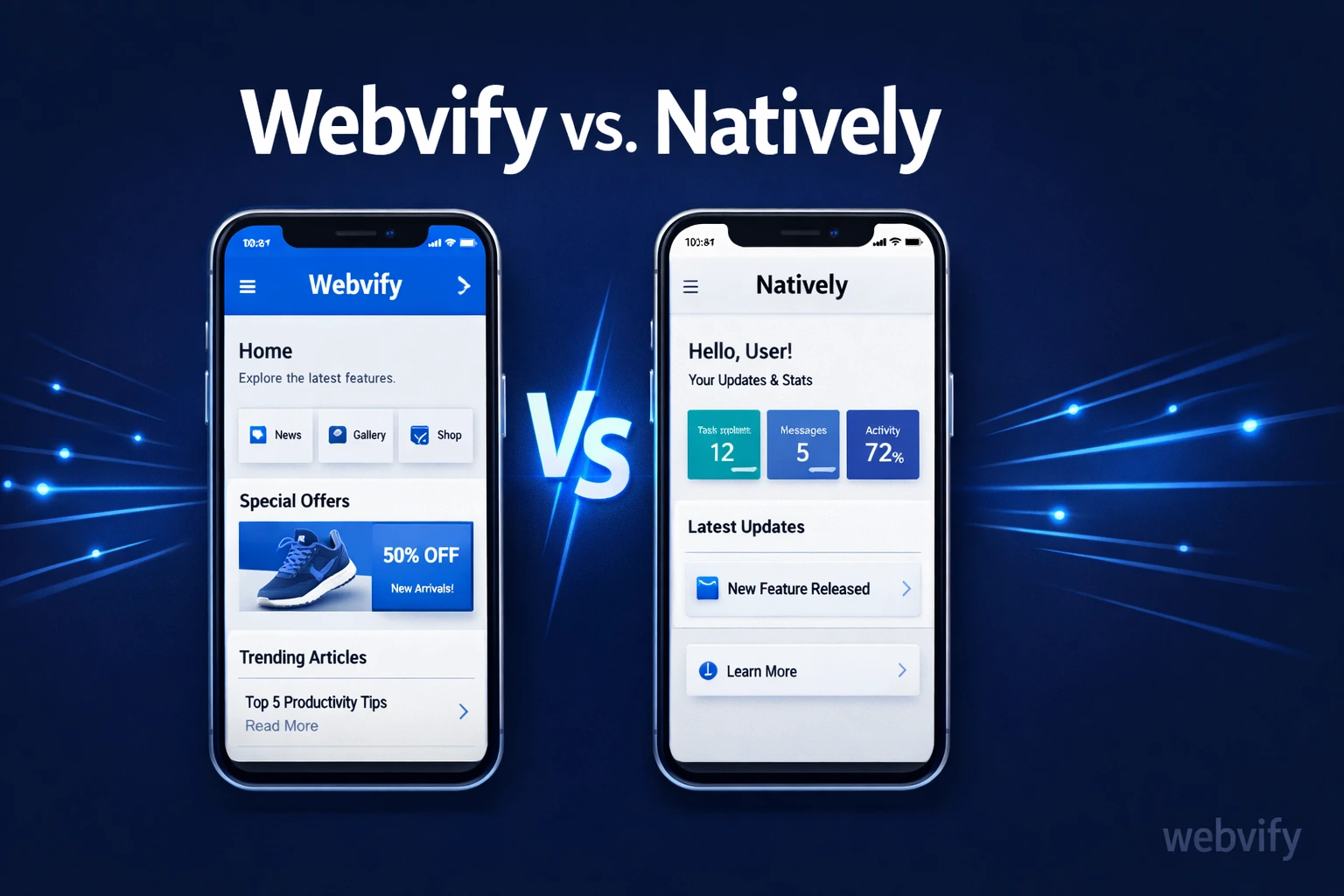
Webvify vs Natively: see how these two web-to-app platforms differ on pricing, App Store submission, and support — so you pick the right one.
Inside this article
Most web-to-app builders give you a tool and leave you to figure out the rest. For a lot of business owners, "the rest" — meaning Apple developer accounts, app signing certificates, App Store submission — is exactly where things fall apart.
If you've been comparing Webvify vs Natively, you're weighing two different philosophies about how that process should work. This article breaks down what each platform actually offers, where they differ, and which one makes more sense depending on your situation.
What Is Natively?
Natively is a SaaS platform that converts any website into a WebView-based iOS and Android app. You connect your URL, customize basic settings in a dashboard, and Natively generates app builds for you.
It's a self-service tool. That means you control the process from the dashboard, but you're also responsible for every step that comes after: setting up an Apple Developer account, handling app signing, and submitting the app to the App Store and Google Play yourself. Natively provides documentation and support to help with this, but the execution is on you.
Natively is subscription-based. Plans vary by feature tier, and you pay monthly or annually to keep your app running on their infrastructure.
What Is Webvify?
Webvify is a done-for-you service that turns your existing website into a fully branded mobile app and handles everything end-to-end — from building the WebView app to submitting it to both the App Store and Google Play. After launch, you manage the app through an admin panel without needing any technical knowledge.
The key difference isn't just the technology. It's who does the work. With Webvify, you hand over your website URL and brand assets. The Webvify team handles the build, the developer accounts, the submission process, and the approval. You get a live app on both stores without ever opening Xcode or dealing with Google Play Console.
The Core Difference: Self-Service vs. Done-for-You
When you're comparing Webvify vs Natively, this is the line that matters most.
Natively gives you infrastructure and a dashboard. You decide when to build, when to submit, and how to handle rejections if Apple or Google pushes back on your app. If you've never done an App Store submission before, there's a real learning curve — developer account setup alone can take days if you hit verification delays or policy questions.
Webvify removes that entirely. There's no learning curve because you're not doing it. Services like Webvify are built specifically for business owners who want the result (a live app) without becoming part-time mobile developers in the process.
If you're a web developer offering app services to clients, the calculus is similar: with Webvify, you can add mobile app delivery to your offering without needing to learn the full mobile publishing stack.
Pricing: What You're Actually Paying For
Natively operates on a recurring subscription. You pay monthly (or annually) to keep your app live and updated on their platform. The cost scales with features like push notifications, custom domains, and the number of apps.
This model works well if you want to manage everything yourself and prefer predictable monthly costs. But keep in mind: the subscription doesn't cover App Store submission support — that's on you.
Webvify uses a flat service model. You pay for the build and launch, and you own the result. There's no ongoing dependency on Webvify's infrastructure for your app to stay live — it's published under your own developer account.
Neither model is objectively better. The right choice depends on whether you value low monthly cost and control (Natively) or a one-time, hands-off launch (Webvify).
App Store Submission: The Step That Trips Most People Up
It's worth spending a moment on this, because it's where a lot of business owners hit a wall regardless of which platform they choose.
Getting an app approved by Apple requires setting up an Apple Developer account ($99/year), generating signing certificates, configuring app metadata, and navigating Apple's review guidelines. Apple can reject apps for reasons that aren't always obvious — especially WebView apps, which have stricter minimum functionality requirements since the 4.2 policy update.
With Natively, you handle this process yourself. The platform gives you the build files and documentation. Whether your app sails through review or gets rejected is up to how well you navigate the submission process.
With Webvify, the submission is done for you. The team knows Apple's current review requirements and handles rejections if they happen. For business owners who've never published to the App Store, this alone often justifies the difference. If you've already navigated the App Store submission process before, the self-service route is more realistic.
Which Platform Is Right for You?
Choose Natively if:
- You're comfortable with technical setup and want direct control over your app builds
- You have an Apple Developer account already or are willing to set one up
- You prefer a lower monthly subscription over a one-time service fee
- You want to manage and update the app entirely on your own schedule
Choose Webvify if:
- You want a live app without handling any of the technical submission steps yourself
- You don't have a developer account and would rather not manage one
- You'd like an admin panel to manage app settings after launch
- You want a single point of contact who handles the full process, including rejections
If you've looked at other platforms in this space, the dynamic is similar to the Webvify vs. MobiLoud comparison — where the question is whether you're buying a tool or buying a result.
Frequently Asked Questions
Does Natively submit apps to the App Store for you?
Natively provides the app builds and documentation, but you're responsible for the submission process yourself. This includes setting up your Apple Developer account, generating signing certificates, and managing the review process. It's manageable if you're technically comfortable, but it requires time and some familiarity with Apple's requirements.
How is Webvify different from a self-service app builder like Natively?
Webvify is a done-for-you service, not a self-service tool. You provide your website URL and brand assets; the Webvify team builds the app, submits it to the App Store and Google Play, and handles the approval process. After launch, you manage the app via an admin panel. You don't need developer accounts, Xcode, or any mobile knowledge.
Which is better for a small business owner with no technical background?
For a non-technical business owner, a done-for-you service like Webvify is usually the better fit. Self-service platforms require you to navigate App Store submission, which involves steps that can easily take days or result in rejection if handled incorrectly. If you want a live app without a learning curve, the done-for-you route saves significant time and frustration.
The right web-to-app platform depends on one question: do you want to manage the process yourself, or do you want it handled for you?
If you're ready to get your website live as a mobile app without touching any of the technical steps, visit webvify.app to see how the done-for-you process works.