

Webvify vs. GoodBarber: Which Web-to-App Solution Is Right for You?
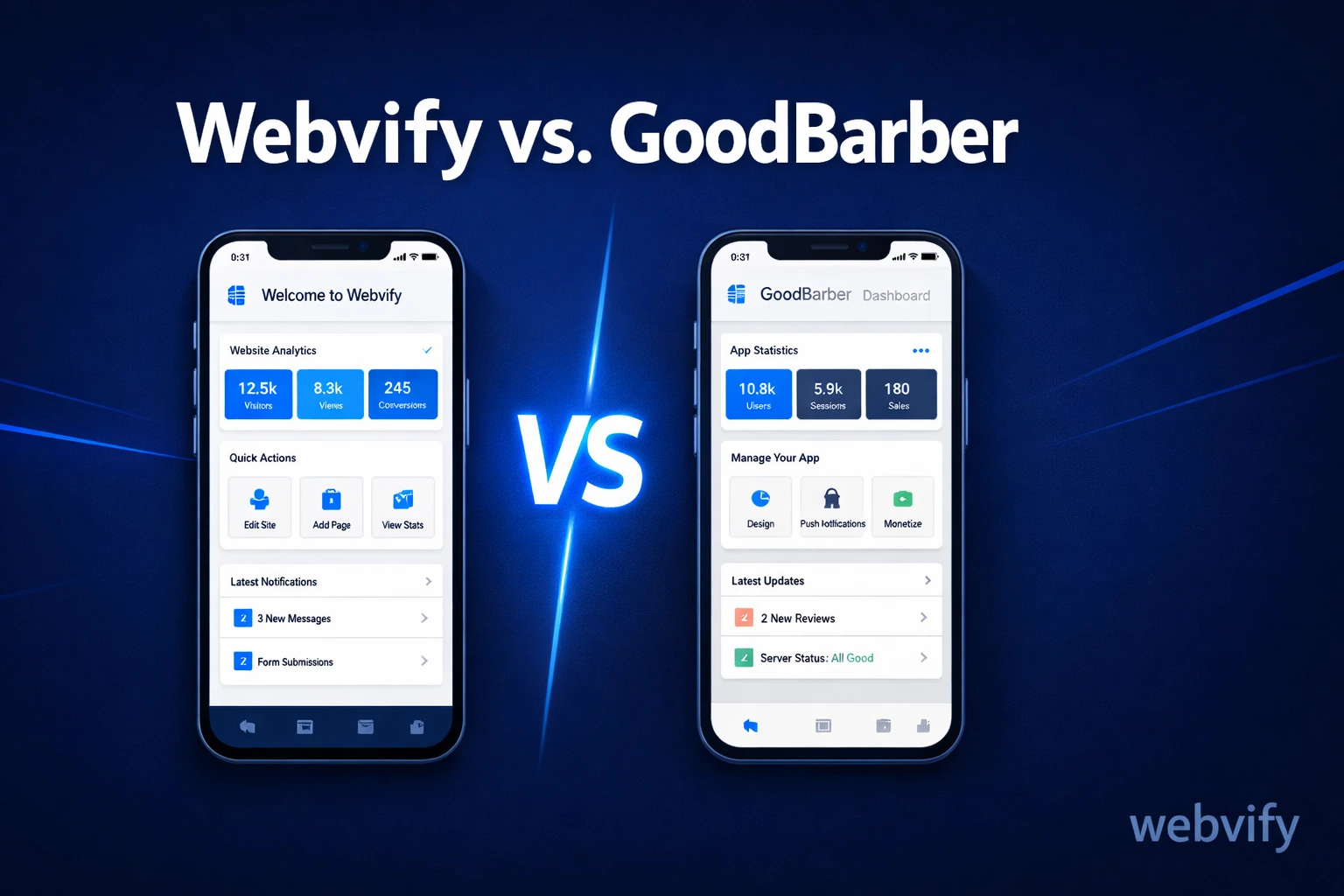
Comparing Webvify and GoodBarber? Here's the key difference most guides miss — and which one actually gets your app live faster without rebuilding your site.
Inside this article
Most app builders assume you're starting from scratch. If you already have a working website and just want a mobile app, that assumption will cost you weeks of rebuilding work you've already done.
This is the core difference in the Webvify vs. GoodBarber debate — and it's the one most comparison articles miss. Let's break it down clearly so you can pick the right tool for your situation.
What GoodBarber Does (and Who It's Actually Built For)
GoodBarber is a no-code app builder that lets you create a mobile app by building it inside their platform. You get templates, a drag-and-drop editor, and the ability to add pages, products, blog feeds, and content blocks manually.
Their native app option (as opposed to their PWA tier) publishes to the App Store and Google Play. GoodBarber handles the submission process, which sets it apart from some DIY builders that leave you to figure out Xcode and App Store Connect on your own.
The catch: GoodBarber expects you to recreate your content inside their builder. If you run a WooCommerce store, a Webflow site, or a custom web app, GoodBarber doesn't import that. You build a parallel version of your app inside their system — which means maintaining two separate things going forward.
For content creators building a media or blog app from zero, that workflow makes sense. For a business owner who already has a website that works, it's double the effort.
How Webvify vs. GoodBarber Looks When You Already Have a Website
Webvify converts your existing website into a native mobile app. Your site is wrapped into a native app container and published to the App Store and Google Play — without rebuilding anything.
This approach is sometimes called a WebView app. Your actual website runs inside the app. Any updates you make to your site automatically reflect in the app. You don't maintain two separate codebases, two separate admin panels, or two separate content workflows.
Webvify also handles the full end-to-end process: building the app, submitting it to both stores, and setting up an admin panel so you can manage push notifications and app settings yourself after launch. You don't need to touch any developer tools.
For a business that already has a working website, this is the fundamental difference between the two platforms. Webvify amplifies what you already built. GoodBarber asks you to rebuild it.
Pricing: What You Actually Pay Over Time
GoodBarber's native app plan starts around $64/month (billed annually) for a single app with standard features. Add-ons like advanced push notifications or custom integrations increase the cost. It's a recurring subscription, and you're doing the building and day-to-day management yourself.
Webvify uses a flat done-for-you model. You pay once to have your app built and submitted — the team handles everything. There's no rebuilding, no template configuration, and no learning curve. The admin panel is included.
At $64/month, GoodBarber costs $768/year before add-ons — for a tool you still have to operate and update yourself. If you've run into this kind of pricing complexity before, our breakdown of Webvify vs. MobiLoud covers a similar pattern with another popular platform.
App Store Submission: Who Actually Does the Work?
Both Webvify and GoodBarber include App Store submission — but the experience is different.
With GoodBarber, you need to set up an Apple Developer account ($99/year), connect it to GoodBarber's system, and work through their submission flow. GoodBarber facilitates the process, but you're the one managing the developer account and responding if Apple or Google sends feedback or rejection notices.
With Webvify, the team handles submission from start to finish. You don't need an Apple Developer account, and you don't need to know what App Store Connect is. If Apple requests changes during review, the Webvify team handles it. You find out when your app is live.
This matters more than it sounds. App Store review rejections are common — especially on first submissions — and knowing how to respond requires understanding Apple's guidelines in detail. For non-technical business owners, that's a significant knowledge gap that delays your launch.
Which Option Is Right for You?
Choose GoodBarber if:
- You're building an app from scratch with no existing website
- You want to design an app using templates and a drag-and-drop editor
- You're comfortable maintaining a separate builder workflow long-term
- You prefer a monthly subscription model
Choose Webvify if:
- You already have a website and want it available as a native mobile app
- You want everything handled end-to-end — build, submission, and setup
- You want push notifications and a management panel without ongoing DIY work
- You want your app live in days, not weeks
If you're still comparing options, our breakdown of Webvify vs. AppMySite covers another popular builder with a similar DIY dynamic — useful context if you're evaluating multiple platforms.
Webvify isn't the right fit if you need deep native features like custom hardware integrations or heavy offline functionality. But for the vast majority of SMB owners — restaurants, salons, coaches, retailers, service businesses — who want a branded app on the App Store with push notifications and home screen presence, it's the fastest path from existing website to live app.
Frequently Asked Questions
Does GoodBarber work if I already have a website?
GoodBarber doesn't import your existing website. You build a new app inside their platform using their editor. If you want your existing website's content available in a mobile app without rebuilding everything, a WebView-based service like Webvify is a better fit.
How long does it take to get an app live with Webvify vs. GoodBarber?
With Webvify, the app is typically built and submitted within days — the team handles the entire process. With GoodBarber, your timeline depends on how long it takes to configure the app in their builder and navigate the App Store submission flow. First-time App Store submissions often take one to two weeks to complete even with assistance.
Is a WebView app accepted on the App Store?
Yes — with the right setup. Apple has specific guidelines for WebView apps, and submissions that don't follow them get rejected. Webvify's team builds apps to meet Apple's requirements from day one and handles any review feedback that comes up during the process.
Ready to get your existing website live as a mobile app without rebuilding anything? Visit webvify.app to see how quickly it can happen.