

Webvify vs AppMySite: Which Web-to-App Builder Actually Gets You Live?
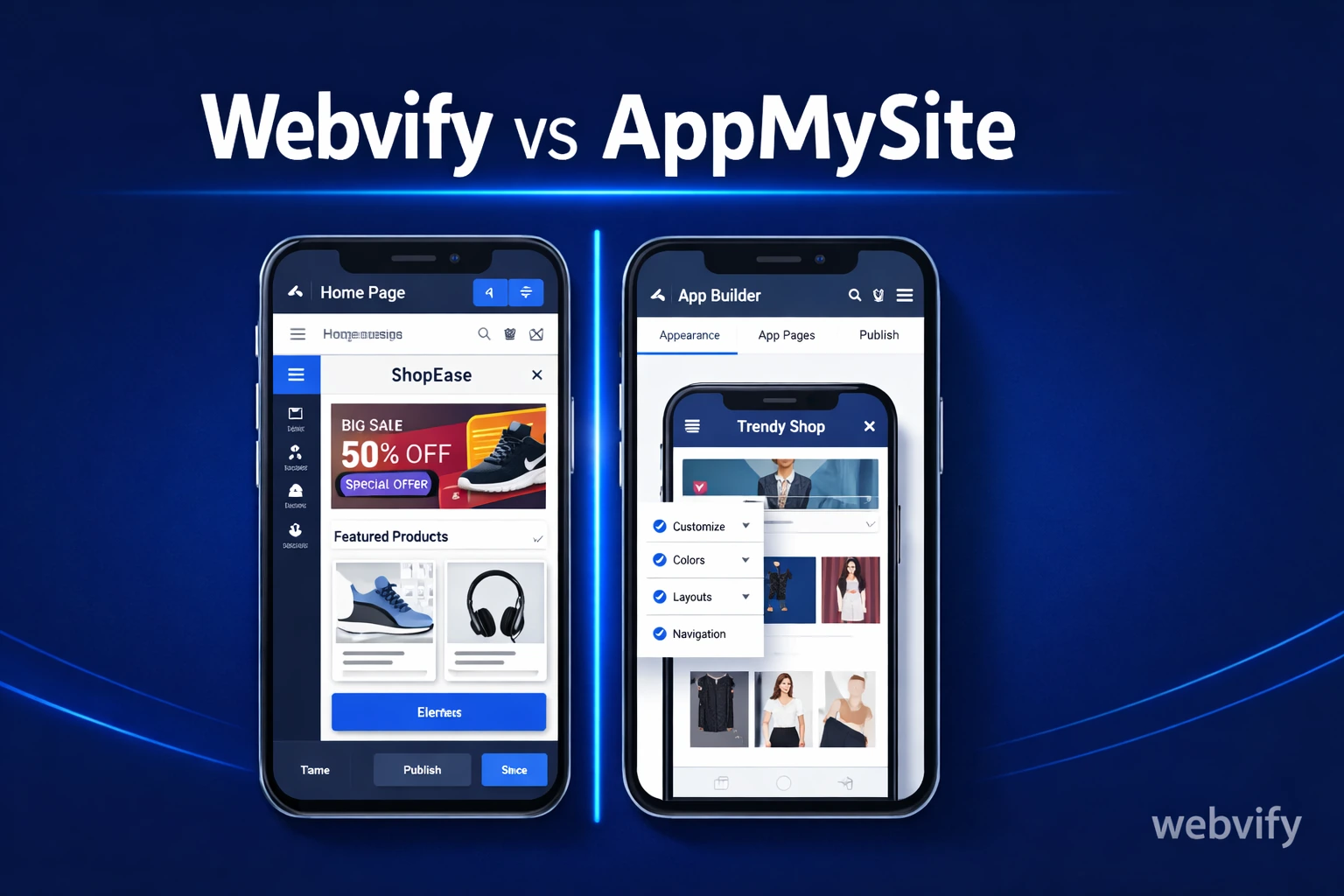
Comparing Webvify and AppMySite? Here's the honest breakdown — features, pricing, App Store submission, and which one actually gets your app live fast.
Inside this article
Most web-to-app tools make the same promise: turn your website into a mobile app without code. AppMySite and Webvify both do this — but the experience of getting from "sign up" to "live on the App Store" is completely different.
If you're a small business owner or a web developer shopping for options, this comparison covers everything that actually matters: how each platform works, what's included, what's not, and where each one tends to trip people up.
How AppMySite Works
AppMySite is a self-service app builder. You connect your website URL (WordPress, WooCommerce, or a custom site), and the platform generates the app structure for you. You control the design, navigation, and push notifications from their dashboard.
It's genuinely useful — the interface is clean and the real-time preview works well. The challenge comes when it's time to publish. AppMySite provides the app package, but App Store submission — the actual process of creating an Apple Developer account, uploading your build to App Store Connect, and navigating the review process — is left to you. For non-technical users, this is where things stall.
The App Store submission process involves managing certificates, provisioning profiles, metadata, and screenshots across multiple review cycles. Apple rejects roughly one in four first-time submissions. If you've never done it before, you'll likely spend more time on submission than you did building the app.
How Webvify Works
Webvify is a done-for-you service. You give them your website URL, they build the WebView app, handle the App Store and Google Play submission, and give you an admin panel to manage everything after launch.
The key difference is who does the work. With AppMySite, you're the operator — you build, you configure, and you submit. With Webvify, their team handles the parts that require technical knowledge: the build process, the developer accounts, the app store review.
This is a meaningful distinction for the specific audience both platforms target. If you're a restaurant owner who wants an app so customers can order from their phone, the last thing you want to spend a weekend on is Apple provisioning profiles.
Webvify vs AppMySite: What's Different in Practice
Both platforms cover the essentials: website-to-app conversion, push notifications, and app branding. Here's where they differ in practice.
App Store submission: AppMySite provides the build. Webvify handles the full submission. If you've never submitted an app before, this is a significant difference. The App Store submission process alone can take days or weeks for first-timers.
Setup complexity: AppMySite is self-service throughout — which works well if you're technical or have someone on your team who can handle it. Webvify is closer to an agency: you hand off the work and receive a finished product.
Ongoing management: Both give you a dashboard to update content and send notifications. Webvify's admin panel is designed specifically for non-technical operators, while AppMySite's interface assumes more familiarity with app development concepts.
Platform support: Both support iOS and Android. AppMySite has broader integrations for WooCommerce-specific features. Webvify works with any website that renders in a mobile browser — no plugin required.
Who AppMySite Is Best For
AppMySite works well for teams that have some technical capacity. If you have a developer who can handle the submission process, or if you're comfortable learning it yourself, you get a capable self-service platform at a lower entry price point.
It's also a reasonable fit for agencies that want to manage the whole process for their clients — AppMySite gives you control over every step, which some teams prefer.
Who Webvify Is Best For
Webvify is built for people who want a finished result, not a project. That's most SMB owners.
Services like Webvify handle the entire process — from building the app to getting it approved on the App Store — so you're not learning mobile development as a side effect of wanting an app. If you've already gone through a web-to-app comparison once (like Webvify vs MobiLoud), you'll notice that the main pattern across done-for-you services is the same: you pay for the outcome, not the tools.
For web developers offering mobile apps to clients, Webvify also removes the need to learn App Store submission procedures. You sell the outcome; Webvify handles the delivery.
Pricing Overview
AppMySite starts with a free plan that lets you build and preview an app, but publishing to the App Store and Google Play requires a paid tier. Pricing tiers vary by features, but the self-service submission adds time cost on top of the subscription cost.
Webvify charges for the done-for-you service — the build, submission, and admin panel are included. The total cost is higher than AppMySite's base tier but lower than hiring a developer to handle the submission process separately (which typically runs $500–$2,000+ for the submission work alone).
FAQ
Can AppMySite submit my app to the App Store for me?
AppMySite provides the app package but does not handle App Store submission on your behalf. You need to create and manage your own Apple Developer account ($99/year) and submit the build through App Store Connect. This process requires handling certificates, provisioning profiles, and review guidelines — which most non-technical users find time-consuming.
What's the difference between a self-service app builder and a done-for-you service?
A self-service app builder (like AppMySite) gives you tools to build and configure your own app. You control the process but you're also responsible for every step, including App Store submission. A done-for-you service (like Webvify) handles the build, submission, and setup for you — you receive a finished, live app without managing the technical parts yourself.
Does Webvify work with any website?
Yes — Webvify works with any website that renders in a mobile browser. There's no plugin to install and no platform requirement. Whether your site runs on WordPress, Shopify, Wix, or a custom stack, the WebView approach wraps your existing site into a native app container.
The Bottom Line
Both Webvify and AppMySite convert websites into mobile apps without requiring you to build from scratch. The real question is what "without a developer" means to you.
If it means using tools to build and manage the app yourself, AppMySite is a capable option. If it means getting an app live on the App Store without handling any of the technical work yourself, Webvify's done-for-you model is the more direct path.
Ready to get your app live without the back-and-forth with App Store Connect? See how Webvify works →