

Webvify vs Bravo Studio: Which Web-to-App Solution Is Right for You?
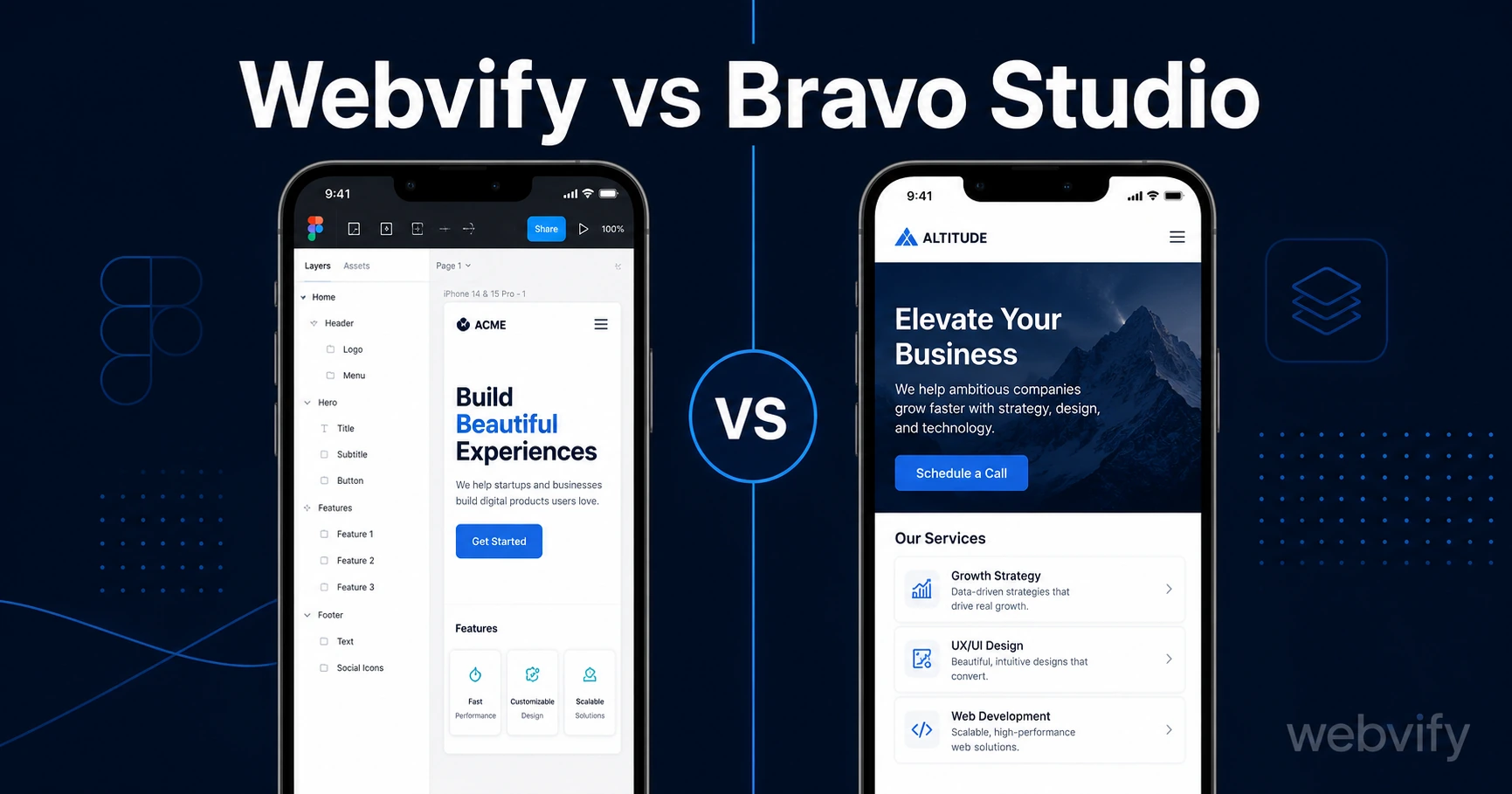
Webvify wraps your existing website into a mobile app. Bravo Studio converts Figma designs. Here's which one is right for your business — and why picking wrong costs months.
Inside this article
- What Webvify and Bravo Studio Actually Do
- Webvify vs Bravo Studio: Who Each Tool Is Built For
- The Rebuild Problem: Why Starting From Figma Costs More Than It Looks
- App Store Submission: Who Handles the Hard Part?
- Pricing: What You're Actually Paying For
- When to Choose Webvify vs Bravo Studio
- Frequently Asked Questions
Bravo Studio and Webvify both promise a mobile app without hiring a developer. The Webvify vs Bravo Studio decision comes down to one question: are you starting from a Figma file, or do you already have a working website?
What Webvify and Bravo Studio Actually Do
Webvify converts your existing website into a fully branded mobile app. Your site is already built, tested, and live — Webvify packages it as a native iOS and Android app, then submits it to the App Store and Google Play on your behalf. You don't rebuild anything. Updates to your website automatically appear in the app.
Bravo Studio works the other way. You design your app screens from scratch in Figma (or Adobe XD), add data connections using Bravo's visual tagging system, and Bravo compiles those designs into a native app. It produces genuinely custom interfaces — but only if you start with a design file, not an existing website.
These are two different product categories solving two different problems. Choosing the wrong one means either rebuilding content you already have or discovering your website can't be imported at all.
Webvify vs Bravo Studio: Who Each Tool Is Built For
Bravo Studio is built for designers and developers who want pixel-perfect control over every screen. If you're a Figma user, enjoy prototyping, and want a completely custom interface that looks nothing like your website, Bravo gives you that creative control.
Webvify is built for business owners and freelancers who already have a working website and need it on the App Store. No design work, no rebuilding content, no maintaining two separate systems. You hand over your site URL and the team handles everything — packaging, compliance, and submission.
The clearest signal: if your first step is "open Figma and start designing screens," Bravo fits. If your first step is "I have a website and I want it on the App Store," Webvify fits.
Most SMBs evaluating this no-code app builder comparison are actually in the second camp. They have a restaurant menu, a booking system, or an e-commerce store. Recreating all of that in Figma is the wrong first step.
The Rebuild Problem: Why Starting From Figma Costs More Than It Looks
When you move to Bravo Studio from an existing website, you're not converting anything. You're rebuilding. Every page, every product listing, every booking flow — it all needs to be recreated as a Figma design.
That creates two ongoing problems. First, every time you update your website — new menu item, changed pricing, new services — you have to update the Figma file too. You now maintain two parallel systems indefinitely.
Second, if your site has a booking system, payment flow, or member login, those don't transfer automatically. You'll need Bravo's data integration tools and, depending on your setup, custom API connections that assume technical fluency.
Webvify sidesteps this entirely. Your existing booking system, payment flow, and content all work inside the app the moment it goes live, because the app is your website. If you're weighing different approaches, the guide on no-code app builders vs custom development covers the trade-offs in detail.
App Store Submission: Who Handles the Hard Part?
Submitting to the App Store isn't just uploading a file. Apple requires a paid developer account ($99/year), compliance checks, metadata that meets specific formatting rules, and screenshots in exact pixel dimensions. Rejections are common on first attempts — one wrong flag in the Data Safety form or a misread of Guideline 4.2 sends you back to the start.
With Bravo Studio, you handle submission yourself. They provide documentation and support, but your app goes through Apple's review process under your own account with you in the driver's seat. That works if you're technically comfortable navigating App Store Connect — it doesn't work if you've never seen the Apple Developer portal.
Webvify handles submission end-to-end. Developer account setup, the build, metadata, and any rejection resolution are managed by the Webvify team. You don't need to know what a provisioning profile is. The guide on how to choose the right mobile app builder flags submission handling as one of the most important criteria to evaluate — and most SMBs don't realize how much it matters until they're stuck.
Pricing: What You're Actually Paying For
Bravo Studio offers a free tier for prototyping, with paid plans starting around $29/month to publish a live app. Higher tiers unlock push notifications and additional API integrations. App Store developer account fees ($99/year Apple, $25 Google one-time) come on top.
Webvify uses project-based pricing for the end-to-end service: app build, submission, and the admin panel for managing content and push notifications post-launch. There's no ongoing monthly subscription required to keep your app live on the stores.
If you need sustained design flexibility and are comfortable managing your own App Store presence, Bravo's subscription model can work. If you want a live app without technical overhead, the project-based model is more aligned with how most small businesses actually operate.
When to Choose Webvify vs Bravo Studio
Choose Bravo Studio if:
- You're a designer or agency creating custom app experiences in Figma
- You don't yet have a website and want fully custom app screens
- You're comfortable managing App Store and Google Play submission yourself
Choose Webvify if:
- You already have a website and want it on the App Store without rebuilding it
- You want submission handled end-to-end by a team
- You need push notifications and an admin panel without technical setup
- You're a non-technical business owner who needs a working app in days, not months
Frequently Asked Questions
Is Bravo Studio a good alternative to Webvify?
Bravo Studio and Webvify solve different problems. Bravo is a Figma-to-app builder — you design screens from scratch and publish them. Webvify converts an existing website into a mobile app without any design work required. If you already have a website, Bravo Studio isn't an alternative to Webvify — it requires starting from scratch.
Can Bravo Studio turn my existing website into an app?
Bravo Studio doesn't import existing websites. It compiles Figma design files into native apps. If your goal is to put your current website on the App Store without rebuilding it, a website-to-app converter like Webvify is the right category of tool to look at.
Does Webvify handle App Store submission?
Yes. Webvify manages the full submission process — developer account setup, build packaging, compliance review, metadata, and any rejection resolution. You don't need to log into App Store Connect or the Google Play Console.
If you already have a website and want it live on the App Store and Google Play without rebuilding anything, Webvify handles the full process end-to-end. Get your app live in days →