

How to Choose the Right Mobile App Builder in 2026 (For Businesses That Already Have a Website)
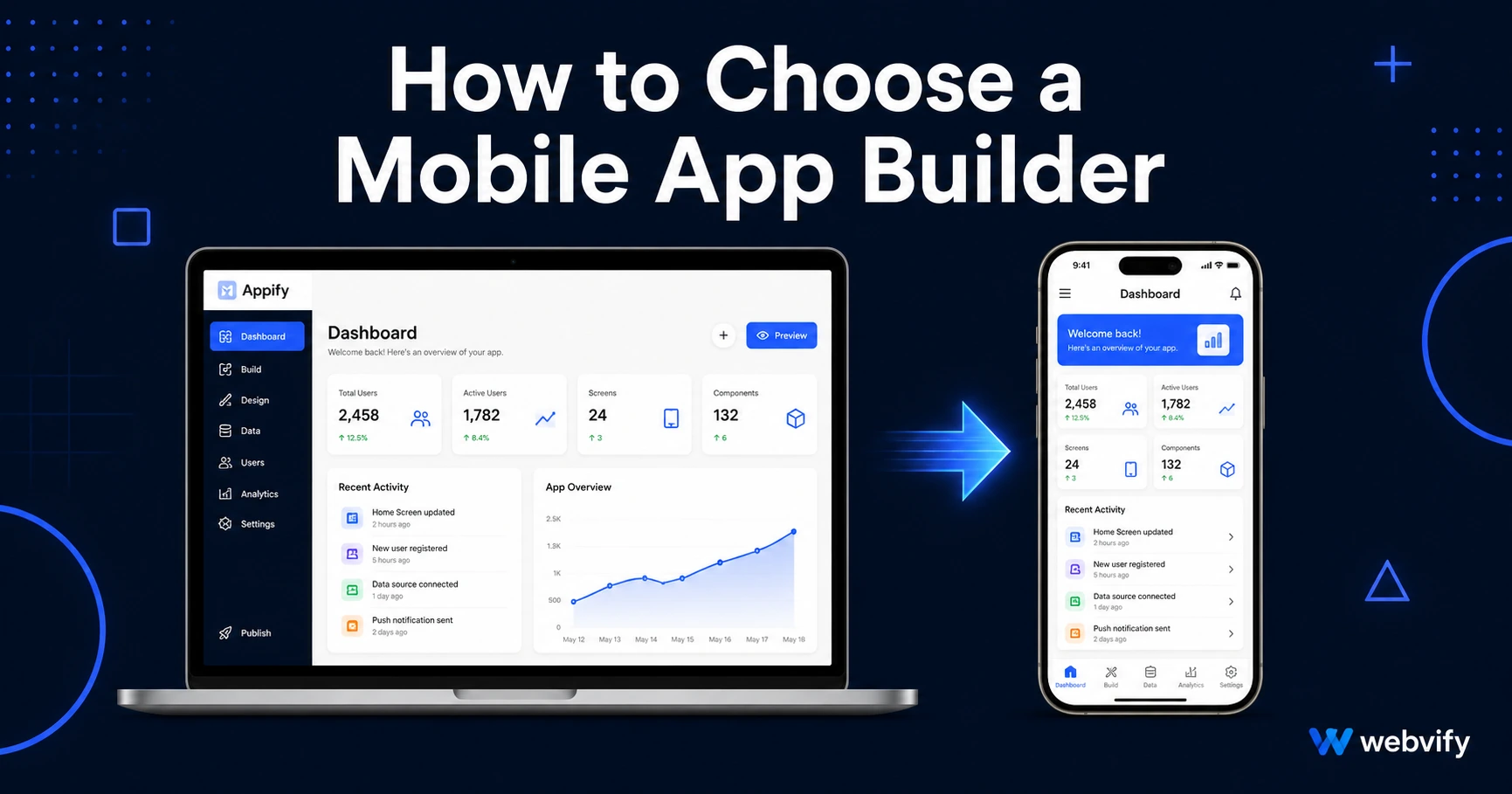
Not sure how to choose a mobile app builder in 2026? Here's a practical framework that cuts through feature lists and finds the right tool for your existing website.
Inside this article
- How to Choose a Mobile App Builder in 2026: Start With One Question
- The Two Types of Mobile App Builders (And Why Most People Pick the Wrong One)
- How to Choose a Mobile App Builder: 4 Questions That Actually Filter the Field
- The Hidden Costs No Pricing Page Mentions
- What the Best Mobile App Builder in 2026 Looks Like for an SMB
- FAQ
How to Choose a Mobile App Builder in 2026: Start With One Question
There are over 50 mobile app builders on the market in 2026, and most of them advertise the same things — easy setup, no coding required, live on the App Store fast. The problem isn't finding a builder. It's knowing which one actually solves your problem.
Before you compare pricing pages or feature checklists, answer this question: Do you already have a website?
If the answer is yes, that single fact narrows the field dramatically — and changes the decision entirely.
The Two Types of Mobile App Builders (And Why Most People Pick the Wrong One)
When business owners search for how to choose a mobile app builder, they usually end up on listicles that mix together two completely different categories of tools.
Category 1: From-scratch app builders
Tools like Adalo, Glide, Bubble, and Thunkable let you build a mobile app from zero using drag-and-drop editors. You design screens, connect data sources, and assemble the logic yourself. These tools are powerful — but they're designed for people who don't have a website yet, or who need a custom database-driven app that doesn't correspond to any existing site.
The catch: everything you've already built on your website — your product pages, booking forms, content, checkout flows — has to be recreated from scratch inside the builder's proprietary system. You end up maintaining two separate platforms forever.
Category 2: Website-to-app converters
Tools in this category take your existing website and package it as a native mobile app — complete with push notifications, a custom app icon, and splash screens. The app opens your website in a native shell (called a WebView), which means your existing site is the app. No content duplication, no rebuilding.
For businesses that already run a working website, this is almost always the right category. You're not solving a "build an app from scratch" problem. You're solving a "get my website onto the App Store" problem.
If you're weighing the broader trade-off between no-code tools and custom development, this no-code app builder vs. custom development guide breaks down the real cost and timeline differences.
How to Choose a Mobile App Builder: 4 Questions That Actually Filter the Field
Once you know which category you belong to, use these four questions to narrow to a specific tool.
1. Who handles App Store submission?
This is the most overlooked factor. Apple's App Store review process isn't just uploading a file — it involves setting up an Apple Developer account ($99/year), configuring provisioning profiles, passing Apple's review guidelines, and handling rejection responses if something doesn't comply.
Many builders hand you a finished app file and leave submission entirely to you. Others handle the full end-to-end process. If you're not technical, the difference between "we build your app" and "we submit your app to the App Store" is enormous. Make sure you know exactly what's included before signing up.
2. Does the tool wrap your existing site or require rebuilding?
Ask the vendor directly: "Can I convert my current website as-is, or do I need to move my content into your platform?" If the answer involves any version of "just recreate your pages inside our editor," you're looking at a from-scratch builder — even if the marketing says otherwise.
3. What happens to your app if you cancel?
Some platforms publish your app under their own developer accounts. If you stop paying, the app is delisted. Others submit the app under your own Apple and Google developer accounts, so you own it outright regardless of your subscription status.
This distinction matters more than most pricing comparisons show. A service like Webvify submits under your own developer accounts, which means you keep full ownership of the app after launch — the app doesn't disappear if you change plans.
4. Can you manage the app yourself after it goes live?
Once your app is published, you'll need to update content, manage push notifications, and occasionally push new builds for OS updates. Some tools require the vendor to do every update. Others give you a self-service admin panel. If you want operational independence after launch, look for a tool that includes a management dashboard.
The Hidden Costs No Pricing Page Mentions
The monthly subscription is just the starting point. Here are the costs that catch business owners off guard:
App Store submission fees. Apple charges $99/year for a developer account and Google charges a one-time $25 fee. These are separate from whatever the builder charges. Confirm whether the builder handles account setup or leaves it to you.
Rejection handling. Apple rejects apps that don't comply with their review guidelines. If your builder doesn't handle rejections as part of the service, you're on your own — or paying a freelancer $300–$800 per resubmission.
Platform lock-in terms. If your app lives on the vendor's developer account, you may be locked into their pricing tiers permanently. Switching services could mean resubmitting as a new app and losing your App Store reviews and download history.
For a detailed breakdown of what no-code app builders actually cost when you add up all the layers, the no-code mobile app pricing comparison for 2026 covers this in full.
What the Best Mobile App Builder in 2026 Looks Like for an SMB
For a small or medium business that already has a website, the ideal mobile app builder in 2026 does three things: converts the existing site without requiring a rebuild, handles the full App Store and Google Play submission process end-to-end, and gives you a self-service admin panel to manage the app after launch.
That combination — wrap, submit, and manage — is what turns a useful but overwhelming process into something a non-technical business owner can actually complete and maintain.
Webvify is built specifically for this use case. It converts any website into a fully branded mobile app, handles App Store and Google Play submission under your own developer accounts, and includes an admin panel for push notifications and app management. If you already have a working website and want it in the App Store without hiring a developer, webvify.app is worth a look.
FAQ
How do I choose between a no-code app builder and a website-to-app converter?
If you already have a website you're happy with, use a website-to-app converter. It wraps your existing site as a native app — no content duplication, no rebuilding. No-code builders like Adalo or Glide are designed for building apps from scratch when no website exists yet, or when you need custom database logic that doesn't map to a site.
What is the cheapest way to get my website into the App Store in 2026?
A WebView-based website-to-app service is the most cost-effective path. You're not paying for custom development ($50,000–$300,000) or a developer's time ($3,000–$8,000 for a basic native build). The main costs are the monthly service fee, the Apple Developer account ($99/year), and the one-time Google Play fee ($25). Some services bundle submission into the package; others charge separately.
How long does it take to get a mobile app published with a no-code builder?
For website-to-app converters, the build itself takes days, not months. App Store review adds 24–48 hours for Apple and a few hours to a few days for Google Play. End-to-end, most businesses can go from sign-up to live app in one to two weeks — compared to six to twelve months for custom development.
Ready to stop comparing builders and just get your app live? Start with Webvify →