

No-Code App Builder vs Custom Development: Which Is Right for Your Business?
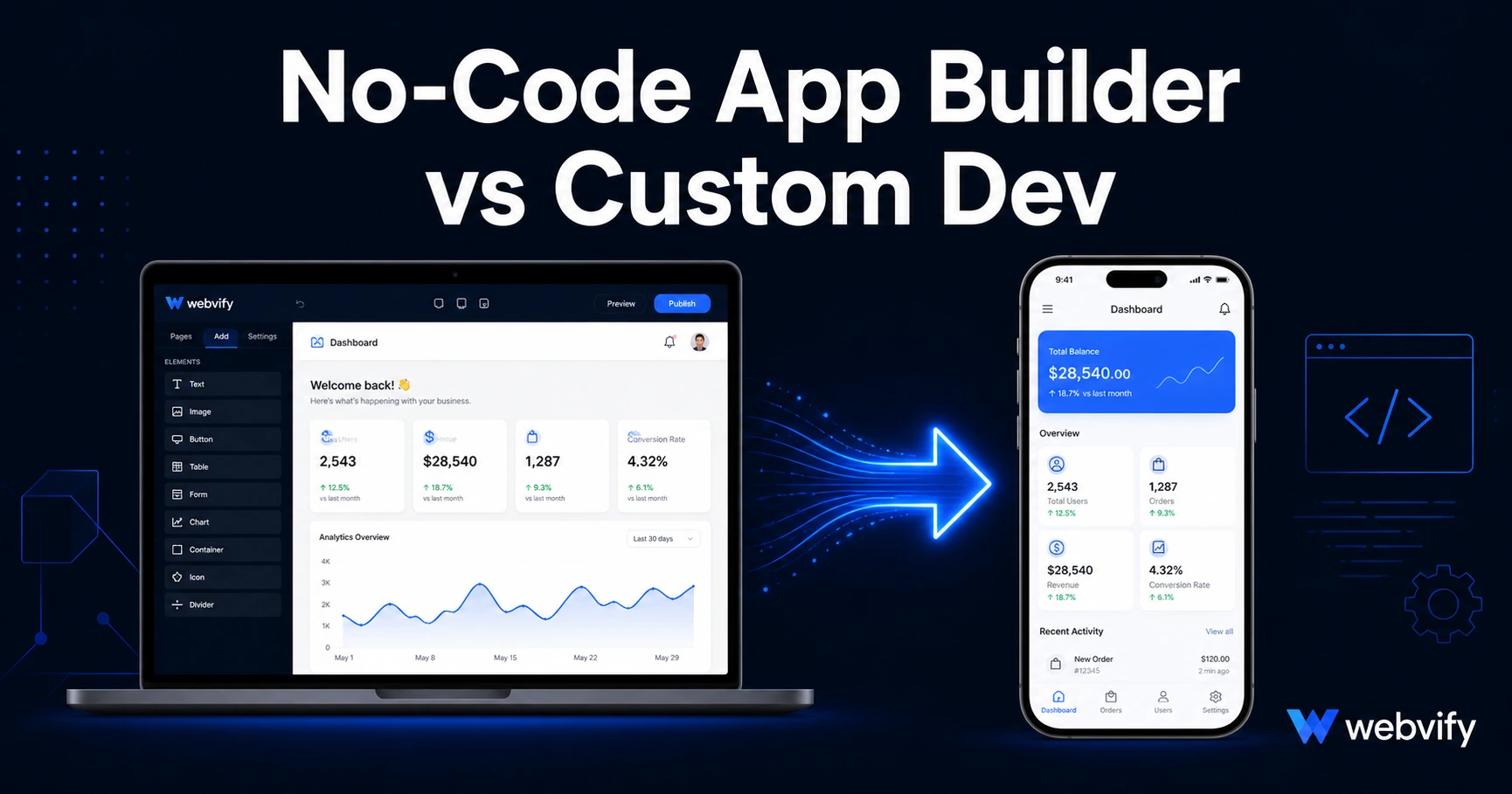
No-code app builder vs custom development: real costs, timelines, and which choice gets your business on the App Store faster. No fluff — just what actually matters.
Inside this article
Most businesses that ask about custom development end up not needing it. The question isn't which approach is better in theory — it's which one gets your business to the App Store at a cost and speed that make sense.
Here's a clear breakdown so you can stop guessing.
What "Custom Development" Actually Means
Custom mobile app development means a developer (or a team) writes your app from scratch using native code — Swift for iOS, Kotlin or Java for Android. The app is purpose-built for your exact requirements with no dependency on a third-party platform.
It's the right answer when you're building something that can't exist as a wrapped website — a real-time multiplayer game, a sensor-driven hardware app, a complex native AR experience. For most small and medium businesses, none of those apply.
Custom development typically costs between $30,000 and $150,000 for a first version, depending on complexity and the developer's location. Timelines range from 4 to 12 months for an initial release. After launch, you're paying a developer ongoing to fix bugs, handle iOS and Android OS updates, and add features — that's usually another $1,000–$3,000 per month at minimum.
What No-Code App Builders Actually Deliver
"No-code app builder" covers a wide range of products, so it helps to separate them:
Drag-and-drop builders (Adalo, Glide, Appy Pie) — these let you build an app from scratch without writing code. They're flexible but require you to rebuild all your existing content inside their system. If you already have a working website, this is starting over for no reason.
WebView wrappers (Webvify, Natively, MobiLoud) — these convert your existing website into a fully packaged mobile app. Your website becomes the app. You keep your existing content, CMS, and checkout flows. The wrapper adds App Store packaging, push notifications, splash screens, and a branded native shell.
For most businesses with an existing website, a WebView wrapper is the right starting point. You're not rebuilding — you're packaging what already works and adding the distribution channel (App Store + Google Play) and push notification capability you don't have today.
The Real Cost Comparison
Custom development total cost for year one often lands between $50,000 and $200,000 when you include design, development, testing, and App Store submission. That number climbs with every feature change or OS update thereafter.
No-code app builders typically cost a few hundred to a few thousand dollars to get started. If you're curious about a detailed breakdown by platform, this 2026 pricing comparison covers the major no-code tools and what each actually charges.
The more important cost most businesses forget: opportunity cost. A 12-month custom development timeline means 12 months without an app. If your competitors are already on the App Store and you're not, you're not in the game.
Speed to Market: The Overlooked Advantage
Custom development: first release in 4–12 months, assuming requirements don't change (they always do).
WebView wrapper: days to weeks, depending on the service. Your existing website is the app. The main time variable is App Store review — Apple typically takes 24–48 hours, Google Play 1–3 days for a first-time submission.
Services like Webvify handle the entire submission process end-to-end — building the wrapper, configuring the App Store listing, submitting under your own Apple and Google developer accounts, and setting up an admin panel so you can manage push notifications yourself after launch. You don't need to learn Xcode or navigate the App Store Connect portal.
Speed matters when you're a small business. You can ship an app, see how your customers respond, and make decisions with real data — rather than spending a year building something based on assumptions.
When Custom Development Is Actually the Right Call
This article isn't anti-custom development. It's the right choice in specific situations:
- Your core product is the app itself (your revenue model depends on native-only features like Bluetooth, AR, or real-time location tracking)
- You're building for enterprise customers with strict security requirements that a WebView wrapper can't meet
- You have technical complexity that simply can't run in a browser — complex offline sync, intensive local computation, proprietary device integrations
For most small businesses — a Shopify store, a service business with bookings, a restaurant, a salon, a coaching practice — the website already does the work. Packaging it into a mobile app gives you push notifications, App Store presence, and home screen real estate. That's the actual outcome most businesses need.
What Happens After Launch
One advantage of no-code app services that's easy to overlook: ongoing management.
With custom development, any change to the app requires a developer. A button moved, a new screen added, an iOS update that breaks a feature — each one is a development ticket and a cost.
With a WebView wrapper, your app reflects your website automatically. Update your website, the app updates. Push notifications are typically managed through a dashboard — no developer needed. If your website runs, your app runs.
For SMB owners who don't have an in-house developer, this is a significant operational advantage. It's the difference between owning an app and maintaining one.
If you want to understand the full spectrum of what mobile app development costs at different tiers, this 2026 breakdown covers custom, hybrid, and no-code options side by side.
FAQ
Is a no-code app "real" enough to be accepted by the App Store?
Yes. Apple and Google review and approve WebView apps every day. The requirement is that the app provides a functional, useful experience — not that it uses native code. Apple's Guideline 4.2 is the relevant rule, and WebView apps that meet minimum functionality requirements pass regularly. The rejection triggers are specific technical and content issues, not the WebView approach itself.
How long does it take to get a no-code app live on the App Store?
With a WebView wrapper, the build itself takes days. Apple's review process typically takes 24–48 hours for an initial submission. Google Play is usually 1–3 business days. End-to-end, most businesses can go from start to live app in under two weeks — compared to 4–12 months for custom development.
Can I switch to custom development later if I start with a no-code app?
Yes. Many businesses launch with a WebView app to validate demand and get on the App Store quickly, then invest in custom development for specific features once they have real user data. The two approaches don't conflict. Starting no-code doesn't lock you in — it gets you to market while you figure out what your users actually need.
A no-code app builder isn't a shortcut or a compromise — it's the right tool for businesses that already have a working website and want to be on the App Store with push notifications. Custom development is a large, long-term investment that makes sense for a specific type of product. Most businesses aren't building that product.
If you already have a website and want your app live without hiring a developer, Webvify handles the full process — from wrapping your site to submitting it to the App Store and Google Play under your own accounts.