

Webvify vs. Appy Pie: Which App Builder Is Right for You?
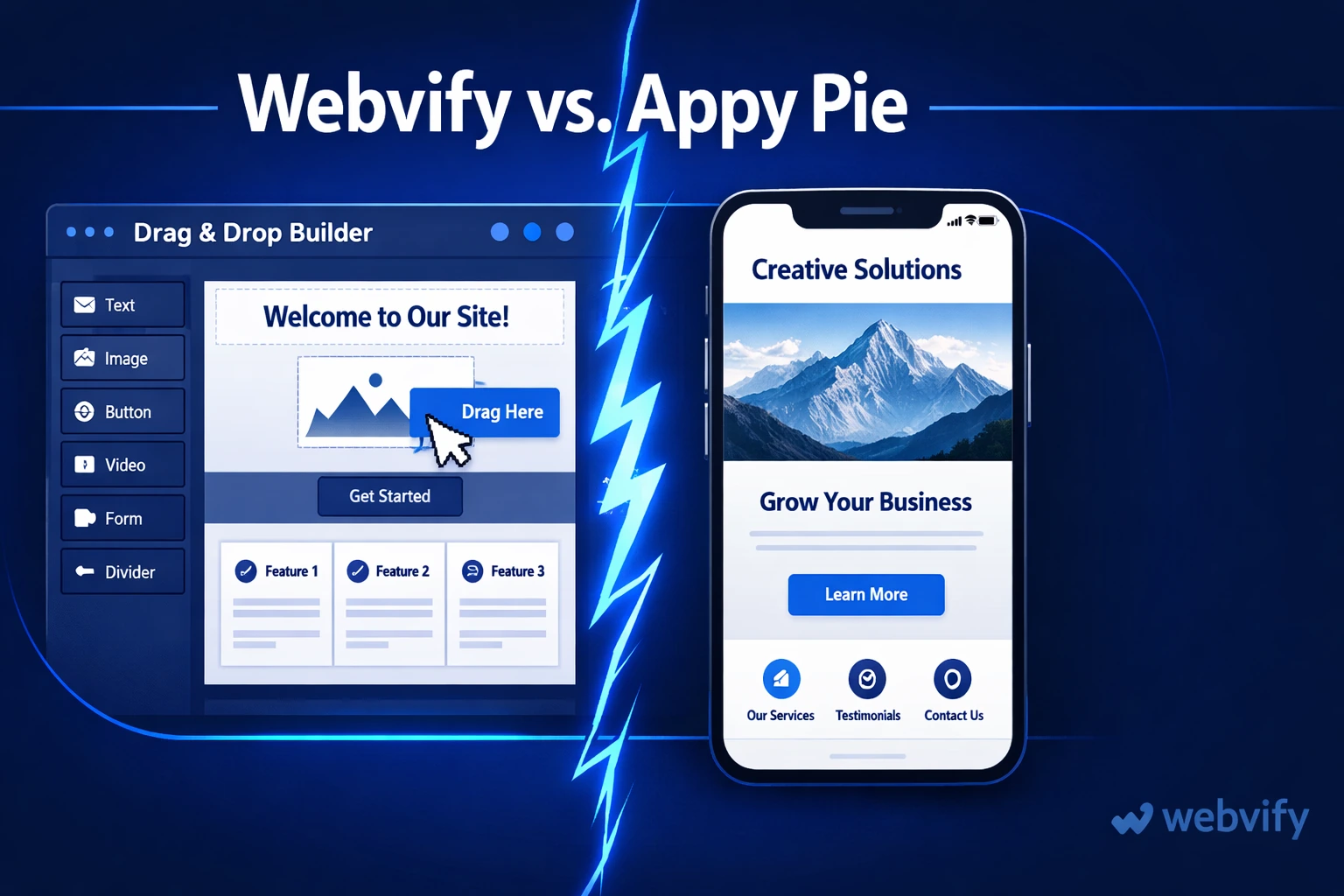
Comparing Webvify and Appy Pie for small business owners with an existing website. Here's what each does, what it costs, and which saves more time.
Inside this article
You already have a website. Every product, service, and piece of content is already there. But when you search for a mobile app builder, Appy Pie keeps appearing — and Appy Pie wants you to start from scratch.
That's the catch most business owners miss until they've already invested hours inside the platform.
What Appy Pie Actually Is
Appy Pie is a drag-and-drop app builder that lets you create a mobile app by selecting templates and adding your content manually — screen by screen, widget by widget. It has been around since 2013 and markets itself as a no-code tool for anyone who wants to build an app without coding.
The key word is "build." With Appy Pie, you are building an app from the ground up inside their editor. You are not converting anything you already have.
That distinction matters if you already run a website.
The Problem With Appy Pie for Existing Website Owners
If you have a working website — a Shopify store, a WordPress blog, a restaurant site — Appy Pie does not import it. There is no "connect your URL" option that pulls in your menu, products, or content. You re-enter all of it by hand inside Appy Pie's editor.
For a business with dozens of products, a changing menu, or regularly updated content, this creates a second maintenance job. Every time something changes on your website, you have to manually update it inside Appy Pie too. Two systems, double the work.
There is also the matter of App Store submission. Appy Pie's lower tiers include submission assistance, but the process is fragmented — your app often goes through Appy Pie's developer accounts rather than your own, which can create issues with ownership, brand identity, and future updates.
Services like Webvify handle submission differently — you submit under your own Apple and Google developer accounts, so you own the app fully from day one.
How Webvify Works Instead
Webvify takes a different approach: instead of asking you to rebuild your content, it wraps your existing website into a native mobile app using a technology called a WebView. Your site becomes the app. The URL loads inside a full-screen, native shell that gets published to the App Store and Google Play.
This means:
- Your menu, products, and blog are already in the app — no re-entry needed
- When you update your website, the app updates automatically
- You manage one system instead of two
Webvify also handles the entire submission process end-to-end — from setting up developer accounts to clearing Apple's review process and publishing to Google Play. For business owners with no mobile development background, that is the difference between a working app and a rejected one sitting in review.
If you have already gone through a platform migration like turning a WordPress site into an app, you will recognize how much time the submission step actually takes compared to the build itself.
Webvify vs. Appy Pie: The Key Differences
The main differences come down to three things.
Existing website support. Appy Pie requires a full rebuild inside their platform. Webvify converts your existing site into an app without any content re-entry.
App Store submission. Appy Pie's lower plans submit through shared or managed accounts. Webvify submits under your own developer accounts — you own the app, the listing, and the reviews from the start.
Content maintenance. With Appy Pie, you maintain two systems. With Webvify, you maintain one — update your website, and the app reflects it automatically.
Pricing model. Appy Pie's pricing starts low but scales quickly once you add real features: push notifications, custom domains, and removal of Appy Pie's branding all require higher tiers. Webvify operates on a flat done-for-you model that includes building, submitting, and an admin panel for ongoing management.
For a closer look at how Webvify compares to other app builders that take a done-for-you approach, the Webvify vs. MobiLoud comparison breaks down what "done-for-you" actually means in practice.
Which One Is Right for You?
Choose Appy Pie if:
- You want to build a standalone app that does not need to mirror an existing website
- You are building something simple — a basic info app, a portfolio, or an event guide
- You have time to rebuild and maintain content in a second system
Choose Webvify if:
- You already have a website and want it in the app stores without starting over
- You want App Store submission handled for you, under your own account
- You need one system to manage — not a website and a separate app backend
Most small business owners fall into the second category. They already have a website that works. They want mobile app distribution, push notifications, and an App Store presence — not a second platform to maintain.
FAQ
Can Appy Pie convert my existing website into an app?
No. Appy Pie is a drag-and-drop builder — it creates apps from scratch using templates and manually entered content. It does not import or connect to your existing website. If you have a live site and want it in the App Store, you would need to re-enter all your content inside Appy Pie's editor and keep both systems updated separately.
Is Webvify better than Appy Pie for small businesses with existing websites?
For businesses that already have a working website, yes. Webvify wraps your existing site into a native app without requiring any content re-entry. It also handles App Store and Google Play submission end-to-end under your own developer accounts, which Appy Pie's lower tiers do not. If you are building a standalone app from scratch with no existing website, Appy Pie gives you more template flexibility — but for most small business owners who already have a site, rebuilding it inside another platform adds unnecessary time and cost.
What is a WebView app, and is it a real app?
A WebView app uses your website as the app's content layer, displayed inside a native shell that runs on iOS and Android. It gets published to the App Store and Google Play like any other app, appears on users' home screens, and supports push notifications. For businesses whose website is already well-designed for mobile, a WebView app delivers the app store presence and push notification capability they need — without rebuilding the site from scratch.
Ready to get your website into the App Store without rebuilding everything from scratch? Webvify handles the full process — building, submitting, and setting up your admin panel — so you can focus on running your business.