

Webvify vs AppPresser: Which Is Right for Your WordPress Site?
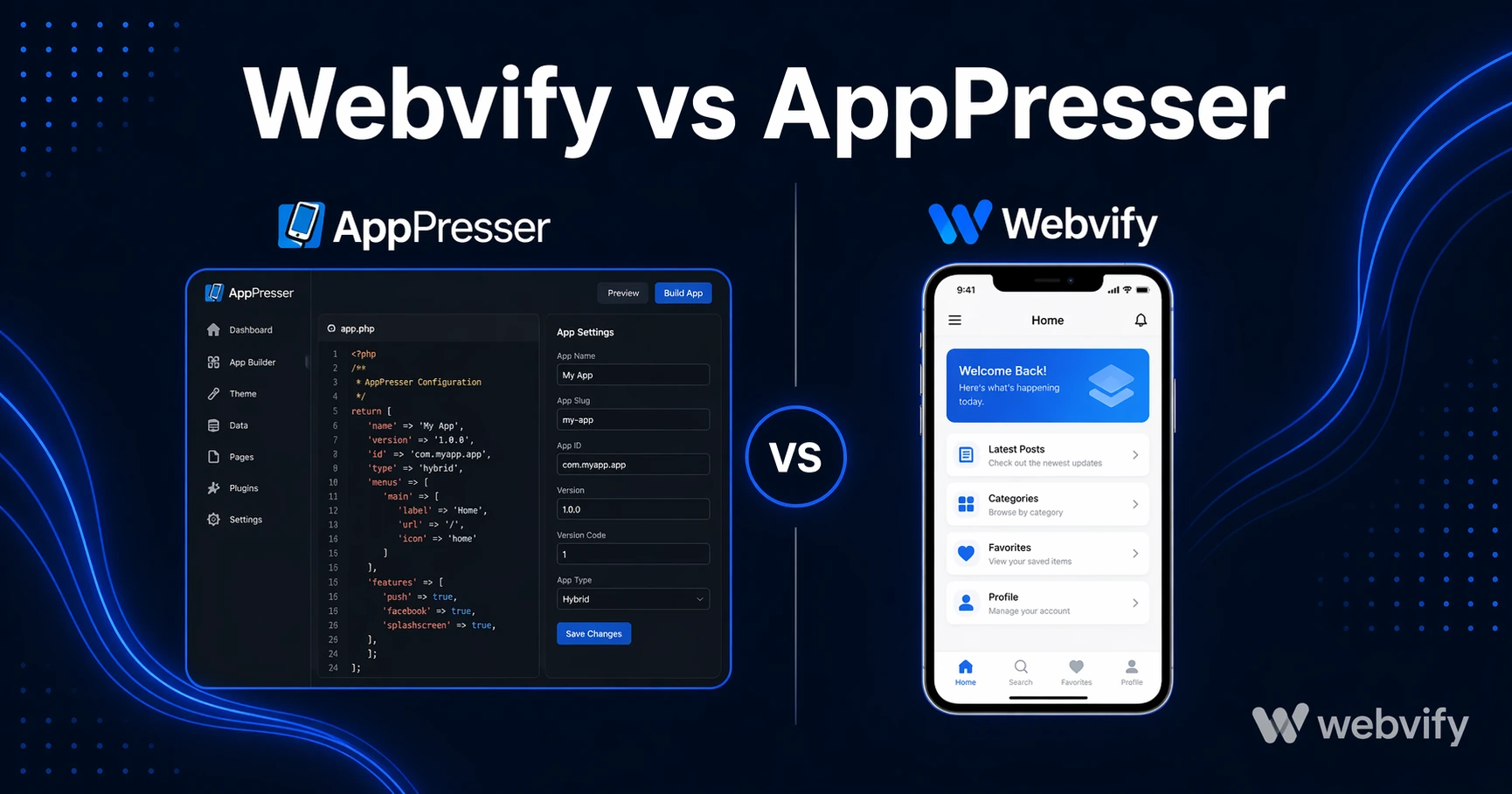
Comparing Webvify and AppPresser for WordPress mobile apps. See the real differences in setup, cost, and App Store submission — and which fits your business.
Inside this article
Webvify vs AppPresser: Which Is Right for Your WordPress Site?
AppPresser can turn your WordPress site into a mobile app. But getting there requires a React Native developer, a local build environment, and then figuring out App Store submission on your own. That's not a product for small business owners — it's a toolkit for agencies with engineers on staff.
This comparison breaks down exactly what each service does, where they differ, and which one makes sense depending on your situation.
What AppPresser Actually Does
AppPresser is a WordPress plugin that converts WordPress content into a mobile app using React Native. It hooks into your existing WordPress site — posts, pages, WooCommerce products, BuddyPress communities — and renders them in a native mobile interface.
That architecture gives you genuine native UI components, which is the main technical advantage AppPresser offers over WebView-based solutions. The trade-off is significant: to actually use AppPresser, you need to:
- Install and configure the plugin and AppPresser's extensions (WooCommerce extension, push notification extension, etc.)
- Set up a React Native development environment on your machine — Node.js, Watchman, Xcode (Mac only), and Android Studio
- Build the app binary locally or through AppPresser's cloud build service
- Create and configure your Apple Developer and Google Play accounts
- Submit the app for review and manage any rejections from Apple or Google
AppPresser provides the framework and documentation. The work of building, submitting, and maintaining the app still sits with you or a developer you hire.
What Webvify Does
Webvify converts any website — including WordPress — into a fully branded mobile app and handles the complete end-to-end process so you don't need a developer.
Webvify uses a WebView approach: your existing website loads inside a native app shell, giving users a native-feeling experience with push notifications, home screen presence, and App Store credibility. Webvify builds the app, submits it to the App Store and Google Play under your own developer accounts, manages any review issues, and gives you an admin panel for post-launch management.
If you're running a WordPress site and want to understand what the conversion process looks like specifically, this WordPress mobile app guide covers the full process →.
Where Webvify vs AppPresser Diverge
Setup and technical requirements
AppPresser is built for developers. Setting up the React Native build environment alone can take hours even for an experienced engineer — and it assumes a Mac for iOS development. Most WordPress site owners and WordPress developers don't have React Native experience. Hiring a freelancer to build and submit an AppPresser app typically runs $1,500–$5,000 depending on complexity.
Webvify requires nothing from you technically. You provide your website URL, and Webvify handles the rest.
App Store submission
This is the highest-friction step in any mobile app launch, and it's where the two products diverge most sharply.
AppPresser produces an app binary. Submitting that binary to the App Store requires setting up App Store Connect, navigating Apple's review guidelines (especially Guideline 4.2 on minimum functionality for WebView and hybrid apps), and responding to rejection notices. AppPresser doesn't do any of this. Their documentation points to Apple's own resources, but the submission responsibility is yours.
Webvify handles the full App Store and Google Play submission. If Apple rejects the app, Webvify manages the resubmission. You're not on the hook for learning Apple's developer portal.
Ongoing maintenance
An AppPresser-built app requires ongoing attention: WordPress plugin updates, React Native version compatibility as iOS and Android release new OS versions, and developer intervention whenever something breaks or a new extension needs configuration. You're maintaining a separate mobile development stack in addition to your WordPress site.
Webvify is a managed service. Post-launch maintenance, compatibility updates, and changes go through Webvify. There's no mobile development environment to keep running.
Content architecture and plugin compatibility
AppPresser rebuilds your content in a React Native interface. This means custom post types, page builders (Elementor, Divi, Beaver Builder), and non-standard plugin outputs need specific configuration or AppPresser extensions to display correctly in the app. If your site depends heavily on custom layouts, expect additional setup work.
Webvify wraps your existing website through WebView, so what works in a mobile browser works in the app — no content rebuilding, no plugin compatibility matrix to work through. This matters most for WordPress sites with membership areas, custom login flows, or complex plugin stacks.
For WordPress membership sites specifically, the key consideration isn't the plugin architecture — it's Apple's in-app purchase rules for digital subscriptions, which apply regardless of which tool you use. This guide covers the membership site nuances in detail →.
When AppPresser Is the Right Choice
AppPresser suits digital agencies building custom WordPress apps for enterprise clients who have ongoing technical resources in-house. If you have a React Native developer, want granular control over the native UI, and plan to maintain the app actively, AppPresser gives you the flexibility to do that.
It's not designed for a restaurant owner, a salon, or a coaching business that wants an app live next week without becoming a mobile developer.
When Webvify Is the Right Choice
Webvify is built for business owners who already have a working website and want a mobile app published on the App Store and Google Play — without adding a mobile development operation to their workflow.
If your goals are speed to market, your own developer accounts (not a shared platform), and a done-for-you process that includes App Store submission and an admin panel for ongoing management, Webvify is the more practical path.
Services like Webvify remove the technical barrier entirely — you end up with a live app on both stores without learning Xcode or managing React Native version conflicts.
FAQ
Can AppPresser submit my app to the App Store for me?
No. AppPresser generates the app binary, but App Store submission is the developer's responsibility. You need to set up an Apple Developer account ($99/year), configure App Store Connect, and manage the review process. If you don't have a developer, this step typically blocks the launch entirely. Webvify handles end-to-end submission as part of its service.
Does Webvify work with all WordPress sites?
Yes. Webvify converts any site with a live URL, including WordPress, WooCommerce, and WordPress membership sites. The WebView approach means your existing site content, plugins, and features are preserved without rebuilding them. The main pre-launch check is ensuring your site loads correctly in a mobile browser — if it does, it will work in the Webvify app.
What does an AppPresser-built app realistically cost?
AppPresser's plugin license starts around $129/year. That price covers the plugin only. To build and submit the app, you need a React Native developer — typically $50–$150/hour for freelancers, and setup plus submission runs 20–50 hours for a first launch. Ongoing maintenance adds additional cost each time iOS or Android releases a breaking update. Webvify's pricing covers the full end-to-end process, making the total cost more predictable for businesses without in-house mobile development.
Ready to Get Your WordPress Site on the App Store?
If you want your site on iOS and Android without hiring a React Native developer or navigating App Store Connect, Webvify handles the full process — build, submission, and post-launch management under your own developer accounts.