

WebView App vs. Native App: Which One Does Your Business Actually Need?
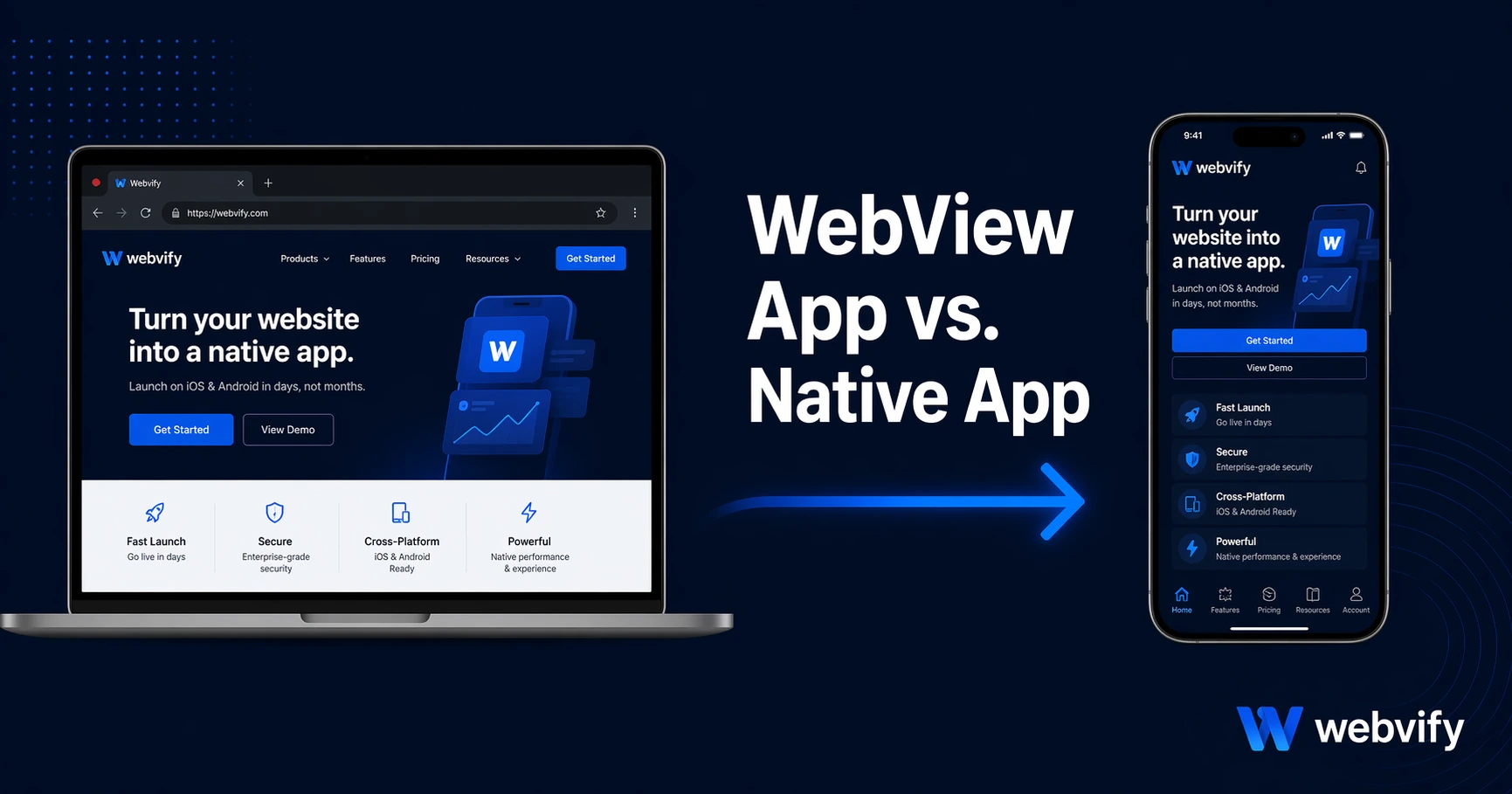
Native apps cost $50K–$300K and take months. WebView apps cost a fraction of that. Here's what actually separates them — and when WebView is enough.
Inside this article
Native app development quotes start at $50,000. For most small business owners, that number ends the conversation before it starts. But there's another option that most people overlook — and it already powers apps used by millions of people every day.
What Is a WebView App vs. a Native App?
A native app is built from scratch specifically for iOS or Android using platform-specific code — Swift for Apple, Kotlin for Android. Every button, screen, and interaction is hand-crafted for that platform. This delivers the smoothest possible experience, but it requires a development team, months of work, and ongoing maintenance for two separate codebases.
A WebView app takes your existing website and wraps it inside a native app shell. The app launches like any other app from the App Store or Google Play, but the content inside is your website rendered in a full-screen browser view. From the user's perspective, it looks and feels like a real app. From your perspective, you only maintain one codebase: your website.
Neither is "fake." Both appear on the App Store. Both send push notifications. Both have icons on the home screen. The difference is in how they're built — and how much it costs to build them.
The Real Difference: Where the Cost Goes
The $50K–$300K price tag on native app development doesn't come from complexity — it comes from building the same thing twice. One team writes your app for iOS. Another writes it for Android. They work from separate codebases, with separate UI frameworks, separate testing cycles, and separate App Store submissions.
Then there's maintenance. Every time you update a product, change a price, or redesign a page, both apps need to be updated separately. Bugs on one platform don't always appear on the other. Release schedules diverge. It compounds fast.
A WebView app eliminates all of that. Your website is the source of truth. Update it once, and both the iOS and Android apps reflect the change immediately — no app update required. For businesses that already have a well-functioning website, this is the most practical path to a mobile app.
If you're weighing the full cost breakdown, this guide covers what mobile app development really costs in 2026 across all the options.
When Does a Native App Actually Make Sense?
Native development is the right call in specific scenarios — and if you're in one of them, no WebView wrapper will change that.
Complex offline functionality. If your app needs to work without an internet connection — processing payments, syncing data, or storing large amounts of local content — native code gives you deep access to device storage and background processes that WebView can't replicate.
High-performance graphics or AR. Games, augmented reality, and real-time data visualization that pushes device hardware to its limits need native rendering. A WebView layer adds enough overhead to make this impractical.
Deep hardware integration. Apps that use Bluetooth sensors, NFC readers, or proprietary device hardware in specialized ways often need native APIs that aren't available through a browser layer.
For most small and medium businesses — restaurants, salons, e-commerce stores, coaching practices, service providers — none of these apply. Their core need is a branded app presence, push notifications, and an easy way for customers to engage. WebView handles all of that.
When a WebView App Is the Right Call
The honest answer: for most businesses with an existing website, a WebView app delivers 90% of the native experience at 5–10% of the cost.
Here's what you get that actually matters to your customers:
App Store and Google Play presence. Your app has an icon, screenshots, a listing, and reviews — the same trust signals as any other app. Customers can find it by searching the store.
Push notifications. This is often the single most valuable feature a business gets from having an app. Push notifications outperform email open rates by 4–7x and bring customers back between purchases or appointments without relying on social media algorithms.
Home screen presence. Your brand lives on your customer's phone. That visibility compounds over time — they see your icon every time they unlock their phone, even when they're not using the app.
Single codebase. Your website already has your products, pricing, content, and checkout. A WebView app uses all of that without rebuilding anything.
If you're already running a website on WordPress, Shopify, Wix, or any other platform, turning your existing site into a mobile app doesn't require starting over.
What You Can — and Can't — Do With a WebView App
Being clear about limits matters. A well-built WebView app handles:
- Online purchases and checkout (using your existing payment system)
- User accounts and login (using your existing auth)
- Content updates, menus, product catalogs, and blog posts — instantly reflected without an app update
- Push notifications via Firebase or similar services
- Location-aware features if your website already supports them
- Offline pages and splash screens for branding continuity
What it doesn't handle as smoothly:
- Full offline functionality without a network connection
- Accessing device features like Bluetooth or NFC beyond what browsers support
- Animations that require GPU-level rendering
For the vast majority of small business use cases — ordering, booking, browsing, loyalty programs — none of those limitations come into play.
FAQ
Is a WebView app a "real" app?
Yes. WebView apps are published on the App Store and Google Play through a standard review process. They have icons, push notifications, and store listings. Apple and Google review and approve them the same way they do native apps. The distinction is technical, not in how users experience it.
How much does a WebView app cost compared to a native app?
Native app development typically runs $50,000–$300,000 for a production-quality app across both platforms. WebView app services, including App Store submission and an admin panel, typically cost a small fraction of that — often under $1,000 upfront with no ongoing per-month fees. The full cost comparison guide breaks this down in detail.
Will Apple or Google reject a WebView app?
They can — but the reason is almost always a compliance issue, not the WebView approach itself. Apple's Guideline 4.2 requires apps to have meaningful functionality beyond a plain website. A well-configured WebView app with push notifications, a branded experience, and proper compliance passes review regularly. The key is knowing the rules before you submit.
Most businesses don't need a $100,000 custom app. They need push notifications, a home screen icon, and an App Store listing — and they need it without a six-month development timeline. That's exactly what a WebView app delivers.
Webvify converts your existing website into a fully branded mobile app and handles everything — build, App Store submission, and admin panel — so you don't need to hire a developer or navigate Apple's portal yourself.