

Shopify Loyalty App: How to Build Customer Retention Beyond Discounts
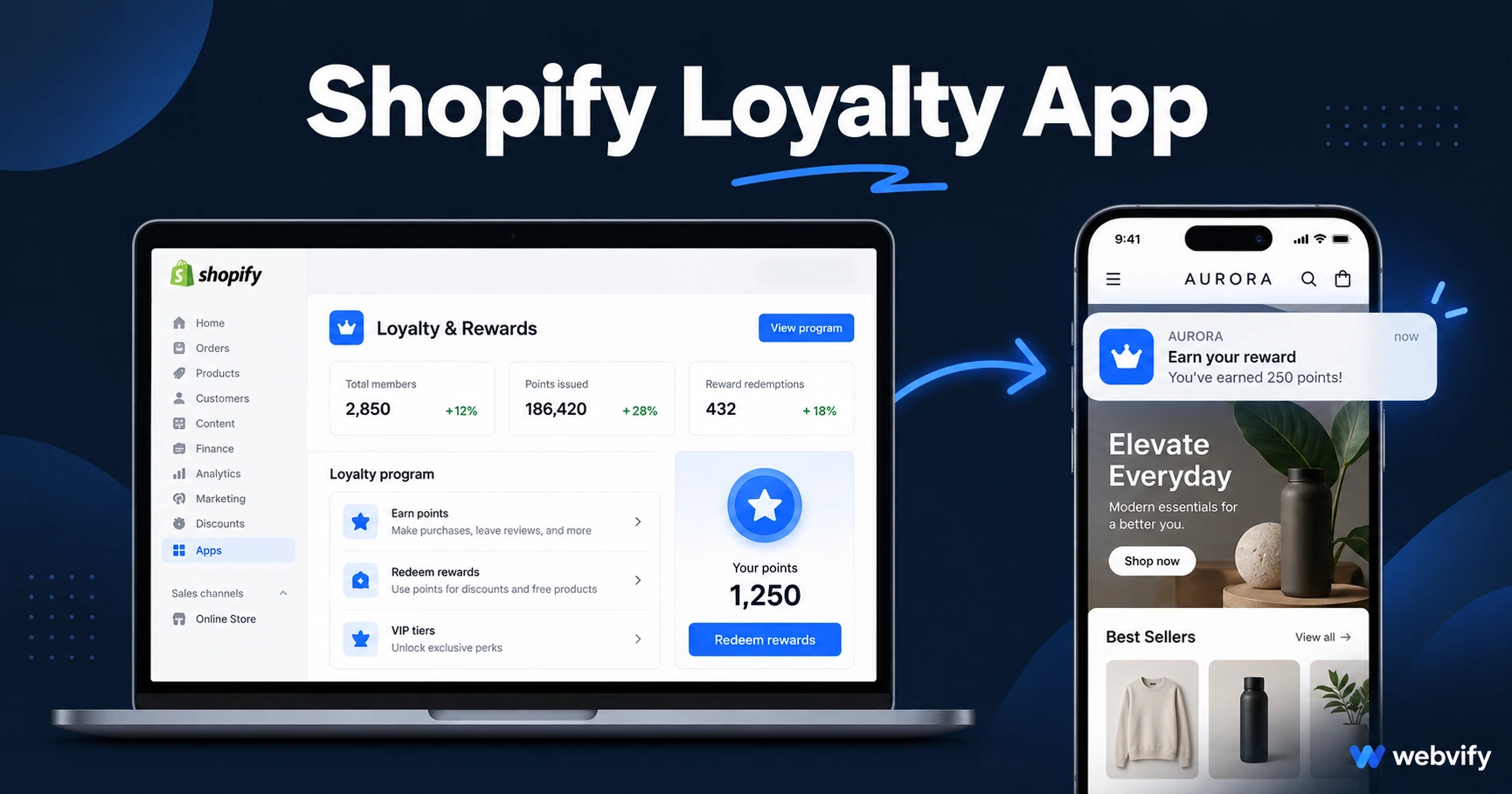
Discount-based Shopify loyalty programs cost you margin. Here's how a branded mobile app builds habit-based retention — and what to set up first.
Inside this article
- Why Shopify Loyalty Programs Stop Working After Year One
- What a Shopify Loyalty App Actually Does
- The Three Push Notification Sequences That Drive Shopify Repeat Purchases
- How to Get Your Shopify Store on the App Store and Google Play
- Choosing a Shopify Loyalty App Solution: What Actually Matters
- Frequently Asked Questions
Why Shopify Loyalty Programs Stop Working After Year One
Most Shopify stores add a points app, watch sign-ups tick up, then see repeat purchase rates flatline by month four. The problem isn't the loyalty program — it's the channel. Loyalty emails land in the Promotions tab. Push alerts from a branded app land on the lock screen.
The difference matters: email open rates for ecommerce loyalty campaigns average 20–30%. Push notification open rates for the same campaigns run 60–90%. That gap is why mobile apps have become the retention layer that discount-only programs miss.
What a Shopify Loyalty App Actually Does
A Shopify loyalty app isn't a new points system. It's a branded mobile app that wraps your existing Shopify store and puts it on your customers' home screens as a native iPhone and Android app.
When a customer installs your app:
- Your store icon sits on their home screen, not buried in a browser
- They accept push notifications at install time, giving you a direct channel
- Every campaign you run hits 3–4× more eyes than the equivalent email
The loyalty mechanics — points, rewards, VIP tiers — stay in your Shopify store exactly as they are. The app doesn't replace them. It makes them reach people.
If you're not yet sending push notifications to Shopify customers, this guide covers the full setup.
The Three Push Notification Sequences That Drive Shopify Repeat Purchases
1. The 45-Day Repeat Purchase Nudge
Most Shopify stores see their strongest repeat purchase window between Day 30–45 post-order. A single push on Day 40 — "Your last order is almost gone. Ready for another?" — consistently outperforms loyalty email at this stage because it reaches the customer at the moment of need rather than competing with 80 other unread emails.
2. The New Arrivals Alert (Same-Day)
When new products hit your Shopify store, email campaigns take 24–48 hours to draft and schedule. A push notification reaches your entire installed base in minutes. For fashion, homeware, and seasonal stores, first-mover advantage with your existing customers is worth more than any discount.
3. The VIP-Only Early Access Push
Segment your top 20% of customers and send push notifications 48 hours before a sale or launch opens to the public. This doesn't cost margin — it rewards purchase frequency with access, not discounts. Customers who feel like insiders repurchase at 2–3× the rate of discount-triggered buyers.
For general small business loyalty structures beyond Shopify, this overview of loyalty card apps covers the broader framework.
How to Get Your Shopify Store on the App Store and Google Play
Getting a Shopify store onto the App Store isn't complicated, but it does require a few things most loyalty plugin guides skip.
An Apple Developer account ($99/year) and a Google Play account ($25 one-time). Both must be registered under your business name for the app to appear credibly in search.
A WebView app wrapper, not a custom-built native app. The fastest and most cost-effective route for Shopify stores is converting your existing store URL into a mobile app using a WebView wrapper service. Your Shopify theme, product catalog, and checkout flow all work as-is. No rebuild required.
App Store compliance for in-app purchases. If you sell digital products or subscriptions through Shopify, Apple's Guideline 3.1.1 requires purchase flows to route through Apple's in-app purchase system — or to an external browser. Physical products have no such restriction. This is the most common rejection point for Shopify apps.
Services like Webvify handle this end-to-end: they build the WebView app, manage App Store and Google Play submission under your developer accounts, and set up the push notification infrastructure. You keep full ownership of the app listing.
Choosing a Shopify Loyalty App Solution: What Actually Matters
When evaluating options, filter on three things.
Does it wrap your existing Shopify store, or make you rebuild? Rebuilding products, collections, and checkout in a new platform creates a second system to maintain and breaks the loyalty data you've already built in Shopify.
Who handles App Store submission? Many tools give you an app file and tell you to submit it yourself. Apple's submission process involves compliance sections, developer account setup, and binary uploads that take a non-technical store owner 2–4 weeks the first time. A done-for-you submission service removes that bottleneck entirely.
Do push notifications work for Shopify checkout flows? Some WebView implementations break at the cart or checkout stage on mobile. Before choosing a service, confirm it handles Shopify's JavaScript-heavy checkout process correctly, including saved cards and third-party payment apps.
Frequently Asked Questions
Does a Shopify loyalty app replace my existing points program?
No. A Shopify loyalty app wraps your existing store — your points program (Smile.io, LoyaltyLion, Yotpo, or any other) continues running inside the app exactly as it does on your website. The app adds the push notification channel and home screen presence on top of what's already working.
How much does it cost to get a Shopify store on the App Store?
Apple charges $99/year for a developer account. Google Play is $25 one-time. The service to build and submit the app varies: self-service tools start around $50–$100/month; done-for-you services charge a one-time fee of $1,500–$3,500 plus optional monthly support. Most Shopify stores recoup that cost within 60–90 days of push notification-driven repeat purchases.
Do customers have to reinstall the app if I update my Shopify store?
No. Because a WebView app loads your live Shopify store URL, any update you make — new products, changed prices, redesigned pages — appears in the app immediately without a new App Store submission or customer re-download.
Turn your Shopify store into a mobile app that builds habit-based retention. Get your store on the App Store and Google Play with Webvify →