

How to Turn Your Replit App Into a Mobile App
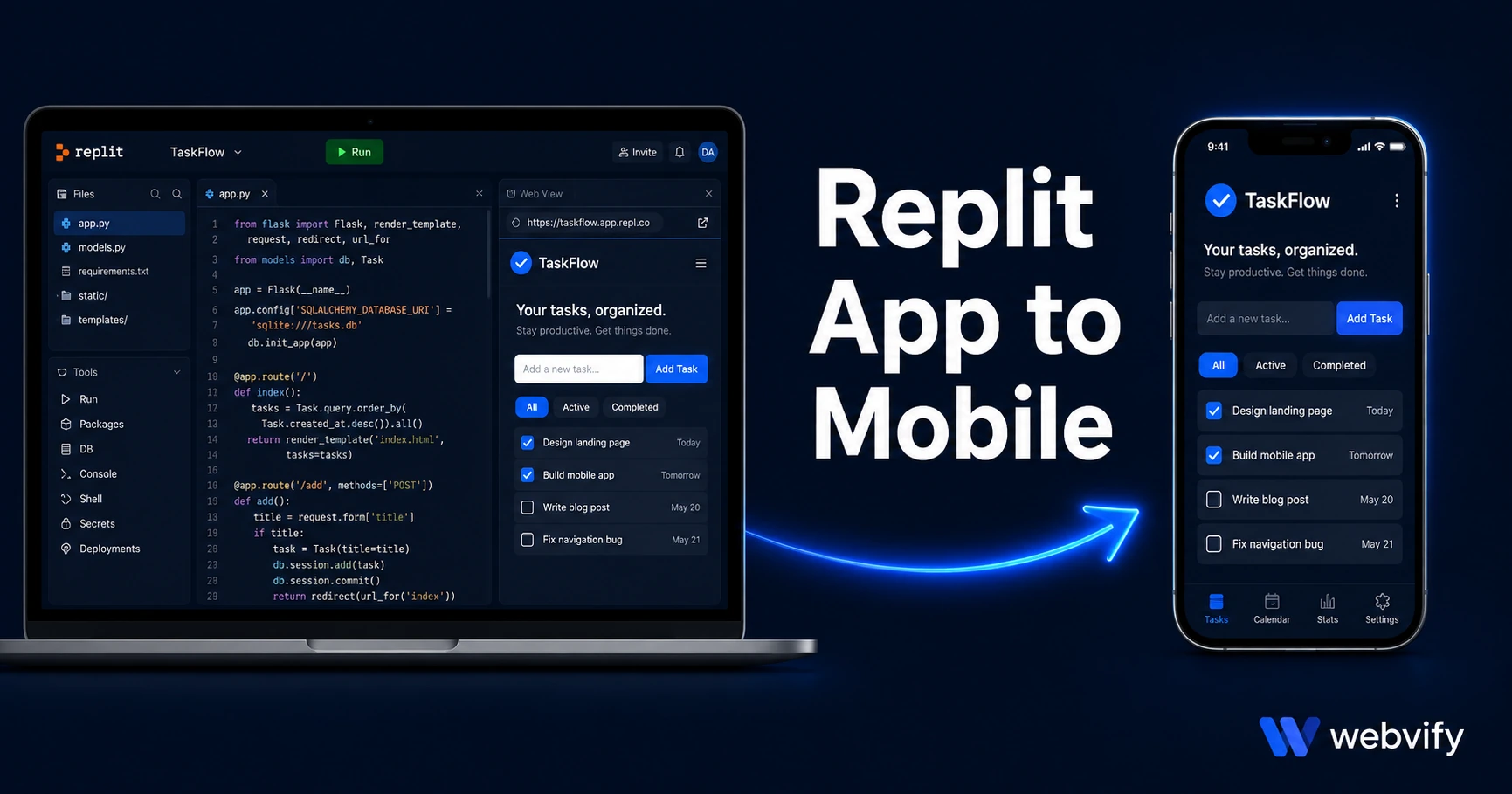
Built on Replit but can't get it on the App Store? Here's how to turn any Replit web app into a real mobile app — no developer needed. Done in days.
Inside this article
Replit lets you build and ship a working web app in hours. Getting that same app onto iPhone and Android home screens — the part that turns a project into a real product — is where most Replit builders hit an unexpected wall.
The wall isn't the code. It's the packaging.
The App Store and Google Play don't accept web apps or URLs. They accept native binaries: compiled .ipa files for iOS and .aab files for Android. Replit doesn't export either of those. So even if your app is fully functional and live on a public URL, you can't "submit" it to any store directly.
This guide shows you how to bridge that gap using a WebView wrapper — the same approach used by thousands of published apps — without writing a line of mobile code.
Why the App Store Won't Accept Your Replit URL
When Apple and Google review apps, they're reviewing compiled binary packages, not websites. A Replit app lives at a URL like yourapp.replit.app. The stores have no mechanism to accept or review a URL.
What they accept instead is a native app binary that opens your web app in a full-screen WebView — essentially a browser frame without the address bar, branded as your app, packaged and signed according to Apple and Google's requirements.
This is called a WebView app. It's a legitimate publishing method used by thousands of apps on both stores. The key is that it must meet Apple's technical and content requirements to pass review.
What Is a WebView Wrapper and How Does It Work
A WebView wrapper is a thin native shell that loads your Replit app URL inside a full-screen browser view on the device. From the user's perspective, it looks and behaves like a native app: it appears on the home screen, opens instantly, sends push notifications, and has its own App Store listing.
From a development perspective, your Replit app does not change. You continue deploying and iterating on Replit the same way you always have. When you push an update, it appears in the app automatically without a new App Store submission.
Services like Webvify handle the entire process — building the binary, signing it with your Apple and Google developer accounts, and submitting it to both stores on your behalf. No Xcode, no Android Studio, no mobile dev experience required.
Getting Your Replit App Ready: Three Requirements
Before submission, your app needs to meet three requirements that Apple and Google enforce consistently.
1. A custom domain
The App Store requires a publicly accessible custom domain — yourapp.com, not yourapp.replit.app. Apple's reviewers need to open the URL from a real device, and generic subdomain URLs are a rejection trigger under Guideline 4.2 (Minimum Functionality).
To set this up: buy a domain from any registrar (GoDaddy, Namecheap, Cloudflare), then connect it to your Replit Deployment. Replit's Deployments tab lets you add a custom domain with a simple DNS CNAME record. This takes about 15 minutes and costs $10–$15 per year.
2. Mobile responsiveness
Many Replit apps start from desktop-first templates. Open your app on a phone browser and check: does content overflow horizontally? Are buttons and inputs large enough to tap? Is the layout readable at 375px width?
If not, add a meta viewport tag to your HTML <head>:
<meta name="viewport" content="width=device-width, initial-scale=1.0">Then review your CSS for fixed pixel widths. Most Replit apps using Tailwind or modern CSS frameworks are already responsive — but verify before submitting.
3. The IAP rule for paid apps
If your Replit app charges users for access, digital goods, or subscriptions via Stripe or any external payment processor, Apple's Guideline 3.1.1 applies. You cannot process in-app payments for digital content using non-Apple payment methods on iOS.
The standard fix: disable the payment flow inside the WebView on iOS, or redirect users to a browser to complete the purchase. New users sign up on your website; existing users log in and use what they've already purchased. This is how Spotify, Netflix, and Udemy handle it on iOS.
If your Replit app only charges for physical goods or services rendered outside the app, this rule doesn't apply.
Replit-Specific Considerations
A few things are unique to Replit apps that are worth knowing before you start.
Deployment mode matters. Free Replit projects sleep after inactivity. When a WebView loads a sleeping Repl, users see a cold start delay of 5–15 seconds. App Store reviewers don't tolerate slow-loading apps — you'll likely receive a rejection citing Guideline 4.2. Use Replit's Always-On Deployment or a paid Autoscale deployment to keep the app warm.
Replit Auth compatibility. If your app uses Replit's built-in authentication, it works fine in a WebView wrapper. The OAuth flow opens in a system browser window, completes, and returns the user to the app. This is the correct pattern for App Store compliance: authentication flows through a browser, not captured inside the WebView.
HTTPS is already handled. Replit Deployments include HTTPS by default, and custom domains connected through Replit are also HTTPS. Both Apple and Google require HTTPS — no extra configuration needed.
If you're working with a different platform, the complete guide to publishing vibe-coded apps to the App Store covers the general submission process across all major AI-coding platforms. The Lovable to mobile app guide walks through the same approach for Lovable-built apps if that's what you're using.
How Long Does the Process Take?
For most Replit apps, the full timeline from "I want an app" to "it's live on the App Store" is 5–10 days.
The breakdown: 1–2 days to set up the custom domain and confirm mobile responsiveness, 1 day to build and sign the binary, and 3–7 days for Apple's review process. Google Play typically reviews new submissions in 1–3 days.
If you use a service like Webvify that handles building and submission for you, your involvement is limited to providing your developer account credentials and answering a few questions about your app.
Frequently Asked Questions
Can I publish a Replit app to the App Store without a developer account?
No — Apple requires a paid Apple Developer Program membership ($99/year) and Google requires a one-time $25 Google Play fee. Both accounts must be in your name or your company's name. The submission process is done under your accounts so you retain full ownership of the listing.
Does my Replit app need to be built with a specific framework to work as a mobile app?
No. A WebView wrapper loads any URL — it doesn't matter whether your app is built with React, Flask, vanilla HTML/CSS/JS, or any other stack. As long as the app is publicly accessible via HTTPS and mobile-responsive, it's compatible.
What happens to my app when I update the code on Replit?
Updates appear in the app instantly without any new App Store submission. That's one of the core advantages of the WebView approach — your deployment pipeline stays exactly the same. You push to Replit, and all users get the update immediately.
Your Replit app is already built. The App Store is the last step, and it doesn't require starting over.
Webvify handles the build, submission, and App Store compliance for you — so your app goes from Replit URL to App Store listing without touching Xcode.