

Vibe-Coded App to App Store: Publish to iOS & Android Fast
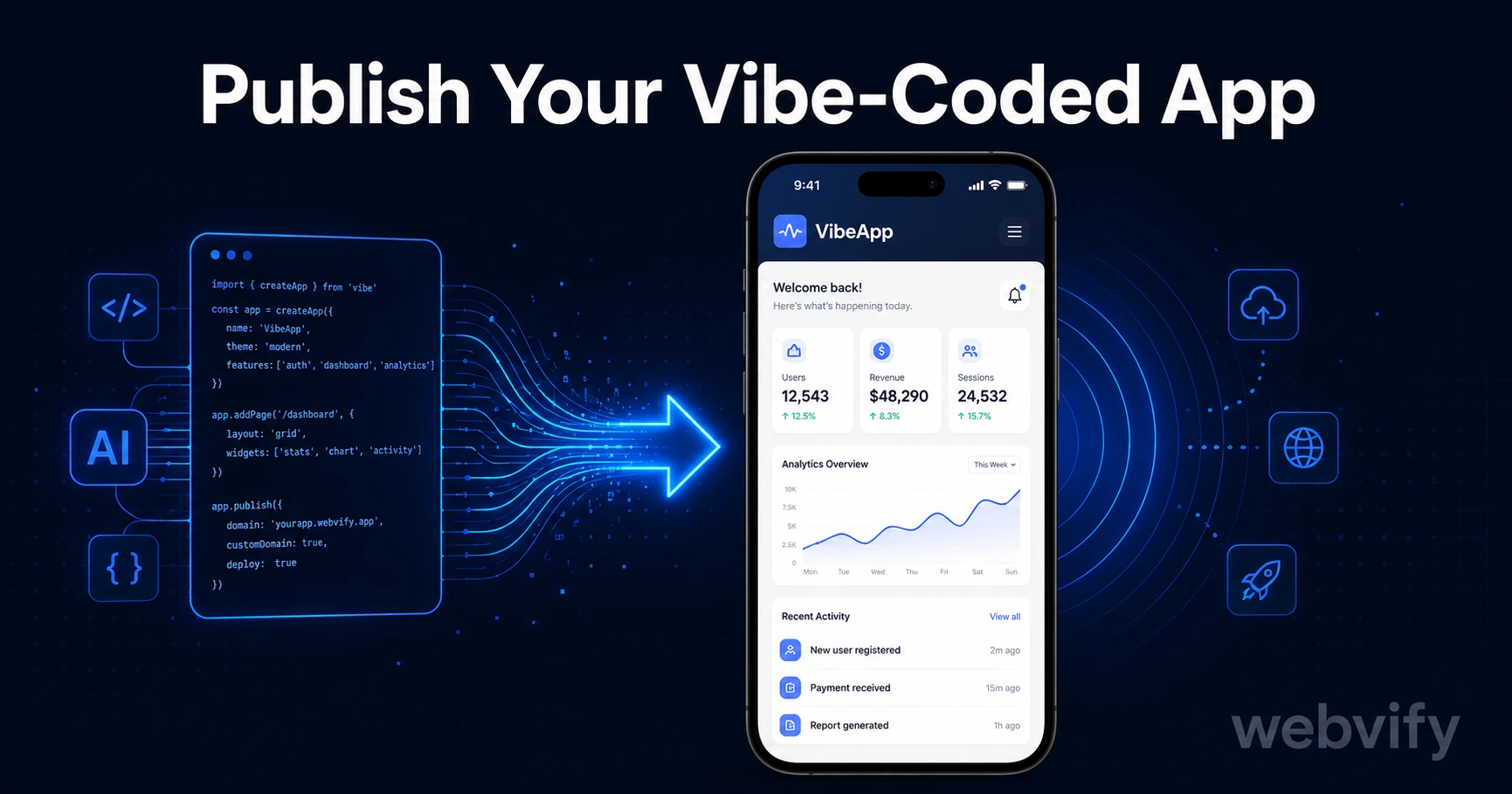
Built with Lovable, Bolt, or Replit? The App Store needs a native binary, not a URL. Here's how to publish your vibe-coded app in days — no developer needed.
Inside this article
You built a real app in a weekend using Lovable, Bolt, or Replit. It has a URL, it works, and users are already signing up. The App Store is the obvious next step — but your AI tools don't have an export button for it.
This is the gap every vibe-coded founder runs into. The App Store and Google Play require a native binary. Every major vibe-coding platform outputs a web URL. Bridging that gap is simpler than most people expect — here's exactly how it works.
Why Vibe-Coded Apps Don't Publish Directly to App Stores
Platforms like Lovable, Bolt.new, Replit, and Firebase Studio generate web applications. You get a hosted URL, a frontend that runs in any browser, and often a backend too. What you don't get is an .ipa file (iOS) or .aab file (Android) — the formats Apple and Google require.
The App Store doesn't accept websites. It accepts apps packaged with specific native frameworks. That technical requirement has nothing to do with your product's quality or functionality — it's just a format problem. And format problems have format solutions.
If you've already worked through the Lovable-to-app store path, this guide covers the Lovable-specific nuances in detail. The approach below applies to any vibe-coded web app.
What a WebView Wrapper Does (And Why It Works)
A WebView wrapper is a thin native app shell that loads your web app URL inside a sandboxed browser view. From a user's perspective, it looks and behaves like a native app — it has an icon, a splash screen, and can send push notifications. From a technical perspective, your existing web app runs inside it unchanged.
This isn't a workaround or a grey area. Apple and Google approve WebView apps every day. Sections of large apps — including ones from well-known companies — use WebView architectures. The key is meeting the stores' specific submission requirements, not the packaging approach.
For vibe-coded founders, this means three things:
- No rewriting your codebase in Swift or Kotlin
- Your app updates automatically whenever you push changes to your web URL
- The App Store listing goes up under your brand, your name, your developer account
Three Requirements Your App Must Meet Before Submission
Before the wrapper can be submitted, your web app needs to satisfy three non-negotiable requirements.
Custom domain. Apple and Google reject apps pointing to free subdomains like yourapp.lovable.app or yourapp.replit.dev. You need a custom domain (yourapp.com) pointed at your app. Most domain registrars charge under $15/year, and DNS propagation typically takes a few hours.
Mobile responsiveness. Reviewers test your app on actual devices. If your layout breaks below 375px width or requires horizontal scrolling, fix this before submitting. Most vibe-coded apps are responsive by default, but it's worth testing on a real iPhone.
No Apple Guideline 3.1.1 violations. If your app lets users purchase digital goods or subscriptions inside the iOS app, Apple requires those payments to go through its own in-app purchase system — not Stripe, PayPal, or any external processor. The rule doesn't apply to physical goods or services rendered offline. For early-stage vibe-coded apps focused on validation, this is rarely an issue. If you do need to sell digital access, the workaround is routing purchase flows to an external browser (the Udemy and Coursera model).
Getting a Developer Account
To publish on the App Store, you need an Apple Developer account at $99/year. Google Play is a one-time $25 registration fee. Both are required regardless of how you build or submit your app.
For Apple: sign in at developer.apple.com with your Apple ID, choose Individual or Organization, and complete payment setup with two-factor authentication enabled. Organization accounts require a D-U-N-S number — free from Dun & Bradstreet, but it takes 3–5 business days to process, so plan ahead.
For Google Play: sign in at play.google.com/console, pay the one-time $25 fee, and complete your developer profile. The whole process takes about 30 minutes.
You don't need technical credentials to open either account. They're business accounts with straightforward registration flows.
The Submission Process, Step by Step
Once your WebView wrapper is built and your developer accounts are ready, submission follows a predictable path.
For the App Store: upload your binary through Xcode or Transporter, fill out the metadata in App Store Connect (app name, description, screenshots, keywords, support URL, privacy policy), complete the content rating questionnaire, and submit. Apple's review takes 24–72 hours for most first-time submissions.
For Google Play: upload your Android App Bundle, complete the Data Safety form, fill out the store listing, and submit. First-time Google Play reviews typically take 2–7 days.
The most common rejection reasons for web-wrapped apps:
- App points to a free subdomain instead of a custom domain
- Missing privacy policy URL (required by both stores)
- In-app purchase flows bypassing the store's payment system
- Insufficient app functionality (Guideline 4.2 — your app needs to do more than display a marketing page)
On that last point: a WebView wrapper with push notifications, a proper splash screen, and functioning core features passes Guideline 4.2 consistently. For a complete walkthrough of the App Store submission form, the full App Store submission guide covers every field.
How Long Does the Whole Process Take?
If your custom domain is set up and your developer account is ready:
- Building the WebView wrapper: 1–3 days
- App Store review: 24–72 hours (Apple), 2–7 days (Google)
- Total from start to live: under 10 days in most cases
The main delays are Apple's D-U-N-S number processing for business accounts (3–5 days) and fixing any rejection feedback. Screenshot preparation is also worth starting early — both stores require them in specific device sizes.
If you want to move faster without navigating the submission process yourself, services like Webvify handle the wrapper build, App Store submission, and Google Play listing end-to-end — you provide the URL, they handle everything through to approval.
FAQ
Can I publish my Lovable or Bolt.new app to the App Store?
Yes. Apps built on Lovable, Bolt.new, Replit, Firebase Studio, and similar AI platforms output web URLs that can be wrapped in a WebView and submitted to both the App Store and Google Play. The requirements are a custom domain, a mobile-responsive layout, and compliance with Apple's Guideline 3.1.1 if you're selling digital goods. These are format and compliance requirements, not restrictions on web-based apps.
How much does it cost to publish a vibe-coded app to the App Store?
The Apple Developer Program is $99/year. Google Play is a one-time $25 fee. If you use a done-for-you service to build the WebView wrapper and handle submission, expect an additional service fee — typically a one-time build cost with optional ongoing support. The total is significantly less than hiring a mobile developer to rewrite your app natively.
What is Apple Guideline 4.2 and will my vibe-coded app fail it?
Guideline 4.2 requires that your app provides genuine functionality — not just a marketing page or a website repackaged as an app. A vibe-coded app with real features (user accounts, interactive tools, content delivery) passes this guideline. A WebView wrapper with push notifications, a splash screen, and a functioning product generally has no issue. The risk is only for apps that offer users no real value beyond reading text on a screen.
Ready to get your vibe-coded app live on the App Store? Webvify handles the full submission process — wrapper build, App Store review, and Google Play listing — without you writing a line of native code.