

How to Turn Your Lovable App Into a Mobile App (Without a Developer)
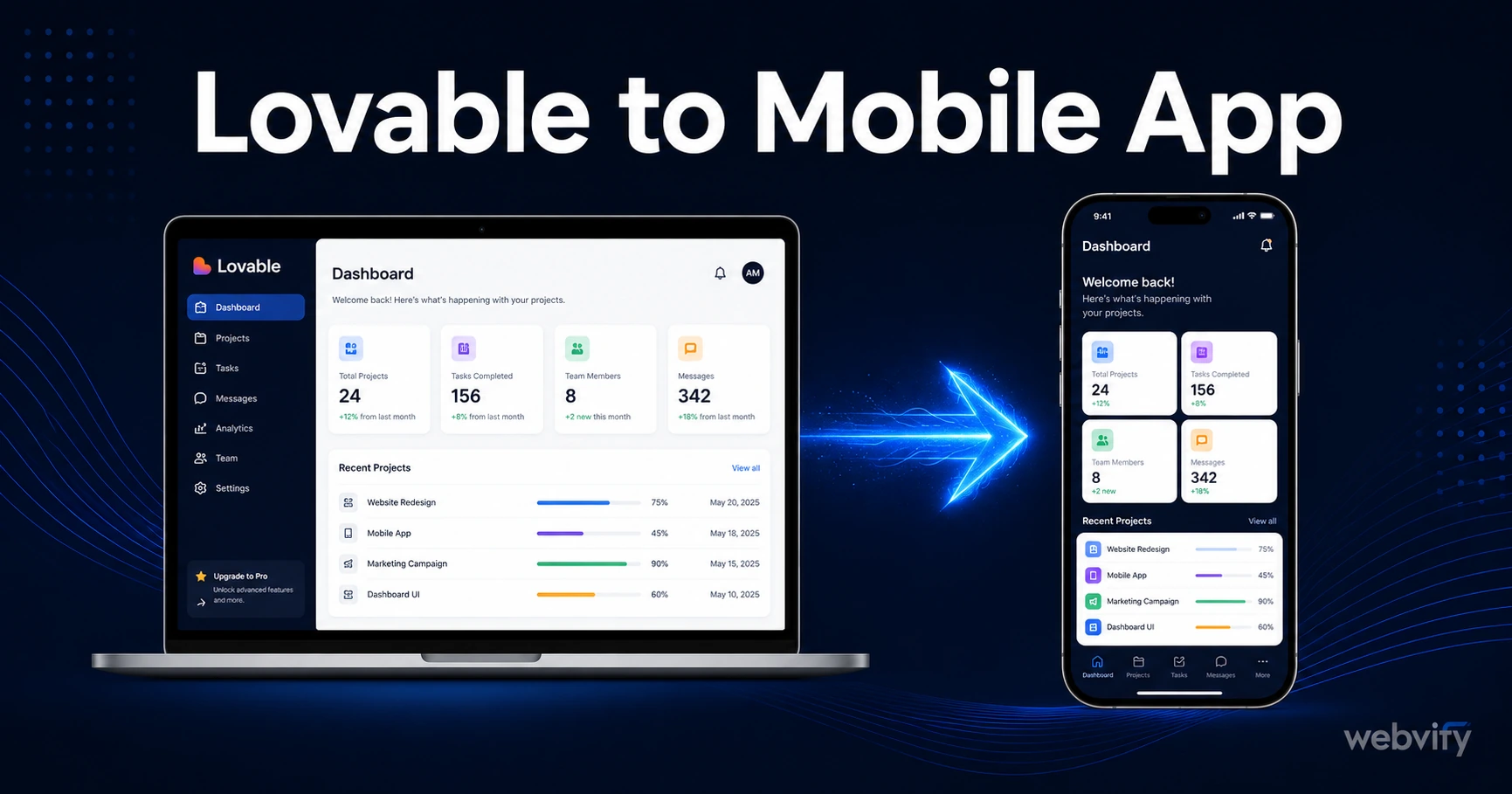
Lovable builds your web app in minutes. Here's how to wrap it, submit it to the App Store and Google Play, and get it live — no developer required.
Inside this article
- Why Your Lovable App Isn't Automatically a Mobile App
- What a WebView Wrapper Does for a Lovable App
- What You Need Before Starting the Conversion
- The App Store Rule Every Lovable Builder Must Know
- Submitting Your Lovable App to the App Store and Google Play
- After Launch: How Updates Work With a Lovable App
Lovable builds your web app in minutes. Getting that app into the hands of iOS and Android users is a completely different problem — and the gap between "my app is live on the web" and "my app is on the App Store" is where most founders get stuck.
This guide covers exactly how to take a Lovable-built web app and publish it to both the App Store and Google Play, without writing a line of native mobile code.
Why Your Lovable App Isn't Automatically a Mobile App
Lovable is an AI-powered web app builder. It generates clean, deployable web applications that run in a browser. But Apple and Google don't distribute browser-based apps on their stores — they distribute native binaries (an .ipa file for iOS, an .aab file for Android).
This means your Lovable app, no matter how polished it looks on mobile, isn't in a format the stores accept. There's no export button. There's no "send to App Store" feature. The bridge between your Lovable web app and the App Store is a WebView wrapper — a thin native shell that loads your web app inside a real mobile app container.
The WebView approach is the same one used by thousands of published apps on both stores. It's legitimate, approved, and widely deployed. What matters is getting the packaging and submission right.
If you want to understand how WebView apps compare to fully native builds before committing, this breakdown covers the trade-offs in plain language.
What a WebView Wrapper Does for a Lovable App
A WebView wrapper takes your Lovable app's URL and wraps it in a native iOS and Android shell. From the user's perspective, they download your app from the App Store, tap to open it, and interact with your web app — without ever seeing a browser.
From Apple and Google's perspective, you've submitted a native app with a proper package, icons, splash screen, and metadata. Both stores approve WebView apps daily. The key is that your Lovable app must be:
- Hosted on a custom domain (not a Lovable subdomain)
- Responsive and functional on mobile screen sizes
- Free of any digital subscription or in-app purchase flows that bypass Apple's payment system
That last point matters. If your Lovable app collects payment for digital goods or subscriptions, you'll need to redirect those flows to an external browser before submission. We'll cover this below.
What You Need Before Starting the Conversion
Before you wrap your Lovable app, check three things:
Custom domain. Apple requires your app to load from a consistent domain you own. If your Lovable app is still on a .lovable.app subdomain, connect a custom domain first through Lovable's project settings.
Mobile responsiveness. Open your Lovable app on a real iPhone and Android device (or use browser dev tools at mobile viewport sizes). If the layout breaks or elements overlap on small screens, fix those issues before packaging. A broken mobile layout will get your app rejected under Apple Guideline 2.1 (App Completeness).
Developer accounts. Publishing to the App Store requires an Apple Developer account ($99/year). Google Play requires a one-time $25 developer fee. Both accounts can take 24–72 hours to activate, so set them up early.
The App Store Rule Every Lovable Builder Must Know
If your Lovable app handles any digital purchases — subscriptions, one-time digital goods, or unlocking features — Apple requires those transactions to go through their In-App Purchase (IAP) system, which takes a 30% cut (Apple Guideline 3.1.1).
The practical fix is the same approach used by Udemy, Coursera, and most SaaS platforms on iOS: disable in-app purchase flows within the app and redirect users to complete purchases through an external browser. It's a deliberate architecture pattern, not a workaround.
Physical goods, service bookings, and B2B SaaS with web-only billing are typically exempt from this rule. If your Lovable app charges for software features or digital content delivered inside the app, you'll need to route billing through Apple's IAP or use the browser redirect pattern before submission.
Services like Webvify handle this compliance review before packaging — they check your app for Guideline violations, build the native wrapper, and submit under your own developer accounts. You get App Store presence without navigating Apple's review requirements yourself.
Submitting Your Lovable App to the App Store and Google Play
Once your app is wrapped and compliance issues are resolved, submission follows a structured process on each platform.
For iOS (App Store): Upload your .ipa file through Xcode or Apple's Transporter tool, set up your App Store listing (screenshots, description, subtitle, keywords), complete the privacy questionnaire, and submit for review. Apple's review typically takes 24–48 hours for a first submission, and longer if they request changes.
For Android (Google Play): Upload your .aab file through the Play Console, complete the Data Safety form (this section asks detailed questions about what data your app collects and how it's shared — it's where most first-timers get stuck), set a content rating, and submit. Google's review typically takes 1–3 business days.
Both stores require real device screenshots (not mockups), a complete app description, a privacy policy URL, and working test credentials if your app has a login flow.
For a step-by-step walkthrough of the entire iOS submission process, this guide covers every field in App Store Connect.
After Launch: How Updates Work With a Lovable App
One of the main advantages of the WebView approach for Lovable builders is that your app and your web app share the same codebase. When you push updates to your Lovable project, the changes appear in the mobile app automatically — no app store update required, no review cycle.
The exceptions are icon changes, splash screen updates, or changes to the native shell itself. Those require a new build and resubmission. But day-to-day feature additions, content changes, and bug fixes in your Lovable app propagate instantly to every installed copy of your mobile app.
For a team already using Lovable for rapid iteration, this is a meaningful operational advantage over native development — where every change requires a new binary, a new review, and days of waiting.
FAQ
Can I publish my Lovable app directly to the App Store?
No. Lovable generates a web application, and the App Store only accepts native binaries (.ipa for iOS, .aab for Android). You need to wrap your Lovable app in a WebView native shell before submission. This is a well-established approach — thousands of published apps on both stores use it — and it doesn't require writing Swift, Kotlin, or any native mobile code.
Does converting a Lovable app to a mobile app require coding?
Not necessarily. The WebView wrapper can be built with managed services that handle packaging and submission for you. What you need to address yourself is making sure your Lovable app runs on a custom domain, displays correctly on mobile screen sizes, and doesn't have in-app purchase flows that violate Apple Guideline 3.1.1.
How long does it take to get a Lovable app live on the App Store?
The typical timeline from starting the wrapping process to a live App Store listing is 5–10 business days: 1–2 days to build and test the native wrapper, 24–48 hours for Apple's first review, and a similar window for Google Play. Having your Apple Developer and Google Play Developer accounts active before you start saves the most time.
Ready to get your Lovable app on the App Store and Google Play? Webvify handles everything — from wrapping your web app to submitting it under your own developer accounts, so your app ships in days, not months.