

Push Notification Segmentation: How to Send the Right Message to the Right Customer
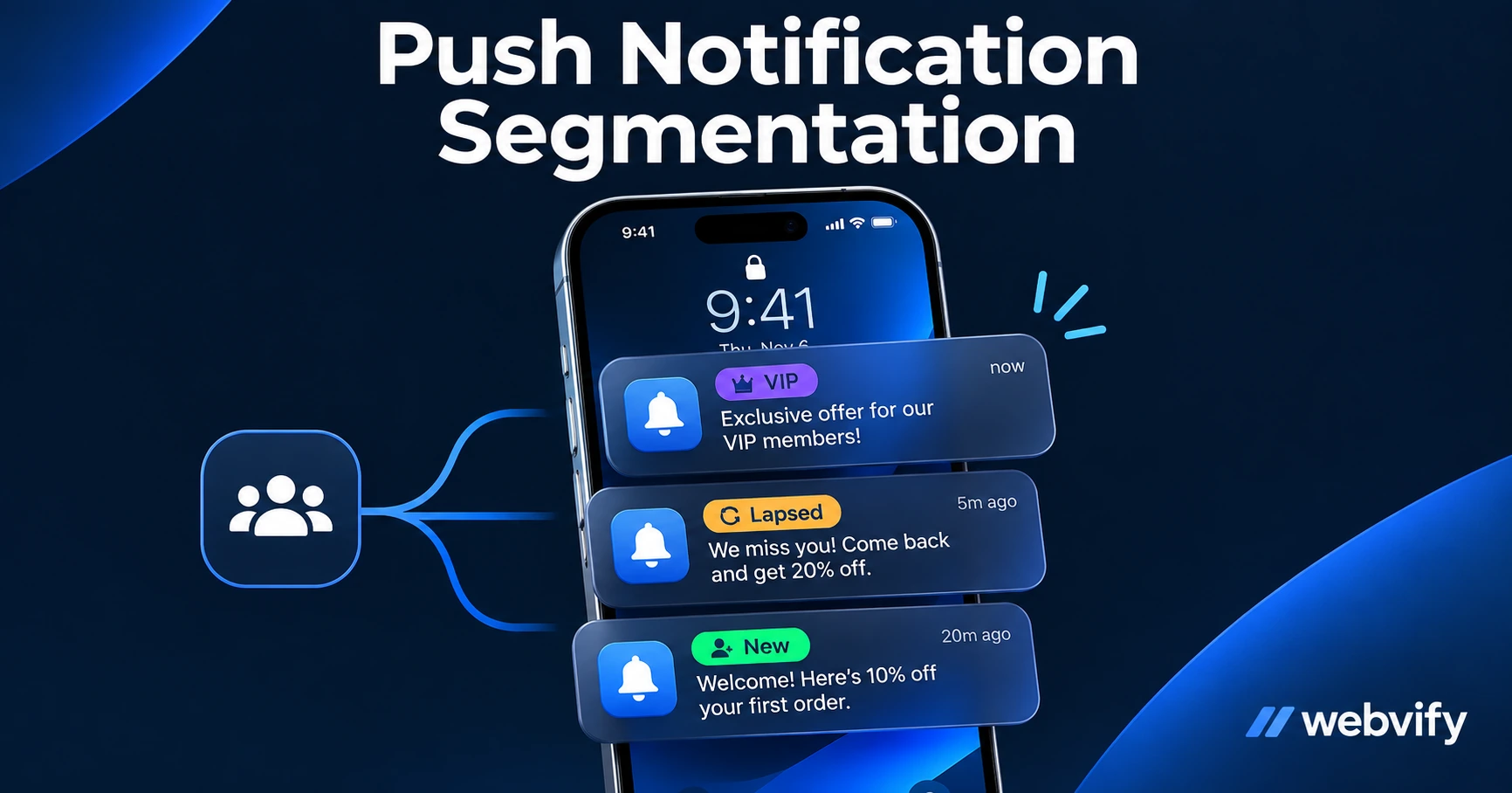
Learn how push notification segmentation works, which 4 segments every small business app needs, and how to set it up without a data team.
Inside this article
- What Is Push Notification Segmentation (and Why Generic Blasts Don't Work)
- The 4 Core Push Notification Segments Every Small Business App Needs
- How to Build These Segments Without a Data Team
- Push Notification Segmentation Examples by Business Type
- How Often to Push Each Segment (and When to Stop)
- Frequently Asked Questions
Most push notifications get ignored because they say the right thing to the wrong person. A salon texting "book your next appointment" to someone who booked yesterday isn't helping — and your unsubscribe rate will show it.
Push notification segmentation fixes this. Instead of sending one message to your entire app audience, you divide that audience into groups based on behavior, then send each group a message that's actually relevant to where they are. The result: open rates climb, unsubscribes drop, and customers come back more often.
This guide covers what push notification segmentation is, the four segments every small business app needs, and how to build them without a data team or a developer.
What Is Push Notification Segmentation (and Why Generic Blasts Don't Work)
Push notification segmentation means dividing your app's subscribers into smaller groups — called segments — and sending each group a different message based on what they've actually done (or not done) in your app.
A generic blast sends the same promotional message to your entire subscriber list. It's the digital equivalent of shouting in a crowded room and hoping the right person hears you. Some will open it. Most won't.
The problem isn't the message — it's the mismatch. A "We miss you, come back!" push sent to a customer who visited yesterday is tone-deaf. A "Welcome to our app!" message to someone who's been a loyal customer for three years is confusing. When messages don't match where the customer actually is, they tap "turn off notifications" and you lose the channel entirely.
Studies consistently show that push notifications outperform email by 2–3x on open rates — but only when they're relevant. A well-segmented push campaign regularly achieves 30–50% open rates. An unsegmented blast might get 3%.
The good news: you don't need a data analyst or a marketing automation platform to do this. You need four segments and a consistent sending schedule.
The 4 Core Push Notification Segments Every Small Business App Needs
These four segments cover the entire customer lifecycle for most small businesses. Build these first before adding complexity.
New Subscribers (Days 0–14)
Who they are: People who downloaded your app in the last two weeks and haven't yet established a habit.
What they need: A warm welcome and a clear first action.
Example messages:
- Day 1: "Welcome to [Business Name]! Tap here to book your first appointment."
- Day 5: "New here? Here's what our members get every week."
- Day 12: "Still exploring? Here's our most popular [service/product]."
Goal: Convert a download into a first transaction within 14 days. If they don't act in this window, they'll likely never open the app again.
Active Customers (Engaged in the last 30 days)
Who they are: Customers who have visited, booked, or purchased in the past month.
What they need: Useful, timely updates that reward their loyalty — not more promotional noise.
Example messages:
- Upcoming slot reminder: "Your [appointment/class] is tomorrow at 2pm."
- New arrival or seasonal offer: "New autumn menu is live — first look for app members."
- Early access: "Book your holiday spot before we open it to the public on Friday."
Goal: Keep them engaged and reduce the gap between visits.
Lapsed Customers (No activity in 31–90 days)
Who they are: Customers who were active but have gone quiet. This is your most valuable segment for revenue recovery.
What they need: A specific reason to come back — not a generic "we miss you."
Example messages:
- Day 35: "It's been a while. Your [service/product] is waiting — book in 30 seconds."
- Day 60: "Exclusive offer for returning customers: [discount or bonus]."
- Day 85: "One tap to [rebook/reorder]. We've kept your preferences saved."
Goal: Reactivate at least 15–20% of this segment per month. These are customers who already trust you — they just need a nudge.
VIP Customers (Top 20% by frequency or spend)
Who they are: Your regulars. The customers who come back most often or spend the most.
What they need: To feel like they're treated differently — because they are.
Example messages:
- Early access: "VIP early booking opens today — before we announce to everyone else."
- Exclusive content: "Here's something we're only sharing with our best customers."
- Personal recognition: "You've visited 10 times this year. Here's a thank-you."
Goal: Increase loyalty and referral rate. VIP customers are your most likely source of word-of-mouth.
How to Build These Segments Without a Data Team
The good news: most mobile app platforms track the data you need automatically. You don't need to write code or run reports.
The key data points behind these four segments are:
| Segment | Data needed | Where it comes from |
|---|---|---|
| New | Install date | App analytics (automatic) |
| Active | Last app open or last transaction | App analytics or booking system |
| Lapsed | Days since last activity | App analytics |
| VIP | Visit count or total spend | Booking/POS system |
If you're using a managed web-to-app service like Webvify, the admin panel gives you a subscriber list with engagement data already built in — you can filter by last-open date and set up recurring campaigns for each segment without touching a spreadsheet.
If you're configuring this manually in a push notification tool, most platforms (OneSignal, Firebase Cloud Messaging) let you create audience filters based on these same data points. You set the filter once, and it updates automatically as customers move between segments.
If you're not sure how often to push each segment, this guide breaks down what to send and when →
Push Notification Segmentation Examples by Business Type
Targeted push notifications look different depending on your business. Here are three examples of how the same four-segment model plays out in practice.
Hair salon:
- New: "First booking in our app? Mention this notification for 10% off."
- Active: "Your colour appointment is in 48 hours. Add a gloss treatment?"
- Lapsed: "It's been 7 weeks — ready to book your next cut?"
- VIP: "Early access to our December diary — it fills fast."
Gym or fitness studio:
- New: "Welcome! Book your first class free — tap here."
- Active: "Your next class is Thursday. Add it to your calendar."
- Lapsed: "Miss working out? Your favourite class has open spots this week."
- VIP: "You've attended 50 classes. Here's a free guest pass for a friend."
E-commerce store (Shopify or WooCommerce):
- New: "10% off your first app order — valid this week only."
- Active: "New autumn arrivals just landed. See what's in."
- Lapsed: "Still thinking about it? Your cart is saved."
- VIP: "Early sale access — 24 hours before we go public."
The messages are different, but the structure is the same: match the message to where the customer is, not where you want them to be.
How Often to Push Each Segment (and When to Stop)
Frequency is where most small businesses get this wrong. More is not better.
Recommended frequency by segment:
- New subscribers: 3 messages in 14 days (welcome, reminder, follow-up). Then move them to Active or Lapsed.
- Active customers: 1–2 per week maximum. Primarily transactional (appointment reminders, new arrivals, relevant promos).
- Lapsed customers: 3 messages over 90 days (Day 35, Day 60, Day 85). After 90 days with no response, stop entirely or move to a quarterly check-in.
- VIP customers: 1–3 per week, but only for content that genuinely rewards them.
When to stop: If a customer hasn't opened any push notification in 90 days, suppress them from your segments. Continuing to push to unresponsive subscribers inflates your unsubscribe rate and can get your sender reputation flagged by iOS and Android.
A clean, engaged subscriber list of 500 people outperforms a bloated inactive list of 5,000 every time.
Frequently Asked Questions
What is the difference between push notification segmentation and personalization?
Segmentation groups customers into buckets by behavior (new, active, lapsed, VIP) and sends each group a relevant campaign. Personalization goes one step further — inserting individual data like a customer's name, last purchase, or specific appointment into the message. For most small businesses, segmentation alone delivers 80% of the benefit with far less complexity. Start with segments before you tackle personalization.
How many push notification segments should a small business app have?
Start with four: new, active, lapsed, and VIP. These cover the full customer lifecycle and can be built with basic engagement data any app platform tracks automatically. Adding more segments before you've mastered these four creates complexity without proportional return. Once your four-segment campaigns are running consistently, you can layer in sub-segments like "lapsed VIP" or "new but high-spend."
What happens if I send too many push notifications?
Open rates drop and unsubscribes spike. iOS and Android both give users easy one-tap ways to disable notifications per app — and once they opt out, there is no way to reach them again through push. Every push should earn its place. If you can't clearly state why this message is relevant to this customer right now, don't send it. Quality over frequency always wins in push notification segmentation.
Ready to set up segmented push notifications for your app? Webvify builds the app and the admin panel so you can run campaigns like these from day one — no developer needed.