

Mobile App Content Strategy: What to Push, When, and How Often
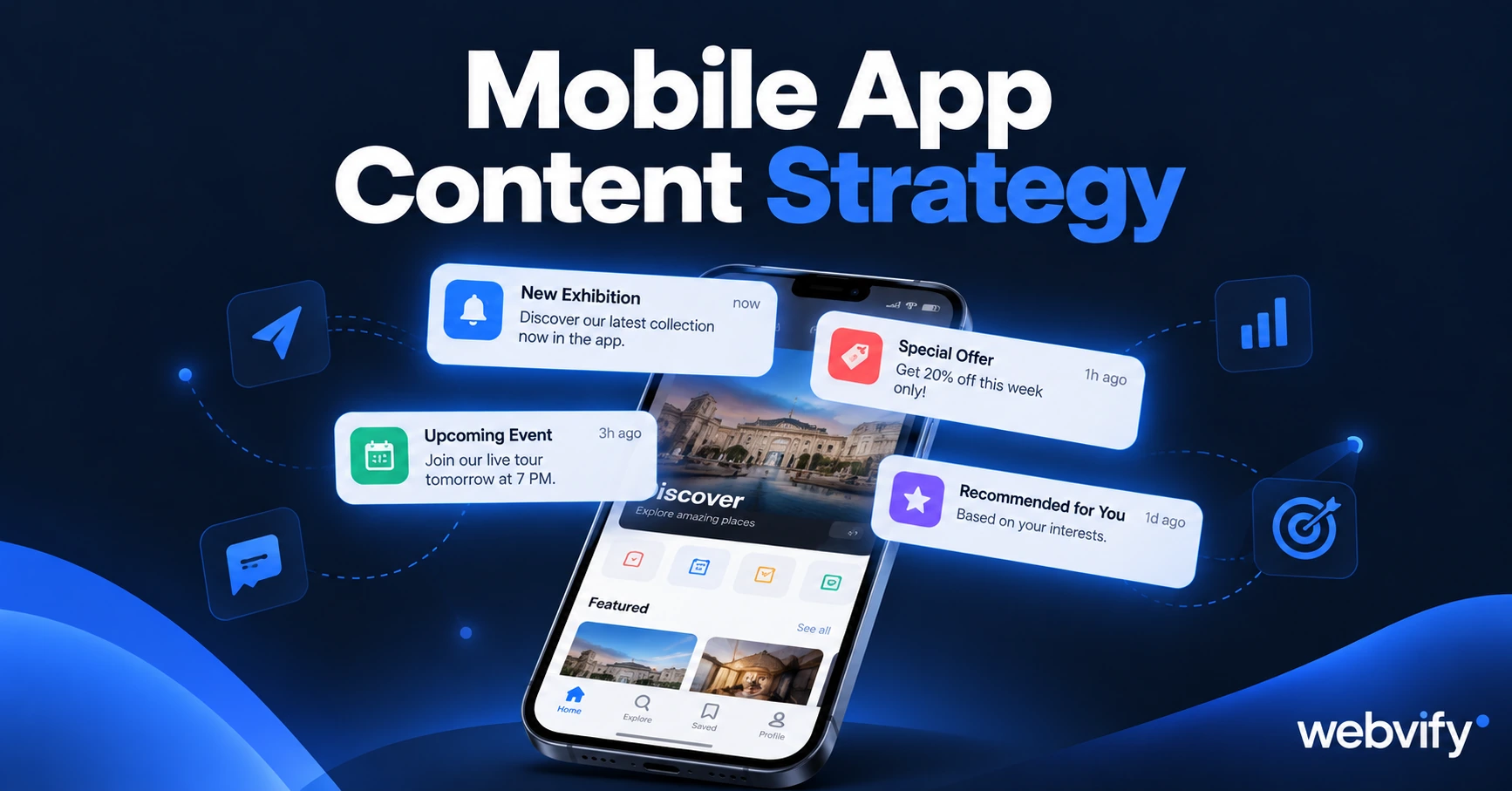
Most app owners go quiet after launch. Here's the push notification schedule that keeps customers coming back — with templates for service, retail, and e-commerce.
Inside this article
- Why a Mobile App Content Strategy Beats Occasional Blasts
- The Three Push Notification Types Every Business Needs
- Mobile App Content Strategy for Service Businesses
- Mobile App Content Strategy for Retail
- Mobile App Content Strategy for E-Commerce
- How Often Is Too Often?
- Your Minimal Monthly Content Calendar
- Frequently Asked Questions
Most small business owners get their app live and then go completely quiet. They open the push notification dashboard, stare at a blank message field, and think: What am I actually supposed to send?
That silence is expensive. Users who receive zero push notifications in their first week are three times more likely to uninstall within 30 days.
This guide gives you the exact content framework — what to push, when, and how often — across three business types: service businesses, retail shops, and e-commerce stores.
Why a Mobile App Content Strategy Beats Occasional Blasts
A push notification that lands at the wrong moment or says nothing useful gets swiped away — and opt-out rates climb. But one that arrives at exactly the right moment ("Your appointment is tomorrow at 2pm") or delivers real value ("New stock just landed — 20% off until midnight") gets acted on.
The difference is a content strategy: a planned sequence of messages mapped to where your customer is in their relationship with your business.
Without a plan, most app owners send nothing for weeks, then fire a generic blast. Those "Check out our new offers!" messages with no specificity train customers to ignore you. A mobile app content strategy fixes that pattern before it becomes a habit.
The Three Push Notification Types Every Business Needs
Every effective mobile app content strategy uses three push types:
| Type | Purpose | Target Frequency |
|---|---|---|
| Relationship | Rebook, re-engage, acknowledge milestones | 1–2× per week |
| Transactional | Appointment reminders, order updates, confirmations | Triggered by action |
| Promotional | Offers, new products, events | 2–4× per month |
The ratio matters. Relationship and transactional notifications build trust. Promotional notifications spend it. Aim for roughly 60% relationship/transactional, 40% promotional. If you only send promotional pushes, customers opt out. If you never send promotional ones, you leave revenue uncaptured.
Mobile App Content Strategy for Service Businesses
Service businesses — salons, physiotherapists, cleaners, coaches — share one pattern: customers come in, then drift away in the silence between appointments. Push notifications solve the visibility problem.
Appointment week:
- Day −2: "Reminder — your [service] is on [date] at [time]. Tap to reschedule if you need to."
After appointment:
- Day 7: "Hope your [service] is feeling good. When you're ready to rebook, it takes 60 seconds in the app."
- Day 21: "It's been three weeks — your next [service] window is open now. Tap to book."
Re-engagement:
- Day 45: "We haven't seen you in a while. Book this week and we'll hold your usual slot."
- Day 90: Final reactivation offer — only send if Day 45 got no response.
Seasonal:
- One campaign each spring and autumn tied to a relevant service angle ("Spring is the busiest week for deep cleans — lock in your slot now").
These aren't newsletters. They're behaviour-triggered and time-triggered sequences that fire automatically once set up — you write them once and the admin panel handles the rest.
Mobile App Content Strategy for Retail
Retail push strategy runs on two clocks: new arrivals and seasonal buying windows.
If you're not telling customers when new stock lands, they'll check your Instagram — where the algorithm decides whether they see it. Push notifications bypass the algorithm entirely.
New arrivals: A same-day push when fresh stock goes live. "New [category] just dropped — first look in the app" outperforms "New items available."
Weekly: One mid-week push that's useful, not promotional. A style tip or care guide keeps customers opening notifications rather than tuning them out.
Monthly: One promotional push tied to a specific product, bundle, or end-of-range sale. Don't discount everything — discount one thing with urgency.
Loyalty milestones: If your app tracks purchase history, trigger a push at milestone thresholds ("You're 80 points from a reward — here's how to use them").
For a deeper look at push notifications vs email for retail businesses, push wins on open rate (60–90% vs 20–30%) but loses on message length. Keep retail pushes under 50 words.
Mobile App Content Strategy for E-Commerce
E-commerce push strategy maps to the buying cycle: abandoned cart → post-purchase → re-engagement.
Abandoned cart (highest ROI):
- 1 hour after abandonment: "You left something behind — it's still in your cart."
- 24 hours: "Your cart expires at midnight. Take one more look."
- Stop at two. A third message reads as harassment.
Post-purchase:
- Day 1: Order confirmation (transactional, high open rate — use it to set delivery expectations).
- Day 5: Shipping or delivery update.
- Day 14: "How is your [product] treating you? Leave a review."
- Day 30: Cross-sell push based on what they bought.
Re-engagement:
- Day 60 of inactivity: One sentence with a specific offer. Not "We miss you!" — "Here's 15% off [category they browsed] — expires Sunday."
- Day 90: Final reactivation before removing from active segments.
Services like Webvify build the admin panel alongside the app — you set the trigger rules once, and notifications fire automatically without manual sending each time.
How Often Is Too Often?
The opt-out threshold varies, but a safe baseline across all business types:
- Maximum: 3 pushes per week per user
- Default for most businesses: 1–2 per week
- Never: More than one push per day, except for time-critical transactional messages (order shipped, appointment in 1 hour)
Mobile app user retention data shows that users who opt out of push notifications have 60% lower 30-day retention than those who stay subscribed. Over-messaging doesn't just hurt open rates — it permanently damages retention.
Start with one notification per week. Track unsubscribe rates. If they stay below 2%, you have room to increase frequency.
Your Minimal Monthly Content Calendar
Here's a simple monthly push schedule for a service business:
| Week | Push | Type |
|---|---|---|
| Week 1 | Rebooking reminder (Day 21 post-appointment) | Relationship |
| Week 2 | Seasonal or educational tip | Relationship |
| Week 3 | Slot-filler offer ("We have openings Thursday") | Promotional |
| Week 4 | New service or review request | Mixed |
Retail swaps "rebooking reminder" for "new arrivals." E-commerce swaps it for "cart recovery." The ratio stays the same.
Frequently Asked Questions
How often should I send push notifications to my mobile app users?
Start at 1–2 per week and track unsubscribe rates. If weekly opt-outs stay below 2%, your frequency is appropriate. If they spike after a specific campaign type, that message is the problem — not the cadence. Appointment reminders, order updates, and other transactional messages are exempt from frequency limits and should always be sent when triggered.
What's the best time to send a push notification?
For service businesses, appointment reminders perform best at 9am the day before the appointment. For retail and e-commerce promotional pushes, Wednesday and Thursday between 11am–1pm typically outperform other windows. After 10 sends, check your open rate by time of day inside your admin panel — your specific audience may differ from the averages.
Do I need to write new push content every week?
Not from scratch. Most effective sequences use templates with variables ([customer name], [appointment date], [product name]) that fire automatically based on triggers. A service business with five templates — appointment reminder, rebooking nudge, slot filler, seasonal opener, dormant reactivation — covers roughly 80% of their annual push strategy. The only custom work each month is the one promotional push.
Getting your app live is step one. Keeping customers coming back week after week is what the push notification strategy is for.
Webvify builds the app and sets up the push notification admin panel so you can run sequences like these from day one — no developer required.