

Push Notification Copy Guide: How to Write Messages That Actually Get Opened
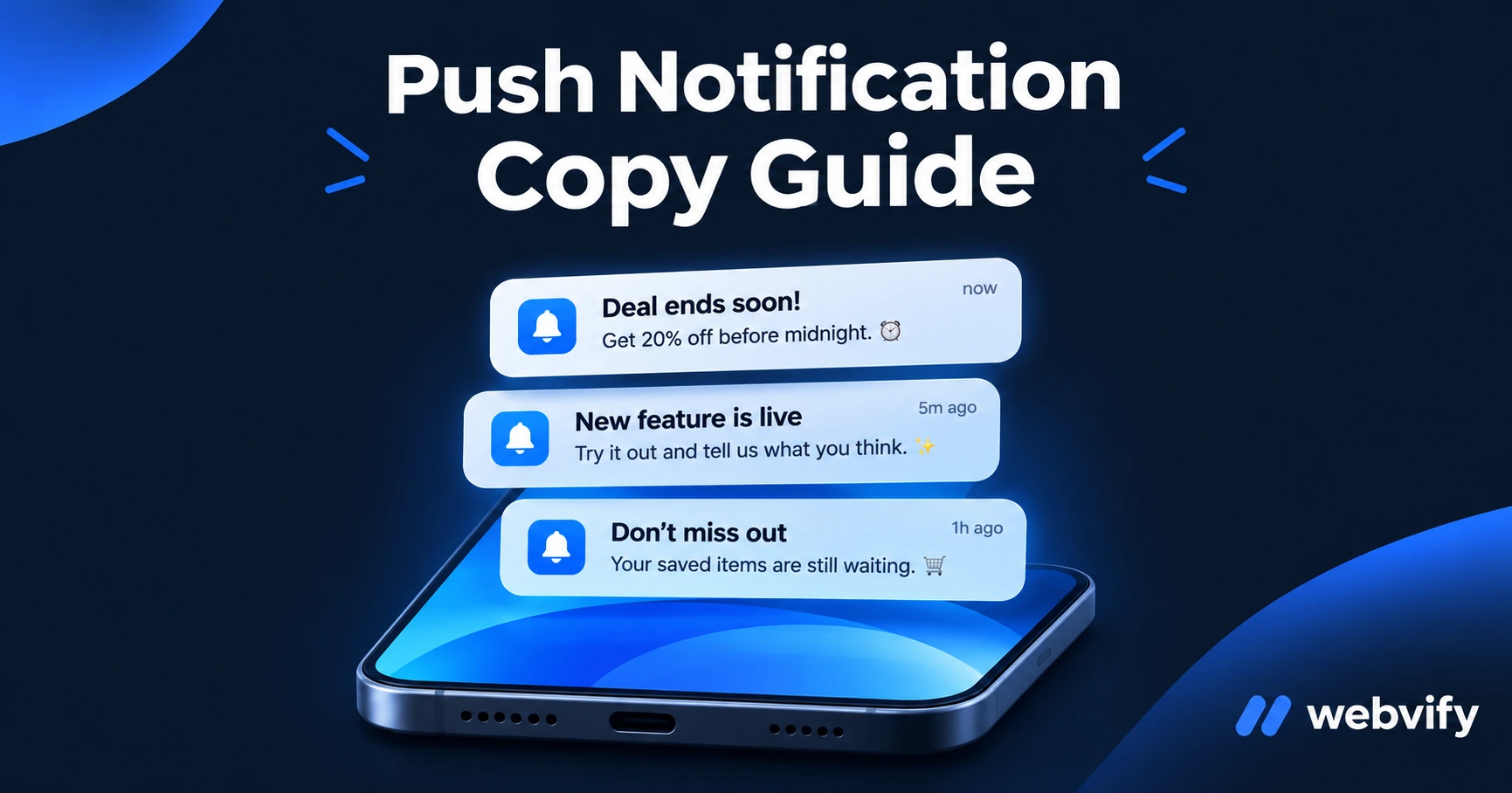
Most push notifications get ignored. Here's what separates 60% open-rate messages from the ones left unread — with real copy examples for small businesses.
Inside this article
Your app can reach customers at any moment. But the moment is only worth something if they tap.
Most small businesses send push notifications that read like system alerts: "New offer available" or "Don't miss out." These get swiped away. The ones that get opened do something different — they give the reader a reason to act in the next 30 seconds.
This guide shows you exactly how to write push notification copy that earns that tap.
Why Most Push Notification Copy Fails
Push notification open rates for apps that use them well average 60–90%. The same apps that show that number also have users who trained themselves to ignore notifications from other apps entirely.
The difference isn't the channel. It's the message.
Bad push notification copy falls into one of three patterns:
- Too vague: "Check out our latest update!" — Why? What update? What do I gain?
- Too salesy: "SALE — 30% OFF everything TODAY ONLY 🔥🔥🔥" — Sounds like spam. Dismissed.
- Too obvious: "Time to book your next appointment." — Yes, I know. I'll do it later. (They won't.)
Good push notification copy is specific, timely, and built around what the customer is already thinking.
The 5 Elements of Effective Push Notification Copy
Every high-performing push notification has these five things working together.
1. Specificity over generality
"Your rosemary plants haven't been watered in 8 days" outperforms "Don't forget your garden" every time. The more specific the message, the more it feels personal rather than broadcast.
2. Clear benefit or action
What happens if the customer taps? Make it obvious. "Grab your table for Saturday" is clearer than "Make a reservation today."
3. Time signal (when relevant)
Urgency that is genuine — not manufactured — drives action. "Your slot on Thursday is still open" uses real timing to create motion.
4. Under 50 characters
Most devices truncate push notification previews around 50 characters. Write the core message so it makes sense in a preview. The rest is support.
5. No emoji overload
One emoji used purposefully reinforces tone. A string of fire and alarm emojis signals spam.
Push Notification Copy Examples by Business Type
Here are templates you can adapt. Each one names a specific trigger and gives the customer a reason to act now.
| Business | What Not to Send | What Works Instead |
|---|---|---|
| Hair salon | "It's time for your next appointment" | "It's been 5 weeks — your colour's ready for a refresh. Book this week." |
| Restaurant | "New menu items available!" | "New autumn menu live. The lamb is worth the visit." |
| Gym | "Don't forget to work out today" | "Tuesday 7pm has 3 spots left. Reserve yours before they're gone." |
| Coffee shop | "Grab a coffee this morning!" | "Cold brew back in stock. Usually gone by 10am." |
| Yoga studio | "Join us for a class" | "Hana's Saturday flow has 2 spots open. It fills fast." |
| Cleaning service | "Book your next clean" | "It's been 4 weeks since your last clean. Want to schedule?" |
| E-commerce | "Items in your cart" | "The jacket in your cart is down to 2 left in your size." |
| Coaching business | "New content posted!" | "Module 3 is live — most clients finish it in 20 minutes." |
Services like Webvify include push notification tools in every app — so you can send targeted messages like these without touching any code. The copy is always yours to write.
5 Phrases That Kill Open Rates
Avoid these in every push notification you send:
- "Don't miss out" — overused to the point of meaning nothing
- "Important update" — if it were important, you'd be specific
- "Check this out" — lacks any reason to act
- "Limited time offer" — only works when the time limit is real and stated
- "We thought you'd like..." — weakens the message; just say what you're offering
Each of these phrases removes specificity without adding personality. Replace them with the actual thing: what is it, why now, and what does tapping get the customer.
Timing and Frequency: The Copy Context
The best-written push notification sent at 11pm on a Sunday will still underperform. Copy and timing work together.
As a baseline for most small businesses:
- Send between 9am and 7pm local time
- Limit to 2–4 pushes per month unless there is a genuine trigger (appointment reminder, order ready, event alert)
- Event-driven notifications (booking confirmations, slot fillers, seasonal campaigns) consistently outperform broadcast messages
If you want a broader framework for what to send and when, the Mobile App Content Strategy Guide covers the full campaign architecture. For segmenting different customer groups, see the Push Notification Segmentation Guide.
Frequently Asked Questions
How long should a push notification message be?
Keep the core message under 50 characters — that's what most devices show in the lock screen preview. Supporting detail can go in the notification body (the second line), but the first line must work on its own. If a customer only reads one line, did they understand what to do next?
How many push notifications should I send per month?
For most small businesses, 2–4 per month is enough. More than that trains customers to dismiss them without reading. The exception is event-driven notifications — booking reminders, order-ready alerts, flash promotions — which customers expect and welcome because they're relevant to something they already did.
Does push notification copy differ for iOS vs Android?
The core writing principles are the same. Android allows slightly longer previews, but writing for iOS's shorter preview length means your message works on both. The main practical difference: iOS requires the customer to opt in, so your subscribers are already warm. Android shows notifications by default, so you may need a slightly lower tone to earn that permission to stay.
Your push notifications are only as effective as the words in them. Start with one message you're sending regularly — a rebooking reminder, a slot filler, a seasonal alert — and rewrite it using the specific/timely/clear formula. The open rate difference is usually visible within two sends.
Ready to put this into practice? Every Webvify app includes push notification tools built in. Get your app live at webvify.app and start reaching your customers where they actually are.