

How to Turn Your Podia Site Into a Mobile App (Without a Developer)
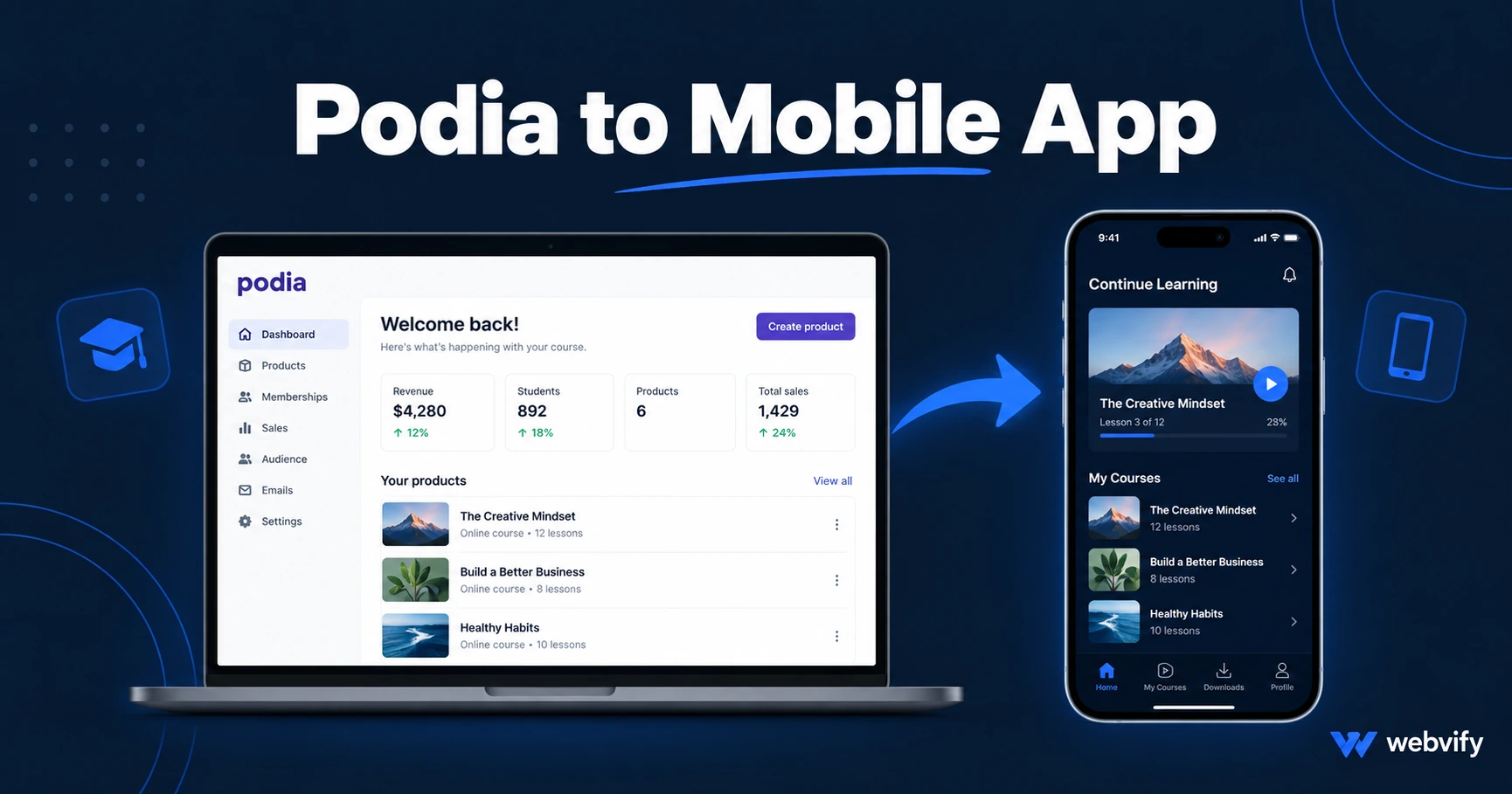
Podia has no App Store export. Here's how to turn your Podia site into a branded iOS and Android app — without a developer, and without triggering Apple's IAP rejection.
Inside this article
Podia doesn't have an "Export to App Store" button. Your courses, digital downloads, and community are live — but your students can only reach them through a browser tab that's one swipe away from being closed forever.
Most creators assume turning a Podia site into a mobile app means starting over and rebuilding everything from scratch. It doesn't.
Why Podia Has No Path to the App Store
Podia is a hosted platform — it builds and serves your website for you. That's exactly why it can't hand you a native app binary. Apple and Google require a packaged application file (IPA for iOS, AAB for Android) submitted through a dedicated developer account. Podia handles the website; getting it onto the App Store is entirely on you.
The result: your courses, memberships, and digital products are accessible only through a mobile browser. Mobile browsers on iOS can't send push notifications. They don't live on the home screen. They don't appear in App Store searches. And they close the moment a student switches to another tab.
Creators using Kajabi, Teachable, and Thinkific face the same wall. If you've worked through our guide to converting an e-learning platform to a mobile app, the pattern is familiar: the platform handles everything except the final step to the App Store.
How a Podia Mobile App Actually Works
A WebView app wraps your existing Podia site inside a native iOS or Android shell. When a student opens the app, they see your full Podia experience — courses, downloads, checkout, community — running inside a native container on their phone.
From a student's perspective, it looks and feels like an app. From your perspective, you change nothing about how you run your Podia site. Updates you make inside Podia appear in the app automatically, with no separate version to manage.
The native shell adds what a browser can't deliver:
- Push notifications — reach students directly on their lock screen, bypassing email open rates and social media algorithms.
- Home screen presence — your logo sits next to Spotify and Netflix, not buried in a Chrome tab.
- App Store discoverability — customers searching your brand by name or browsing the education category can find you.
- App Store credibility — an App Store listing signals that your business is established and trustworthy.
For Podia creators, push notifications are the biggest unlock. A 7-day course that nudges students with a daily push notification has measurably better completion rates than the same course delivered by email. Services like Webvify add a push notification dashboard to your Podia app so you can send lesson reminders, new product alerts, and community updates from a simple panel — without touching code.
The IAP Trap: What Every Podia Seller Must Know Before Submitting
Before submitting a Podia app to the App Store, there is one rule that stops most course creators on their first attempt: Apple's Guideline 3.1.1.
If your Podia site sells digital products — courses, memberships, digital downloads — and the checkout happens inside the app via Stripe, Apple will reject the submission. Apple requires that digital goods purchased inside an iOS app use Apple's in-app purchase system, which takes a 30% cut of every transaction.
This isn't a grey area. Apple enforces it consistently, and it's the most common rejection trigger for course platform apps.
The fix is simple: redirect checkout to an external browser. When a student taps "Enroll" or "Buy," the app opens your Podia checkout page in Safari instead of processing the purchase inside the WebView. Once the purchase completes in Safari, the student returns to the app with their access unlocked automatically. This is the exact pattern used by Udemy, Coursera, and every major e-learning platform on the App Store.
For physical product stores and free community access, there is no IAP restriction. Only digital goods sold inside the app trigger it. If you're also selling on Kajabi, the Kajabi mobile app guide covers the same IAP rule and the same browser redirect fix in detail.
What Works Well in a Podia App
Most of Podia's core features translate cleanly into a WebView app without any custom configuration.
Course content works reliably. Podia's video lessons, text modules, quizzes, and downloadable resources are all mobile-responsive and load correctly in a WebView container.
Community works without changes. Podia's built-in community posts, comments, and member interaction are fully functional inside the app. Students can participate just as they would in a browser.
Digital downloads are accessible from within the app. Students can view PDFs, templates, and audio files in-app or open them in a native reader.
Lead capture and email opt-ins work correctly. Podia's built-in opt-in forms, webinar registration, and lead magnet pages all render and submit without issues.
One thing worth testing before submission: Podia's login flow. Some authentication setups use redirect-based sign-in that can break cookie persistence across sessions inside a WebView. A managed app service will verify this during testing before submitting to Apple and Google.
How to Get Your Podia App Live on the App Store
The barrier to getting a Podia app published isn't technical complexity — it's navigating Apple and Google's submission requirements correctly the first time.
You need an Apple Developer account ($99 per year) and a Google Play Developer account ($25 one-time fee). From there, each store has its own review process, compliance requirements, and submission format.
For a Podia WebView app, the submission checklist covers four things:
Custom domain. Apple's Guideline 4.2 requires that WebView apps provide a genuine app experience, not simply duplicate a mobile website. Having your Podia site on a custom domain (not a podia.co subdomain) is required for approval.
IAP redirect for digital purchases. Any course enrollment or digital product purchase must redirect to Safari for checkout. This is non-negotiable for apps targeting Apple's App Store.
Privacy policy. A privacy policy URL must be linked from your Podia site and entered in your App Store Connect listing.
App Store assets. Apple requires screenshots for each iPhone and iPad size class, plus an app description that clearly reflects the app's content and purpose.
Apple's review process typically takes 24–72 hours and involves a manual review. A Podia app with course content, community access, login, and push notifications passes Apple's minimum functionality threshold — as long as the checkout redirect is configured correctly and the submission itself is complete.
Can I send push notifications to my Podia students from an app?
Yes, and this is the primary reason most Podia creators convert their site. Push notifications land on the lock screen with 60–90% open rates, compared to 20–30% for email. You can send lesson reminders, new product launches, community alerts, and flash sale notifications from a push dashboard without touching your Podia site or writing any code.
Will my Podia content update automatically in the app?
Yes. Because the app wraps your existing Podia site, every change you make in Podia — new lessons, updated pricing, new community posts — appears in the app automatically. There is no separate app version to maintain.
How long does App Store approval take for a Podia app?
Apple's review process typically takes 24–72 hours for a first submission. Apps that are fully compliant — particularly with the IAP redirect rule for digital product checkout — are approved on the first attempt. If Apple requests changes, a managed service handles the resubmission.
Your Podia site already has the content, the courses, and the brand. Webvify converts it into a fully branded iOS and Android app and handles the App Store and Google Play submission so you don't have to touch Xcode or the developer portal.