

How to Turn Your Kajabi Site Into a Mobile App
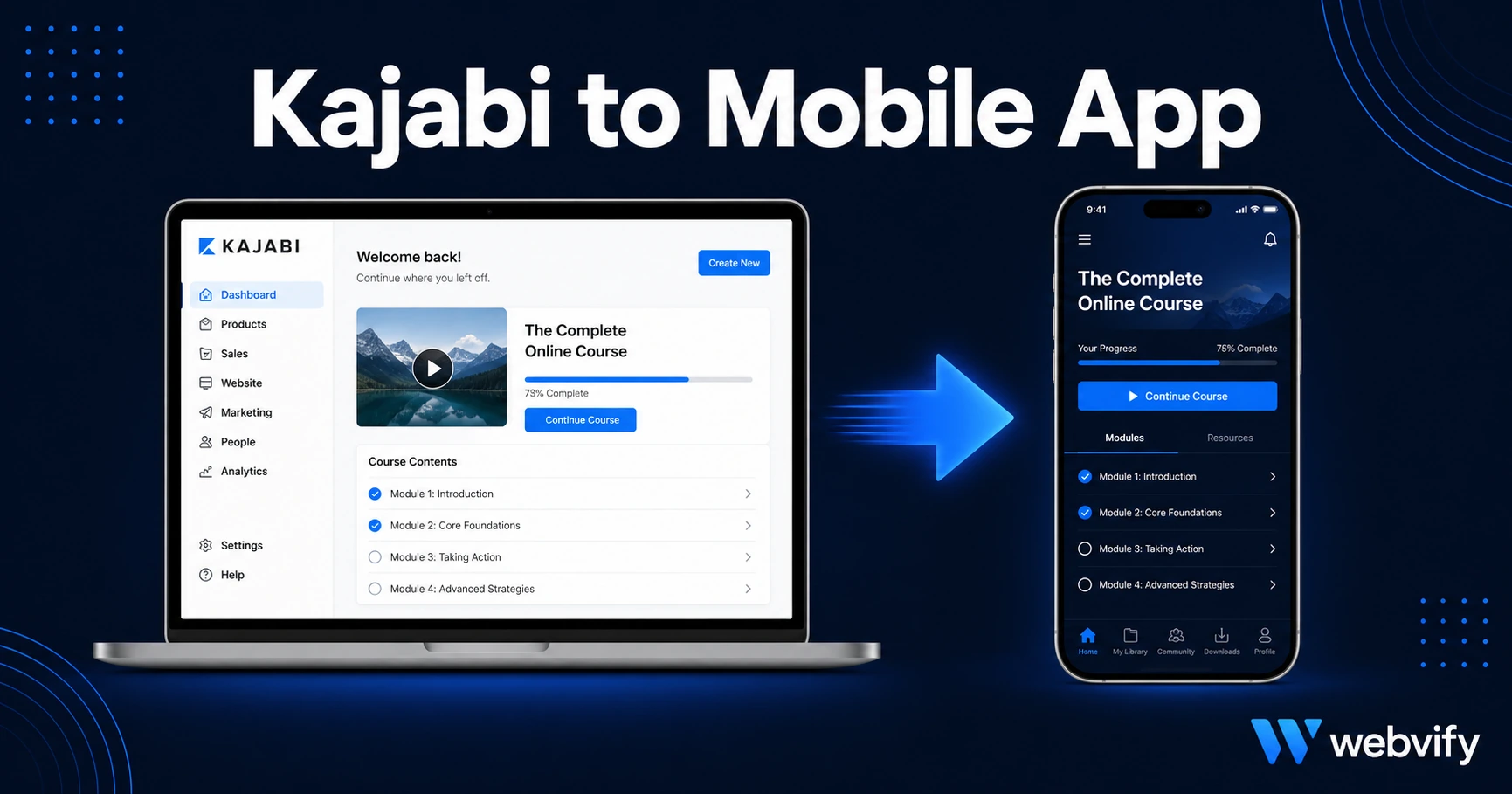
Kajabi has no built-in app builder. Here's how to convert your Kajabi site into an iOS and Android app — and the one IAP rule you must get right first.
Inside this article
Kajabi doesn't give you a "Build App" button. Search their help docs and you'll find articles about mobile optimization — but nothing about getting your own branded app on the App Store or Google Play. That gap is real, and there's a straightforward way around it.
Why Kajabi Has No Built-In App Builder
Kajabi is an all-in-one platform for selling courses, memberships, and coaching programs. It handles your website, checkout, email, and content delivery in one place. What it doesn't handle is App Store distribution.
Getting your Kajabi content onto iOS and Android requires a separate step: packaging your existing Kajabi site as a mobile app. The good news is that Apple and Google both accept WebView apps — apps that wrap a mobile-responsive website inside a native shell. Your Kajabi site is already mobile-responsive. The packaging and submission part is the step that requires someone familiar with App Store compliance.
How a Kajabi Mobile App Actually Works
A Kajabi mobile app uses a WebView: a browser engine embedded inside a native app container. When members open your app, they see your Kajabi site — the same courses, the same member portal, the same content — delivered inside a branded iOS or Android app with your icon on the home screen.
This means:
- No rebuilding your course library inside a new platform
- No duplicating your content or your checkout
- Push notifications to all members — bypassing email open rates entirely
- Your branding on the App Store and Google Play under your own developer accounts
The result stays in sync with your Kajabi site automatically. When you update a course module, add a coaching call, or publish a new product, it appears in the app without resubmitting anything to Apple or Google.
The IAP Rule Every Kajabi Creator Must Know
This is where most Kajabi app submissions fail — and it's not a technical problem. It's a policy problem.
Apple's App Store Guideline 3.1.1 requires that any digital content or service sold inside an iOS app use Apple's In-App Purchase system, with Apple taking a 30% commission. If your Kajabi checkout is accessible from inside the app and someone can buy a course or membership through it, Apple will reject the submission for bypassing the IAP requirement.
The fix is non-obvious but straightforward: disable or redirect your Kajabi purchase flows from inside the iOS app. The standard approach is to remove checkout access within the app and direct new members to your website to complete enrollment. Kajabi's member portal — where existing members access their purchased content — works fine inside a WebView. The block is specifically the purchase funnel.
This is the same rule that Udemy, Coursera, and every major learning platform follows. They don't let you buy a new course from inside the iOS app. They redirect you to the browser. The same pattern applies to your Kajabi app. Services like Webvify configure this compliance step during the build process, which is one of the main reasons it matters who builds and submits your app. It's also why WordPress membership sites face the same challenge — if you're running a course on WordPress, this guide covers the IAP issue in depth.
What to Set Up Before You Start
Beyond the IAP rule, a few Kajabi-specific things need to be confirmed before the app build begins:
Custom domain: Your app must point to your custom domain, not a yoursite.mykajabi.com subdomain. Apple requires the URL to resolve to your own domain during review. If you haven't connected a custom domain to Kajabi yet, do this first.
Login persistence: Kajabi uses cookie-based sessions. A WebView app preserves cookies by default, so members who log in once stay logged in between sessions. Test this before submission: log in, close the app, reopen it — you should land back in the member area without re-entering credentials.
Video delivery: Kajabi hosts course videos on its own CDN. These play correctly inside a WebView without any changes. If you've embedded external videos from YouTube, Vimeo, or Wistia, test these inside the app during review. Most load without issues, though Wistia occasionally requires a domain allowlist update on the Wistia side.
Coaching calls and Zoom links: If your Kajabi site includes Zoom links for live sessions, these open in the Zoom app on mobile automatically. No changes needed — this is the correct behavior.
Kajabi Mobile App vs DIY App Builders
You have two practical paths: build it yourself using a DIY WebView tool, or use a managed service that handles build, compliance, and submission end-to-end.
The DIY route requires an Apple Developer account ($99/year), a Google Play Developer account ($25 one-time), and enough familiarity with Xcode and Android Studio to package and sign the app files. Most Kajabi creators don't have this background, and App Store compliance requirements are not well-documented for non-developers. A single policy misstep — like missing the IAP redirect — results in rejection and restarts the review clock.
The managed approach means providing your Kajabi URL, your branding assets (icon, splash screen), and your developer account credentials — and receiving a submitted app that passes review. The distinction that matters most: look for a service that submits under your developer accounts, not theirs. If the app is published under the service's account, you lose access to it if you stop paying. Under your own account, the app belongs to you permanently.
If you've gone through App Store submission before on a different platform, this guide walks through every step of the process for context on what Apple reviews during a new app submission.
FAQ
Can I add push notifications to my Kajabi mobile app?
Yes — and this is one of the main reasons Kajabi creators want a branded app. Once your app is live, you can send push notifications to all members: course reminders, new content alerts, live session announcements, or promotional offers. Push notifications reach the lock screen directly. Open rates are typically 60–90%, compared to 20–30% for email from the same list.
Will my Kajabi app get approved by Apple?
Kajabi WebView apps are approved regularly. The primary rejection risk is the IAP rule (Guideline 3.1.1): if your app allows users to purchase digital content from inside the iOS app without using Apple's payment system, it will be rejected. Configure your app so purchase flows redirect to the browser, and surface only the member portal inside the app. With that in place, approval is routine.
How long does it take to get a Kajabi app live?
Apple's review process typically takes 24–72 hours for new app submissions. The build and configuration step — setting up the WebView wrapper, testing the IAP compliance, preparing App Store metadata and screenshots — usually takes a few additional days. Using a managed service, plan for 1–2 weeks from kickoff to App Store approval.
Your Kajabi content is ready. The App Store is a separate process — but not a complicated one once you know the rules. If you'd rather not navigate Apple's developer portal, Webvify handles the full process: build, IAP compliance configuration, submission to both App Store and Google Play under your own developer accounts, and an admin panel for push notifications after launch.