

How to Get a Mobile App for Your E-Learning Platform (Without a Developer)
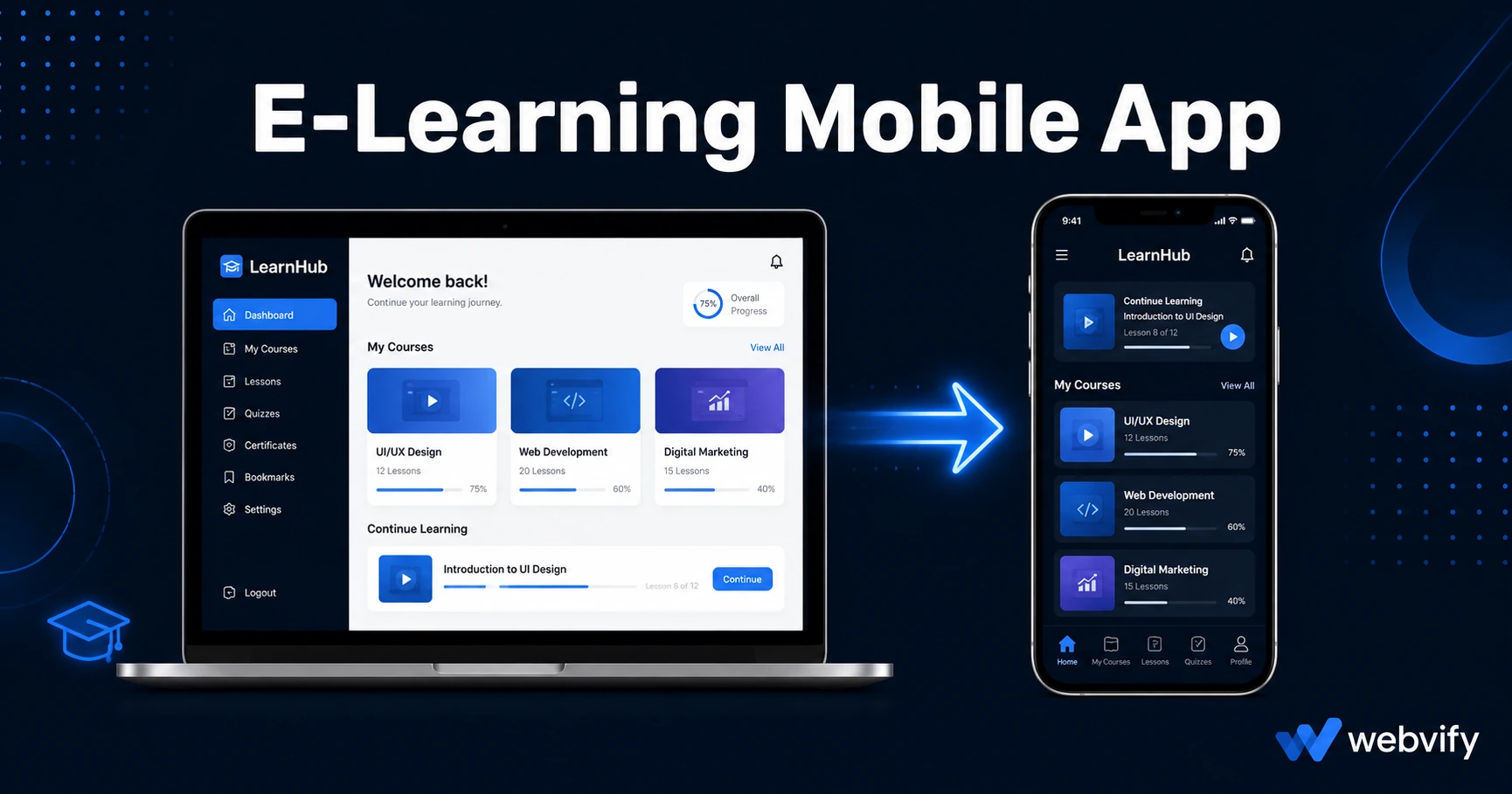
Most online courses have less than 15% completion rates. Here's how an e-learning mobile app with push notifications changes that — no developer needed.
Inside this article
Online course completion rates average below 15%. The content isn't the problem — the forgetting gap between sessions is. Students log in once, get distracted by life, and never return. An e-learning mobile app fixes this by putting your course on the home screen and letting you reach students directly with push notifications before that gap grows.
Why E-Learning Platforms Struggle Without a Mobile App
Your LMS might be on Kajabi, Teachable, LearnDash, Thinkific, or a custom platform — but without a dedicated mobile app, your students experience your course the same way they experience any website: through a browser tab they'll forget to reopen.
The data on this is consistent. Push notifications sent from a mobile app see open rates between 60% and 90%. Email — the tool most course creators rely on to re-engage students — typically hits 20–30% open rates. That gap compounds over a 6-week or 12-week course.
Beyond re-engagement, a mobile app gives your brand a permanent spot on the home screen. Your course sits next to Instagram, Spotify, and YouTube — not buried in a bookmarks folder. That presence alone changes how seriously students treat the commitment they made.
What an E-Learning Mobile App Actually Does
An e-learning mobile app doesn't rebuild your course. It wraps your existing LMS platform in a native mobile shell — called a WebView wrapper — and publishes it as a standalone app on the App Store and Google Play under your brand name.
From the student's perspective, it behaves like a real app: it opens from the home screen, it sends push notifications, it runs full-screen without browser chrome. From your perspective, everything you already have in your LMS — lessons, quizzes, video content, student portals — stays exactly where it is. You don't touch it.
This approach also gets to market far faster than custom development. A native custom app can take 6–12 months and cost $50,000 to $200,000. A WebView-based e-learning mobile app can be live in days at a fraction of that cost.
The Apple IAP Trap Every E-Learning App Needs to Know
Before you publish any LMS app on iOS, there is one rule that catches nearly every course creator off guard: Apple's In-App Purchase requirement (Guideline 3.1.1).
If your app allows students to purchase or subscribe to digital content from inside the app, Apple requires you to use Apple's own payment system — and takes a 30% cut. Stripe, Kajabi Payments, Thinkific Checkout, and every other payment processor you currently use for enrollments will get your app rejected if they're accessible inside the iOS app.
The fix is straightforward: disable in-app purchase flows for iOS users and redirect them to enroll via your website in an external browser. Udemy and Coursera use exactly this pattern — free browsing inside the app, purchase completed outside. Once a student is enrolled through your website, they log in from the app and access everything normally.
This affects every LMS-to-app conversion: LearnDash, Kajabi, Teachable, and Thinkific each have platform-specific gotchas around this rule — the enrollment redirect is the core fix in every case.
Google Play has no equivalent restriction. Android users can enroll directly inside the app without any payment routing changes.
How to Convert Your E-Learning Platform to a Mobile App
The conversion process follows the same steps regardless of which LMS you use.
Check mobile responsiveness first. Open your course on a smartphone browser. If lessons, quizzes, and video players look and function correctly at that screen size, you're already 90% of the way there. A WebView app displays your site exactly as the mobile browser does — if it's broken there, it'll be broken in the app.
Fix the enrollment flow for iOS. As covered above, any purchase or subscription page needs to be either hidden or replaced with a prompt directing iOS users to your website to enroll. This is typically a simple setting in your LMS or a conditional redirect. Once enrolled, students authenticate through your normal login and access everything.
Handle login persistence. Make sure your platform's login sessions persist across app restarts. Most modern LMS platforms handle this correctly with cookie-based sessions, but platforms with OAuth providers (like Google login) sometimes need configuration to work inside a WebView context.
App packaging and submission. Once your LMS is confirmed app-ready, the next step is packaging it into a native binary (IPA for iOS, APK/AAB for Android) and submitting to both stores. This requires Apple Developer and Google Play Developer accounts. Services like Webvify handle this end-to-end — the app gets submitted under your own developer account so you own it outright.
Which LMS Platforms Convert Well
Most LMS platforms that render correctly on mobile browsers convert to an app without major issues. The platform-specific nuances are mostly around payment flows, video embeds, and login providers — not fundamental compatibility.
LearnDash (WordPress): Works well for content delivery. Primary gotcha is Apple IAP rule for any course with paid access, plus ensuring WooCommerce checkout is behind an external redirect. Quiz plugins and video embeds (YouTube, Vimeo, Wistia) are generally compatible. Full LearnDash guide →
Kajabi: Excellent mobile responsiveness out of the box. The Kajabi checkout and membership flows need the IAP redirect treatment for iOS. Wistia video and Kajabi Community features are compatible. Full Kajabi guide →
Teachable: Clean mobile experience. Apple IAP rule applies to any paid course access. Teachable's built-in video player works well inside a WebView. Full Teachable guide →
Thinkific: One unique consideration: Thinkific already offers a shared platform app (the Thinkific mobile app), but students access multiple courses from different creators inside it — your brand isn't prominent. A WebView wrapper gives you your own branded app under your name on the stores. Full Thinkific guide →
Custom LMS or other platforms: If your course runs on a custom platform or a less common LMS, the same rules apply — mobile responsiveness plus the IAP enrollment fix for iOS.
FAQ
Will Apple approve a mobile app for my online course?
Yes. Apple approves educational and course apps regularly, including WebView-based ones. The most common rejection reason is the IAP rule: if your app allows students to purchase digital content inside iOS using a non-Apple payment processor, it gets rejected. Fix this by redirecting enrollment to an external browser, and approval is straightforward. Apple's review typically takes 24–48 hours.
Do my students need to download the app, or can they still use the website?
Both work simultaneously. Your website stays exactly as it is — students who prefer a browser can still use it. The mobile app is an additional channel, not a replacement. Students who download the app get push notifications, home screen access, and a full-screen learning experience. Students who don't download it are unaffected.
How much does it cost to build a mobile app for an e-learning platform?
Custom native app development for an LMS typically costs $50,000–$200,000 and takes 6–12 months. A WebView-based e-learning mobile app using a managed service is a fraction of that cost and can be live in days. The App Store submission itself costs $99/year for an Apple Developer account and $25 one-time for a Google Play Developer account.
Putting your course on the home screen and sending push notifications when students go quiet changes completion behavior in a way that email campaigns can't match.
If you want to convert your e-learning platform into a branded mobile app — with the App Store submission and technical setup handled for you — Webvify does this end-to-end. Your LMS stays as it is. You get the app.