

No-Code Mobile App Pricing in 2026: The Real Comparison
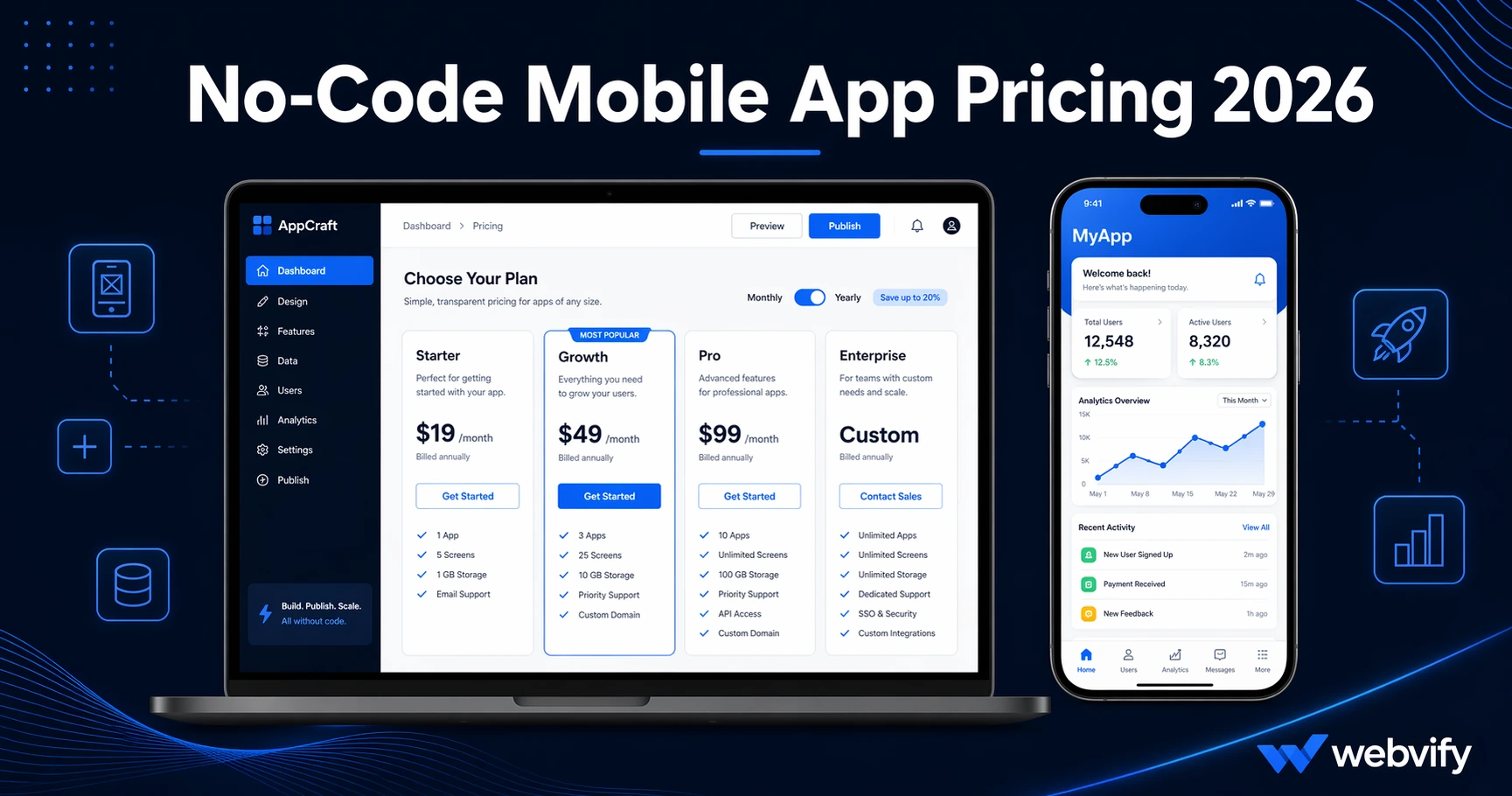
No-code mobile app pricing in 2026 ranges from $29 to $300+/month. Here's what each model includes, hidden costs to watch for, and what to ask before you sign up.
Inside this article
- What No-Code Mobile App Pricing Actually Covers
- The Main No-Code Mobile App Pricing Models in 2026
- App Store Submission: The Hidden Cost Most Platforms Don't Surface
- Platform Lock-In vs. Developer Account Ownership
- What No-Code Mobile App Pricing Looks Like at Each Budget Level
- FAQ
- Get Your App Live Without the Hidden Costs
No-code mobile app pricing in 2026 looks deceptively simple on paper. Monthly plan, pick a tier, launch your app. The reality is that the subscription fee is just one of four or five cost layers — and most buyers don't discover the others until they're already mid-setup.
This guide breaks down what no-code mobile app pricing actually includes, the hidden costs most platforms don't surface upfront, and what questions to ask before you commit to a platform.
What No-Code Mobile App Pricing Actually Covers
No-code app builders fall into two broad categories: app-building tools (self-service) and done-for-you services (managed). Their pricing reflects completely different things.
With a self-service app builder, the monthly subscription typically covers:
- Access to the drag-and-drop builder
- Hosting for your app's content or API
- App updates and feature access
What it often does not include: App Store submission, Google Play submission, the Apple Developer account fee ($99/year), or the Google Play registration fee ($25 one-time). You're expected to handle those steps yourself.
With a done-for-you service, the fee typically covers the build and submission end-to-end — but the scope varies significantly by provider.
Understanding which model you're looking at is the first step to comparing no-code mobile app pricing accurately.
The Main No-Code Mobile App Pricing Models in 2026
No-code mobile app pricing in 2026 breaks down across three models.
Subscription + DIY submission — Most app builder platforms fall into this category. Monthly plans typically range from $29 to $299/month depending on features and app count. App Store submission is either an add-on service or left entirely to you. If you don't have an Apple Developer account, that's another $99/year before anything is live.
Subscription + managed submission — A smaller category where the platform handles App Store and Google Play submission as part of the plan. These tend to start higher — often $99/month and up — because the labor cost is built in. You're paying for someone else to navigate Apple's review process, rejection responses, and compliance requirements.
One-time project fee — Some done-for-you services charge a flat project fee to build and submit your app, then a smaller annual or monthly maintenance fee. This works well if you want a fixed cost and don't expect frequent feature changes.
The subscription model looks cheaper at first glance. But if submission requires 5–10 hours of work you don't have, or if you need to hire a developer to navigate Apple's portal, the true cost of the "cheap" plan rises quickly. For the full cost breakdown of custom development vs. no-code, see our mobile app development cost guide.
App Store Submission: The Hidden Cost Most Platforms Don't Surface
This is where no-code mobile app pricing comparisons break down most often.
Getting your app onto the App Store and Google Play is not automatic. Apple and Google have review processes, compliance requirements, and policies that reject apps for reasons ranging from screenshot formatting to privacy policy wording. For a first-time submission, expect 1–3 rounds of review back-and-forth before approval.
Some platforms charge separately for submission support. Others include some submission guidance in higher tiers but not entry-level plans.
The cost of getting it wrong is real: Apple rejections don't refund your developer fee. If your app is rejected multiple times and you've burned a developer's hourly rate troubleshooting, you can easily spend $300–$500 in hidden costs on a plan that advertised "free submission."
Before comparing any no-code mobile app pricing, ask: Is App Store and Google Play submission included — and what happens if the app is rejected?
Platform Lock-In vs. Developer Account Ownership
Another pricing factor rarely discussed upfront: who owns the app after it's published?
Some no-code platforms publish apps under their own Apple Developer account. Your app is live, but it's tied to their account. If you cancel your subscription, the app gets unpublished. You can't transfer it to a new provider without going through Apple's account transfer process.
Others publish under your Apple Developer and Google Play accounts. This means you own the published listing, can transfer providers, and the app stays live independently of the platform relationship.
The difference matters especially if you're comparing a $29/month plan that publishes under the platform's account versus a higher-cost service that publishes under yours. The lower plan looks cheaper until you're two years in and want to switch providers.
If you're evaluating whether a WebView wrapper or a fully native build makes more sense for your situation, the WebView app vs. native app comparison covers the trade-offs in detail.
What No-Code Mobile App Pricing Looks Like at Each Budget Level
Under $50/month: Entry-level self-service plans. You get the builder and basic features. App Store submission is typically your responsibility. Best for teams with a technically confident owner who can navigate Apple's developer portal independently.
$50–$150/month: Mid-range plans from most major platforms, or entry-level managed options. May include submission support or access to a team that can guide the process. Check whether submission is assisted (guidance only) or fully managed (they handle it end-to-end).
$150–$300/month: Full-featured plans with managed submission, push notification tools, admin dashboards, and multi-app support. Suitable for agencies managing multiple client apps or businesses with high app activity.
Flat fee services: Done-for-you services where a team builds and submits your app under your developer accounts, then hands it over with an admin panel. Lower ongoing cost for straightforward use cases — a restaurant, a salon, a coaching business — where the app doesn't need frequent feature changes.
Services like Webvify work this way: they convert your existing website into a fully branded app, handle end-to-end submission to both stores under your own developer accounts, and give you an admin panel to manage the app after launch — no recurring build fee.
FAQ
What is the average cost of a no-code mobile app in 2026?
No-code mobile app pricing in 2026 typically ranges from $29/month (self-service, DIY submission) to $300+/month for managed platforms with full submission support. Flat-fee done-for-you services often charge a one-time project fee plus a smaller annual maintenance cost. The true total depends on whether App Store submission, developer account fees, and ongoing updates are included in the plan.
Do no-code app builders include App Store submission?
Not always. Many self-service no-code app builders provide the app file but leave App Store and Google Play submission to the user. Some charge submission as an add-on, and a smaller number of managed or done-for-you services include submission in the base price. Always confirm before signing up — and ask specifically what happens if the app is rejected.
Can I switch no-code app builder platforms later?
It depends on who published the app. If the platform published under their own Apple Developer account, transferring the app when you switch providers requires Apple's account transfer process and your new provider's cooperation. If the app was published under your own developer accounts, switching is much simpler — the listing stays live and you control it regardless of which service you use.
Get Your App Live Without the Hidden Costs
No-code mobile app pricing in 2026 has more variation than the comparison pages show. The monthly fee is rarely the only cost — submission fees, developer account fees, and ownership terms all affect your real budget.
If you want a clear cost and a team that handles everything from build to App Store submission, Webvify converts your existing website into a fully published mobile app on both stores — no developer required, no surprise add-on fees.