

Mobile App for Tutors: Rebook Students and Stop Losing Them to the Silence
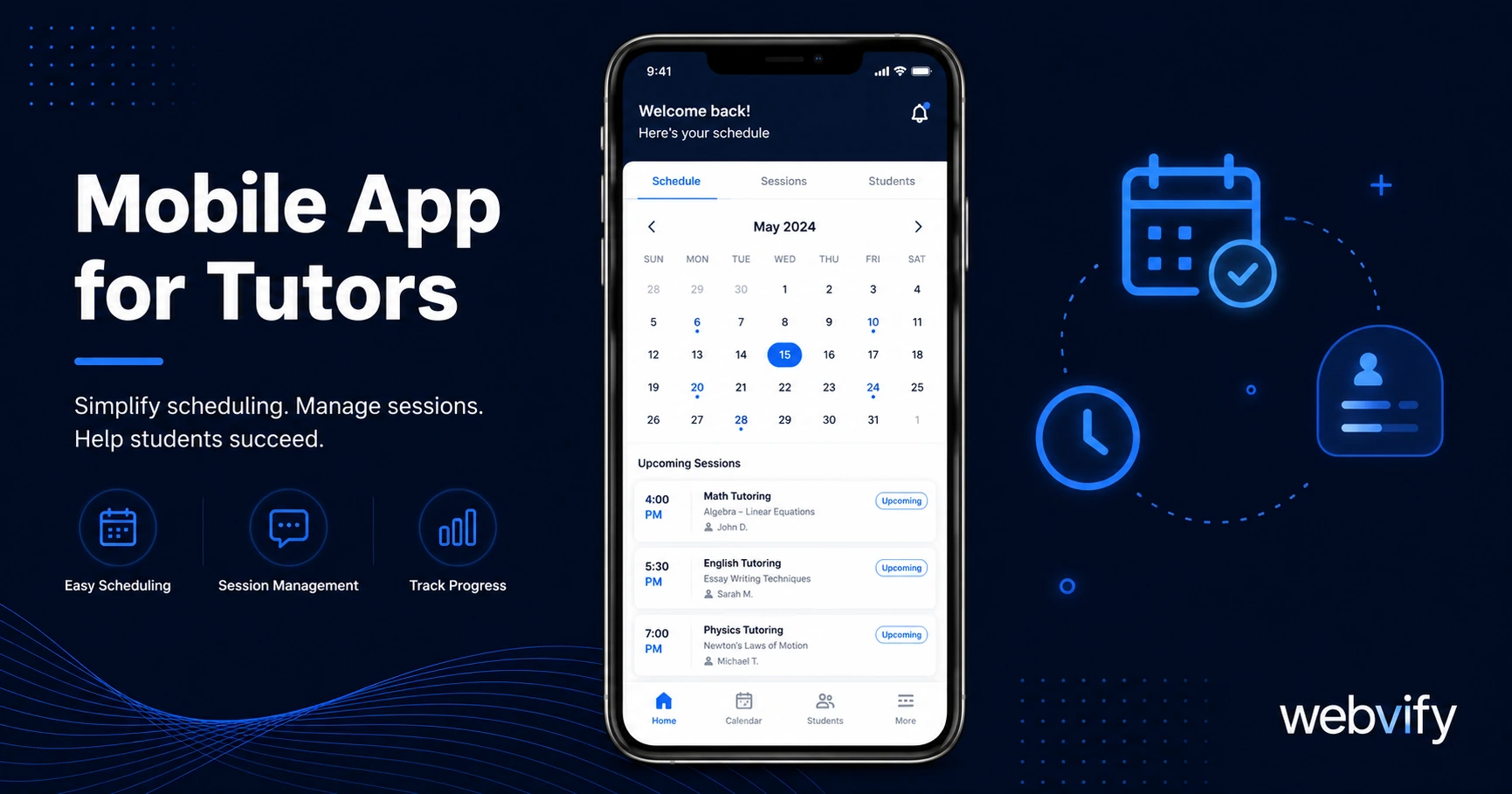
Get a mobile app for your tutoring business without a developer. Use push notifications to rebook students and build your brand off the platforms.
Inside this article
Most tutoring students don't quit because the sessions weren't working. They get busy, your last email gets buried under 300 others, and three weeks later they've booked someone else — or just stopped studying entirely.
The gap between sessions is where you lose clients. A mobile app for tutors closes that gap with push notifications, home screen presence, and direct rebooking — without you needing to write a single line of code.
The Real Reason Students Stop Booking
When a student goes quiet, it rarely has anything to do with you. It's timing. Life happens — a busy week, a school break, a stressful exam period. And because you're living in their email inbox alongside newsletters, receipts, and school notices, you're easy to forget.
Email open rates in the education sector average 25–30%. That means seven out of ten of your "rebook now" emails are never seen.
Push notifications work differently. They reach the lock screen. They don't compete with an inbox. Open rates for push notifications run between 60–90% — the same message, sent at the right moment, gets 3x the visibility.
That's the core argument for a mobile app for tutors. Not the features. The reach.
What a Mobile App for Tutors Actually Does
A tutor's mobile app is your existing website — your booking page, your contact form, your student resources — packaged as a real iOS and Android app with your name and logo on the App Store and Google Play.
It's built using a WebView wrapper, which means there's no rebuilding your site from scratch. Whatever works on your website works in the app. Your Calendly or Acuity booking link, your payment processor, your resource library — all of it carries over.
What you gain on top of your website:
Home screen presence. Your app lives on the student's phone. Every time they open their phone, your name is there. That's a visibility channel no browser bookmark provides.
Push notifications. You can send rebooking reminders, session preparation messages, and availability alerts directly to students' lock screens — even when they're not actively browsing.
App Store credibility. A listed app signals professionalism in a way a business card or website can't. Parents hiring tutors for their children respond well to it.
Direct booking channel. If you're currently relying on Wyzant, Preply, or TakeLessons, those platforms take 25–40% of every session fee. A branded app moves your existing students to a direct booking flow where you keep the full rate.
Push Notifications: Your Rebooking Engine
The highest-ROI use of a tutor's mobile app is a simple notification sequence tied to the student's session schedule.
Here's a practical three-message sequence:
Day 10 after last session: "Ready to schedule your next session? Your last booking was [X] — grab a spot before the schedule fills up."
Day 18: "Two spots left this week. Want to lock one in?"
Seasonal window openers: Before exam periods, school breaks, and back-to-school season, send a one-sentence push announcing your availability. Seasonal messages consistently outperform generic "check in" emails.
For students who are enrolled in an ongoing program, you can also send session prep reminders the day before ("Tomorrow at 4pm — your algebra session is confirmed. Any questions, reply here."). This reduces no-shows and builds the habit of consistent engagement.
If you work with appointment-based clients more broadly, the appointment booking mobile app guide covers the full rebooking mechanic in detail.
Getting a Mobile App for Your Tutoring Business
The standard path to an app — hiring a developer, going through Xcode and Android Studio, navigating App Store Connect — takes months and costs thousands. That's not a realistic option for most independent tutors.
The WebView wrapper approach is different. Your existing website is used as the app's content layer. A service like Webvify handles the packaging, the App Store submission, and the configuration of push notifications — you don't touch any code. The whole process runs in days rather than months.
What you need going in:
A responsive website (mobile-friendly). Most modern website builders — WordPress, Squarespace, Wix, Notion-based sites — are responsive by default.
A published domain (not localhost). The app needs a live URL to wrap.
A clear booking flow. Your Calendly, Acuity, or direct contact form must work cleanly on mobile. If it does on mobile browser today, it works in the app.
One thing to check: if you sell session packages or subscriptions directly through your website (Stripe checkout, PayPal), Apple has a rule — Guideline 3.1.1 — that requires digital purchases made inside an iOS app to use Apple's in-app purchase system, which takes a 30% cut. The simplest fix is directing new package purchases to an external browser ("Buy sessions on our website"). Existing payment links for physical-service bookings (time-for-money tutoring sessions) are not affected — only digital goods and subscriptions.
For coaches running similar business models, the mobile app for online coaches guide covers this compliance detail step by step.
App Store Submission: The Part Most Tutors Skip
Publishing an app to the App Store and Google Play is where most people assume they need a developer. In practice, the submission is a process — not a programming task.
Apple requires: an Apple Developer account ($99/year), an app binary built to their specifications, a privacy policy URL, and screenshots. Google Play requires a $25 one-time fee, similar binary requirements, and a Data Safety form.
The binary is what a WebView wrapper service produces — a compliant iOS/Android package wrapping your site. Once that's generated, submission is form-filling, not coding.
The first-time review typically takes 24–48 hours for App Store and 3–7 days for Google Play. Rejections, when they happen, are usually fixable within a few hours — most come from metadata issues (missing privacy policy, incorrect app category) rather than technical failures.
FAQ
How much does it cost to get a mobile app as a tutor?
Done-for-you services like Webvify typically cost a few hundred dollars for the build and submission, with a small monthly fee for the admin panel and push notification tools. This compares to $10,000–$50,000 for a custom-built app. The Apple Developer account ($99/year) and Google Play account ($25 one-time) are additional costs you pay directly to the stores.
Do I need a developer to submit my tutoring app to the App Store?
No. App Store submission is a process, not a programming task. You need a compliant app binary and an Apple Developer account — both of which a service like Webvify handles on your behalf. Many tutors complete the full process without writing any code or hiring any developer.
Can I use my existing Calendly or Acuity booking link inside the app?
Yes. A WebView app wraps your existing website, so any booking tool that works on your mobile site works in the app. Calendly, Acuity, Teachable, and similar platforms all load correctly. The only edge case is payment flows for digital goods (session packages, subscriptions) — see the Guideline 3.1.1 note above.
You can't control when students get busy. But you can control whether your name is still visible when they're ready to book again.
A branded mobile app keeps you on the home screen, in their notifications, and one tap away from rebooking — without you spending months building something from scratch.