

Mobile App for Self-Storage: Keep Customers Paying and Coming Back
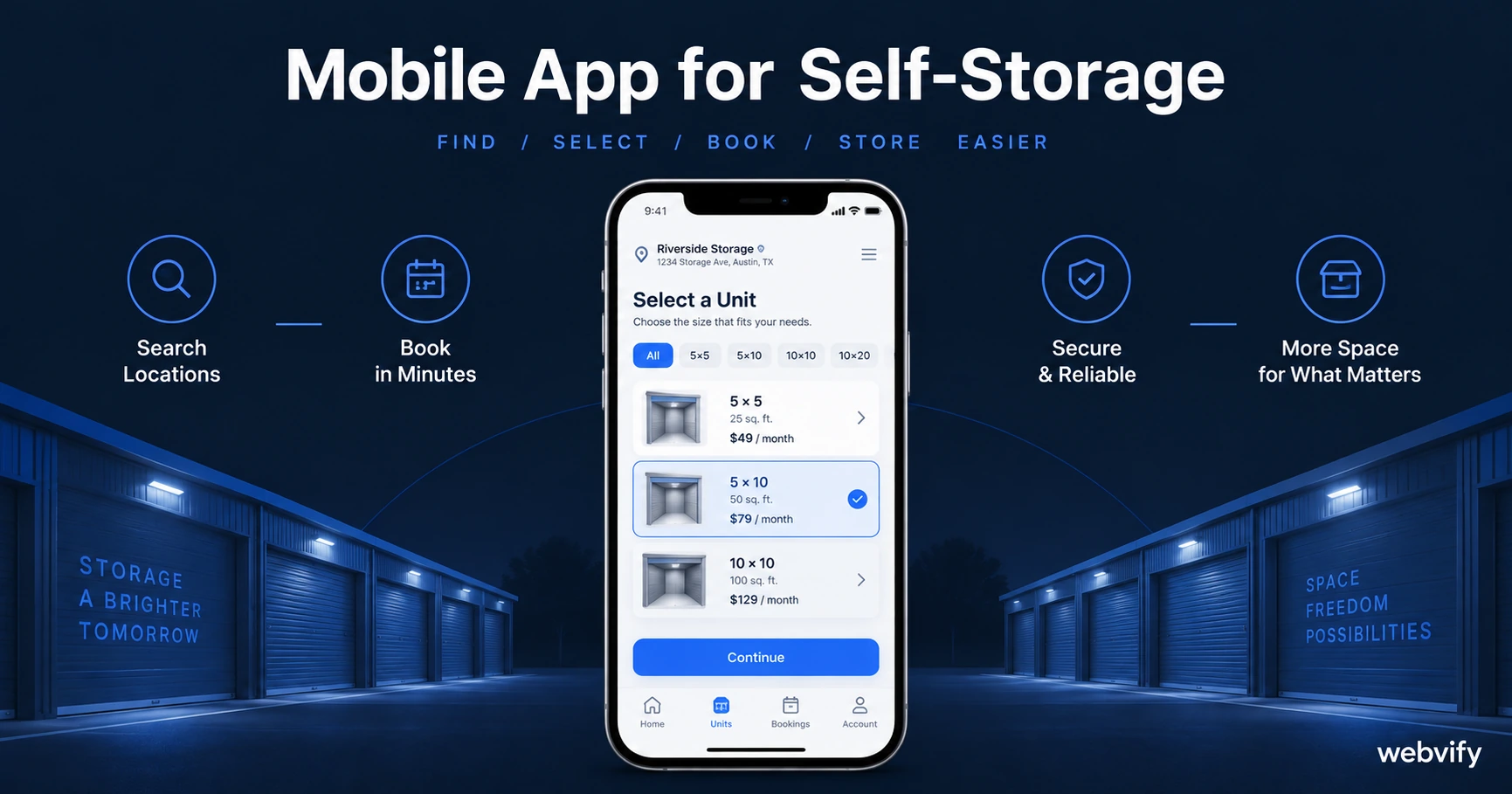
A mobile app for your self-storage business keeps customers paying on time, fills vacant units faster, and wins referrals — without hiring a developer.
Inside this article
- Mobile App for Self-Storage: Keep Customers Paying and Coming Back
- Why Self-Storage Businesses Lose Customers to Silence
- The Three Push Notification Campaigns That Move the Needle
- What "Home Screen Presence" Means for a Storage Business
- How the App Works With Your Existing Website
- What to Look for in a Mobile App Service for Self-Storage
- FAQ
Mobile App for Self-Storage: Keep Customers Paying and Coming Back
Self-storage customers don't leave because they found somewhere better — they leave because they stopped thinking about you. A branded mobile app on their phone changes that.
Most self-storage operators communicate with customers only when a payment is late or a unit needs to be vacated. That 6–18 month silence between move-in and renewal is where competitors steal customers who are looking to add a second unit or refer a friend. Push notifications solve that problem directly, at a fraction of what a billboard or a direct mail campaign costs.
Why Self-Storage Businesses Lose Customers to Silence
The average self-storage customer stays for 14–16 months. During that time, most businesses have zero proactive contact with them. No seasonal check-ins, no referral asks, no loyalty nudges. Just an auto-payment and a padlock.
When that customer's sister needs storage two months later, she Google searches "storage near me" — because there's no app on her phone prompting her to call you first. The referral is gone. So is the upsell to a larger unit.
A branded mobile app turns passive, invisible customers into engaged ones. Push notifications reach the lock screen at 60–90% open rates — compared to 20–25% for email from service businesses. That reach advantage compounds over a customer's entire tenancy.
The Three Push Notification Campaigns That Move the Needle
Most self-storage operators can build three high-ROI sequences the moment their app launches.
Payment reminder (Day -3 before payment date). Send a friendly push 3 days before the next billing cycle. A simple "Your storage unit renews in 3 days — tap to confirm your payment method is up to date" dramatically reduces failed payments and the manual follow-up work they create. Failed payments are one of the top reasons tenants churn.
Unit upgrade window (Day 90 after move-in). Customers who have been with you for three months know your facility is good. Day 90 is the highest-ROI moment to offer a larger unit — they've already outgrown their first one but haven't started looking elsewhere. A single push notification with a seasonal offer converts at a much higher rate than a generic promotion.
Referral request (Day 30–45 after move-in). New tenants are happiest in their first month. They've solved a problem and they're relieved. That's the right moment to send a referral push: "Know someone who needs storage? Share this with them and they'll get their first month at a reduced rate." Referral tenants convert at 3–4x the rate of cold leads.
These three sequences alone — payment nudge, upsell window, referral ask — can run on autopilot once configured. Services like Webvify set these up during onboarding, so you don't need a marketing team to keep them running.
What "Home Screen Presence" Means for a Storage Business
App Store listings create a layer of institutional trust that Google Maps and a sign on the road don't. A storage customer evaluating two facilities in the same postcode will often choose the one with an app — it signals that the business is serious about service and communication.
Beyond trust, a home screen icon means your business is literally visible every time the customer unlocks their phone. That visibility keeps you top-of-mind during the two highest-value moments in a storage customer's cycle: when they're looking to upgrade, and when a friend asks them for a recommendation.
For a local self-storage business competing with national operators like Public Storage or Extra Space, an app levels the playing field on the customer experience dimension — without the enterprise budget.
How the App Works With Your Existing Website
You don't need to rebuild your website or replace your booking system. A WebView mobile app wraps your existing website inside a native app shell, so everything your customers already do on your site — checking rates, reserving a unit, paying online — works exactly the same way inside the app.
The difference is that you can now send push notifications, appear in the App Store and Google Play, and maintain a home screen presence for the entire duration of a customer's tenancy.
If you're running on a platform like Sitelink Web Edition, StorEdge, or a custom self-storage website, the app works with that existing setup. You don't touch the backend. Read more about the benefits of converting your website to a mobile app to understand what the transition looks like end-to-end.
For the push notification strategy, see our breakdown of push notifications vs email for small businesses — the open-rate gap is especially pronounced in service industries with long gaps between purchases.
What to Look for in a Mobile App Service for Self-Storage
Not all app-building services are the same for a self-storage operator. Here's what matters:
End-to-end App Store submission. Getting an app approved on Apple's App Store requires a developer account, a compliance review, and knowledge of Apple's guidelines. A managed service handles all of this for you — you just provide the content.
Push notification configuration. The campaigns described above only work if push notifications are set up correctly on both iOS and Android. Confirm your provider handles this as part of onboarding, not as an add-on.
Your own developer account. Always ensure your app is published under your Apple Developer account and your Google Play account — not the service provider's. If you ever switch providers, you keep the app and the reviews.
FAQ
How much does a mobile app for a self-storage business cost?
A custom-built native app can cost $30,000–$150,000. A WebView wrapper service that packages your existing website into an app typically runs $500–$2,000 as a one-time fee, or $50–$150/month for a managed service including App Store submission and push notification support. For most self-storage operators, the WebView approach delivers 90% of the customer-facing value at a fraction of the cost.
Do self-storage customers actually use mobile apps?
Yes — and the key insight is that your customers don't need to use the app frequently for it to deliver value. Even customers who open the app once a month still have your icon on their home screen. That visibility alone reduces churn and increases referrals, because you stay top-of-mind without sending a single email.
How long does it take to get a self-storage app live on the App Store?
With a managed service, the typical timeline is 5–10 business days from sign-up to app submission. Apple's review takes 24–48 hours. Google Play is usually faster. You can have a live app in under two weeks without writing a line of code or navigating Apple's developer portal yourself.
A branded mobile app won't replace a great facility or competitive pricing — but it closes the communication gap that lets competitors steal your customers and your referrals.
Ready to get your self-storage app live? Start at webvify.app — Webvify handles the build, App Store submission, and push notification setup end-to-end.