

Mobile App for Plastic Surgeons: Keep Patients Coming Back Between Procedures
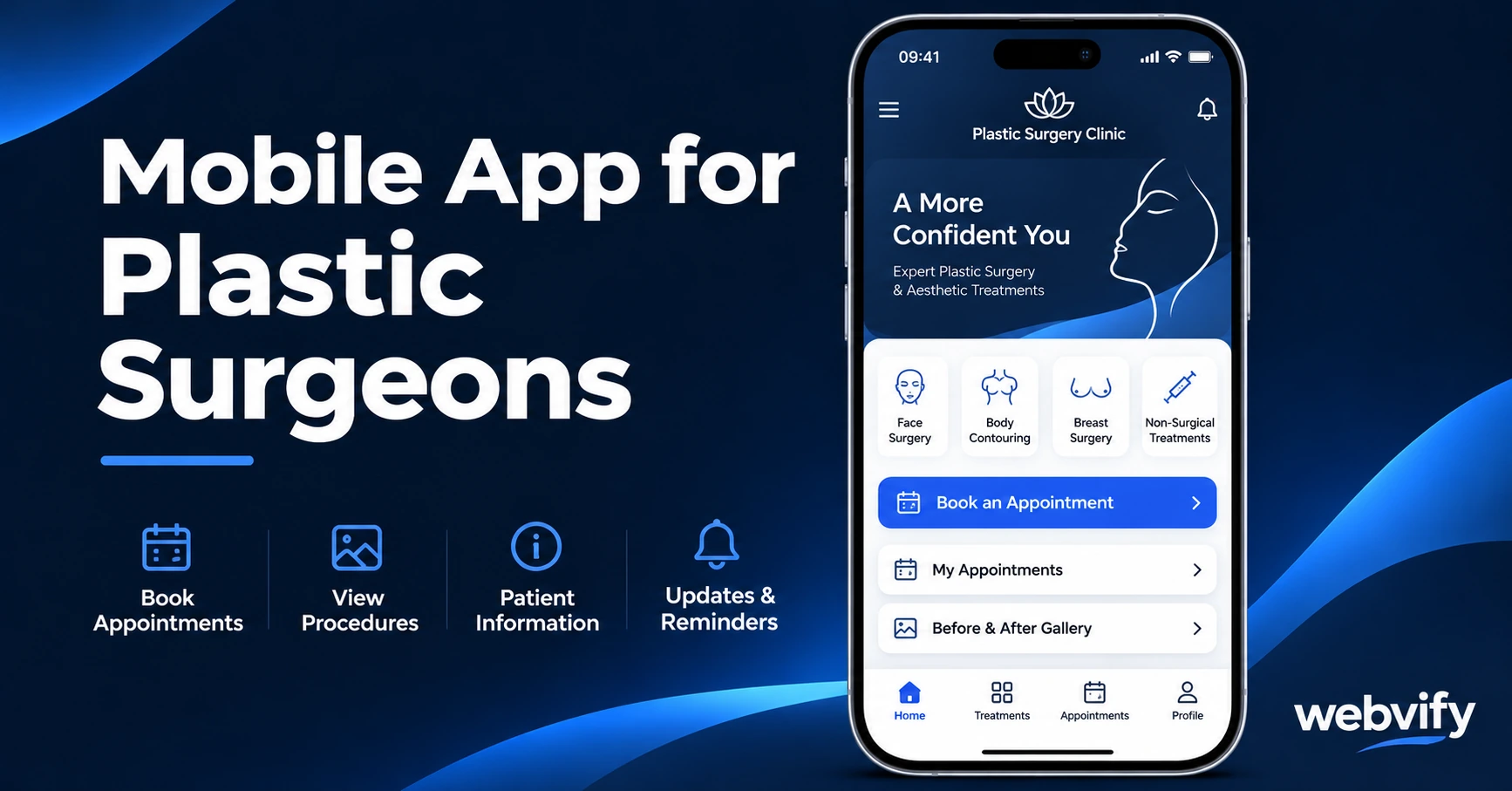
A mobile app helps plastic surgeons win more referrals and keep patients booked between procedures — with push notifications, no developer needed.
Inside this article
- Why Plastic Surgery Patients Go Quiet After Consultations
- What a Mobile App for Plastic Surgeons Actually Does
- Three Push Notification Campaigns That Win More Procedures
- App Store Presence as a Trust Signal
- Compliance: What to Know Before You Build
- How to Get a Mobile App Without Hiring a Developer
- Frequently Asked Questions
The average plastic surgery consultation costs $100–$500. The average rhinoplasty costs $5,400. And the most common reason a consulted patient books with a competitor? They simply forgot who they spoke to first.
Why Plastic Surgery Patients Go Quiet After Consultations
Plastic surgery is one of the highest-consideration purchases most people ever make. Patients research for months, compare multiple surgeons, attend consultations — then go home and think about it.
That thinking period is where most practices lose patients. The gap between a first consultation and a final booking decision can run 3 to 18 months. During that window, patients receive no touchpoints from your practice. Meanwhile, the surgeon they saw last week sends a follow-up. The one they found on Instagram runs a targeted ad. And the practice with the app on their phone is the one that feels most accessible.
A mobile app for your plastic surgery practice keeps you visible during that entire window — without anyone on your team making a single phone call.
What a Mobile App for Plastic Surgeons Actually Does
A plastic surgeon's app is not a complex piece of software. At its core, it's your existing website — your procedure pages, your before-and-after gallery, your consultation booking form — packaged as a branded iOS and Android app.
What changes is the channel. Instead of hoping a patient Googles you again six months after their consultation, you can reach their lock screen directly with a push notification. Push notifications see open rates of 60–90%, compared to 20–25% for email. That difference becomes significant when you're trying to maintain a relationship with a patient who's still deciding.
Beyond push notifications, the app gives your practice permanent home screen real estate. Patients who download your app are significantly more likely to book through your practice than through a directory or a competitor's website.
If you run a medspa alongside your surgical practice, the same approach applies — the same logic that works for medspa mobile apps applies equally well to surgical practices.
Three Push Notification Campaigns That Win More Procedures
The most effective apps for plastic surgery practices are built around three core campaign types:
1. Post-consultation follow-up (Day 7 and Day 30)
After a consultation, most practices rely on a single follow-up call. With a push notification, you can reach the patient directly on their phone at a chosen moment — not during their commute when they can't talk, but as a brief, low-pressure message that keeps the door open.
A Day 7 message might be: "Questions about your rhinoplasty consultation? We're happy to walk you through anything."
A Day 30 message: "Still thinking about your procedure? We have a few consultation slots available this month."
Neither of these is pushy. Both put your practice in front of a warm prospect at the right moment.
2. Annual check-in and complementary procedure alert
Patients who have had one procedure are your best candidates for the next. A patient who had a rhinoplasty two years ago may now be considering blepharoplasty. A breast augmentation patient may want to explore a revision.
An annual check-in push — simple, friendly, non-clinical — keeps that conversation alive. It doesn't require a marketing budget. It requires a scheduled notification and 15 words.
3. Referral window (Day 7–21 post-procedure)
The highest-satisfaction moment in a patient's journey is the week after a successful procedure. That's when referrals happen most naturally — but only if you ask.
A push notification at Day 10: "Happy with your result? We'd love a review — and your friends always come first for consultations."
That window closes fast. Without a direct channel, you miss it entirely.
App Store Presence as a Trust Signal
Plastic surgery is a high-stakes decision. Patients are evaluating risk, credentials, and trustworthiness before they book. The same signals that work in other trust-sensitive fields — consistent branding, professional online presence, transparent communication — apply here.
Having a branded app listed on the App Store and Google Play sends a specific signal: this is a serious, established practice. The same logic applies across high-consideration healthcare services — chiropractors use mobile apps for the same credibility benefit, and the pattern holds just as well for surgeons.
This is especially relevant during the consultation evaluation period, when a patient is comparing three practices side by side. A practice with a branded app appears larger, more professional, and more committed to patient experience than one without.
Compliance: What to Know Before You Build
Healthcare apps carry specific requirements around patient data. If your app only wraps your website — handling appointment requests, showcasing your work, sending push notifications — you're typically not handling protected health information (PHI) directly within the app itself.
That means most website-based plastic surgery apps don't trigger full HIPAA requirements at the app layer, as long as the data-sensitive interactions (consultation intake forms, medical records, billing) remain on your existing, separately secured website and backend. Our HIPAA-compliant mobile app guide walks through exactly where compliance applies depending on what your app handles.
For most plastic surgery practices using a WebView app, the compliance burden stays at the website layer — which is where it already is.
How to Get a Mobile App Without Hiring a Developer
The barrier most surgeons face isn't the concept — it's execution. Building a native iOS and Android app from scratch typically costs $30,000–$80,000 and takes six to twelve months. For a solo or small-group practice, that's not a viable option.
A WebView app is a different category entirely. Rather than rebuilding your website inside a native framework, it packages your existing site — exactly as it appears — into a fully functional app. Your booking system, gallery, procedure pages, and contact forms all work without rebuilding anything.
Services like Webvify handle the entire process: building the app, submitting it to the App Store and Google Play, managing the developer accounts, and providing an admin panel to send push notifications without touching a line of code.
The result is a practice-branded app under your name on both stores, live within days rather than months — at a fraction of the cost of custom development.
Frequently Asked Questions
Does a plastic surgery practice really need a mobile app?
Not every practice does. But if your consultation-to-booking conversion is below 50%, or if you're losing patients during the 3–18 month consideration window, a mobile app gives you a direct channel that email and social media can't match. Push notifications reach lock screens at 60–90% open rates — that's the difference between being forgotten and being first in mind when a patient is ready to book.
What patient data does a plastic surgery app access?
A WebView app wraps your existing website. If your site doesn't handle PHI directly in the browser, neither does the app. Appointment request forms, general contact submissions, and procedure inquiries are typically handled server-side on your website backend — the app itself doesn't store or process them. For practices using HIPAA-compliant patient portals, the portal's existing compliance applies at the website layer, not the app layer.
How long does it take to get a plastic surgery app live on the App Store?
With a managed service like Webvify, the typical timeline is 5–10 business days from start to published app. Apple's review process takes 24–48 hours for most WebView apps. The build itself takes 2–3 days. The developer account setup (Apple Developer Program, $99/year; Google Play, $25 one-time) is the longest lead item if you don't already have one.
Ready to put your practice on every patient's home screen?
Get your plastic surgery practice on the App Store with Webvify →