

Mobile App for Museums: Keep Visitors Coming Back Between Exhibitions
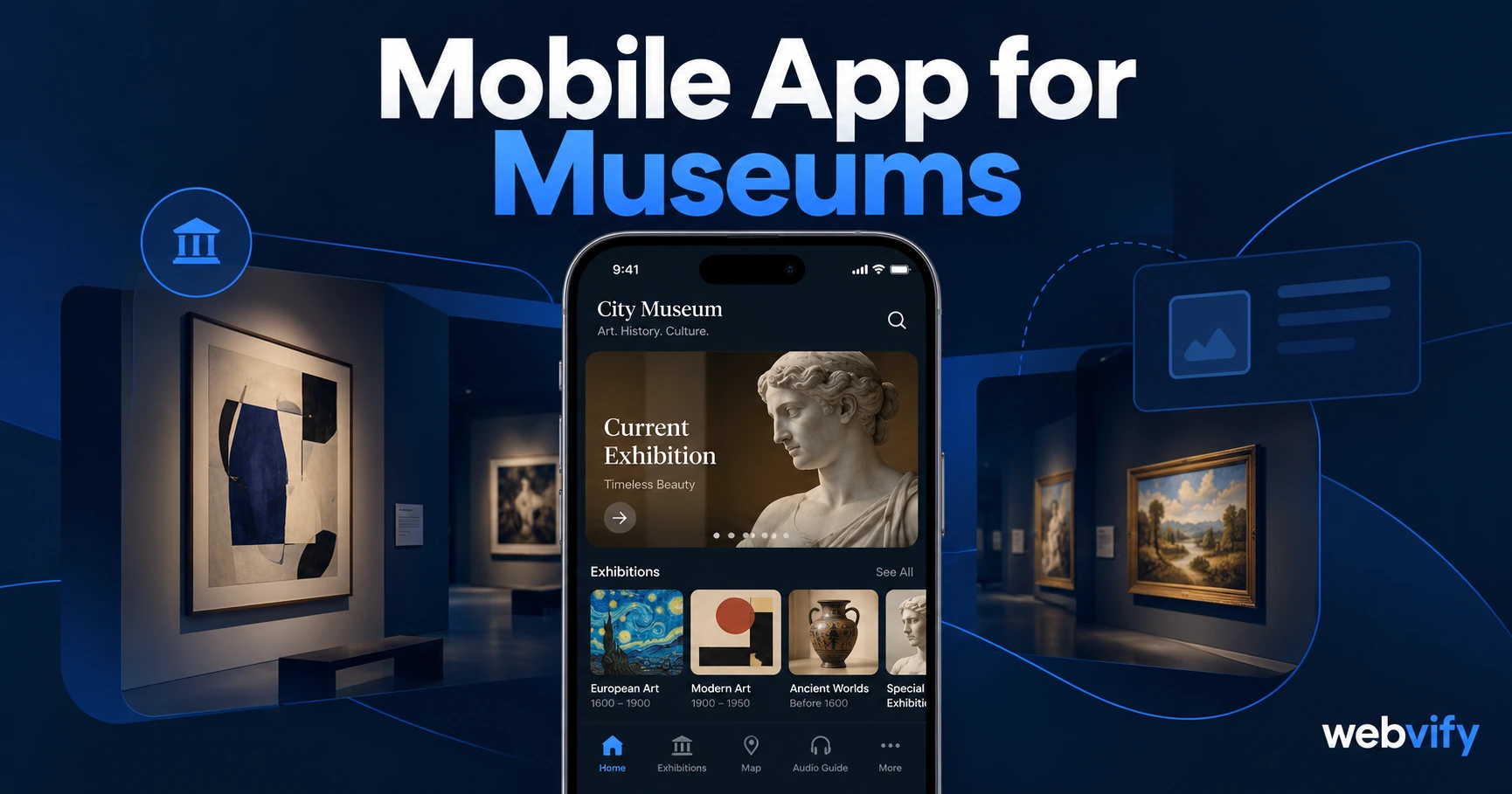
Museums lose visitors in the gap between exhibitions. A mobile app for museums keeps them engaged year-round with push notifications. No developer needed.
Inside this article
Museums attract visitors who genuinely love what you offer. A mobile app for museums changes one thing: the 4-month silence between exhibitions — during which nothing keeps visitors connected, and a competitor's event quietly fills their calendar instead.
Why Museums Lose Repeat Visitors Between Exhibitions
Museum visitors don't stop attending because of a bad experience. They drift because the engagement cycle has a structural hole: the gap between exhibitions is typically 3–6 months, and most museums fill that gap with email newsletters that land in crowded inboxes at 20–25% open rates.
Social media is no better. Organic reach on Facebook and Instagram hovers around 3–6% of your follower base. By the time your next major exhibition opens, visitors who genuinely enjoyed their last visit are already committed to something else.
A mobile app with push notifications solves this at the source. Push notifications reach 60–90% of recipients on their lock screen — not filtered by an algorithm, not buried in a promotions tab. That's the engagement gap a museum mobile app closes.
For the full open-rate comparison, see our push notifications vs email breakdown.
What a Mobile App for Museums Actually Delivers
A museum app isn't a second website. It's a direct notification channel, an App Store presence, and a home screen placement — three things email and social can't provide:
Push notifications. You reach visitors directly, on their phone's lock screen, when a new exhibition opens, when a member night is scheduled, or when a limited-time experience is available.
Home screen presence. Your museum's logo sits on your visitor's phone between visits. When they're planning a weekend, they see you before they search anywhere else.
App Store credibility. For cultural institutions, a published app in the App Store and Google Play signals legitimacy. Families, school groups, and corporate partners read an App Store listing as evidence of a serious, permanent institution.
Most museum apps don't require building from scratch. If your museum already has a website — with exhibition listings, ticketing, and a membership page — a WebView app wraps that into a native iOS and Android app without rebuilding a single page. For a primer on how that works technically, see our WebView app vs native app guide.
The Three Push Campaigns That Drive the Most Return Visits
Not all push notification campaigns are equal. These three sequences generate the highest re-engagement for museums and cultural institutions:
New Exhibition Opener (Day −14). Send a preview two weeks before a major exhibition opens: what's inside, why it matters, and a direct link to book. This is your highest-intent window — past visitors are most receptive when the next chapter of your programme is about to begin.
Member Exclusive Event Alert (48 hours before). Member nights, preview openings, and after-hours experiences feel different when they arrive as a push notification rather than an email. The exclusivity of a timed push — "Member preview night is tomorrow at 6pm — spots are limited" — drives attendance in a way a newsletter cannot.
90-Day Dormant Reactivation. Visitors who haven't engaged for 90 days receive a simple nudge: "Our [current exhibition] closes in three weeks. It's worth seeing before it goes." This campaign recovers lapsed visitors at virtually zero marketing spend.
Services like Webvify handle notification setup as part of the app build — you configure campaigns through a dashboard, no developer needed.
Custom App vs WebView App: Which Option Does a Museum Need?
Custom native museum apps — with interactive floor plans, audio guides, and AR layers — cost $60,000–$200,000 and require a mobile development team for ongoing maintenance. For large national institutions with dedicated digital teams, that investment makes sense.
For most museums and cultural centers, a WebView app delivers the core benefits at a fraction of the cost: your existing website, wrapped into a native binary, submitted to the App Store under your institution's name.
One important caveat: if your museum sells digital content (premium virtual tours, downloadable educational materials, or digital subscriptions), Apple requires those purchases to go through in-app purchase — taking a 30% commission. Physical tickets, venue memberships paid at the front desk, and in-person gift shop purchases are not affected. A good web-to-app service flags this before submission so you're not caught in the review process.
If you operate an art gallery, the same retention mechanics apply — see our mobile app for art galleries guide for gallery-specific campaign timing.
How to Get Your Museum App on the App Store
The process for a WebView museum app is straightforward:
- Apple Developer Account — Your institution registers for an Apple Developer account ($99/year). The app publishes under your museum's name, not the provider's.
- Google Play Developer Account — A one-time $25 registration for Android coverage.
- Build — The service wraps your website URL into a compliant native binary. You provide your app name, icon, and store screenshots.
- Review — Apple's review takes 24–48 hours for a first submission. Google Play is typically faster.
- Admin Panel — After launch, you manage push campaigns and app settings through a dashboard. No ongoing developer cost.
The whole process — from account creation to App Store approval — typically takes 5–10 days for a museum with an existing website.
FAQ
How much does a mobile app cost for a museum or cultural center?
A custom native museum app typically costs $60,000–$200,000, plus ongoing developer fees. A WebView app that wraps your existing website typically costs a few hundred to a few thousand dollars through a managed service, plus Apple's $99/year developer fee. Most small and mid-sized museums use the WebView route to launch without a technology team.
Do museum visitors actually use a museum app?
Yes — especially when the app serves as a push notification channel rather than just an information guide. Visitors who download the app for one visit remain engaged when they receive 1–2 relevant notifications per month. The highest-performing triggers are new exhibition announcements and member-exclusive events, both of which drive return visits and member upgrades.
What's the difference between a museum app and a mobile website?
A mobile website requires visitors to remember your URL, open a browser, and navigate to it. A museum app lives on their home screen and can send push notifications — the functional difference that drives repeat visits. App Store and Google Play listings are also a separate discovery channel: visitors searching for cultural experiences can find your museum even if they've never visited your site.
A branded museum app takes days to launch, not months — and it doesn't require a developer or a rebuild of your existing site. Get started with Webvify →