

Mobile App for Art Galleries: Keep Visitors Coming Back Between Exhibitions
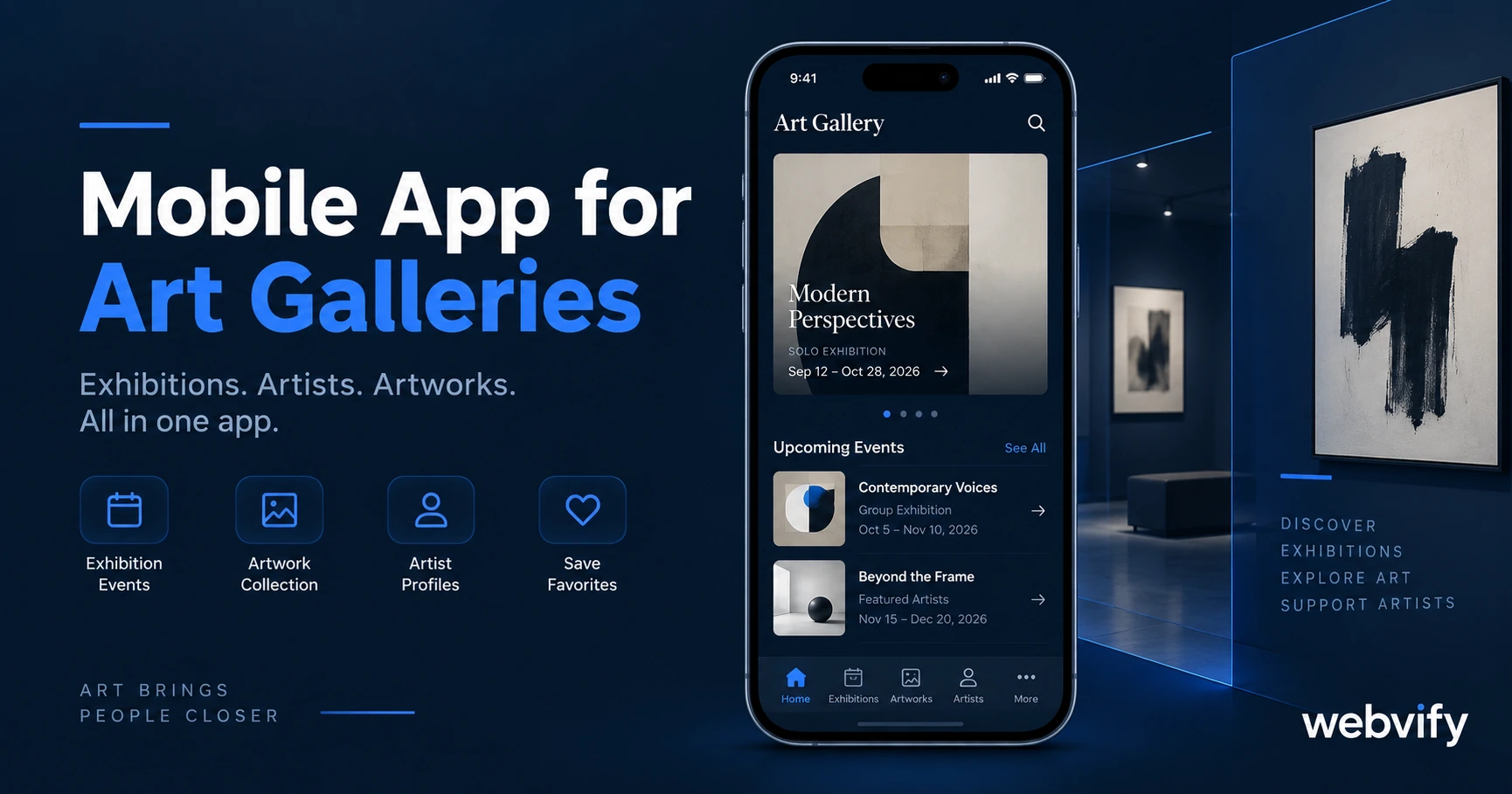
Art gallery visitors attend opening night and disappear for months. A branded mobile app with push notifications keeps them engaged between exhibitions.
Inside this article
- Why Art Gallery Visitors Disappear Between Exhibitions
- What a Mobile App for Art Galleries Actually Does
- Three Push Notification Campaigns That Drive Repeat Visits for Your Mobile App for Art Galleries
- How to Get Your Art Gallery App on the App Store Without a Developer
- Does a Small Gallery Really Need a Mobile App?
- Frequently Asked Questions
Opening night fills the gallery. Three months later, most of those visitors don't know your next show has opened — because nothing told them.
Why Art Gallery Visitors Disappear Between Exhibitions
Gallery visitors don't stop caring about your work. They get busy, life interrupts, and without a direct line to their phone, you lose the 8–12 weeks between exhibitions to competing events and noisy feeds.
Most galleries rely on email newsletters and social media to stay visible. Email open rates in the arts sector average 20–25%. Organic social reach for business pages has dropped to 2–5%. When you announce your next opening, 80–95% of past visitors never see it.
A mobile app for art galleries changes that equation. Instead of hoping they check their inbox, you send a push notification directly to their home screen.
What a Mobile App for Art Galleries Actually Does
A gallery app is not a separate website you have to build and maintain. It is your existing gallery website — exhibitions page, artist profiles, event listings, membership information — wrapped into a native iOS and Android app that visitors download from the App Store or Google Play.
Once installed, you have a direct communication channel that no algorithm controls. Push notification open rates run 60–90%, which is three to four times higher than email. When you announce a new exhibition, the message reaches your audience the same day.
Beyond push notifications, the app gives your gallery:
- App Store presence — discoverable by local collectors and art lovers searching the App Store
- Home screen permanence — your gallery icon sitting on their phone alongside the apps they open every day
- Automatic content updates — any change to your website reflects in the app instantly, with no rebuild required
Services like Webvify convert your existing gallery website into a fully branded iOS and Android app, handling everything from the build to App Store submission without you writing a line of code.
Three Push Notification Campaigns That Drive Repeat Visits for Your Mobile App for Art Galleries
The three highest-ROI push campaigns for art galleries:
New Exhibition Alert (Day 1 of opening)
Send a push notification the morning an exhibition opens. Keep it direct: "New exhibition now open: [Artist Name] — through [end date]." Deep-link to the exhibition page. Galleries using this sequence report 65–80% open rates on opening-day pushes.
Event and Artist Talk Reminder (48 hours before)
Artist talks, opening receptions, and guided tours have a 30–40% no-show rate when the reminder is an email. A push 48 hours before — and a follow-up the morning of — cuts that significantly and fills seats that would otherwise go empty.
60-Day Re-engagement for Silent Visitors
Gallery members or past visitors who haven't engaged in 60 days get a single re-engagement push: "A new exhibition you haven't seen yet is up." No discount, no urgency gimmick — just visibility. For annual membership holders who signed up and haven't returned since, this sequence reliably brings them back before renewal conversations become awkward.
For a deeper look at why push outperforms email across almost every metric, this comparison is worth reading: Push Notifications vs Email: The Real Comparison →
How to Get Your Art Gallery App on the App Store Without a Developer
The common assumption is that building a mobile app requires a mobile developer, months of work, and a five-figure budget. For galleries that already have a working website, none of that is accurate.
A WebView app packages your existing website URL inside a native iOS and Android app shell. Visitors get the same exhibition listings, event calendar, and contact information they see on your website — with native app behavior: push notifications, a home screen icon, and an App Store listing you own.
The process with a managed service works like this:
- A service provider builds a native app around your website URL and configures push notification support.
- They handle App Store and Google Play submission under developer accounts registered in your gallery's name — not shared accounts you do not control.
- You receive an admin panel to send push notifications and manage settings without touching code.
Apple's review takes 24–48 hours for most first-time submissions. Google Play takes 3–7 days. The most common rejection triggers — missing privacy policy link, insufficient minimum functionality — are handled by the submission service before the file is submitted.
Art studios with regular programming face almost identical retention challenges to galleries. If your gallery runs educational workshops or classes, this post on mobile apps for art studios covers overlapping strategies worth reading alongside this one.
Does a Small Gallery Really Need a Mobile App?
A gallery with 300 regular visitors does not need the same infrastructure as a major museum. But the gap it closes is the same: the silence between exhibitions.
The arithmetic is direct. If 300 past visitors have your app installed and you push a new exhibition announcement, 195–270 of them see it the same day. If 15% visit as a result, that is 30–40 incremental visitors from a push notification you wrote in five minutes.
Galleries with rotating exhibitions — typically every 6–10 weeks — have a natural content cadence for push notifications. The new show is always the trigger. The opening event is always the second notification. You do not need to manufacture reasons to reach out.
Galleries running ancillary revenue — gift shop, online print sales, annual membership — have additional push use cases beyond exhibitions. The app becomes a practical revenue tool, not just a marketing channel. The App Store listing itself carries trust weight that matters in the arts: for first-time visitors discovering your gallery through search, seeing a published app signals permanence and professionalism.
Frequently Asked Questions
How much does a mobile app for an art gallery cost?
A custom-built native app costs $50,000–$150,000 and takes 6–12 months. For galleries with an existing website, a WebView app service runs significantly less — typically a few hundred dollars with an annual maintenance fee. The developer account costs are $99/year for Apple and a one-time $25 for Google Play.
Do I need to rebuild my gallery website to get an app?
No. A WebView app wraps your existing website as-is. Any updates you make to your website — new exhibitions, event changes, artist additions — appear in the app automatically. There is no separate content management system to maintain.
How long does it take to get an art gallery app live on the App Store?
Apple's review process typically takes 24–48 hours. Google Play takes 3–7 days for new apps. With a managed service handling submission and compliance, most gallery apps are live within one to two weeks from project start.
Your gallery visitors came to see great work. A mobile app makes sure they come back for the next show.