

Mobile App for Meal Prep Services: Keep Weekly Customers Coming Back
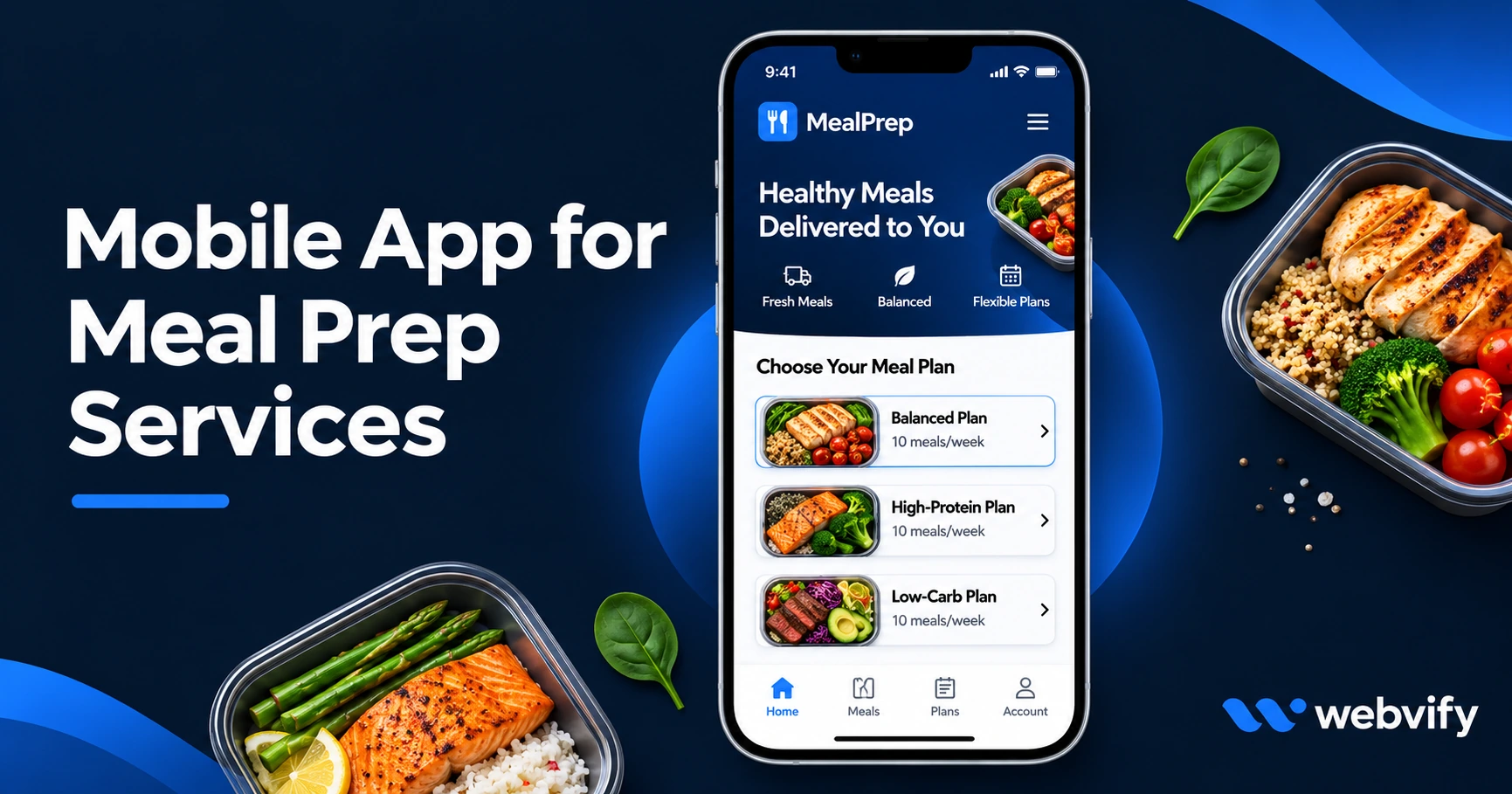
Meal prep customers miss order windows and drift to competitors. A branded mobile app with push notifications keeps them ordering week after week. Here's how.
Inside this article
- Why Meal Prep Customers Stop Ordering (It's Not Your Food)
- What a Mobile App Does for a Meal Prep Business
- The Three Push Notification Campaigns Every Meal Prep Business Needs
- How to Get a Mobile App for Your Meal Prep Service
- What Separates a Good Meal Prep App from a Basic One
- Frequently Asked Questions
Meal prep customers don't quit your service because the food is bad. They drift away during the 7-day gap between orders because nothing reminds them to click "reorder" before the window closes. A branded mobile app with push notifications closes that gap before a competitor does.
Why Meal Prep Customers Stop Ordering (It's Not Your Food)
The average meal prep subscription customer churns within 90 days — not because they lost interest in healthy eating, but because ordering friction compounds week over week. Life gets busy, the order window slips by, and suddenly they're three weeks out of the habit and trying a competitor's promo.
The core problem: your business is invisible between orders. Email open rates in the food and delivery space average 20–25%. SMS feels intrusive and opt-out rates are high. Social media reaches only 3–5% of your followers on a good day.
Push notifications from a branded mobile app for your meal prep service reach the lock screen directly. Open rates run 60–90% — that's three to four times higher than email. For a weekly subscription business, that gap is the difference between a 10-week customer and a 52-week customer.
If you want to understand how the push notification vs. email comparison plays out in practice, this breakdown covers the data for small businesses →
What a Mobile App Does for a Meal Prep Business
A mobile app doesn't replace your website — it works with it. Services like Webvify wrap your existing meal prep site (whether it runs on Shopify, WooCommerce, WordPress, or a custom ordering platform) into a fully branded iOS and Android app that your customers download and keep on their home screen.
That home screen placement is what changes customer behavior. When your app icon sits next to their calendar, their banking app, and their fitness tracker, ordering becomes a weekly habit rather than something they remember only when they notice they're out of meals.
What you get with a meal prep delivery app:
- Weekly menu reveal push notifications sent the moment your new menu goes live
- Order window deadline reminders that land 36 hours before cutoff
- New protein or seasonal addition announcements
- Lapsed customer re-engagement after 14 days of silence
- Flash sale or free item alerts for slow-order weeks
- One tap to reorder last week's favorites
The Three Push Notification Campaigns Every Meal Prep Business Needs
You don't need a complex campaign calendar to start. Three sequences cover 80% of the retention value.
1. The Weekly Menu Reveal (Monday, 9 AM) "This week's menu is live. 8 new proteins including your most-ordered chipotle chicken."
Send this every Monday when your new menu goes live. It's the highest-open notification in the meal prep and food delivery space because it's genuinely useful, not promotional — it tells the customer something they actually want to know.
2. The Closing Window Reminder (Thursday, 6 PM) "Order window closes tomorrow at midnight. 15 minutes to lock in this week's meals."
Most customers who intend to order but forget will convert on this one notification. Send it 36 hours before your cutoff. The urgency is real and customers appreciate the reminder — it doesn't feel like marketing, it feels like customer service.
3. The 14-Day Lapsed Customer Re-Engagement "We haven't seen you in two weeks. Your five most-ordered meals are back this week."
Customers who go quiet for two weeks almost never return on their own without a nudge. This notification brings them back before the habit breaks entirely. If your website tracks past order history, that data can be surfaced directly in the notification copy.
How to Get a Mobile App for Your Meal Prep Service
You don't need to build a native app from scratch. If your business already has a website, a WebView app converts it into a fully submitted iOS and Android app — the same menu system, same checkout flow, same customer accounts — with push notification capability added on top.
With a managed service like Webvify, the process is straightforward:
- Submit your website URL and brand assets
- The WebView app is built with your branding and push notification infrastructure
- The app is submitted to the App Store and Google Play under your own developer accounts
- Customers download and install it
- You send push notifications from an admin panel — no developer needed after launch
One important compliance note for digital subscription products: If you sell recurring meal plan subscriptions that renew automatically via Stripe or another payment processor, Apple's App Store guidelines (Guideline 3.1.1) require that in-app purchases of digital content use Apple's own payment system, or route to an external browser for checkout. The practical fix — the same approach used by Factor, Snap Kitchen, and similar services — is routing new subscription signups to your mobile browser checkout. Physical meal deliveries (non-digital goods) have no such restriction.
What Separates a Good Meal Prep App from a Basic One
Not every app solution offers the same level of control and ownership. Here's how the main options compare:
| Feature | DIY WebView Script | Managed Service |
|---|---|---|
| App Store submission | Your responsibility | Included |
| Push notification admin panel | Requires dev setup | Included |
| Developer account ownership | Yours | Yours |
| Average time to launch | 4–8 weeks (with dev help) | 7–14 days |
| Ongoing store compliance | Your responsibility | Managed |
The two things that catch meal prep businesses off guard with DIY tools are App Store submission (Apple rejects apps for dozens of compliance reasons unrelated to the app itself) and ongoing annual update requirements. A managed service handles both.
The benefits of converting your website to a mobile app go beyond push notifications alone — but for a weekly subscription food business, the notification channel is where the ROI lands fastest.
Frequently Asked Questions
Does a mobile app work with my existing meal prep ordering system?
Yes. If your ordering system runs on a web platform — Shopify, WooCommerce, a custom site, or any hosted solution — a WebView app wraps it without requiring changes. Customers log in, browse menus, and check out exactly as they do on your website, with push notification capability added on top. No menu migration, no duplicate data entry.
How much does a mobile app for a meal prep service cost?
Custom native app development runs $50,000–$150,000 and takes 6–12 months. A WebView wrapper through a managed service costs significantly less and launches in days. The main costs are a one-time build and submission fee plus an optional monthly admin panel subscription. For most meal prep businesses processing weekly recurring orders, the first month of reduced churn covers the annual cost.
How do I get customers to download the app?
The most effective channels are your existing touchpoints: add an app download link to your post-order confirmation email, your packaging insert, and your website header. A "get 10% off your next order if you download the app" incentive converts reliably. Once the app is live on the App Store and Google Play, it's also discoverable through store search — a secondary organic channel that grows over time.
Stop losing weekly customers to the 7-day silence between orders. Webvify converts your existing meal prep website into a fully branded iOS and Android app — App Store, Google Play, and push notifications included, without touching your ordering system.