

Mobile App for Indoor Playgrounds: Keep Families Coming Back All Year
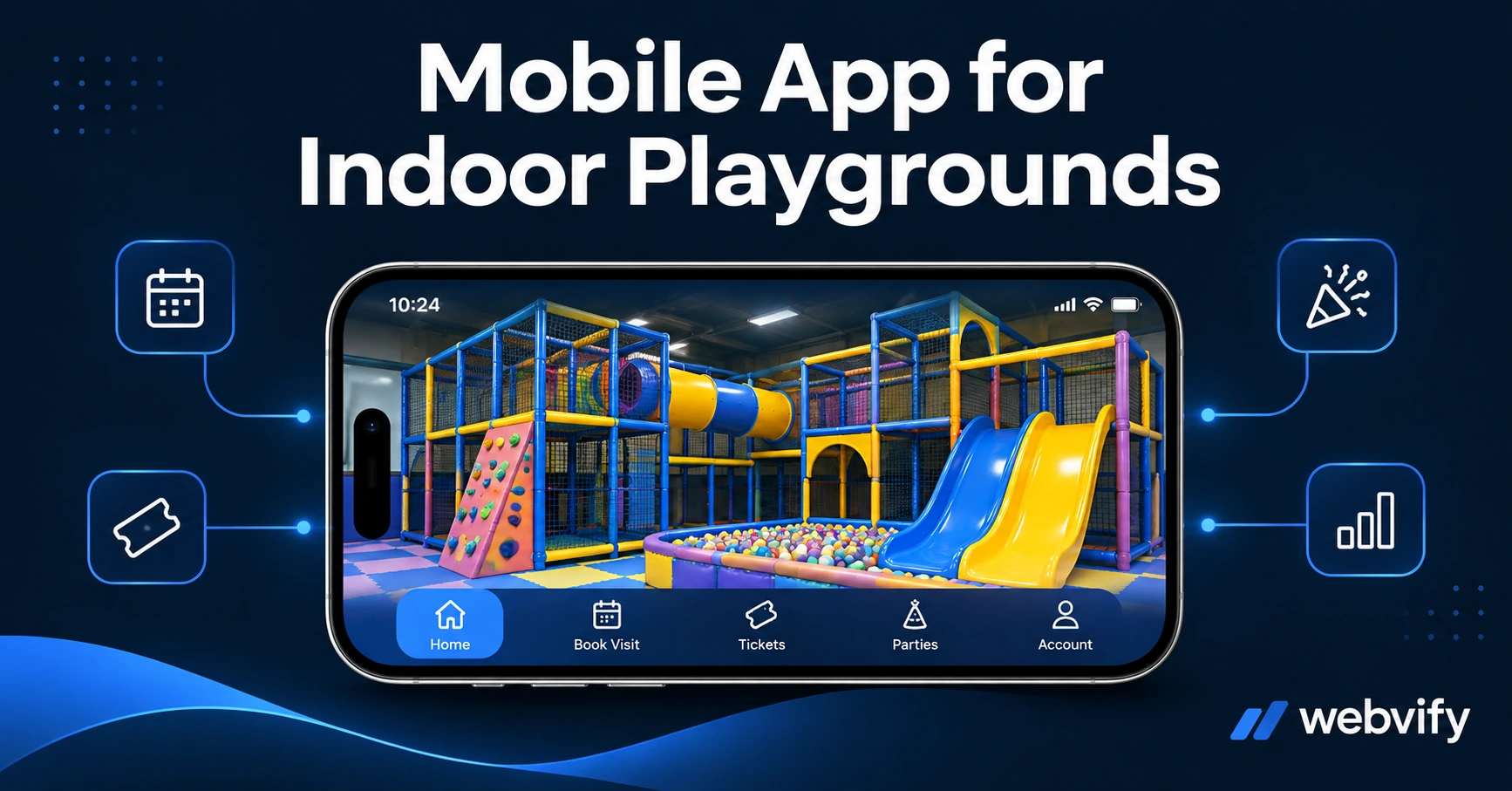
Indoor play centers lose returning families to silence between visits. Here's how a mobile app keeps your playground top of mind and your calendar full year-round.
Inside this article
- Why Families Stop Coming Back (It's Not the Experience)
- What a Mobile App Actually Does for Your Play Center
- The Three Push Notification Campaigns That Fill Your Calendar
- Birthday Parties, Seasonal Packages, and Last-Minute Slot Filling
- How to Get a Mobile App for Your Indoor Playground (Without a Developer)
- Frequently Asked Questions
Most indoor playground visits end the same way: the kids are exhausted, the parents loved it — and then three months pass before anyone thinks to book again. The experience was perfect. The follow-up was silence.
That silence is where indoor play centers lose customers. Not to a competitor with better equipment, but to the basic fact that nothing reminded the family you exist.
A mobile app for indoor playgrounds solves that problem. It puts your play center on the home screen of every parent who downloads it, and lets you send push notifications that land directly on their lock screen — not buried in an inbox.
Why Families Stop Coming Back (It's Not the Experience)
Indoor play is a repeat business. Families with young children are your best customers — but only if you stay top of mind between visits.
The average family with kids aged 2–8 visits an indoor playground 3–4 times a year. The gap between each visit is long enough to forget about you, especially if a competing activity (a birthday party at a trampoline park, a swim lesson, a school holiday camp) fills their schedule first.
Email newsletters go unread. Social media posts get lost in the algorithm. A push notification from a home screen app goes straight to the lock screen — and push notifications average 60–90% open rates versus 20–28% for email.
The families aren't gone. They just haven't been reminded.
What a Mobile App Actually Does for Your Play Center
A mobile app built on your existing website — using a WebView wrapper approach — gives you three things that email and social can't reliably deliver:
Home screen presence. Every time a parent opens their phone, your play center logo is there. That visibility compounds quietly over weeks and months.
Push notifications. Direct, permission-based messages that reach parents whether or not they're on social media. No algorithm, no inbox competition.
App Store credibility. An app listed on the App Store and Google Play signals that you're a professional, established business — which matters when parents are deciding where to book a birthday party.
You don't need to rebuild your website or manage a separate content system. The app wraps your existing site, so your booking page, event calendar, and party packages work inside the app exactly as they do on the web.
The Three Push Notification Campaigns That Fill Your Calendar
The right push notification strategy for an indoor playground targets three moments in the customer lifecycle:
1. The 90-Day Lapsed Family Campaign
After 90 days without a visit, send a re-engagement push: "It's been a while! Your little ones are probably ready for another adventure. Book online this week and save 10%." Simple, personal, and timed to the natural drift cycle. Services like Webvify include an admin panel where you can schedule these campaigns without touching code.
2. The School Holiday Opener
Parents plan school holiday activities 2–3 weeks in advance. Send your push notification 10–14 days before each school holiday period: "Half-term is almost here — book your session now before slots fill up." This is the highest-revenue campaign of the year for most indoor play centers. Don't miss it because you had no way to reach families directly.
3. The Birthday Party Window
Parents typically book birthday parties 4–6 weeks out. If a child visited your playground in the last 12 months, send a birthday party push 6 weeks before that child's birthday month: "[Name]'s birthday is coming up — have you thought about an epic party at [Your Playground]?" This requires storing basic customer data, which your existing booking system likely already does.
Birthday Parties, Seasonal Packages, and Last-Minute Slot Filling
Birthday parties are the highest-margin revenue stream for most indoor playgrounds. They also have the highest search intent — parents Googling "indoor playground birthday party near me" are ready to book.
A mobile app supports this in two ways:
- Push notification campaigns that reach existing customers at the right moment (see above)
- A published App Store listing that shows up when parents search the App Store for local activity options
For seasonal events — Halloween parties, Christmas workshops, summer camps — your app gives you a direct broadcast channel. No boosted posts, no hoping the algorithm shows your content. You send, it arrives.
For last-minute slot filling on a slow Tuesday afternoon, a push notification sent at 9am can fill a morning session by 11am. That's a capability email and social media don't have at the speed you need it.
How to Get a Mobile App for Your Indoor Playground (Without a Developer)
You don't need to build an app from scratch. If your playground already has a website, that site can become an iOS and Android app within days using a WebView conversion service.
The process:
- Your existing website is packaged into a native app binary
- The app is submitted to the App Store and Google Play under your business name
- You get an admin panel to send push notifications and manage content
This is different from app builder tools that require you to recreate all your content inside a new platform. With a WebView approach, your website and app stay in sync automatically — update your site, and the app updates too.
For indoor playgrounds specifically, check that your booking system works inside a WebView environment before launch. Most major booking tools (Booksy, SimplyBook.me, Acuity) work without issues. If your checkout collects payments for party deposits, verify it doesn't trigger Apple's in-app purchase rules (physical service bookings are exempt — only digital goods require this).
Trampoline parks and bowling alleys use the same approach and face the same seasonal retention challenge — their experiences with push notification timing translate directly to indoor playgrounds.
Frequently Asked Questions
How much does a mobile app for an indoor playground cost?
A WebView app built from your existing website costs significantly less than a custom-built native app. Custom native apps typically run $50,000–$150,000 and take 6–12 months. A WebView conversion service handles the build and App Store submission for a one-time fee or low monthly subscription — most indoor play centers get their app live within 2 weeks.
Do I need an Apple Developer account to publish my play center's app?
Yes, the App Store requires an Apple Developer account ($99/year) and the Google Play Store requires a one-time Google Developer account ($25). Some managed services submit the app under your own developer account (so you own the listing), while others submit under theirs (meaning you lose the app if you cancel). Always confirm ownership before signing up.
Will push notifications work on both iOS and Android?
Yes. Push notifications work on both platforms once your customers download the app. iOS users will see a permission prompt when they first open the app — typically 60–70% of users accept. Android users are opted in by default. Push notification open rates for local service businesses average 60–90%, compared to 20–28% for email.
Ready to get your indoor playground on the App Store and start filling your calendar with push notifications? Webvify handles the build, the submission, and the admin panel — so you can focus on running your business, not managing an app.