

Mobile App for Trampoline Parks: Keep Jumpers Coming Back All Year
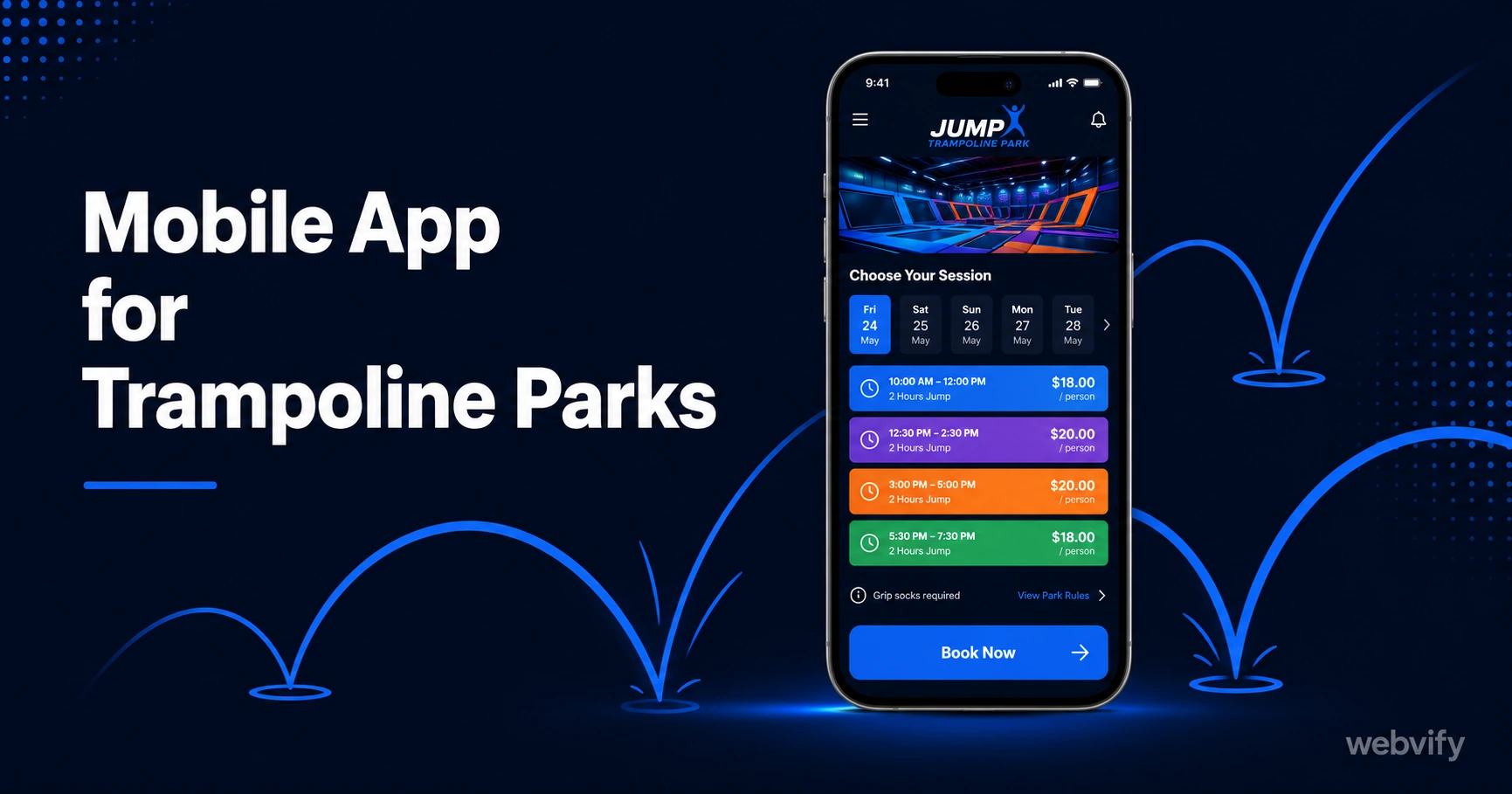
A mobile app keeps trampoline park customers coming back year-round. Here's how push notifications, birthday campaigns, and slot fillers grow repeat visits.
Inside this article
- Mobile App for Trampoline Parks: Keep Jumpers Coming Back All Year
- Why Trampoline Parks Struggle With Repeat Visits
- The Three Push Notification Campaigns That Drive the Most Repeat Visits
- What Your Trampoline Park App Actually Looks Like
- App Store Presence as a Credibility Signal for Group Bookings
- How Long Does It Take to Get a Trampoline Park App Live?
- FAQ
Mobile App for Trampoline Parks: Keep Jumpers Coming Back All Year
Trampoline park customers love their first visit — kids leave sweating and grinning, parents book again on the way out. Then three months pass, another venue opens nearby, and your park is forgotten. A mobile app on the home screen changes that equation.
Why Trampoline Parks Struggle With Repeat Visits
The core problem isn't the experience. Trampoline parks consistently earn strong reviews and high post-visit satisfaction. The problem is the visibility gap between visits.
Families visit a trampoline park 2–3 times a year on average. Between those visits, nothing from your park appears in their daily life. Email newsletters get buried. Social media posts get filtered out by the algorithm. When the kids ask for something fun to do on a rainy Saturday, they think of whatever venue popped up in their feed most recently — not the one they loved six months ago.
A branded mobile app on the home screen fixes the visibility gap permanently. Every time a parent scrolls past your app icon, the park exists in their mental shortlist.
The Three Push Notification Campaigns That Drive the Most Repeat Visits
Push notifications for trampoline parks work differently from retail or service businesses. You're not reminding someone to rebook a haircut — you're reaching the parent who needs an idea. These three campaigns have the highest ROI for entertainment venues with irregular visit patterns.
The Slow-Week Slot Filler (Year-Round) Every trampoline park has predictable dead zones: Tuesday and Wednesday afternoons, January after the holiday rush, rainy weeks in shoulder seasons when families expect outdoor activities. A same-day or next-day push notification — "Open jump is half-price tomorrow from 12–3pm" — fills lanes that would otherwise sit empty. This campaign only needs to run on slow-occupancy days, making it easy to control margin impact.
The Birthday Party Window (6–8 Weeks Out) Birthday parties are the highest-ticket revenue event a trampoline park sells. Parents typically start planning 6–8 weeks before the birthday. A push notification timed to this window — triggered by a birthday date collected at signup — puts your party packages in front of parents before they've booked elsewhere. A single birthday party booking covers the cost of a monthly push notification campaign many times over.
The School Holiday Opener (2 Weeks Before Each Break) Term breaks are the highest-traffic periods for family entertainment venues — but only for parks that reach parents before plans are made. Sending a push notification 10–14 days before a school holiday ("Summer break starts in 2 weeks — book your sessions now before slots fill") intercepts the planning window. Parents who see your message first have already mentally committed before a competitor's ad reaches them.
Push notifications achieve 60–90% open rates compared to 20–30% for email. For a family entertainment venue where the same parents opt in and actively want activity ideas, open rates often sit at the higher end of that range.
What Your Trampoline Park App Actually Looks Like
A trampoline park mobile app built on your existing website doesn't require you to rebuild anything. Services like Webvify convert your current website — booking system, session calendar, party packages, waiver forms — into a fully branded iOS and Android app that goes live on the App Store and Google Play under your business name.
Your customers download your app, not a generic booking platform app. Your brand, your icon, your push notification channel.
The admin panel lets you send push notifications without a developer. You type the message, pick "Send now" or schedule it, and it reaches every opted-in customer's lock screen. No monthly fee to a third-party notification service, no code changes when you update your website.
If you already have an online booking system — Xplor Recreation, Perfect Gym, or even a simple booking widget — it works inside the app the same way it works in a browser.
For more on how push notifications drive repeat visits across entertainment businesses, see the bowling alley mobile app guide which covers a similar visit-gap problem with a venue-based retention framework.
App Store Presence as a Credibility Signal for Group Bookings
Trampoline parks frequently host school excursions, corporate team events, and birthday parties for large groups. For these buyers — school coordinators, HR managers, event planners — a business's App Store listing is a credibility signal.
A company that has its own app on the App Store looks established and trustworthy. A company with only a website and a Facebook page looks like it might cancel on the day. This is the same dynamic observed with escape rooms, where corporate clients specifically mentioned the presence of a branded app as a factor in choosing a venue for team-building events.
The App Store listing also adds a second discovery channel. Parents searching "trampoline park near me" in Google may see your website. Parents asking Siri or searching the App Store for local kids' activities will see your app listing — a completely separate organic traffic source you don't currently have.
How Long Does It Take to Get a Trampoline Park App Live?
Done-for-you app services complete the build-to-submission process in days, not months. The process involves wrapping your existing website in a native app shell, configuring push notifications, adding your branding (icon, splash screen, colors), and submitting to Apple and Google for review.
Apple's review process typically takes 24–48 hours. Google Play review takes 2–7 days. Once approved, your app is live in both stores under your business name, and your admin panel is ready to send your first push campaign.
You don't need a developer. You don't need to learn Xcode or the Google Play Console. The technical requirements are handled end-to-end.
FAQ
How much does a mobile app for a trampoline park cost?
Done-for-you WebView app services typically cost a fraction of custom development ($50,000–$150,000 for a custom app). Flat-fee services that convert your existing website to an app and handle App Store submission run significantly lower and include push notification capability, admin panel access, and ongoing support.
Can I send push notifications to customers who downloaded my trampoline park app?
Yes. Once customers download your app and accept notification permissions, you can send push notifications directly from your admin panel without any coding. You write the message, schedule or send immediately, and it appears on their lock screen. Push notification opt-in rates for entertainment venues typically run 40–60%.
Do I need to rebuild my booking system to have a trampoline park app?
No. A WebView app wraps your existing website — including your booking system, waivers, session calendars, and party packages — exactly as it appears on mobile. Nothing needs to be rebuilt or migrated. When you update your website, the app updates automatically.
Trampoline parks that rely only on social media and email to stay visible between visits are leaving repeat business on the table. A mobile app puts your brand on the home screen of every customer who's ever visited — and gives you a direct, algorithm-free channel to reach them whenever you need to fill a slow week or launch a birthday party campaign.
Webvify converts your existing website into a fully branded trampoline park app for iOS and Android, handles App Store submission end-to-end, and gives you the admin panel to send push notifications from day one. See how it works at webvify.app.