

Mobile App for Equestrian Centers: Keep Riders Coming Back All Season
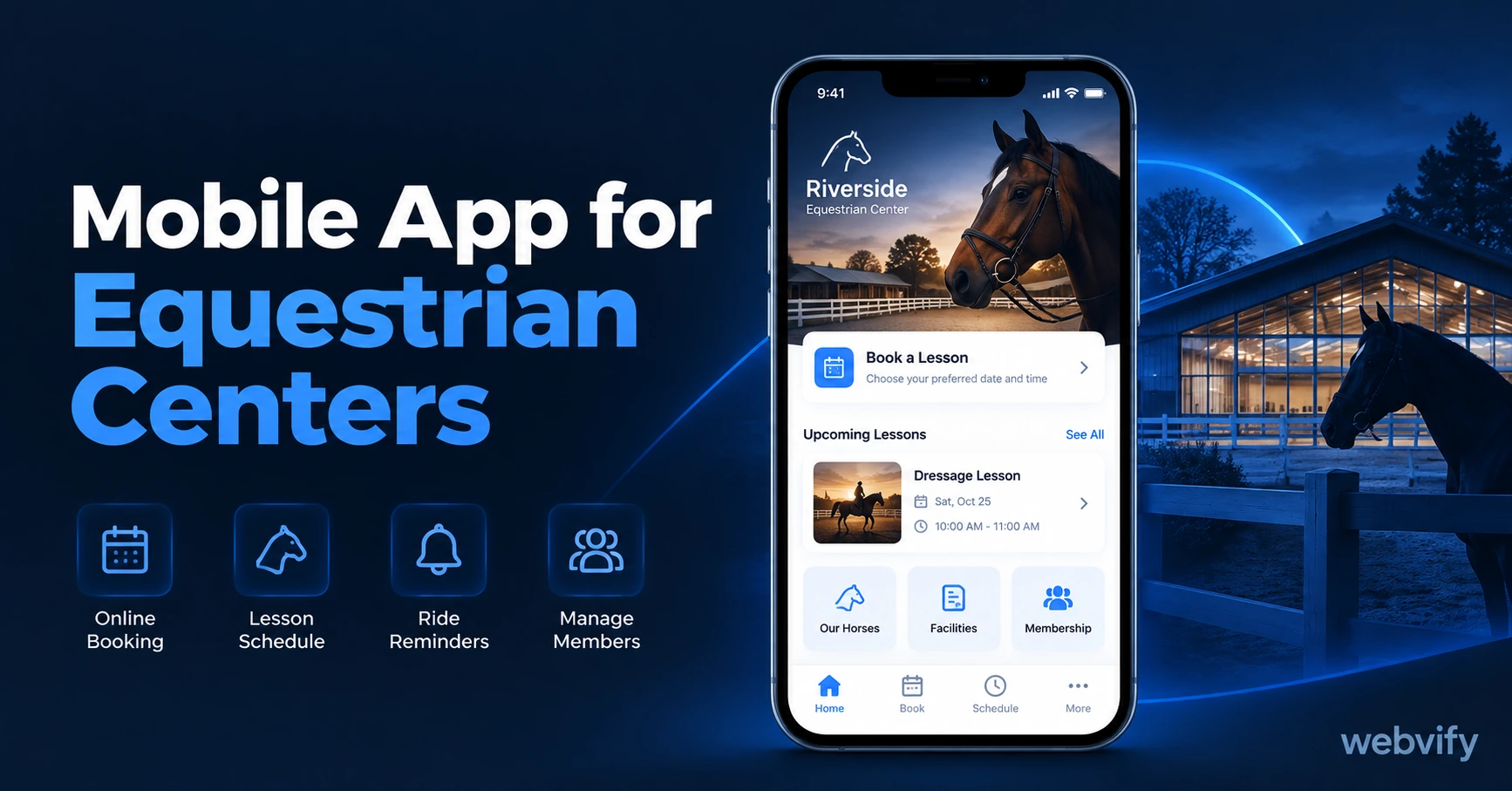
A mobile app for your equestrian center keeps riders booked between seasons. Here's what it costs, what to look for, and how to get it live in days.
Inside this article
Most equestrian centers lose 30–40% of their riders between seasons — not because the lessons got worse, but because nothing reached out during the gap. A mobile app changes that.
When a rider finishes their last lesson in October and your center goes quiet until March, they don't consciously decide to quit. They just get busy, forget to re-enroll, and by spring they've found something else. The problem isn't your instruction. It's the silence.
Why Equestrian Center Riders Drift Away Between Seasons
The equestrian business runs in distinct windows. Spring camps, summer intensives, autumn leagues, winter maintenance programs. Between those windows, your communication relies on email and social media — two channels that don't deliver reliably.
Email open rates in the sports and fitness sector average 18–22%. That means 4 out of every 5 newsletters you send is never read. Social media posts reach 3–5% of your page followers, and the algorithm decides who sees them.
A push notification from a mobile app? 60–90% open rate. It lands directly on the lock screen — no inbox to compete with, no algorithm blocking it. For a business that runs on seasonal re-enrollment, that difference means the gap between a full arena and empty slots.
What a Mobile App for Your Equestrian Center Actually Does
A mobile app for equestrian centers gives you three things email and social can't reliably offer:
Home screen presence. Your center's icon sits on every enrolled rider's phone. That visibility keeps you top of mind during the off-season without requiring any action from the rider. When spring camp enrollment opens, you're already there.
Direct push notifications. Send a message and it arrives. No inbox, no algorithm, no spam folder. You control exactly what reaches riders and when — and you can target by segment (adults, juniors, competition riders) for precision.
App Store credibility. An app listed under your center's name on the Apple App Store and Google Play carries a level of professionalism that a website alone doesn't match. For parents evaluating riding schools, it's a meaningful trust signal — especially when you're asking them to commit months of lessons and significant fees.
The most practical way to get all three is a WebView app — a fully branded app that wraps your existing equestrian center website. Your site, your booking system, your content, packaged as a native app. No rebuild required.
Services like Webvify convert your existing website into a fully branded app and handle App Store submission end-to-end — without requiring you to touch a line of code or rebuild your site from scratch.
3 Push Notification Campaigns That Fill Your Arena
Once your app is live, these three campaigns do the retention work automatically:
Seasonal Opener (2 weeks before the season). Send this 12–14 days before enrollment opens: "Spring lessons start soon — [X] spots left in Thursday's beginner class." Riders who drifted over winter come back before they've had time to book elsewhere. Follow with a second nudge 3 days before the deadline.
Lapsed Rider Reactivation (45 days after last lesson). If a rider hasn't booked in 45 days, trigger a re-engagement message: "Haven't seen you in a while — your usual Thursday slot is open." Simple, specific, non-aggressive. A 5–8% rebooking rate on this campaign alone can cover the app's entire annual cost in recovered revenue.
Summer Camp Enrollment Window (February). Most families plan summer camps between February and March. Send your enrollment notification before word of mouth reaches them: "Summer camp spots open Monday — last year's program sold out in 3 weeks." Early access framing drives immediate action from the families most likely to commit.
For context on how other seasonal businesses run their notification calendars, see how yoga studios use the same seasonal approach →
What to Look for in a Mobile App for Your Equestrian Center
Not all app solutions are built for equestrian businesses. Here's what actually matters when evaluating your options:
Works with your existing booking system. Whether you're using Sawyer, Pike13, or a custom booking form, the app should load your booking pages inside the WebView — not replace them. Any app that asks you to rebuild your content inside their platform creates a second system to maintain alongside your website.
Handles App Store submission end-to-end. Getting an app approved on the App Store involves compliance requirements that catch first-timers off guard — Apple's Guideline 4.2 (minimum functionality), developer account setup, and binary packaging. Look for a service that manages this under your own developer account, so the app remains yours permanently.
Push notifications included from day one. Some app builders treat push notifications as a premium add-on. For equestrian businesses, it's the core feature — make sure it's included in the base offering, not gated behind a higher tier.
No code required to manage it. You shouldn't need a developer to update the app or send a notification. An admin panel that lets you or your staff manage everything independently is non-negotiable.
For outdoor and seasonal sports businesses running similar retention models, see the mobile app guide for golf courses →
Getting Your Equestrian Center App Live on the App Store
The submission process for a WebView app involves fewer steps than most center owners expect:
- Your existing website becomes the app's content layer — no rebuild required.
- A customized app shell is built around it with your branding, colors, and splash screen.
- The app is submitted to Apple's App Store and Google Play under your own developer accounts.
- Apple's review takes 24–48 hours. Google Play takes 1–3 days.
Apple charges $99/year for an Apple Developer account. Google Play requires a one-time $25 fee. Both are required and paid directly to Apple and Google, separate from any app builder service.
One thing to watch: if you sell lesson packages or memberships as digital transactions directly inside the app, Apple's Guideline 3.1.1 requires those purchases to go through Apple Pay, with Apple taking a 30% cut. The standard fix is routing all payment flows to an external browser — most managed WebView services handle this configuration by default.
FAQ
How much does a mobile app for an equestrian center cost?
A WebView app through a managed service typically costs $500–$2,000 for the initial build and App Store submission, plus $50–$200/month for hosting and push notifications. Compare this to custom mobile development at $50,000–$150,000, or self-service builders that still leave App Store submission to you. For most equestrian centers, a managed done-for-you service is the most practical route.
Do I need a developer to get my equestrian center app on the App Store?
No. A managed web-to-app service handles the build, App Store submission, and ongoing technical maintenance without requiring any technical skills on your end. You'll need to create an Apple Developer account ($99/year) and a Google Play Developer account ($25 one-time), but the service walks you through both steps.
Can my equestrian center app work with my existing booking system?
Yes, if your booking system has a web interface — which all major equestrian and activity booking platforms do. The app loads your booking pages inside the WebView, so riders use the same booking flow they're already familiar with. No migration, no rebuilding, no dual-system maintenance.
Your riders don't leave because they lost interest. They drift away because nothing kept the connection alive between seasons. A branded mobile app fixes that — directly on the phone they already check 150 times a day.