

How to Get a Mobile App for Your Yoga Studio (Without Hiring a Developer)
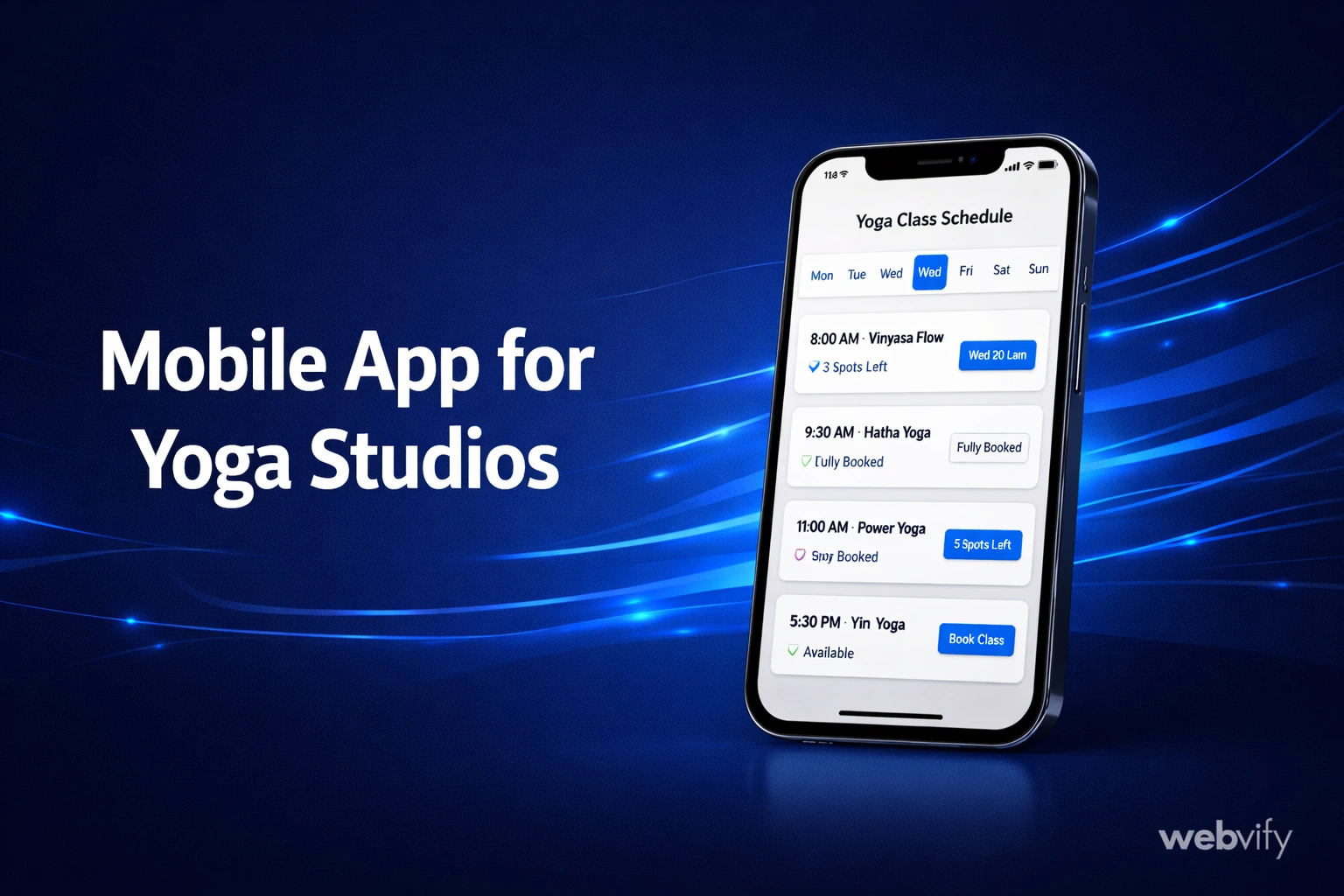
Want a mobile app for your yoga studio? Here's how to get one live on the App Store without a developer — and why it's the best retention tool you're not using.
Inside this article
Most yoga studios lose 30–40% of new students within the first 90 days — not because the classes aren't good, but because nothing keeps those students connected between sessions. A mobile app changes that equation entirely.
Why Yoga Studios Need a Mobile App
Your yoga studio's website is fine for first-time visitors. But returning students don't go back to your website every week to see what classes are available. They forget. They get busy. They drift to a competitor whose app reminds them it's time to book.
A mobile app for your yoga studio puts your brand on every student's home screen — the same screen they check dozens of times a day. That presence is what converts a casual drop-in into a loyal regular.
There are three things a mobile app does better than any other tool for yoga studios:
Push notifications. You can send a reminder when a popular class has openings, announce a new instructor, or nudge lapsed students with a "we miss you" message. Email open rates average 20%. Push notification open rates average 60%.
Class booking at their fingertips. If your booking page is already on your website, your app wraps it exactly — students get a faster, more app-like experience without you rebuilding anything.
Brand loyalty. An app with your studio name and logo installed on someone's phone is a daily brand touchpoint. No ad spend required.
What a Yoga Studio App Needs to Do
Before building anything, clarify what your app needs to handle. Most yoga studio apps need these core functions:
- Schedule and class booking — Students should be able to see the weekly schedule and reserve a spot in one or two taps.
- Membership management — Class packs, monthly memberships, drop-in options.
- Push notifications — Schedule changes, special events, last-minute openings.
- Payments — In-person card readers, online checkout, or both.
If your website already handles all of this through tools like Mindbody, Pike13, or a built-in booking system, a mobile app can mirror that experience without you rebuilding it from scratch.
The Fastest Way to Get a Yoga Studio App Live
Most studio owners assume building an app means hiring a developer, waiting months, and spending $20,000 or more. That's true for fully custom apps — but it's not the only option.
A WebView app converts your existing website into a fully branded mobile app. Your website loads inside a native app shell, published under your studio's name on the App Store and Google Play. Students install it, bookmark it, and use it exactly like any other app.
Services like Webvify handle this end-to-end: they build the app, handle the App Store submission paperwork, and give you an admin panel to manage push notifications without touching any code.
If you're also looking at broader app strategies for fitness businesses, this guide on mobile apps for gyms covers the retention mechanics in detail.
Getting on the App Store: What Most Guides Don't Tell You
The App Store submission process is where most studio owners give up. Here's what you actually need:
- An Apple Developer account ($99/year). The app will be published under your account — it's your app, not the developer's.
- A privacy policy URL. Apple requires it. If you don't have one, free generators like Termly or iubenda work.
- App screenshots. These are previews of your app that appear on the App Store listing page.
- A working build. This is the technical part — which is why most studio owners use a service rather than doing it themselves.
Google Play is generally faster and less strict than Apple. Plan for a 24–72 hour review on Apple's side for a first submission.
One important rule for yoga studios that sell class packs or memberships inside the app: if students can purchase digital goods (not physical services) through the app, Apple takes a 30% cut through its in-app purchase system. Most yoga studios route purchases through their website and use the app for booking and notifications only — which avoids this entirely.
For a related walkthrough on the submission process, see how to submit your app to the App Store.
How Much Does a Yoga Studio App Cost?
Custom mobile development for a yoga studio app runs $15,000–$50,000 for a basic version, plus ongoing maintenance. That's before any App Store submission fees or developer time to push updates.
A WebView wrapper approach cuts this dramatically. Services handling the full end-to-end process — build, submission, admin panel — typically charge a flat fee in the hundreds to low thousands, not tens of thousands.
The real comparison isn't "app vs. no app." It's: what's the value of even 10 students who would have drifted away getting a push notification that brings them back?
FAQ
How long does it take to get a yoga studio app on the App Store?
With a done-for-you WebView service, the build typically takes a few days. Apple's review process takes 24–72 hours for a first submission. Most studios are live within a week of starting, assuming they have their Apple Developer account set up and their website is responsive on mobile.
Can I use my existing class booking system in the app?
Yes. If your booking system (Mindbody, Pike13, Glofox, or a custom solution) is accessible through your website, it works inside a WebView app. Students book through the same interface they'd use on mobile — the app just packages it natively with home screen presence and push notifications.
Do I need to rebuild my website to get a mobile app?
No. A WebView app uses your existing website as the content layer. You don't recreate any pages, copy any content, or maintain two separate systems. When you update your website — a new class, new pricing, a schedule change — the app reflects it automatically.
Ready to get your yoga studio's app live without the development headaches? Webvify handles the full process — build, App Store submission, and push notifications — so you can focus on your studio, not the tech.