

How to Get a Mobile App for Your Church (Without Hiring a Developer)
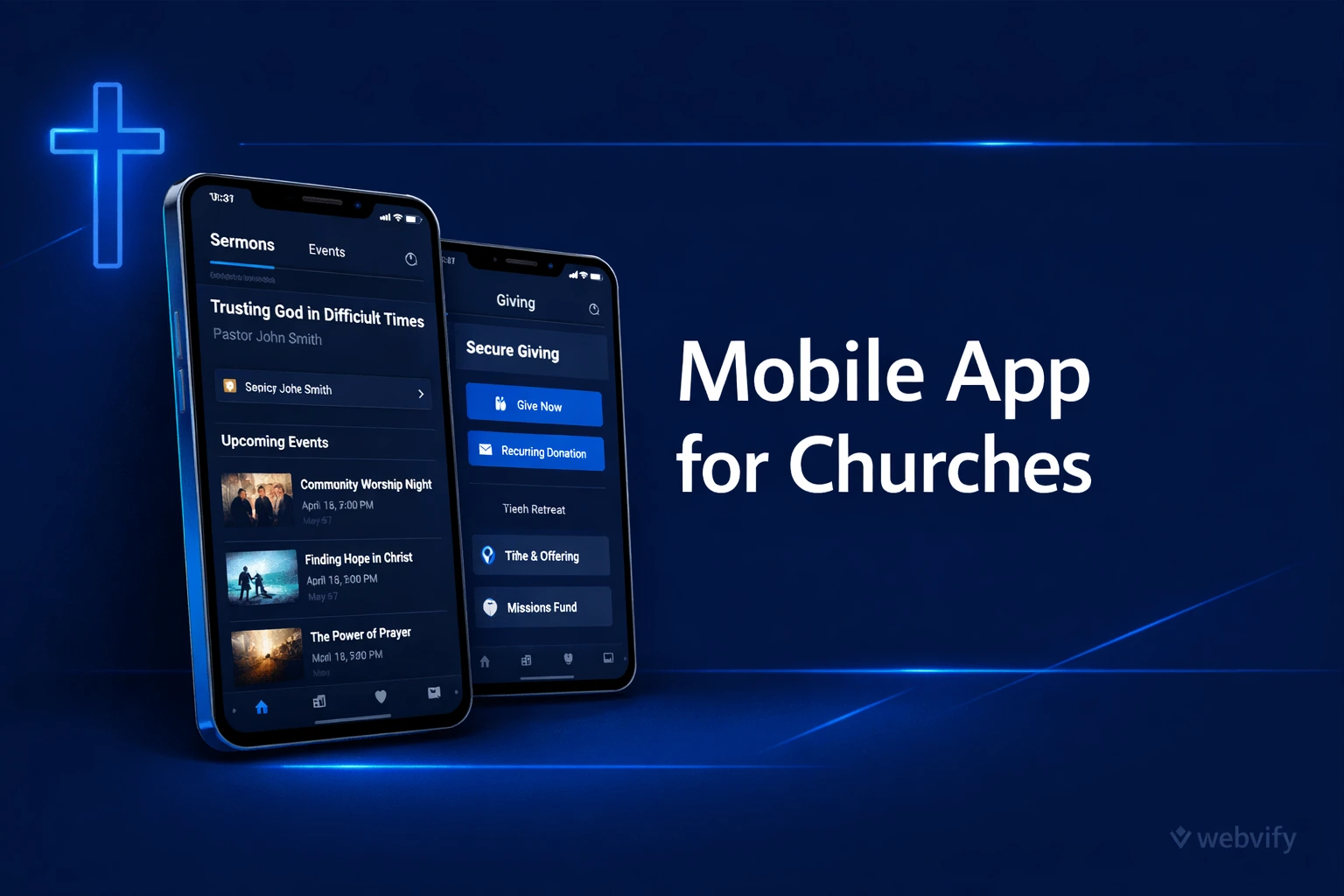
Get your church website on the App Store as a branded mobile app — no developer, no code. Keep members connected between services with push notifications.
Inside this article
Why Church Members Disengage Between Sundays
Sunday attendance is strong. But by Wednesday, the connection fades — announcements go unread, events get missed, and new visitors quietly drift away before they ever become regulars. The problem isn't your community. It's the communication gap between services.
A mobile app for your church solves this by putting your community in members' pockets seven days a week — not just on Sunday.
What a Church Mobile App Actually Does
A church mobile app isn't a separate product you build from scratch. If your church already has a website — with your sermon archives, event calendar, giving page, and community news — you can turn that site into a fully branded app published on the App Store and Google Play.
Once it's live, members can:
- Receive push notifications about upcoming events, service changes, or prayer requests — directly on their phone lock screen, no email required
- Access sermons and devotionals without hunting through a browser
- Give online with one tap through your existing giving platform
- Stay connected to the calendar so events actually show up in their daily routine
The app doesn't replace your website. It wraps it — giving your existing content a home screen icon and native mobile experience that keeps your community engaged between services.
How to Turn Your Church Website Into an App (Without a Developer)
The technical process is simpler than most church administrators expect. Here's how it works:
Step 1: Your existing website becomes the app. Services like Webvify use a WebView approach — your church website loads inside a native mobile shell. Your existing content, links, and integrations all work exactly as they do on the web. No rebuilding, no duplicate content management.
Step 2: Branding and customization. Your church name, logo, and splash screen are added so the app feels like yours — not a generic shell. The app icon members see on their home screen is your logo, not a third-party brand.
Step 3: App Store and Google Play submission. This is usually where DIY attempts stall. Apple and Google have specific technical requirements for app submission — certificates, provisioning profiles, metadata standards. A done-for-you service handles this end-to-end. You don't touch Xcode or Android Studio.
Step 4: Push notifications. Once the app is live, you can send push notifications directly from an admin panel — no developer needed for ongoing communication.
The whole process, from start to App Store approval, typically takes one to two weeks.
What to Look for in a Church App Service
Not every web-to-app service is the same. Here's what matters for a church:
App Store submission is included. Some tools give you the build files and leave the submission to you. If you've never submitted an app to Apple, that's a significant technical barrier. Look for a service that handles the submission process end-to-end.
Push notifications are part of the package. This is the primary value for church communities. Make sure the admin panel lets your communications team send notifications without IT support.
Your existing website works inside the app. Test that your sermon player, giving page, event registration, and member login all function correctly in a WebView environment. Most modern church websites work without modification.
Ongoing support. App Store policies change. Apple occasionally updates guidelines that affect how apps are reviewed. Make sure the service handles policy updates so your app stays live without constant manual intervention.
For a similar breakdown in the local business context, this guide on salon apps covers the same retention gap problem — the pattern holds across any community-based business where repeat engagement is the core challenge.
How Much Does a Church Mobile App Cost?
Custom mobile app development — hiring a developer to build a native iOS and Android app from scratch — typically costs between $30,000 and $150,000, plus ongoing maintenance. That's out of reach for most churches.
WebView-based app services are a different category entirely. They convert your existing website into an app, handle App Store submission, and provide an admin panel for a flat service fee — typically in the hundreds to low thousands of dollars, not tens of thousands.
For context, mobile app development costs in 2026 vary widely depending on approach. The WebView model exists specifically because most organizations — including churches, salons, coaches, and small businesses — don't need a custom-built native app. They need their existing content and community on mobile, with push notifications, published under their own name on the stores.
Webvify handles this end-to-end: building the app, submitting to the App Store and Google Play, and providing an admin panel for notifications and updates — without requiring any technical work from your team.
FAQ
How long does it take to get a church app approved on the App Store?
Apple's review process for a new app typically takes 24 to 72 hours once the submission is complete. The pre-submission preparation — setting up your Apple Developer account, building the app shell, configuring certificates, and writing the store listing — takes most of the time. With a done-for-you service, the total timeline from kickoff to live app is usually one to two weeks.
Does my church need a special website to get a mobile app?
No. If your church already has a working website — even a simple one built on WordPress, Squarespace, or a church-specific platform like Church Community Builder or Planning Center — it can be wrapped into a mobile app. The app loads your existing website in a native mobile shell. No new CMS, no content migration.
Can we send push notifications to members after the app is live?
Yes, and this is typically the most valuable feature for churches. Once your app is live, you can send push notifications directly from an admin panel — for service reminders, event announcements, prayer requests, or sermon alerts. Members who have the app installed receive the notification on their lock screen, which is significantly more visible than email or social media posts.
Ready to get your church community connected every day of the week — not just Sunday? Webvify converts your existing church website into a fully branded mobile app, handles App Store and Google Play submission, and gives you an admin panel to manage everything yourself.