

How to Get a Mobile App for Your Salon (Without Hiring a Developer)
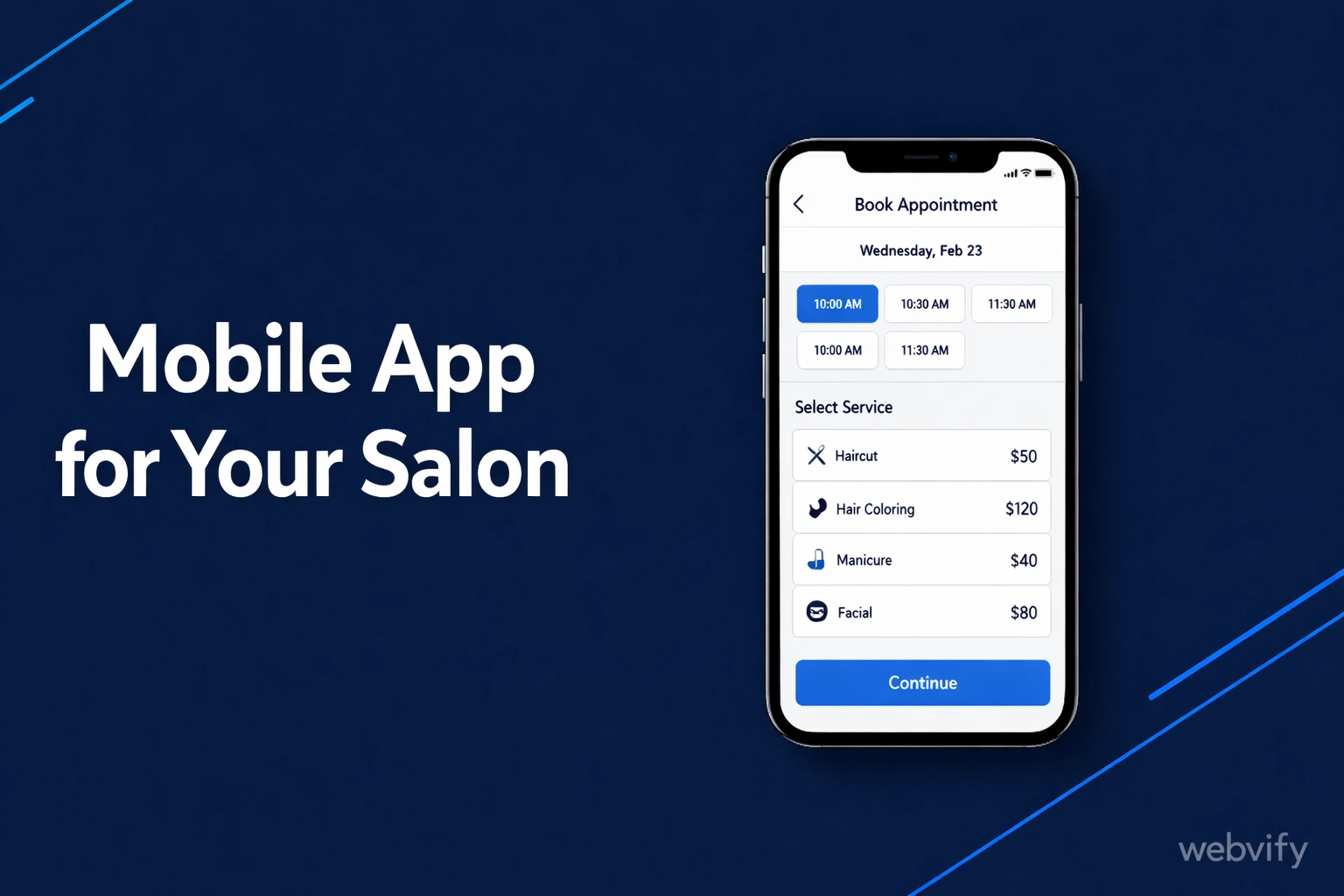
Want a mobile app for your salon? Here's how to get it live on the App Store in days — no developer, no code, no six-figure budget.
Inside this article
- How to Get a Mobile App for Your Salon (Without Hiring a Developer)
- Why Salons Need a Mobile App in 2026
- What a WebView Salon App Is (and Why It Works)
- How Booking and Payments Work Inside a Salon App
- Push Notifications: The Real Reason to Build a Salon App
- What You Need Before You Start
- How Long Does It Take to Get a Salon App Live?
- FAQ
How to Get a Mobile App for Your Salon (Without Hiring a Developer)
Most salon clients book once and never come back — not because they had a bad experience, but because they forgot you existed. A mobile app keeps your salon on their home screen, so when they're ready to book again, you're the first thing they see.
Getting a mobile app for your salon used to mean spending $20,000 and waiting six months. Today, if you already have a website with online booking, you can have a fully branded salon app live on the App Store and Google Play in under a week.
Why Salons Need a Mobile App in 2026
Over 70% of beauty service searches happen on mobile. Your clients are already on their phones — using apps to browse, book, and pay for services every day. If your salon only has a website, you're one closed browser tab away from being forgotten.
A dedicated mobile app for your salon gives you three things a website alone cannot:
Push notifications. You can reach clients directly on their lock screen without competing with email inboxes. A single push notification — "Your next cut is overdue. Book now →" — brings lapsed clients back.
Home screen presence. Every time a client unlocks their phone, your logo is there. This kind of passive brand visibility is something only an app delivers.
A professional storefront. Having your salon listed on the App Store signals permanence and credibility in a way a mobile website doesn't.
What a WebView Salon App Is (and Why It Works)
A WebView app is a native mobile app shell that loads your existing website inside it. From the outside, it looks and behaves like a real app. It has an icon, a splash screen, and a listing on the App Store and Google Play. From the inside, it runs your current salon website — your booking form, menu, gallery, everything.
This works particularly well for salons because most booking tools already run on mobile. Whether you use Fresha, Booksy, Mindbody, Vagaro, or a simple embedded form, the client experience inside the app is identical to what they'd get visiting your website on their phone — except now it feels like an app, and you can send them push notifications.
No rebuild. No duplicate booking system. No custom code. You take what you already have and wrap it in a native container that gets submitted to both stores.
Services like Webvify handle this process entirely end-to-end. You provide your website URL, your logo, and your brand color. They configure the WebView, build the app, and submit it under your developer accounts.
How Booking and Payments Work Inside a Salon App
Your existing booking tool handles everything. When a client taps your app icon and books an appointment, they're interacting with the same booking flow your website uses — which means your calendar, availability, and confirmation emails all continue working exactly as before.
One rule to know: if you plan to sell digital goods inside the app — gift cards, membership packages, downloadable content — Apple's App Store requires those transactions to go through their In-App Purchase system. Standard appointment bookings paid through Stripe, Square, or your booking provider's own payment gateway are not affected by this rule. For most salons, this is not an issue.
If you've been through the restaurant app journey, the process for getting a mobile app for a restaurant follows the same path — the WebView approach works for any service business with an existing website.
Push Notifications: The Real Reason to Build a Salon App
This is the most underrated tool in a salon owner's marketing stack.
Email marketing for salons averages around a 20% open rate on a good day. Push notifications average 40–60%. More importantly, they're immediate — they appear on the lock screen within seconds of being sent, without requiring the client to open an inbox.
What you can do with push notifications in a salon app:
- Send a reminder 48 hours before an appointment
- Re-engage a client who hasn't booked in 6–8 weeks
- Announce a last-minute cancellation slot that needs filling
- Promote a seasonal offer to your full client list
You cannot send push notifications from a mobile website. It requires a published app. This single capability is often enough to justify the cost of building one.
What You Need Before You Start
Before building your salon app, have these four things ready:
A mobile-friendly website. Your app will display your existing website. If it doesn't render cleanly on a small screen, fix that first. Most modern salon sites built on Squarespace, Wix, or WordPress with a responsive theme are already in good shape.
An Apple Developer account. Publishing on the App Store requires an Apple Developer Program membership ($99/year). You can register at developer.apple.com. If you'd rather not deal with this, done-for-you services handle account setup as part of the process. The App Store submission process is covered in detail in a separate guide if you want to understand what happens under the hood.
A Google Play Developer account. Publishing on Android requires a one-time $25 Google Play registration fee. Google's review process is faster than Apple's — typically same-day to 24 hours.
Your logo at 1024×1024 pixels. This is used for the app icon and store listing. A PNG with a transparent or solid background works best.
How Long Does It Take to Get a Salon App Live?
With a done-for-you WebView service, the typical timeline is:
- Build and internal testing: 1–3 days
- Apple App Store review: 1–3 business days
- Google Play review: same day to 24 hours
- Total: 3–7 days from sign-up to live on both stores
The main variable is Apple's review time. First-time submissions occasionally get flagged for clarification, which can add a day or two. A service that has handled many submissions knows how to write the store listing and configure the app to minimize the chance of rejection on the first pass.
FAQ
How much does a mobile app for a salon cost?
Custom development for a salon app runs $10,000–$50,000 and takes several months. A WebView-based app built from your existing website costs significantly less. Done-for-you services typically start in the hundreds of dollars and include building the app, submitting it to both stores, and setting up an admin panel for push notifications. There is also the $99/year Apple Developer fee and the one-time $25 Google Play fee.
Do I need to know how to code to get a salon app?
No. A done-for-you service handles all the technical work — Xcode configuration, Gradle builds, App Store Connect setup, and Google Play Console submission. You provide your website URL, logo, and app name. Everything else is handled for you.
Can clients use my existing booking tool inside the app?
Yes. Your booking tool runs inside the app exactly as it does on your mobile website. The WebView wrapper doesn't change how your booking form, payment processor, or confirmation emails work. If it works in a mobile browser today, it works in the app.
Ready to put your salon on the App Store? Webvify converts your existing website into a branded mobile app and handles everything from build to submission — no developer required.