

Mobile App for Aquatics Centers: Keep Swimmers Enrolled All Year
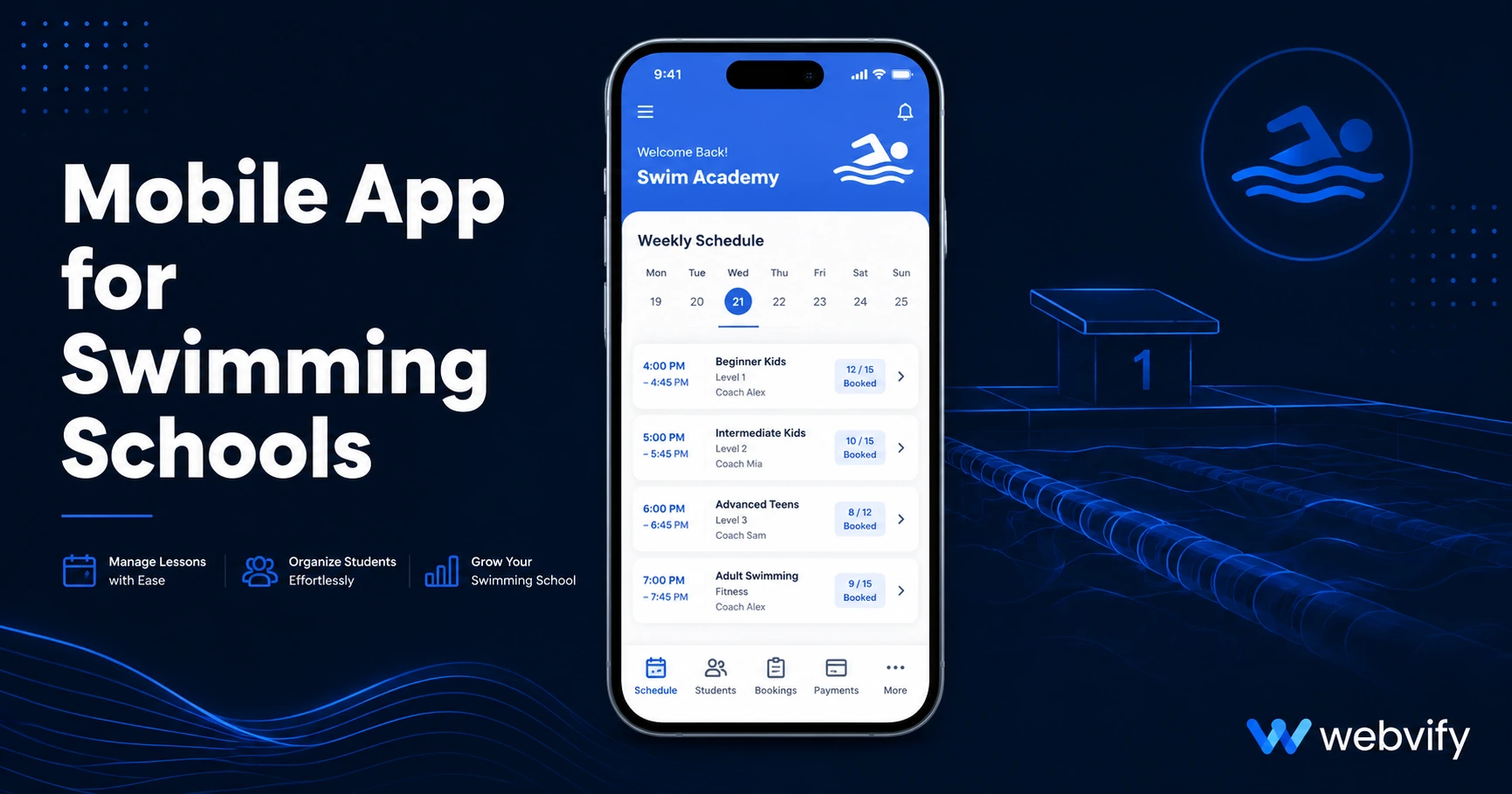
Aquatics centers lose 35% of enrollments between terms — not from poor programs, but from going silent. Here's how a mobile app fixes that in days.
Inside this article
Around 35% of swim lesson enrollments don't renew after a term break — not because the programs are poor, but because nothing reminded families to re-register before a competitor's app sent a first-day-of-term notification.
Why Aquatics Centers Lose Swimmers Between Terms
The standard explanation for enrollment drop-off is pricing or quality. The real cause is almost always timing and visibility. When the summer program ends, families get busy. Weeks pass. By the time they think about swim classes again, they've already signed up elsewhere — or their child's interest has cooled.
The gap isn't a failing of your program. It's a communication problem. Most aquatics centers rely on email newsletters that get buried, or social media posts that the algorithm may or may not show to your most loyal customers.
A mobile app for your aquatics center closes that gap directly. Push notifications bypass the inbox and appear on the lock screen — the one place your message always gets seen.
How a Mobile App for an Aquatics Center Works
You don't need to build an app from scratch. If your aquatics center has a website — a booking page, a schedule, a class registration system — that's all you need to get a branded app on the App Store and Google Play.
A WebView wrapper takes your existing website and packages it as a native iOS and Android app. From the customer's perspective, it looks and feels like a dedicated app. From your perspective, you update the website and the app reflects the changes instantly.
The value isn't the app itself. It's the push notification channel that comes with it — and the home screen icon that keeps your business visible every day.
See also: How to Get a Mobile App for Your Swimming School for a guide that covers the submission process in detail.
The 3 Push Notification Campaigns That Fill Your Lanes
The push campaigns that deliver the best ROI for aquatics centers follow the natural rhythm of swim terms:
Campaign 1: The Term Opener (14 days before a new session) Send a push three days before registration opens: "Level 3 spots fill fast — register now." Push notification open rates run 60–90%, compared to 20–30% for the same message sent by email. Families who receive this are already opted in because they downloaded your app — they're your most engaged customers.
Campaign 2: The End-of-Term Re-Enrollment Nudge (Day 10 after term ends) Wait one week after the term finishes, then push: "Keep your swimmer's progress going — Level 4 is open." This is your highest-ROI window. Motivation is still high, memories of the classes are fresh, and the child hasn't yet shifted focus to another activity.
Campaign 3: The Lapsed Swimmer Reactivation (Day 45 post-term) If a family hasn't re-enrolled after six weeks, they're at risk of churning permanently. A single push — "We miss you! Summer intensives are still open" — recovers a significant portion of lapsed students who simply forgot.
Services like Webvify handle the entire app setup — building the WebView app, submitting it to both stores, and enabling the push notification system — so your team doesn't manage any technical infrastructure.
Beyond Push: What a Mobile App for Aquatics Centers Also Does
Push notifications are the primary ROI driver, but a mobile app adds several practical benefits on top:
Home screen presence. Once a family installs your app, your brand appears on their phone alongside their bank and their grocery store. That visibility matters when registration time comes around.
Booking and schedule access. If your website handles class registrations, the app gives families instant access without searching for your URL. Mobile booking completion rates improve when the experience feels native rather than web-based.
Emergency communications. Lane closures, instructor changes, pool maintenance — a push notification reaches every app user within seconds. No email delay, no social media algorithm interference.
App Store discovery. A small but real channel: parents searching "swim lessons near me" on the App Store can find your center. Free, permanent, and requires no ongoing effort once your listing is live.
What to Look for in an Aquatics Center App
Not every mobile app solution is built for businesses that already have a website and a working booking system. Here's what matters:
| Feature | Why It Matters |
|---|---|
| Push notifications | Core retention tool — non-negotiable |
| WebView wrapper | No need to rebuild your booking system |
| App Store + Google Play submission | Both platforms needed for full reach |
| Admin panel | Schedule campaigns yourself post-launch |
| Done-for-you submission | App Store has specific rules for WebView apps |
The submission step is where many aquatics centers get stuck. Apple's App Store and Google Play both have specific guidelines for WebView apps. A managed service that submits under your own developer accounts means you own the app permanently. See the 7 benefits of converting your website to a mobile app for a broader breakdown of what the App Store listing adds.
Frequently Asked Questions
How much does a mobile app for an aquatics center cost?
Custom native app development typically runs $30,000–$150,000 with ongoing maintenance costs. A WebView-based app that wraps your existing website costs a fraction of that — usually a one-time build fee plus a monthly subscription. The exact price depends on the provider, but services like Webvify publish transparent pricing at webvify.app.
Can I use my existing booking system inside the app?
Yes. If families can book classes through your website — whether using MindBody, Amilia, Activity Messenger, or a custom booking form — they can do the same through the app. The WebView approach means your booking system works as-is, with no rebuild required.
How long does it take to get an aquatics center app live on the App Store?
With a managed service that handles submission, the typical timeline is 7–14 days from sign-up to having a live app on both the App Store and Google Play. Apple's initial review takes 24–48 hours; most of the timeline is setup and preparation before submission.
Ready to stop losing swimmers to the term-break silence? See how Webvify works →