

Mobile App for Swimming Schools: Keep Families Enrolled Between Seasons
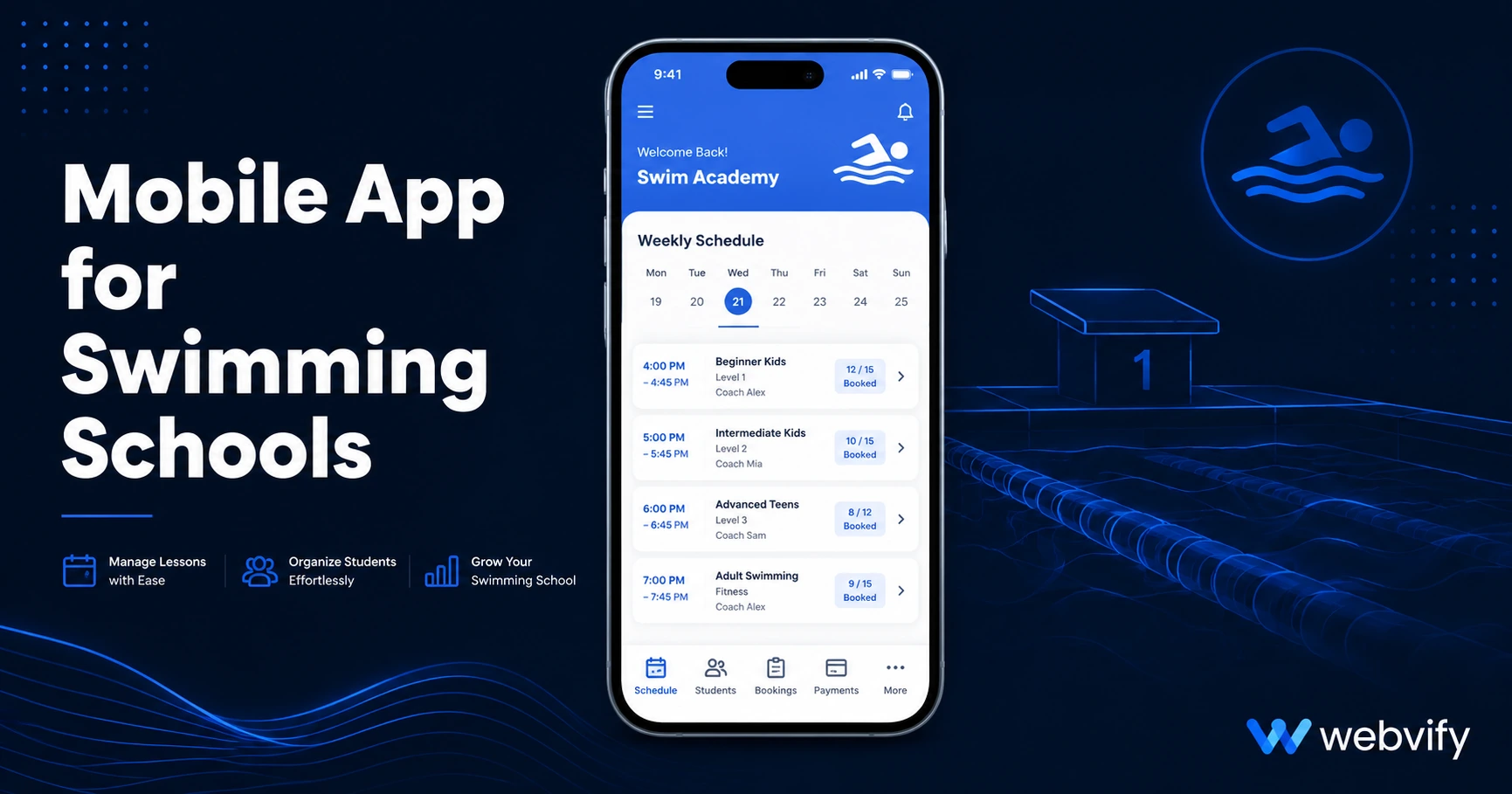
Swimming school families go quiet between terms — not because lessons failed, but because nothing kept them connected. Here's how a mobile app fixes that.
Inside this article
Forty percent of swimming school students don't re-enroll after the summer break — not because the lessons were bad, but because the school went silent. A text message or email from three months ago isn't enough to bring families back to the pool.
Why Swimming School Families Drop Off Between Terms
Between the end of one term and the start of the next, there's a gap. For most swimming schools, that gap is filled with nothing — no reminder that enrollment is open, no nudge about a new class schedule, no message about the holiday program.
Families get busy. Life moves on. And when registration opens, your school is competing with every other activity on a parent's calendar — and every competitor who stayed in touch.
The problem isn't the quality of instruction. It's the silence between sessions.
What a Mobile App for Swimming Schools Actually Does
A mobile app gives your swimming school a permanent home on every parent's phone. That home screen presence isn't decorative — it's the difference between "out of sight, out of mind" and "first thing they see when they pick up their phone."
The core tool is push notifications. Unlike email (25–30% open rates) or social media (where the algorithm decides who sees what), push notifications reach the lock screen directly. Schools using push notifications for re-enrollment reminders and holiday program announcements consistently see open rates between 60–90%.
Beyond push, a swimming school app gives parents:
- One-tap access to class schedules, progress notes, and instructor updates
- In-app links to your booking page without hunting for a browser tab
- A direct channel you own — not a Facebook group the algorithm controls
Push Notifications That Bring Swim Families Back to the Pool
The retention problem for swimming schools follows a predictable pattern:
- A family enrolls for term 1
- The term ends — no message from you
- Three weeks pass
- Another activity captures their attention
- You send an email when term 2 opens — it gets buried in a crowded inbox
Push notifications interrupt this pattern at step 2. The right sequence looks like:
- Day 14 after term ends: "Term 2 enrollment is now open — your spot is held until Friday."
- Holiday program window: "School holidays are coming up — we have intensive swim weeks available."
- Seasonal nudge: "Ready for summer? Enrollment for our December program opens Monday."
None of these require a developer or a complicated system. They require a mobile app for swimming schools and five minutes to write the message.
If you're also managing appointment-based bookings, this guide to appointment booking mobile apps covers the rebooking mechanic that applies to any lesson-based business.
What to Look for in a Swimming School App
Most swimming schools don't need a custom-built app. They need an app that wraps their existing website — booking page, schedule, and any student portal — and adds push notification capability.
Key things to look for:
Push notifications with audience control. You should be able to message parents of beginner swimmers separately from advanced students. A "Level 3 squad spaces available" notification is irrelevant to a parent whose child is just starting out.
Real App Store and Google Play listing. A browser shortcut is not an app. Parents need to find you in the App Store, install you like any other app, and have you on their home screen. That's the only version that creates the habit.
Submission handled for you. The App Store review process trips up most non-technical business owners. Look for a service that handles submission under your developer account — not just the build.
Services like Webvify convert your existing swimming school website into a fully branded mobile app and manage the entire App Store and Google Play submission process for you. If your school already has a booking page or student portal online, the app wraps what already works — no rebuild required.
Similar lesson-based businesses have used the same approach. How dance studios handle seasonal retention gaps covers a parallel playbook worth reading alongside this one.
How to Get Your Swimming School App Live
The process is simpler than most school owners expect:
- Your website stays as-is. The app wraps your existing site. No new content system, no rebuild.
- Apple Developer account ($99/year) and Google Play account ($25 one-time) are registered under your school's name — you own the listings.
- App Store review takes 24–48 hours for a straightforward WebView submission. Google Play is typically 3–7 days.
- After launch: You send push notifications from an admin panel. No developer needed for day-to-day management.
Total timeline from starting the process to having the app live in both stores is typically under two weeks.
FAQ
How much does a mobile app for a swimming school cost?
Costs vary by approach. Custom-built native apps start at $30,000–$100,000 and require ongoing developer support. No-code platforms that wrap your existing website typically charge a flat project fee plus an annual subscription, with total first-year costs ranging from $1,500 to $5,000 depending on the service. The recurring cost is the Apple Developer account ($99/year) — Google Play is a one-time $25 fee.
Do I need a developer to submit the app to the App Store?
No, but someone does need to navigate Apple's review process. You'll need an Apple Developer account ($99/year) and an app that meets Apple's guidelines — particularly around minimum functionality (Guideline 4.2). Services like Webvify handle this on your behalf, submitting under your developer account so you own the App Store listing and can manage it long-term.
Can parents book swimming lessons directly inside the app?
Yes — if your existing website has a booking page, that page loads inside the app. Parents book the same way they do on the web, without leaving the app or opening a separate browser. Integrations with third-party booking platforms like SimplyBook.me, FeverUp, or Walla work inside the app as long as they load correctly in a mobile browser.
If your swimming school already has a website, you're closer to having a mobile app than you think. Webvify converts any website into a fully branded app and handles the entire App Store and Google Play submission process — no developer needed. See how it works at webvify.app.