

How to Turn Your Duda Site Into a Mobile App
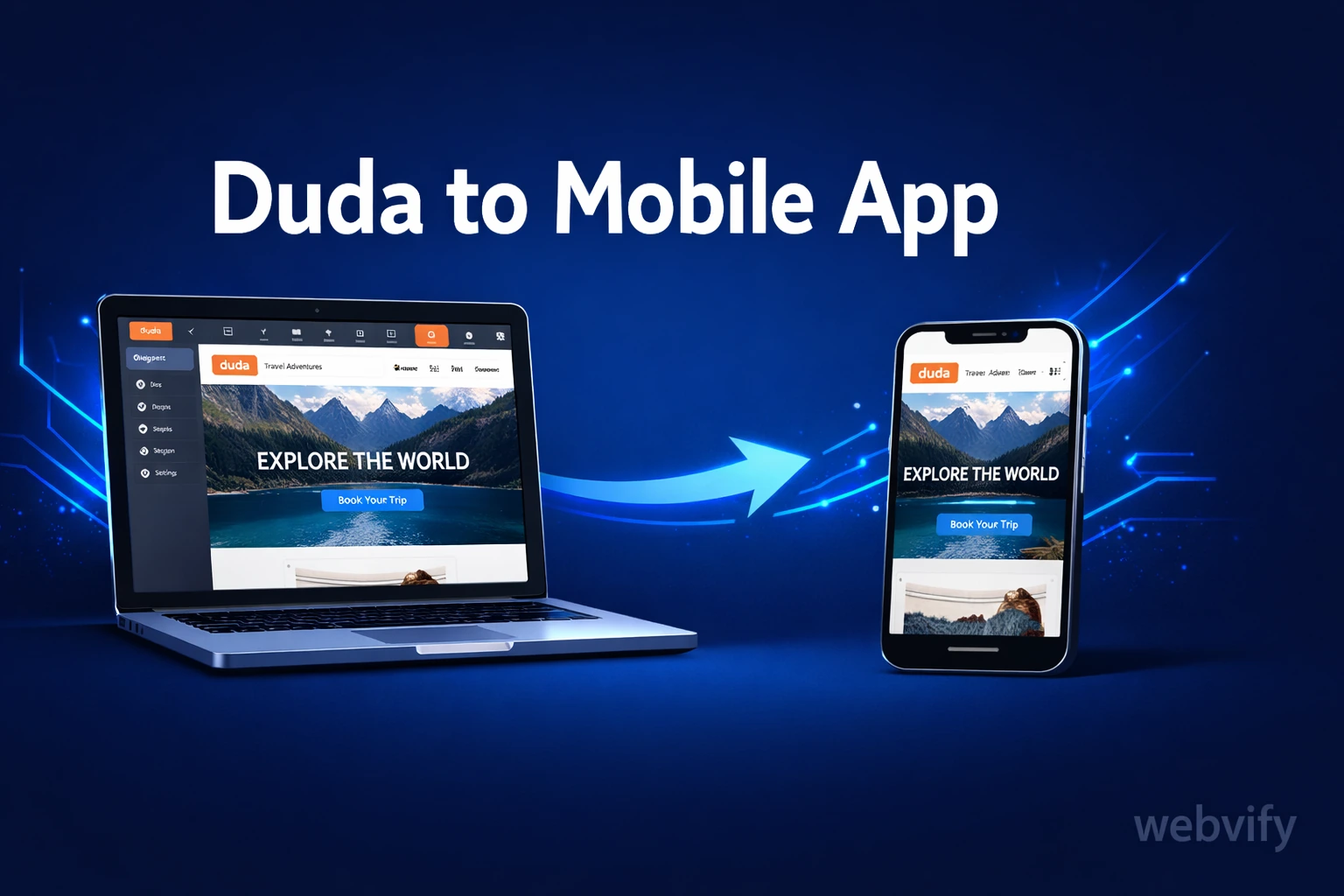
Duda has no App Store export. Here's how to turn your Duda website into a real iOS and Android app — without rebuilding anything or hiring a developer.
Inside this article
How to Turn Your Duda Site Into a Mobile App
Duda powers websites for over 15,000 digital agencies worldwide — but when a client asks for a mobile app, Duda offers no answer. There's no App Store export button, no APK download, no submission wizard. The platform stops at the browser.
That gap is exactly where most agency clients get stuck. They have a well-built, mobile-responsive Duda site, and they want it on the App Store. The good news: you don't need to rebuild anything to get there.
Why Duda Doesn't Give You a Mobile App
Duda is a website builder. A great one. Its white-label features, client management tools, and responsive templates have made it the platform of choice for agencies serving dozens of clients. But "mobile-responsive website" and "mobile app" are two different things.
A mobile app lives in the App Store and Google Play. It can send push notifications. It sits on a user's home screen. It loads without a browser. Duda can't produce that — and it doesn't claim to. Its product is a website, not an app submission pipeline.
So if you or your client wants a real iOS and Android app, you need to take the Duda site somewhere else.
How a WebView App Turns Your Duda Site Into a Native App
The most practical path for converting a Duda site into a mobile app is the WebView approach. Here's how it works:
Your Duda site already runs on a custom domain. A WebView app is a native iOS or Android shell that loads that URL inside a real app container. From the user's perspective, it looks and feels like a native app — it has an App Store page, an icon, a splash screen, and push notification support. From your perspective, your Duda site is the backend. No migration, no content rebuild.
This approach is how thousands of business owners and agencies have turned their existing websites into App Store apps at a fraction of the cost of custom development. The key is that your Duda site needs to be on a custom domain (not a .multiscreensite.com subdomain) — Apple and Google both require a production domain.
If your client's site is still on a Duda subdomain, connect a custom domain first before going any further.
What to Check on Your Duda Site Before Packaging
Before you wrap the site into an app, there are a few Duda-specific things worth confirming:
Responsiveness across viewport sizes. Duda's responsive templates handle this well by default, but if the site has custom sections or older templates, test on small screens. A Duda site that looks broken on a 375px-wide viewport will look broken in the app too.
eCommerce and digital goods. If the site uses Duda eCommerce to sell physical products, that's straightforward. But if it sells digital downloads — PDFs, courses, subscriptions — Apple's In-App Purchase rules apply. Apple requires that digital content sold on iOS go through their IAP system, not a third-party checkout. This is the most common rejection reason for content-based apps. Know this before submitting.
Third-party embeds and login flows. Forms, booking widgets, and third-party login buttons (Google, Facebook OAuth) generally work inside a WebView. Test authentication flows on a mobile browser before wrapping — if something breaks in Safari Mobile, it will break in the app too.
Duda's membership and client login areas. If the site uses Duda's built-in client login or custom member areas, test the login flow on mobile. It should work fine, but always verify before submission.
Getting Your App Into the App Store and Google Play
This is the part where most business owners and even experienced web agencies hit a wall. Building the WebView binary is the easy step. The submission process is where things slow down.
Apple App Store requires an Apple Developer account ($99/year), an Xcode-generated .ipa file, and a review process that typically takes 24–48 hours. Apple will reject apps that don't meet minimum functionality standards — a simple web wrapper is fine, but the app needs at least one native feature (push notifications qualify) and must not feel like a stripped-down website repackaged as an app.
Google Play requires a Google Play Developer account ($25 one-time), an Android App Bundle (.aab file), and a review that takes 3–7 days for new accounts. The content rating questionnaire and data safety form are the most error-prone parts for first-time submitters.
If your agency wants to offer app publishing as a service without becoming a mobile development shop, the simplest path is working with a managed service that handles the build and submission under your client's developer accounts. That keeps the app published under the client's name and removes you from the ongoing maintenance loop. For agencies already building Duda sites for clients, this is covered in detail in How to Offer Mobile Apps to Your Web Design Clients Without Learning Mobile Dev.
For Webflow agencies going through the same process, the same considerations apply — Webflow has a nearly identical gap at the App Store submission stage.
What You Get After the App Is Live
Once the app is live, your client has something a website can't give them:
Push notifications. The single highest-ROI feature for SMBs. You don't need an email list or a social following to reach customers — you send a push and it appears on their lock screen. Re-engagement, promotions, appointment reminders — all of this runs through the app.
Home screen presence. An icon on the home screen is a daily brand impression. Mobile web visits require users to remember a URL. Apps don't.
App Store credibility. Being listed on the App Store is a trust signal for local and service businesses. Customers assume apps = professional business.
Services like Webvify handle the full process end-to-end — WebView build, App Store and Google Play submission, and an admin panel so your client can manage push notifications and app settings without touching code.
Frequently Asked Questions
Can I turn my Duda website into a mobile app?
Yes. Duda doesn't have a native App Store export, but your Duda site can be wrapped as a WebView app and submitted to both the App Store and Google Play. Your site needs to be on a custom domain (not a Duda subdomain) before submission. No content rebuild is required.
Does Duda have its own mobile app builder?
No. Duda is a website builder and its product ends at the browser. To get a mobile app from a Duda site, you need to use a WebView packaging service or build an app separately. The WebView approach is the fastest path because it reuses your existing Duda site without any migration.
How long does it take to publish a Duda website as an app?
The WebView build itself takes a few hours. Apple's App Store review typically takes 24–48 hours; Google Play takes 3–7 days for new developer accounts. Total time from start to live app is usually under two weeks, including the developer account setup. Using a managed end-to-end service speeds this up further because you don't navigate the review process alone.
Ready to turn your Duda site into a real mobile app? Webvify handles everything — from the WebView build to App Store submission — under your client's developer accounts. No mobile development skills required.