

How to Turn Your Bolt.new App Into a Mobile App (Without a Developer)
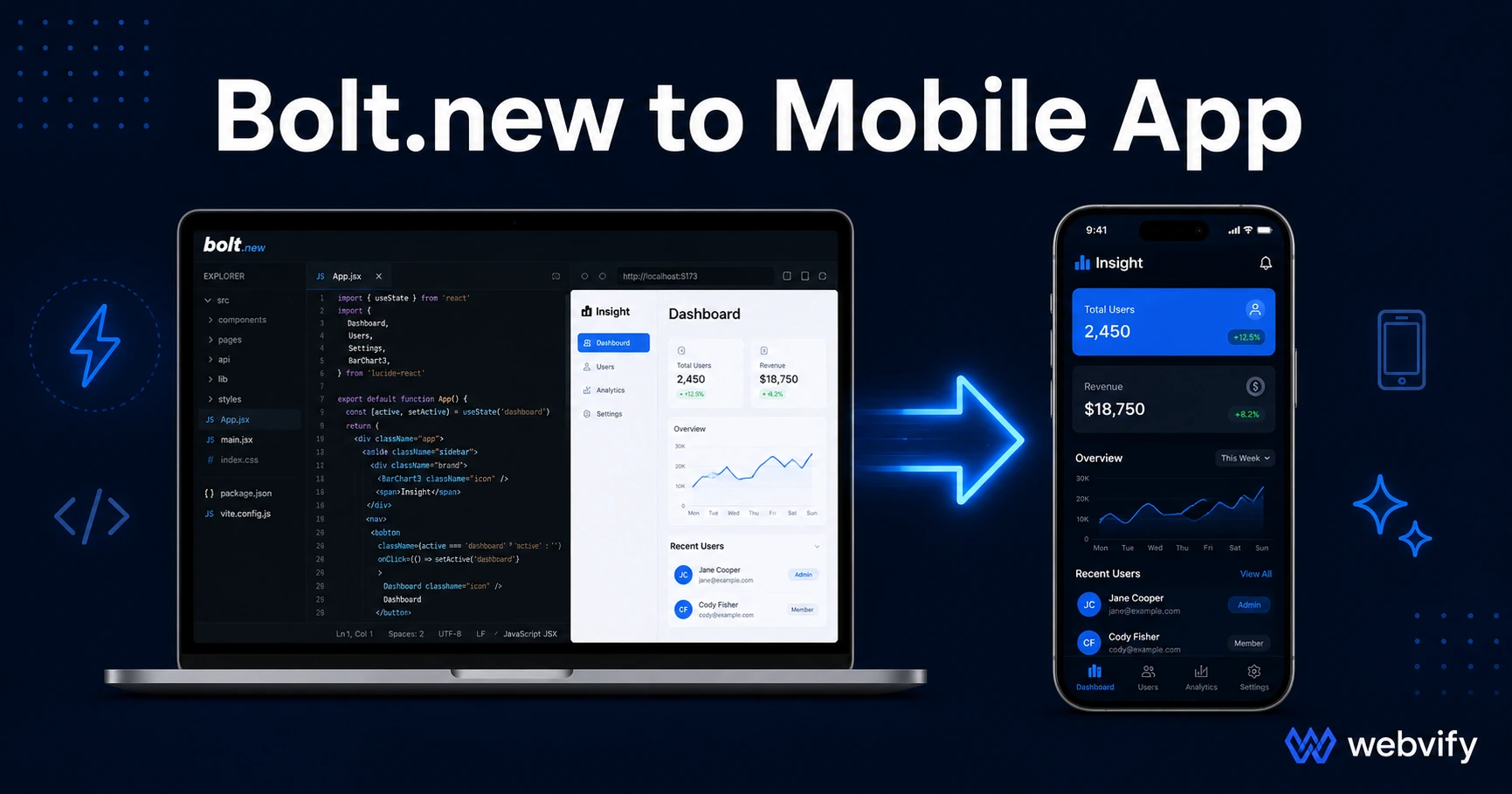
Built an app on Bolt.new? Here's how to publish it to the App Store and Google Play without a developer — and the two gotchas that cause rejections.
Inside this article
Bolt.new gives you a working web app in minutes. What it doesn't give you is a native binary — the file Apple and Google actually require to list your app in their stores.
That gap is where most Bolt.new founders get stuck.
Why Your Bolt.new App Isn't in the App Store Yet
Bolt.new builds fast. You describe what you want, it generates React or Vue code, deploys a live preview, and you have a URL. That URL is a web app — and a web app and a mobile app are two different things from Apple and Google's perspective.
The App Store and Google Play both require a native binary — an .ipa file for iOS, an .aab file for Android. These are compiled packages with app icons, permission declarations, and store metadata. Bolt.new doesn't produce those. Its output is a web deployment.
This isn't a flaw in Bolt.new. It's just outside its scope. The build-to-deployment gap is where you need a second step.
The Submission Bottleneck: What Bolt.new Doesn't Handle
There are two ways to bridge the gap between a Bolt.new web app and an App Store listing:
Option 1: Rebuild natively. React Native, Flutter, or Swift. This takes 3–6 months and $15,000–$80,000. You lose the speed that made Bolt.new appealing in the first place.
Option 2: WebView wrapper. Your existing Bolt.new app URL loads inside a native shell. From the outside, it looks and behaves like a native app. You keep your Bolt.new codebase and update it freely — no resubmission required for content or UI changes.
The WebView approach is how most vibe-coded apps get into the stores. It's the same pattern used by apps built on Lovable and Replit.
Three Things Your Bolt.new App Must Get Right Before Submission
Most App Store rejections come from the same small set of issues. Here's what to check before you submit:
1. Use a custom domain, not a bolt.new subdomain.
Apple reviews apps against the URL you submit. A myapp.bolt.new preview URL fails Guideline 2.1 (App Completeness) because it signals a development environment, not a production deployment. Your app needs to run on a domain you own — something like myapp.com. This is a one-time DNS change, not a code change.
2. Deploy to a stable production host.
Bolt.new previews are tied to your project's activity. If the project goes idle or you make changes mid-review, the URL can temporarily return an error page or a loading screen. Apple's Guideline 4.2 (Minimum Functionality) requires the app to function correctly during review.
Before submission, deploy your Bolt.new project to a stable host — Netlify, Vercel, or any static host that serves the URL reliably and independently of your bolt.new session. The app needs to be up 24/7, not just when you're actively working on it.
3. Route digital purchases to an external browser.
If your app charges for anything — subscriptions, access codes, AI credits — Apple's Guideline 3.1.1 requires those transactions to use Apple's payment system (and its 30% fee). The workaround, used by Udemy and Coursera, is to disable payment flows inside the app and direct users to your website in an external browser to complete purchases.
This applies to SaaS subscriptions, premium plan upgrades, and any digital transaction. Physical goods (food orders, appointment bookings) are exempt from this rule.
How to Convert Your Bolt.new App Into a Mobile App
Once your app is on a custom domain and running stably, the conversion process is straightforward:
-
Choose a WebView app service. A service like Webvify handles the native shell, compliance checks, and store submission end-to-end.
-
Provide your URL and developer accounts. You'll need an Apple Developer account ($99/year) and a Google Play Developer account ($25 one-time). If you don't have them yet, most services walk you through setup.
-
Configure the native wrapper. App name, icon, splash screen, permissions. This is where the app gets its store identity — the part users see on the App Store listing.
-
Submit and wait for review. Apple's review takes 24–48 hours. Google Play takes 2–7 days. Most rejections come from the three issues above — if you've cleared them, the first submission usually goes through.
You don't touch Xcode or Android Studio. The native side is handled; your job is the Bolt.new app itself.
What Happens After Approval
After your app is live, every change you make in Bolt.new goes live automatically in the store version — no resubmission required for UI updates, bug fixes, or content changes. You only resubmit when you change the native shell itself (permissions, app name, major structural changes), which is rare.
This keeps your build pipeline exactly where it is: Bolt.new. The stores just point to your live URL.
Compared to native development — where every change requires a new binary, a new submission, and a review wait — the WebView approach is dramatically faster for teams that are still iterating.
FAQ
Can I submit my Bolt.new app directly to the App Store without wrapping it?
No. The App Store requires a native binary (.ipa), not a URL. Bolt.new produces a web deployment, not a compiled app. A WebView wrapper creates the native package Apple requires, with your Bolt.new app loading inside it. This is a legitimate submission path — Apple approves WebView apps that meet their guidelines daily.
Will Apple reject my app because it was built with Bolt.new?
Not because of Bolt.new specifically. Apple evaluates whether an app provides value and meets technical guidelines — not what tool built it. The risks are specific: a bolt.new subdomain (Guideline 2.1), an unstable preview URL (Guideline 4.2), or in-app payment flows for digital goods (Guideline 3.1.1). Address those three things and the rejection risk drops significantly.
How long does it take to go from Bolt.new to live on the App Store?
With proper preparation, plan for 7–10 days from submission to live listing. Apple's review itself is 24–48 hours. The bulk of that window is one-time setup: deploying to a custom domain, verifying production stability, and clearing any payment flow issues. Updates after approval deploy instantly — no review wait.
Your Bolt.new app is already built. Getting it on the App Store and Google Play is the last step. Webvify handles the build, submission, and everything in between →