

How to Turn Your BigCommerce Store Into a Mobile App
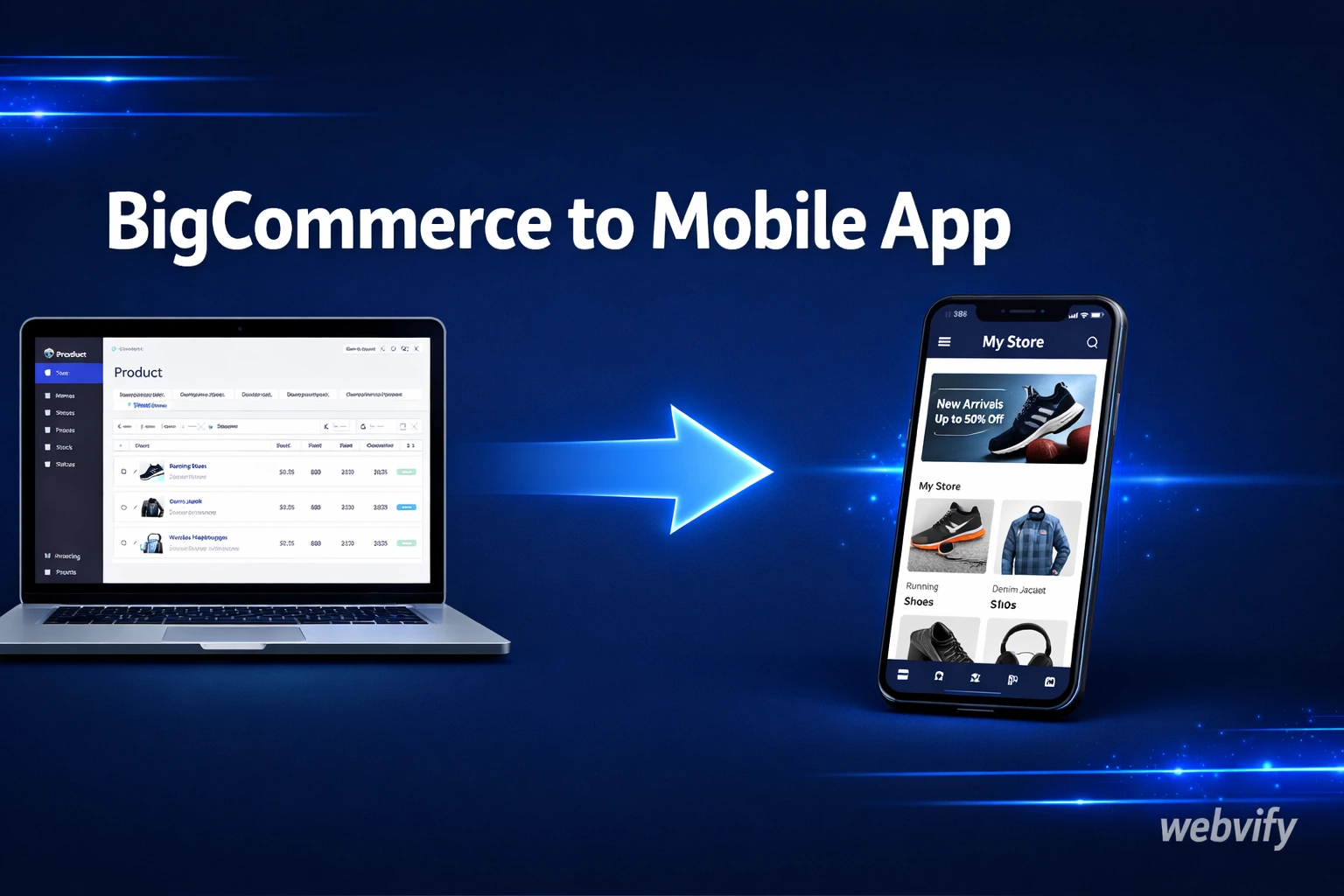
Want a BigCommerce mobile app without a dev team? Convert your BigCommerce store into a branded iOS and Android app in days — no developer required.
Inside this article
- Why BigCommerce Stores Lose Sales Without a Mobile App
- What "BigCommerce to Mobile App" Actually Means
- What You Get With a BigCommerce Mobile App
- What BigCommerce-Specific Features Work Inside a Mobile App
- The App Store Submission Problem
- What to Look for in a BigCommerce App Service
- FAQ
- Ready to Convert Your BigCommerce Store Into an App?
Why BigCommerce Stores Lose Sales Without a Mobile App
Mobile commerce accounts for over 60% of all e-commerce traffic — but mobile web conversion rates are still nearly half what desktop delivers. If you're running a BigCommerce store, your customers are already browsing on their phones. The question is whether they're buying.
The gap isn't about your products or your prices. It's about the experience. Browser tabs get closed. There are no push notifications. There's no home screen icon keeping your brand top of mind between purchases. A dedicated BigCommerce mobile app changes all of that.
What "BigCommerce to Mobile App" Actually Means
"Building a mobile app" sounds expensive. And if you go the custom development route, it is — you're looking at $50,000 to $300,000 just to reach launch, plus ongoing maintenance costs every year. If you want to understand the full breakdown, this guide covers what mobile app development actually costs in 2026.
But there's a faster path most BigCommerce store owners don't know about: a WebView app.
A WebView app packages your existing BigCommerce storefront inside a native mobile shell. Your website — including your theme, checkout flow, product pages, and navigation — runs inside a proper iOS or Android app. The app lives on the App Store and Google Play, under your brand name, with your icon.
You don't rebuild anything. You don't maintain two separate codebases. You use what you already have.
What You Get With a BigCommerce Mobile App
Here's what changes the moment you have an app live on the stores:
Push notifications. This is the single most valuable feature you gain. You can notify customers about flash sales, abandoned carts, new arrivals, or back-in-stock products — directly to their lock screen. No email open rates to fight. Push notification click rates average 7–10%, compared to 2–3% for email.
Home screen presence. When your icon sits on a customer's phone, you have a persistent brand reminder that no browser bookmark can match. Customers who install your app tend to buy more frequently and spend more per session than mobile web visitors.
Faster checkout experience. Mobile browsers have friction built in — autofill inconsistencies, address fields that fight with phone keyboards, sessions that expire when a notification pulls the user away. A native app shell removes most of that by letting users return to an interrupted session seamlessly.
App Store credibility. A listing on the App Store and Google Play signals legitimacy in a way a website URL can't replicate. For growing or newer brands, this trust signal matters to a segment of customers who won't complete a purchase through a browser they don't recognize.
Offline-capable browsing. Cached pages in a native wrapper mean parts of your storefront load even when the connection is slow — something the mobile web doesn't handle gracefully.
What BigCommerce-Specific Features Work Inside a Mobile App
BigCommerce is a flexible platform and most of what you've already built transfers cleanly to a WebView app.
Your theme and storefront work as-is. Since the app wraps your live BigCommerce URL, any responsive theme renders properly. No design changes needed on your store.
Third-party integrations are preserved. Payment gateways, shipping calculators, reviews, live chat — all of these load through the WebView just as they would in a browser. The app doesn't break your existing stack.
Digital downloads and virtual products. If you sell digital goods, note that Apple's App Store requires digital content to be purchasable through Apple's in-app purchase system. Physical products are fully exempt. If your store sells only physical goods, this isn't an issue at all. If you sell a mix, this needs to be handled correctly during submission.
Custom or headless BigCommerce setups. If you've built a headless front end on top of BigCommerce, the WebView approach still works — you point the app at your front-end URL rather than a BigCommerce subdomain. The result is identical from the customer's perspective.
Services like Webvify handle this end-to-end: they build the WebView wrapper, configure push notifications, and submit the app to both the App Store and Google Play on your behalf — without requiring you to touch Xcode or Android Studio.
The App Store Submission Problem
This is where most BigCommerce store owners get stuck.
Building the app itself is the straightforward part. Getting it approved by Apple and Google is a different challenge. Apple's review process has specific technical requirements around minimum functionality, performance standards, and metadata quality. Google Play has its own ruleset. Both platforms reject apps that don't meet their criteria — and diagnosing a rejection, making the fix, and resubmitting can easily add weeks to your timeline.
If you've never shipped an app before, the submission process alone is worth delegating. A done-for-you service handles screenshots, metadata, category selection, binary submission, and any back-and-forth with the reviewer. For a similar breakdown of e-commerce submission considerations, the Magento to mobile app guide covers the same set of issues from a different platform perspective.
What to Look for in a BigCommerce App Service
Not all app conversion services are built the same. When evaluating your options, look for:
End-to-end submission included. Some tools give you the build but leave App Store submission to you. Unless you've done it before, that's a meaningful barrier. A service that handles submission is worth paying for.
Push notification support out of the box. Push is the reason to have an app in the first place. Make sure the service configures Apple Push Notification Service (APNs) and Firebase Cloud Messaging (FCM), and that you have a dashboard to send messages from.
An admin panel you can actually use. After launch, you need to be able to manage the app yourself — update the URL, push new notifications, review installs — without filing a support ticket every time.
Ongoing maintenance and updates. App Store requirements change. iOS and Android release updates that can affect WebView behavior. A service that monitors this after launch saves you from unexpected downtime.
FAQ
Can I add push notifications to my BigCommerce store with a mobile app?
Yes. Push notifications are one of the primary advantages of converting a BigCommerce store to a mobile app. Once your app is installed on a customer's device, you can send notifications for new products, promotions, back-in-stock alerts, and abandoned cart recovery. This requires configuring Apple Push Notification Service (APNs) and Google's Firebase Cloud Messaging (FCM) — which a done-for-you service handles as part of the build.
Does BigCommerce have a built-in mobile app builder?
BigCommerce doesn't offer a native mobile app builder for merchants as part of its core platform. Some third-party integrations exist, but they're typically limited or require significant technical setup. The most practical path for most store owners is a WebView wrapper — it converts your existing storefront into a real App Store app without rebuilding your product catalog, checkout flow, or integrations.
How long does it take to get a BigCommerce mobile app on the App Store?
From start to live on the App Store, the process typically takes 5–10 business days. That includes building the WebView app, preparing screenshots and metadata, and completing both Apple and Google's review processes. Apple's review usually takes 24–48 hours once submitted. Rejections — the most common source of delay — are typically caused by incomplete metadata or policy issues that a done-for-you service will handle for you.
Ready to Convert Your BigCommerce Store Into an App?
Your BigCommerce storefront is already doing the work. A mobile app puts it in front of your customers where they spend most of their time — on their phones, with a home screen icon that keeps your brand visible between purchases.
Webvify converts any BigCommerce store into a fully branded iOS and Android app, submits it to both stores, and gives you an admin panel to manage push notifications on your own. No developer required.