

How to Turn Your Magento Store Into a Mobile App (Without a Developer)
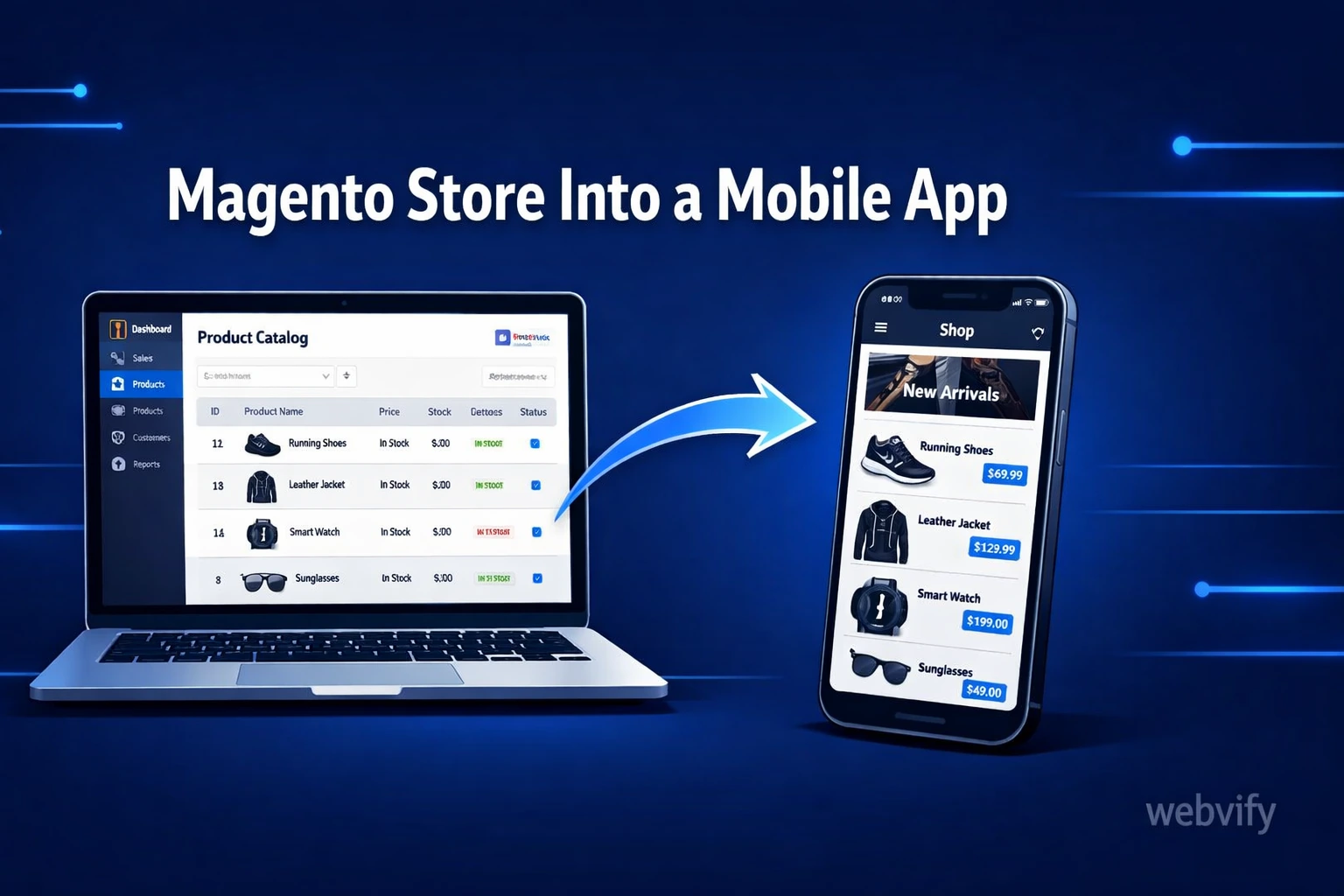
Magento has no built-in mobile app export. Here's how to convert your Magento store into a branded iOS and Android app without hiring a developer.
Inside this article
Mobile shoppers now make up more than half of all e-commerce traffic — but their conversion rate is nearly three times lower than desktop. If your Magento store has no dedicated mobile app, that gap is showing up in your revenue.
Magento is a powerful platform, but it has no native path to the App Store or Google Play. The solution isn't rebuilding your store from scratch — it's wrapping what you already have into a branded app.
Why Magento Store Owners Need a Mobile App
Magento stores tend to be well-built and feature-rich. But "mobile-responsive" is not the same as "mobile app."
A responsive website still opens in a browser. Users have to type in your URL, deal with browser chrome, and compete with every other tab they have open. An app lives on their home screen, sends push notifications, loads instantly, and creates a completely different psychological relationship with your brand.
For Magento merchants, the stakes are high. Magento is typically used by mid-market and enterprise stores — stores with product catalogs, customer accounts, loyalty programs, and repeat buyers. These are exactly the customers who benefit most from a dedicated app experience. Repeat buyers open apps. First-time visitors use browsers.
What "Magento to Mobile App" Actually Means
There are two fundamentally different ways to build a mobile app from a Magento store:
Option 1: Full native rebuild. You hire a mobile development agency to rebuild your storefront as a native iOS and Android app, consuming your Magento backend via its API. This costs $50,000–$200,000+, takes 6–12 months, and requires ongoing mobile dev resources to maintain.
Option 2: WebView wrapper. You wrap your existing Magento website — already mobile-optimized — inside a native app shell. The app is fully published on the App Store and Google Play under your brand. Your Magento store powers the experience. The wrapper adds push notifications, home screen presence, app store credibility, and the full native install flow.
For most Magento store owners, Option 2 delivers 90% of the business value at a fraction of the cost. The product catalog, checkout, account login, and order tracking are all already there — in your existing Magento store.
If you run a WooCommerce or Shopify store, the same approach applies — see our guides on converting a WooCommerce store to a mobile app and turning your Shopify store into an app for platform-specific details.
How to Convert Your Magento Store Into a Mobile App
The process breaks down into three phases:
Phase 1: Prepare your Magento site for app packaging. Your store needs to be fully responsive and tested on mobile viewports before it becomes an app. Run through the checkout flow, account login, and order history pages on a real phone. Fix any layout issues — these will be visible in the app.
If your Magento store uses custom authentication (SSO, social login, OAuth), confirm that these flows work correctly within a WebView environment. Most standard Magento login systems work fine; custom integrations occasionally need a small adjustment.
Phase 2: Build and configure the app shell. The WebView wrapper is a native iOS and Android app that loads your Magento URL. It handles push notifications, splash screens, app icons, and the home screen install experience. You configure your store URL, brand colors, app name, and notification settings — the underlying Magento store stays exactly as it is.
Services like Webvify handle the technical build for you. You provide your store URL and branding assets; they produce submission-ready binaries for both platforms. No Xcode, no Android Studio, no mobile dev experience required.
Phase 3: App Store and Google Play submission. This is where most DIY attempts stall. Both Apple and Google have review teams that examine your app before it goes live. A WebView app that simply mirrors a website without adding clear app-specific value is a common rejection reason.
To pass review, your app needs a clear primary purpose, functioning navigation within the app, proper handling of any digital goods (if you sell downloadable products, Apple requires in-app purchase integration), and compliance with data collection policies.
What to Watch Out For With Magento Specifically
A few Magento-specific considerations that affect app store approval:
Digital downloads. If your Magento store sells downloadable products — software, ebooks, audio files — Apple requires that these transactions use Apple's in-app purchase system. Physical goods and services are exempt. Make sure your product catalog is reviewed against Apple's guidelines before submission.
Guest checkout. Magento's guest checkout flow works fine in a WebView app. Just make sure the checkout confirmation and order status pages load cleanly within the app's navigation context.
Third-party integrations. Magento stores often rely on third-party extensions for reviews, loyalty programs, or advanced search. Test these in a mobile browser first — if they work there, they'll work in the app.
Magento 1 vs. Magento 2. If you're still on Magento 1 (end-of-life since June 2020), your store may have security warnings or performance issues that surface more visibly in an app context. This is a good moment to consider whether a migration is overdue.
Getting Your App Live on the App Store and Google Play
The submission process requires developer accounts on both platforms:
- Apple App Store: $99/year for an Apple Developer account. Submission review takes 1–3 business days. Apple's review is more thorough — budget time for potential back-and-forth.
- Google Play Store: $25 one-time fee. Review typically completes within 24 hours, though Google has tightened its WebView policies — your app needs to demonstrate clear utility beyond being a browser shortcut.
Both platforms require you to submit under a developer account in your company's name if you want the app published under your brand. This matters for customer trust and App Store search visibility.
If this process feels overwhelming, it's because it genuinely has a learning curve. Working with a service that handles submission end-to-end is often worth it purely in time saved — not having to learn provisioning profiles, signing certificates, and Google Play's policy dashboard from scratch.
FAQ
Can I convert any Magento store into a mobile app?
Yes, as long as your Magento store is accessible via a public URL and works correctly on mobile browsers. Magento 2 stores convert straightforwardly. Magento 1 stores can also be wrapped, but their age may introduce performance or security considerations worth reviewing first.
How much does it cost to turn a Magento store into a mobile app?
A WebView-based Magento app costs significantly less than a native rebuild. Done-for-you services typically range from a few hundred to a few thousand dollars depending on the scope — compared to $50,000+ for a custom native app. Developer account fees ($99/year for Apple, $25 one-time for Google) are separate.
Do I need to update my Magento store separately after the app is live?
No. Because the app loads your existing Magento store, any updates you make to your store — new products, promotions, design changes — are reflected in the app automatically. You manage one codebase, not two.
Ready to turn your Magento store into a branded mobile app on the App Store and Google Play? Webvify handles the entire process end-to-end — from building the WebView app to submitting it under your brand name — so you can focus on your store, not mobile development.