

Best Appy Pie Alternatives in 2026 (For Businesses That Already Have a Website)
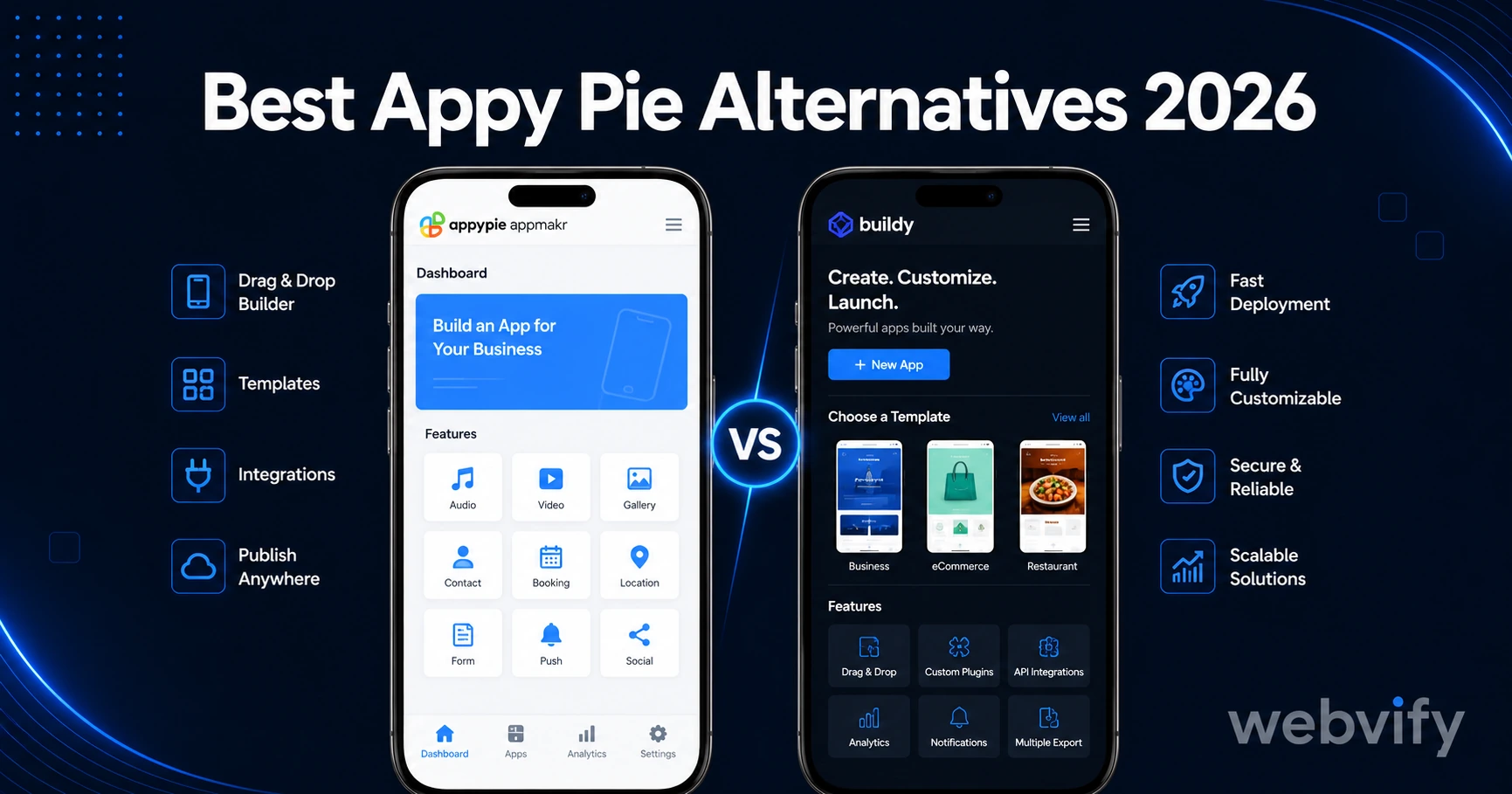
Looking for Appy Pie alternatives? Here are the best no-code app builders in 2026, filtered by the one question that matters: do you already have a website?
Inside this article
Why Businesses Look for Appy Pie Alternatives
Appy Pie doesn't convert your website. It builds a separate app from scratch using its own drag-and-drop editor — which means every update you make to your website has to be replicated manually inside Appy Pie.
For businesses that already have a working website, this creates a second content system to maintain indefinitely. The result: two sources that slowly diverge, duplicated effort, and a monthly subscription starting at $16 — before you factor in that Appy Pie leaves App Store and Google Play submission entirely to you.
These are the main reasons businesses search for Appy Pie alternatives. And the right alternative depends on one question: do you already have a website, or are you building an app from scratch?
The Two Categories of No-Code App Builders
When you search for Appy Pie alternatives, you'll find two very different types of tools:
From-scratch app builders work the same way Appy Pie does. They give you a visual editor where you build your app screen by screen. If you already have a website, you're duplicating all your content into a second platform. Examples: Glide, Adalo, Thunkable.
Website converters take your existing website and wrap it into a native mobile app. Your website stays as-is — no rebuilding, no second editor, no dual-system maintenance. Examples: Webvify, Natively, GoNative, Twinr.
If you have a website and want a mobile app, the second category solves the problem without adding overhead.
The Best Appy Pie Alternatives for Businesses With a Website
Webvify
Webvify converts your existing website into a fully branded iOS and Android app. Your website becomes the app — same content, same updates, same source of truth. When you update your site, the app updates automatically.
What separates Webvify from most alternatives: it handles App Store and Google Play submission end-to-end. Apple's review process has real rejection triggers — Guideline 4.2 (Minimum Functionality), Guideline 3.1.1 (in-app purchases for digital content), and Guideline 2.1 (App Completeness). Webvify navigates all of them. You don't need an Apple developer account setup, and you don't get a rejection notice on day seven with no idea what to fix.
After launch, a simple admin panel lets you send push notifications, update settings, and manage the app without touching code.
Best for: SMB owners, service businesses, e-commerce stores, and web agencies wanting to offer apps to clients without building a mobile dev practice.
GoNative
GoNative is a well-established WebView wrapper with a large library of configuration options for deep linking, navigation, and custom JavaScript. It produces clean, reliable app builds for both iOS and Android.
The tradeoff: App Store and Google Play submission is self-service. GoNative provides the app file — getting it approved and managing the review back-and-forth is your responsibility. For technical teams comfortable with Apple's developer portal and Google Play Console, it's a strong option. For non-technical business owners, the submission step is still a significant hurdle.
Best for: Developers and technical teams who want deep customization and can handle their own submission.
Natively
Natively is a newer WebView converter with a clean self-service setup flow. Enter your website URL, configure navigation and appearance, and download the build. The user interface is simpler than GoNative and setup is faster.
Like GoNative, submission is left to the user. Natively is improving its documentation around submission requirements, but the gap between "I have the app file" and "my app is live on the App Store" is still the user's problem to solve.
Best for: Technical users who want a fast setup and are comfortable managing the submission process themselves.
Twinr
Twinr is a budget-focused WebView conversion tool with a straightforward flow: add your URL, customize the basics, download the builds. One of the more affordable options in the website-to-app category.
Submission is self-service, and the support tier at lower price points is limited. It works, but it's better suited to users who have completed an App Store submission before and know what to expect from the review process.
Best for: Cost-conscious users with prior App Store or Google Play submission experience.
What to Avoid When Switching from Appy Pie
Two patterns lead businesses right back to the same problems they had with Appy Pie:
Switching to another from-scratch builder. If dual-system maintenance was the reason you left Appy Pie, moving to Glide, Adalo, or Thunkable recreates the same issue. These are excellent tools for building apps when you have no website. They're not website converters — they're replacement platforms that require rebuilding your content inside them.
Underestimating App Store submission. Several alternatives hand you the app file and stop there. Apple's review process reliably catches WebView apps that don't pass Guideline 4.2 (the app must offer meaningful functionality beyond what a mobile browser provides) and Guideline 3.1.1 (any in-app purchase of digital content must go through Apple's payment system, not Stripe or PayPal). Getting rejected delays launch by days or weeks. If you'd rather skip this entirely, choose an alternative that handles submission for you.
If you want a framework for deciding which type of tool fits your situation, the guide to choosing the right mobile app builder in 2026 walks through the decision in detail.
Appy Pie vs. Website Converters: The Core Difference
The clearest way to see where Appy Pie creates friction for website owners is to compare the two workflows.
With Appy Pie: Build your app content in Appy Pie's drag-and-drop editor (separate from your website). Configure navigation and layouts. Subscribe monthly. Submit to stores yourself. Maintain two content systems going forward — every website change needs a matching Appy Pie update.
With a website converter like Webvify: Your existing website becomes the app. No content rebuild. Submission is handled for you. One source of truth: update your website, the app reflects it automatically.
For a side-by-side breakdown of where the two tools differ on pricing, submission ownership, and setup time, see the Webvify vs. Appy Pie comparison.
Frequently Asked Questions
Is Appy Pie good for businesses that already have a website?
Appy Pie works, but it requires rebuilding all your website content inside its drag-and-drop editor — creating a second system to maintain in parallel. If you already have a working website, a website converter eliminates this duplication by turning your existing site directly into the app, without any content re-entry.
What is the best Appy Pie alternative for small businesses?
For small businesses that already have a website, the best alternatives are website converters that also handle App Store submission end-to-end. Webvify is the primary option in this category — it converts the existing site, handles Apple and Google review compliance, and includes a post-launch admin panel for push notifications and updates.
Do Appy Pie alternatives handle App Store submission?
Most don't. Tools like GoNative, Natively, and Twinr provide the app build files but leave the App Store and Google Play submission entirely to the user. Webvify is the main exception: submission is part of the service, covering both Apple App Store and Google Play review requirements from start to approval.
Ready to turn your existing website into a branded mobile app — without rebuilding anything or navigating App Store review on your own? Webvify handles everything from the build to the approval, so you can focus on running your business.