

Appointment Booking Mobile App Guide for Small Businesses
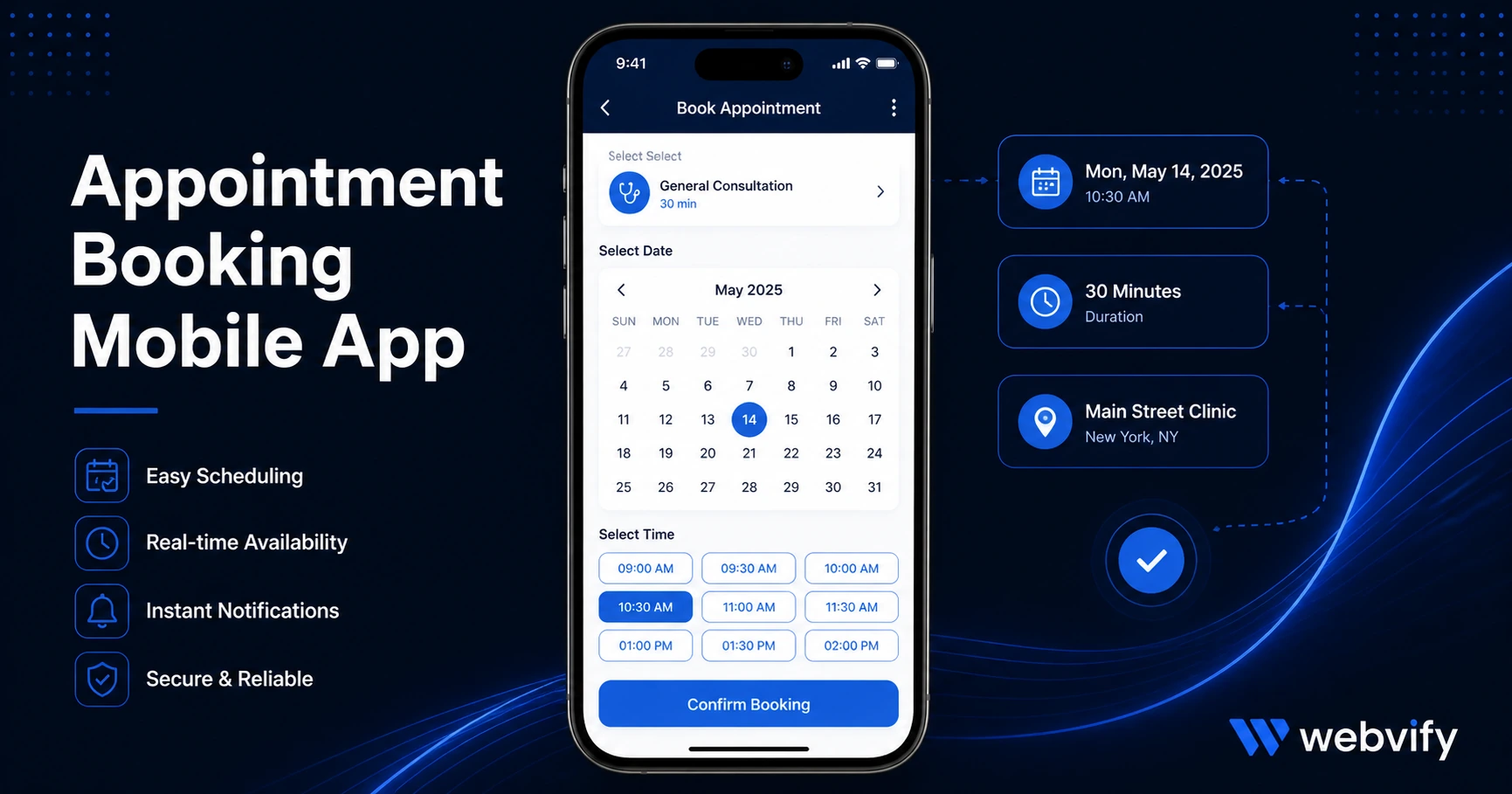
How appointment-based businesses — salons, clinics, coaches — use a mobile app to reduce no-shows, fill their calendar, and keep clients coming back.
Inside this article
- Appointment Booking Mobile App Guide for Small Businesses
- Why Appointment-Based Businesses Need a Mobile App
- How Push Notifications Reduce No-Shows
- The Booking Experience Inside an Appointment Booking Mobile App
- What to Look for in a Mobile App for Your Booking Business
- Getting Your Appointment Booking Mobile App Live Without a Developer
- FAQ
Appointment Booking Mobile App Guide for Small Businesses
Sixty percent of appointment slots lost to no-shows are never rebooked. That gap isn't a scheduling problem — it's a visibility problem. Your clients don't cancel because they stopped caring. They forget, get busy, and move on to whoever reaches them first.
A mobile app solves this in a way that no booking confirmation email ever will.
This guide explains how appointment-based businesses — salons, clinics, fitness studios, coaches, therapists, tutors — use a mobile app to reduce no-shows, drive rebookings, and keep their calendar full without adding to their workload.
Why Appointment-Based Businesses Need a Mobile App
Appointment businesses run on repeat customers. A first-time client is worth very little. A client who returns every four to six weeks is worth thousands of dollars a year. The entire business model depends on one thing: staying top of mind between visits.
The problem is that email doesn't do this reliably. Average open rates hover around 25–30%, and most clients scan the subject line and move on. Browser notifications require opt-in on every device and are blocked by default in most browsers.
A mobile app with push notifications changes the equation. Push notifications reach the lock screen directly — open rates typically run between 60 and 90%. More importantly, your app sits on your client's home screen. That daily visibility is a low-level reminder of your business that no email campaign can replicate.
For appointment-based businesses, a mobile app also removes booking friction. When a client wants to rebook, they open your app instead of searching your name, navigating to your website, and finding the booking widget. One tap from the home screen to a confirmed appointment. That reduction in friction directly increases the rebooking rate.
How Push Notifications Reduce No-Shows
The mechanics are simple. A client books an appointment three weeks out. By the time the day arrives, they've forgotten the time, double-booked something else, or just lost track. A well-timed push notification sequence eliminates most of this:
- A reminder 48 hours before the appointment
- A confirmation tap the morning of
- A rebooking prompt 24 hours after a completed visit
Most booking systems support these workflows, but they rely on email to deliver them. When those reminders are push notifications instead — delivered directly to the lock screen and requiring a single tap to confirm — the no-show rate drops significantly. Some businesses see reductions of 30 to 50 percent after switching to push-based reminders.
Services like Webvify turn your existing booking website into a fully branded mobile app with push notification support. You don't need to rebuild your booking system or maintain a separate content platform — the app wraps your existing site and gives it a home screen presence and notification channel you don't currently have.
The Booking Experience Inside an Appointment Booking Mobile App
Your booking system is probably already mobile-responsive. The question is whether "mobile-responsive" is the same as "mobile-first." It isn't.
On a mobile browser, your booking flow competes with every tab, notification, and distraction on the client's phone. There's no back button that brings them to your site. If they close the tab, they're gone.
An app session is different. When a client opens your app, they're in a contained environment — no competing tabs, no address bar, no navigation away unless they actively leave. Completion rates on booking flows inside mobile apps are measurably higher than the same flow on mobile web.
For appointment-based businesses with a multi-step booking process — service selection, staff preference, date and time, confirmation — this contained experience matters. Every extra tap required on mobile web is a drop-off point. A mobile app removes the friction at the device level, not the form level.
If your business uses a third-party booking tool like Acuity Scheduling, Calendly, Jane App, Mindbody, or Square Appointments, your WebView app wraps the full booking experience exactly as it exists on your site. Clients get the same flow they're already familiar with, delivered through a native app they downloaded from the App Store.
For more on reducing no-shows specifically, this guide covers the mechanics of mobile app rebooking strategies for service businesses →.
What to Look for in a Mobile App for Your Booking Business
Most "app builder" tools on the market require you to rebuild your content inside their platform. That means recreating your services menu, your staff profiles, your booking rules, and your pricing — then maintaining two systems forever.
For a business that already has a working website with a booking system, that's the wrong approach. The right approach is a solution that converts your existing website into a mobile app without requiring any rebuild.
Key things to look for:
App Store submission handled for you. Getting an app approved on Apple's App Store and Google Play requires a developer account, compliance documentation, and a native app binary. For most business owners, this is the step that stops everything. Look for a service that handles this end-to-end — from building the app to submitting it under your own accounts.
Push notification support. This is the core value of the app for appointment businesses. Confirm the solution includes push notification infrastructure, not just the app shell.
Your own developer account. Some services publish apps under their own account. If they close or you cancel the subscription, your app disappears from the App Store. Make sure the app is published under your own Apple and Google developer accounts so you own it.
An admin panel for post-launch management. You need to be able to update content, send push notifications, and monitor the app without calling a developer every time.
If you operate a salon, this breakdown of what a mobile app does for salon retention → covers the same retention mechanics applied to a specific business type.
Getting Your Appointment Booking Mobile App Live Without a Developer
You don't need to hire a developer to get an appointment booking mobile app live. The main bottleneck most business owners hit isn't the build — it's App Store submission. Apple requires a native app binary, a developer account ($99/year), compliance documentation, and review. Most submission attempts fail on the first try due to technical compliance issues, not the app content.
A done-for-you service handles all of this. You provide your website URL and brand details. The service builds the WebView app, handles App Store and Google Play submission, and delivers a published app under your own accounts. For a business already running a website with a booking system, this is typically the fastest path from "no app" to "app live on the App Store."
Webvify does exactly this — handles the full process from build to submission, including the admin panel for post-launch push notifications.
FAQ
How does a mobile app reduce no-shows for appointment businesses?
A mobile app enables push notifications, which reach clients' lock screens with open rates of 60–90% — far higher than email reminders at 25–30%. Automated push reminders sent 48 hours before and 24 hours before an appointment catch clients before they forget, and a single confirmation tap is all that's needed to confirm. Most businesses see no-show rates drop by 30–50% after adding push-based reminders.
Do I need to rebuild my booking system to get a mobile app?
No. A WebView-based mobile app wraps your existing website — including your booking tool — exactly as it is. If you use Acuity Scheduling, Mindbody, Square Appointments, or any browser-based booking system, it works inside the app without rebuilding or migrating data. Your booking system stays exactly where it is.
How long does it take to get an appointment booking mobile app approved on the App Store?
Apple's review process typically takes 24–48 hours once the submission is complete. The actual timeline depends on how long the app build and compliance preparation takes before submission. With a done-for-you service that handles compliance, the full process from order to App Store approval is typically 5–10 business days.
Your clients aren't leaving because they're unhappy. They're drifting because nothing reaches them between visits. A mobile app with push notifications is the lowest-effort, highest-impact fix for an appointment business that depends on repeat clients.
Get your booking app live at webvify.app.