

How to Turn Your Wix Site Into an Android App (Without a Developer)
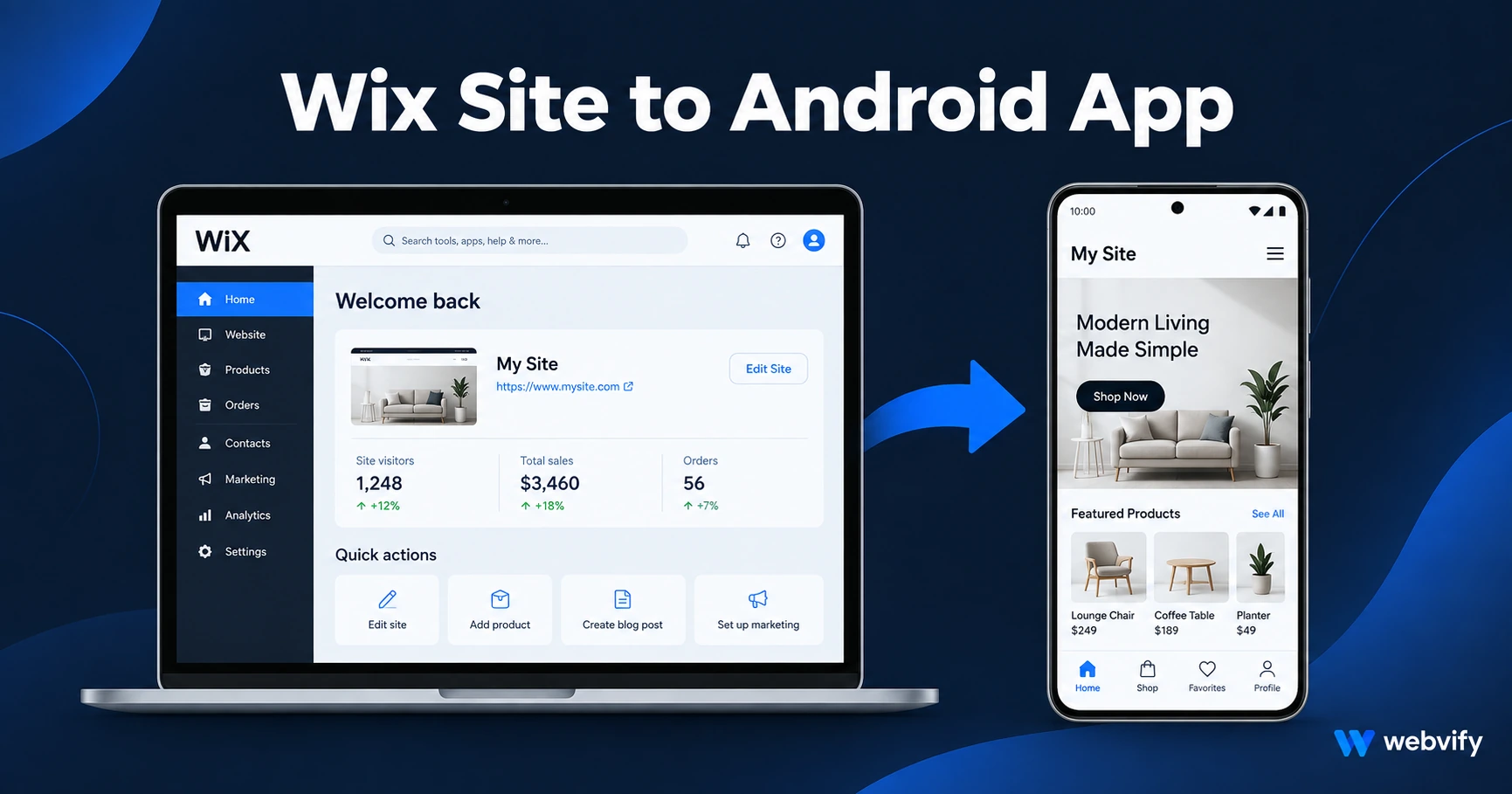
Wix doesn't export to Google Play. Here's how to turn your Wix site into an Android app in days — no developer, no code, published under your brand.
Inside this article
Google Play turns down roughly 30% of new app submissions — but the reason is almost never the app itself. It's the paperwork: the Data Safety form, the content rating questionnaire, and a file format most non-developers have never heard of. If you're running a Wix site and want an Android app, that's where things get stuck.
Here's how to skip the stuck part.
Why Wix Doesn't Have a Google Play Export
Wix is a capable website builder, but it was never designed to produce native Android apps. When you build on Wix, you get a mobile-responsive website — not an Android App Bundle (.aab) file that Google Play accepts.
The gap between "Wix site" and "Google Play app" comes down to packaging. Google Play requires an AAB file that passes content rating review, data safety declaration, and API target level requirements (currently Android 14 / API level 34). None of that exists in Wix's export options.
This doesn't mean you need to rebuild your site from scratch. It means you need a process that wraps your existing Wix site in an Android-compliant shell.
How to Convert Your Wix Site to an Android App
The fastest approach is a WebView wrapper. A WebView app loads your Wix URL inside a native Android container, adds push notification capability, and packages everything into an AAB file that Google Play accepts.
Here's how the process works:
Step 1 — Confirm your Wix site is mobile-ready. Wix sites are mobile-responsive by default, but check that your mobile layout looks clean. A WebView app inherits your website's mobile view exactly.
Step 2 — Connect a custom domain. If your site still runs on a free yoursite.wixsite.com subdomain, you need a custom domain before packaging. Google Play requires apps to point to a custom domain — this is a hard requirement.
Step 3 — Set up your Google Play developer account. A Google Play developer account costs $25 one-time. Identity verification can take 24–72 hours on first creation, so do this early.
Step 4 — Package and submit. A service like Webvify wraps your Wix site into an AAB file, handles the Google Play submission forms (Data Safety declaration, content rating questionnaire), and manages the back-and-forth with Google's review team. The review itself usually takes 1–7 days.
If you want both platforms, this guide covers converting your Wix site to both iOS and Android. For App Store-specific requirements, the Wix to iOS guide walks through Apple's separate review process.
Wix-Specific Android Gotchas
Most issues in Wix-to-Android conversions come from a few Wix-specific features:
Wix Bookings and Wix Payments. These work well in a WebView. Appointment booking and physical service payment flows don't trigger Google Play Billing rules — they're exempt.
Wix Members Area and login. WebView handles cookie-based sessions reliably. Your members can log in and stay logged in as they navigate between pages. Test this on a real Android device before submission.
Wix Stores (physical products). Physical product stores have no Play Billing complication. Standard checkout works as expected.
Digital goods and downloads. If you sell digital products — downloadable files, online courses, digital templates — through Wix Store, Google requires those purchases to route through Play Billing (with its 15–30% fee) when sold inside the app. The standard workaround: redirect digital product checkout to an external browser. Google allows this explicitly, and it's what most course and digital product sellers do.
What the Google Play Submission Process Actually Involves
New developers consistently underestimate the paperwork involved. Here's a realistic breakdown:
Data Safety form. You must declare what data your app collects, why it's collected, and how it's stored. For most Wix sites this is straightforward — contact form submissions, session cookies — but the form takes 20–30 minutes to complete accurately.
Content rating questionnaire. Google asks about app content: violence, mature themes, gambling, user-generated content. Most service business apps rate "Everyone."
Closed testing requirement. New personal Google accounts need to complete a 14-day closed testing period with at least 12 testers before a public launch. Organization accounts typically bypass this. This guide on the 12-tester requirement covers what to prepare.
AAB file format. Google Play no longer accepts APK files for new app submissions — only Android App Bundle (.aab). A managed service handles this build step automatically.
A service like Webvify builds the AAB, completes the compliance forms, and submits under your developer account. You own the listing entirely.
Does Your App Update When Your Wix Site Changes?
Yes — and this is one of the main advantages of the WebView wrapper approach. Since the app loads your live Wix URL, any content update you make in Wix (new page, product, blog post, price change) appears in the app the moment you publish it in Wix. You don't need to submit a new app version to Google Play every time your website changes.
New Play Store submissions are only needed when you change native app behavior — push notification settings, splash screen, app icon, or technical configurations. Content updates are instant.
FAQ
How long does it take to get a Wix site live on Google Play?
From starting the process to a live Google Play listing typically takes 7–14 days: 1–2 days for the initial build and compliance setup, plus 1–7 days for Google's review. If your account requires the 14-day closed testing period, add that on top. Having a managed service handle the forms and submission avoids most common delays.
Do I need a developer to build an Android app from my Wix site?
No. A WebView wrapper service packages your existing Wix site into an Android-compliant app without any development work on your end. You don't write code or use Android Studio. What you need is a $25 Google Play developer account and a custom domain on your Wix site — both are straightforward to set up without technical help.
Will my Wix Android app work the same as my website?
Mostly yes. Your full Wix site — pages, store, blog, bookings, members area — loads inside the app. The app adds push notification capability and appears on the Google Play Store under your brand with a home screen icon. Features that require an external browser (digital product checkout on some Wix setups) open in the device's browser rather than in-app, which is standard behavior across most WebView apps.
Ready to get your Wix site on Google Play? Webvify builds and submits your Android app end-to-end — without you touching a line of code. Start today at webvify.app