

White Label App Builder: What Agencies Actually Get (And What They Don't)
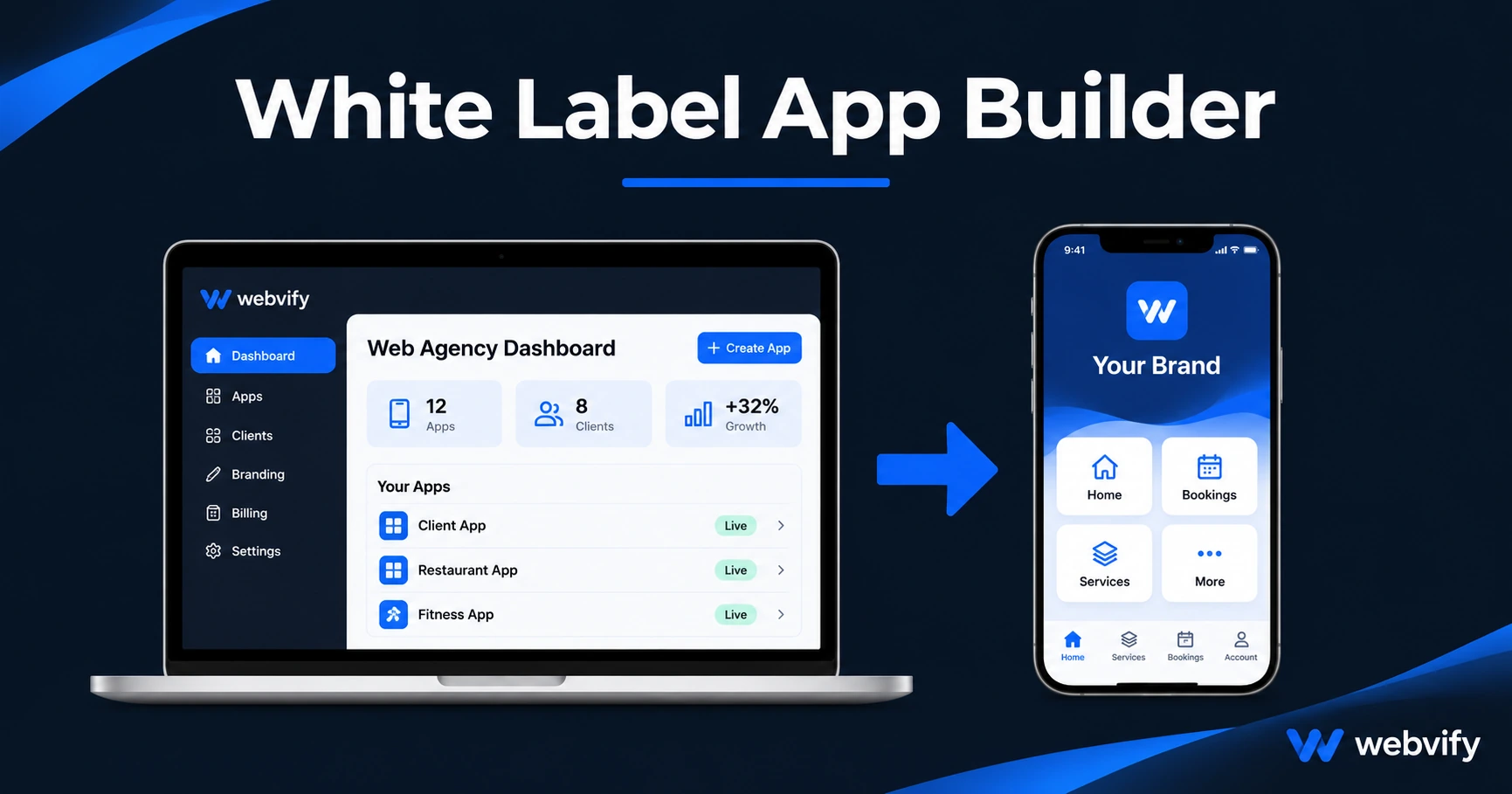
Most white-label app builders handle the build — not the App Store. Here's what agencies actually get, and the hidden gaps that slow every project.
Inside this article
Most agencies discover the gap between "white-label" and "done for you" only after they've already sold the client. The marketing says you get a branded app. The reality is that many platforms still expect you to manage an Apple Developer account, navigate the App Store review process, and handle annual compliance updates — none of which were in your proposal.
This guide breaks down what white-label app builders actually deliver, what they leave to you, and how to pick the model that fits how your agency actually works.
What "White Label App Builder" Actually Means
White label, in app development, means the platform builds a product that carries your client's brand — their logo, colors, and name — not the platform's. The resulting app appears in the App Store under your client's name, as if your agency built it from scratch.
What it does NOT automatically mean: that the platform handles App Store submission, that the app is published under your client's own Apple and Google developer accounts, or that you get an admin panel to manage post-launch updates.
Those distinctions separate the platforms that genuinely extend your agency's capacity from those that simply hand you a file and wish you luck.
What White-Label App Builders Typically Include
Most platforms in the white-label app builder space give you:
- A branded app file — a WebView-based APK or IPA built around your client's website.
- Your client's branding — logo, app name, splash screen, colors.
- A builder dashboard — where you configure the app before it's generated.
Some also include:
- Push notification tools — to send campaigns from an admin panel.
- Multiple client workspaces — so you manage all clients from one agency login.
What most do NOT include by default: App Store submission, Apple and Google developer account management, annual compliance updates (such as Android API level upgrades), or rejection handling if Apple rejects the binary.
The App Store Submission Problem Agencies Hit
This is where most agency deals stall. Submitting a mobile app to the App Store is not like uploading a file to a hosting server. It requires:
- An active Apple Developer account ($99/year per client)
- An active Google Play account ($25 one-time per client)
- A provisioning profile and code signing certificate for iOS
- An Android App Bundle (AAB) file — not an APK — for Google Play
- A completed Data Safety form
- A content rating questionnaire
- A privacy policy URL live before submission
Apple's review takes 24–72 hours and may result in rejection for guideline violations. The most common pitfall for agency-built apps: Apple Guideline 4.2 (Minimum Functionality) — apps that do nothing beyond displaying a website get rejected unless push notifications or another native-layer feature is included.
If your white-label platform generates the binary but doesn't handle submission, your agency owns that entire process. For web agencies without mobile dev experience, this is months of learning on a live client project — with the client watching every delay.
Services like Webvify handle the entire App Store submission end-to-end: the app is built, submitted, and published under the client's own developer accounts, so the agency can deliver a completed product without navigating provisioning profiles or waiting on App Store reviewers.
What to Look For in a White Label Mobile App Partner
When evaluating platforms for your agency, ask these four questions before signing up:
1. Who submits the app to the stores? If the answer is "you," factor in developer account fees, review time, and the possibility of rejection. If the platform handles it, confirm they submit under the client's developer accounts (not their own) — when the client eventually cancels, their app listing stays with them.
2. Are clients ever on a shared developer account? Some platforms publish dozens of apps under a single Apple Developer account. If that account gets suspended for one app, every app under it gets pulled. Your clients should each have their own account.
3. Who handles annual compliance updates? Google Play requires apps to target the latest Android API level each year. Apps that don't update get removed from the Play Store. This is an ongoing maintenance obligation, not a one-time cost.
4. Does the admin panel belong to the client or to the platform? If the client needs to log into the platform's own dashboard to send push notifications, what happens to their app and audience if they cancel the subscription?
For a detailed side-by-side of which platforms answer these questions well, see our App Reseller Platform Comparison 2026.
How the Managed Service Model Differs From a DIY White Label Builder
The alternative to a self-service white-label builder is a managed service: a provider that handles the build, the submission, and ongoing maintenance as a service, with the resulting app published entirely under the client's own accounts.
The difference matters for agencies because:
- No technical burden on your team. You sell the product; the provider builds and submits it.
- Faster delivery. A managed provider already knows the submission requirements, so you're not learning on the job during a live client engagement.
- Cleaner client relationships. The app lives in the client's App Store account, not the platform's. Cancel at any time — the app stays.
The tradeoff: managed services typically cost more than a DIY builder and offer less flexibility for highly customized feature requests. They're the right fit for agencies that want to resell an app product quickly without adding mobile dev capacity.
If you're deciding how to structure this as an agency revenue stream, our guide to selling mobile apps to local businesses covers the pricing and positioning approach in detail.
FAQ
What is the difference between a white-label app builder and a reseller program?
A white-label builder is a software tool that generates a branded app — your team uses the tool directly. A reseller program is a business arrangement where you resell a provider's service under your brand. With a reseller program, the provider does the work and you handle the client relationship and billing. Many agencies prefer reseller programs because the provider handles App Store submission and maintenance on your behalf.
Do clients need their own Apple Developer account for a white-label app?
For the app to be published under the client's brand and remain theirs long-term, yes. Apple requires a unique developer account ($99/year) per entity that publishes apps. If a platform publishes apps under their own developer account, the client's listing depends on the platform's account staying active — which creates business risk. A fully-managed service submits under the client's own account from day one.
How long does it take to get a white-label app live on the App Store?
With a managed service that handles submission, typical timelines are 1–2 weeks from brief to App Store approval (Apple reviews take 24–72 hours; Google Play can be 3–7 days for new developer accounts). DIY builders that leave submission to you will add days or weeks depending on your team's familiarity with the process.
Ready to deliver a branded mobile app to your next client without learning Xcode? Webvify handles the build, the App Store submission, and the admin panel — end to end.